# Stick an element to the bottom of the page with Flexbox

> Learn how to stick a footer to the bottom of the page with Flexbox: a column flex container, min height of the screen, and flex-grow on the element above it.

Author: [Flavio Copes](https://flaviocopes.com/about/) | Published: 2022-04-23 | Topics: [Node.js](https://flaviocopes.com/tags/node/) | Canonical: https://flaviocopes.com/css-how-to-stick-bottom-flexbox/

A simple example of how to align a div to the bottom of the page.

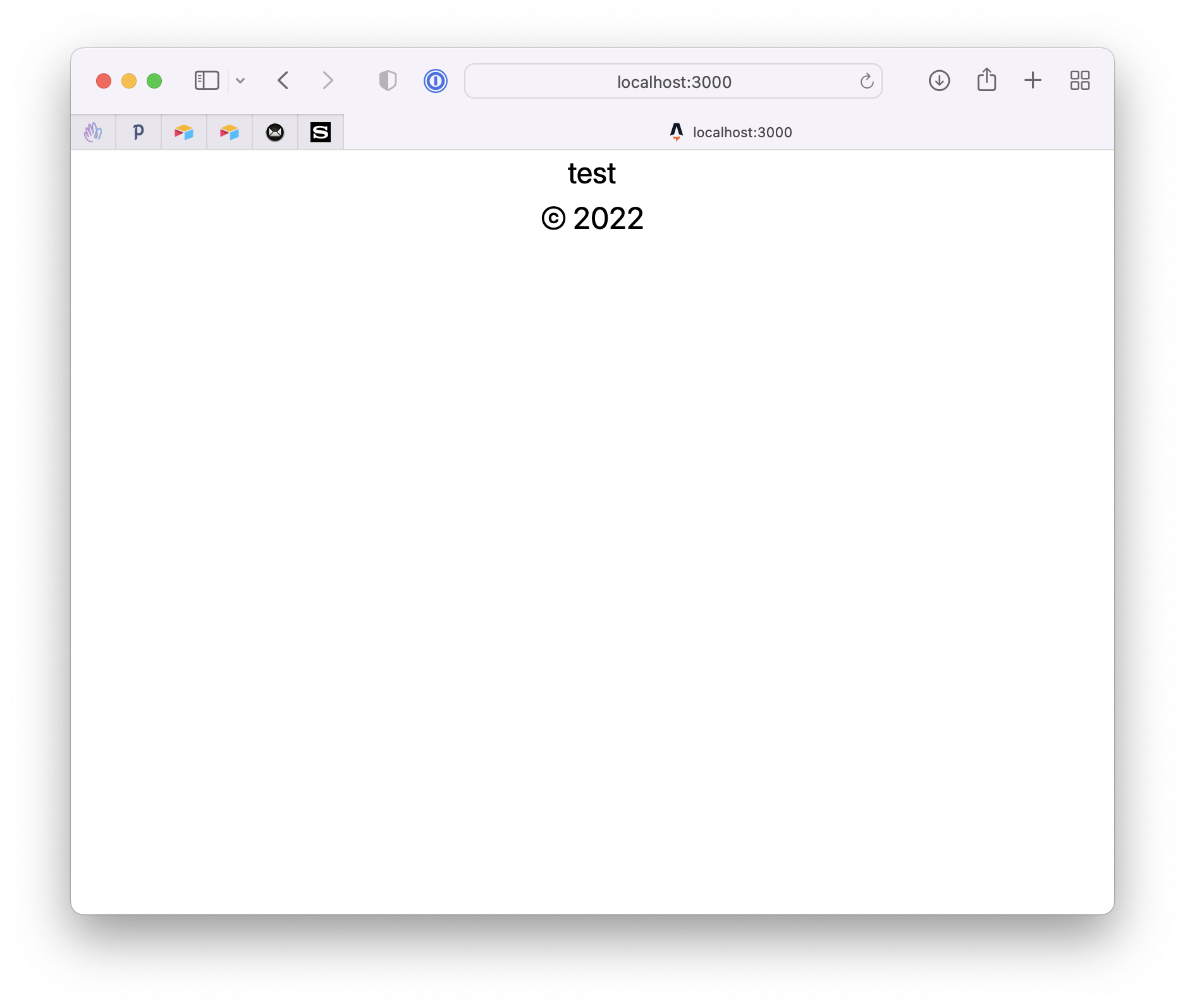
I've had the problem to stick an element to the bottom of a page in case the window was too big (in height). But still be part of the flow of the page if there was not enough screen size.

Here is a very minimal example I made using Tailwind CSS:

```html
<html>
  <body class="text-center">
    <p>test</p>
    <p>&copy; 2022</p>
  </body>
</html>
```

![How to stick an element on the bottom of the page with flexbox](https://flaviocopes.com/images/css-how-to-stick-bottom-flexbox/Screen_Shot_2022-04-18_at_17.29.33.png)

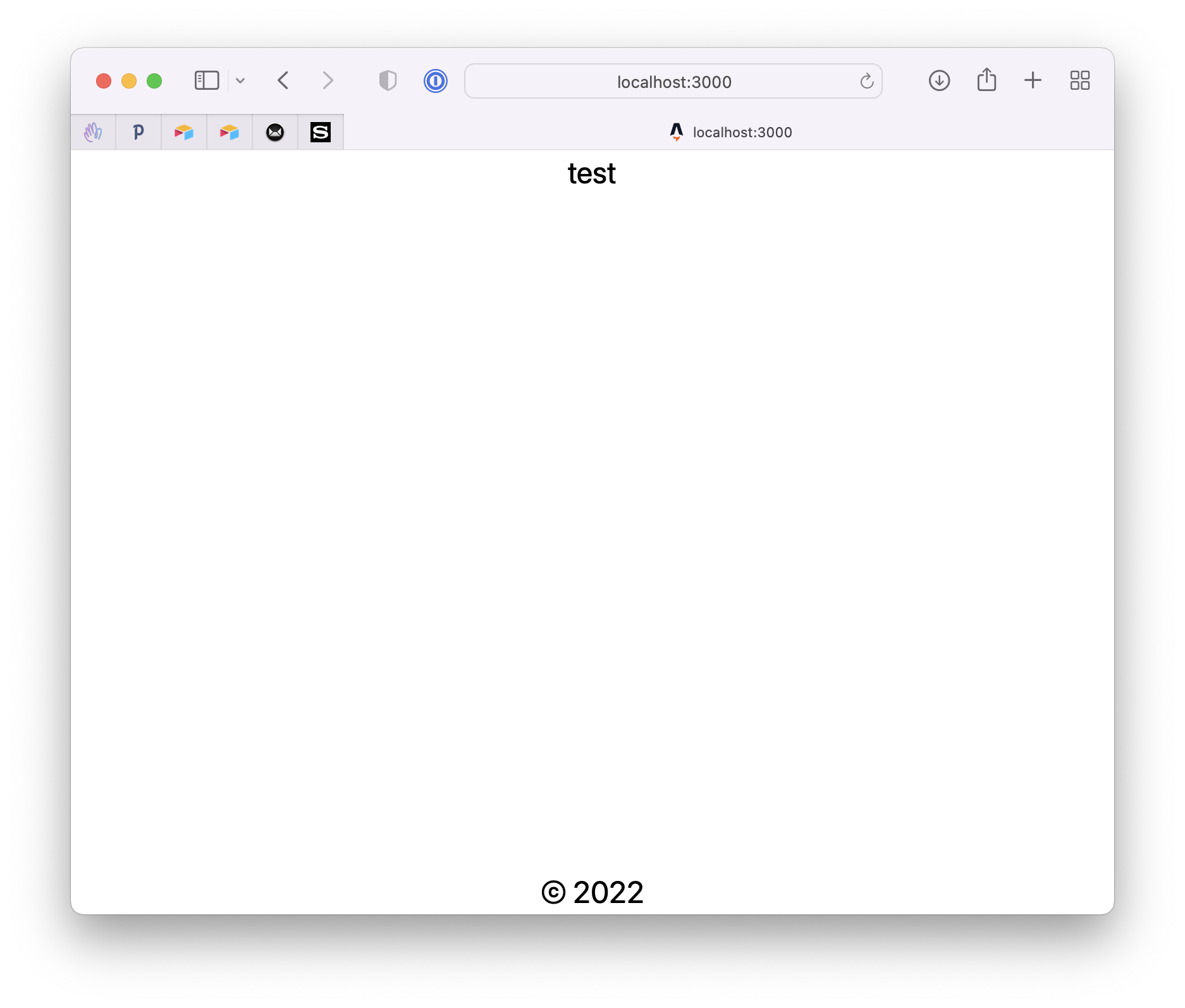
We want the "footer" HTML element to stick to the bottom using Flexbox.

So we first use Flexbox (`flex flex-col`), we set the minimum height to the screen (`min-h-screen`).

Then we add `flex-grow` to grow the preceding element of the footer:

```html
<html>
  <body class="text-center min-h-screen flex flex-col">
    <p class="flex-grow">test</p>
    <p>&copy; 2022</p>
  </body>
</html>
```

This code generates this result:

![How to stick an element on the bottom of the page with flexbox](https://flaviocopes.com/images/css-how-to-stick-bottom-flexbox/Screen_Shot_2022-04-18_at_17.29.37.png)

To see how `flex-grow` and the other flex properties interact, try my free [flexbox playground](https://flaviocopes.com/tools/flexbox-playground/).