# Styling HTML Tables with CSS
> Learn how to style HTML tables with CSS now that Grid and Flexbox handle layout, adding borders, spacing, and striped rows with the nth-child selector.
Author: [Flavio Copes](https://flaviocopes.com/about/) | Published: 2019-06-02 | Topics: [CSS](https://flaviocopes.com/tags/css/) | Canonical: https://flaviocopes.com/css-tables/
Tables in the past were greatly overused in CSS, as they were one of the only ways we could create a fancy page layout.
Today with Grid and Flexbox we can move tables back to the job they were intended to do: styling tables.
Let's start from the HTML. This is a basic table:
```html
| Name |
Age |
| Flavio |
36 |
| Roger |
7 |
```
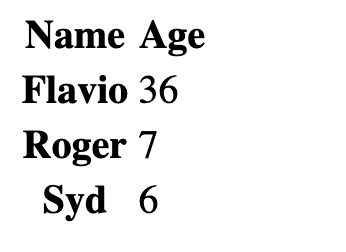
By default it's not very attractive. The browser provides some standard styles, and that's it:
We can use CSS to style all the elements of the table, of course.
Let's start with the border. A nice border can go a long way.
We can apply it on the `table` element, and on the inner elements too, like `th` and `td`:
```css
table, th, td {
border: 1px solid #333;
}
```
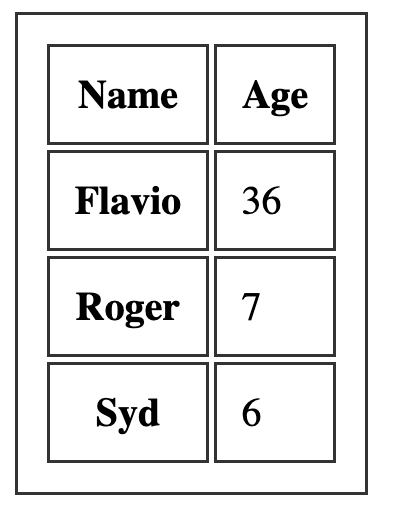
If we pair it with some margin, we get a nice result:
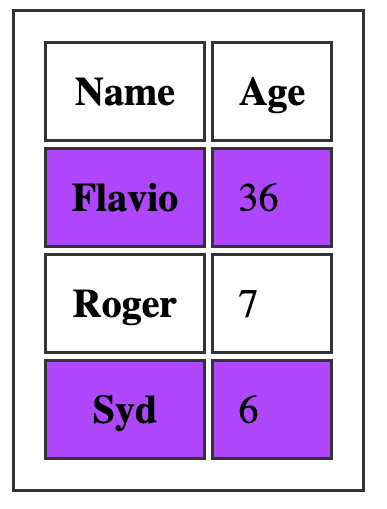
One common thing with tables is the ability to add a color to one row, and a different color to another row. This is possible using the `:nth-child(odd)` or `:nth-child(even)` selector:
```css
tbody tr:nth-child(odd) {
background-color: #af47ff;
}
```
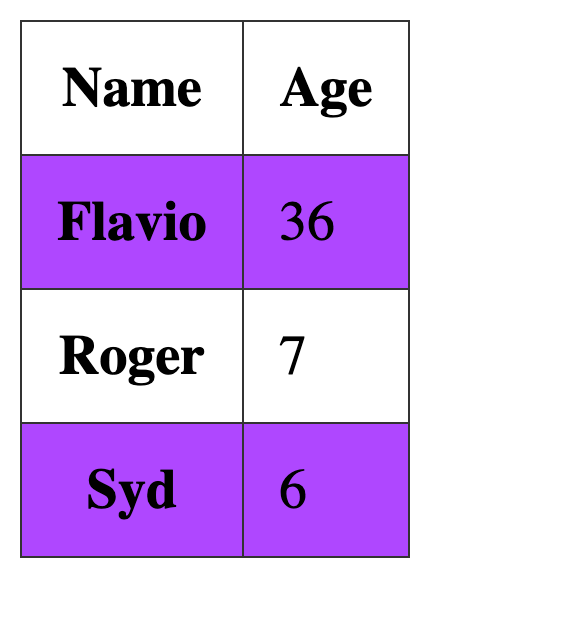
This gives us:
If you add `border-collapse: collapse;` to the table element, all borders are collapsed into one: