Electronic components: RGB LEDs
By Flavio
Learn how an RGB LED mixes red, green, and blue from its four leads, the difference between common anode and common cathode, and how to test which you have.
An RGB LED is a special kind of LED that looks like a regular LED, but it has 4 leads and it can display a different color based on the configuration.
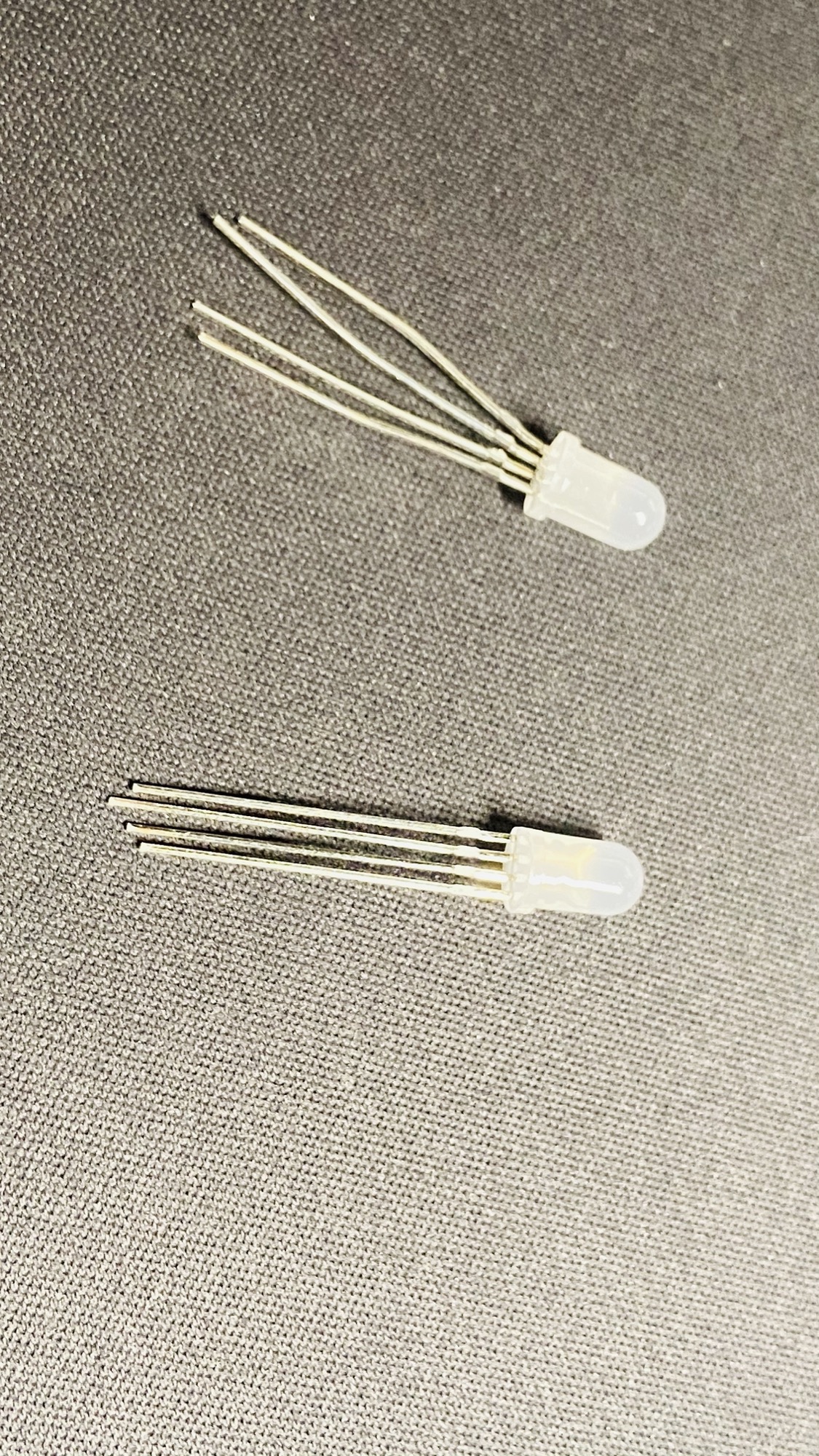
We talked about LEDs previously. Normal LEDs typically have one color, which can usually be red, blue, green, yellow, white, and it has 2 leads:

An RGB LED is like 3 LEDs into one, but it’s even more, because it can create any color from those 3 primary colors, by providing different amounts of current to each lead. Just search “mixing primary colors” on Google for more information on this. Screens mix colors the same way, and RGB color codes describe how much red, green and blue goes into each one.
The 4 leads are one for each primary color, red, blue, green, and then one common pin.
There are 2 kinds of RGB LEDs: common anode and common cathode.
Remember, LEDs are diodes, so the direction of the current is important
In a common cathode configuration, the common pin is the ground.
In a common anode configuration, the common pin is Vcc, the positive voltage.
This is very important for how we build our circuits. Remember that LEDs need to be connected to a resistor to limit the current.
How do you find out, if you don’t now which type of RGB LED do you have? The easiest way is to test it.
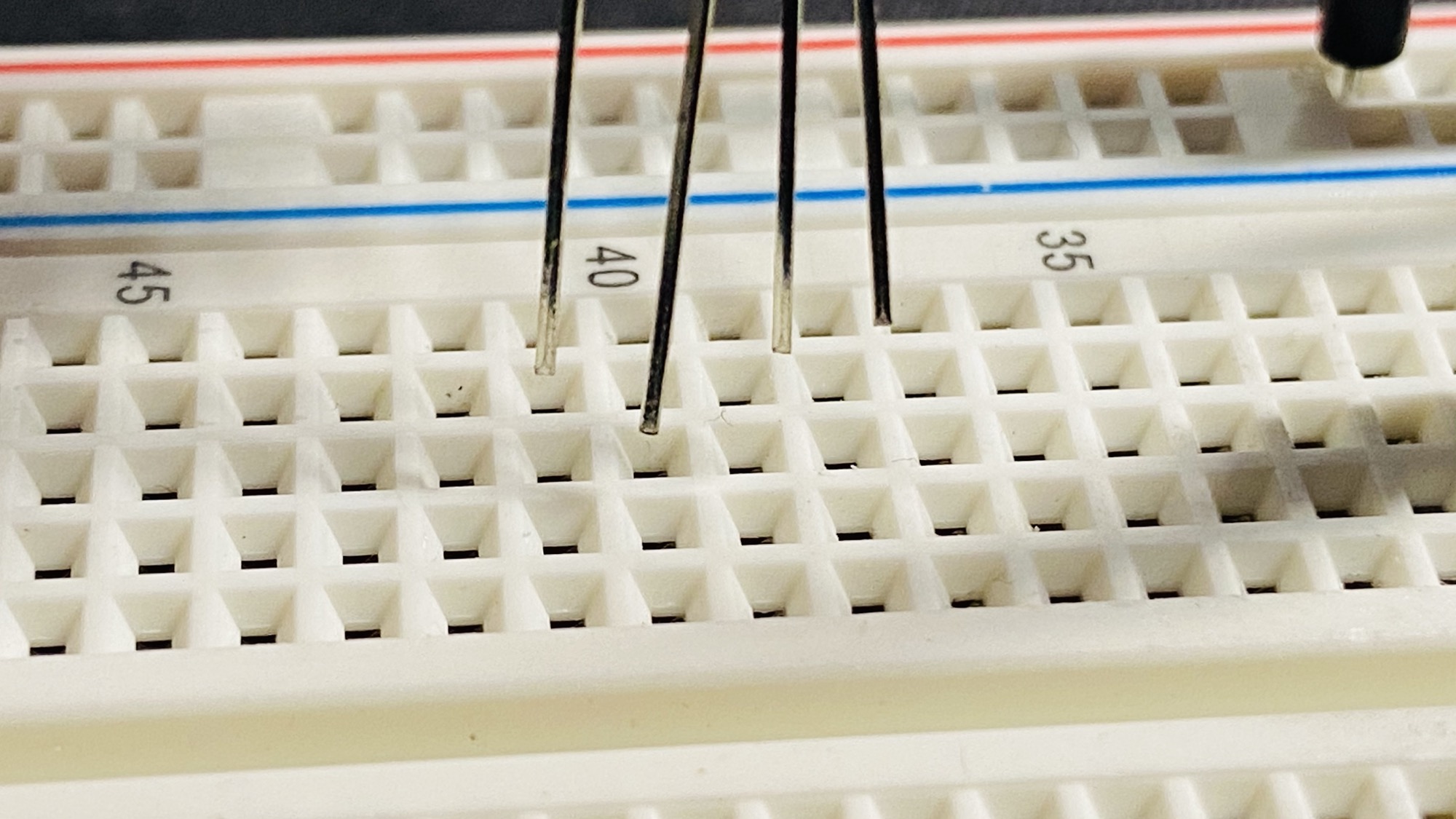
Connect the RGB LED to a breadboard:
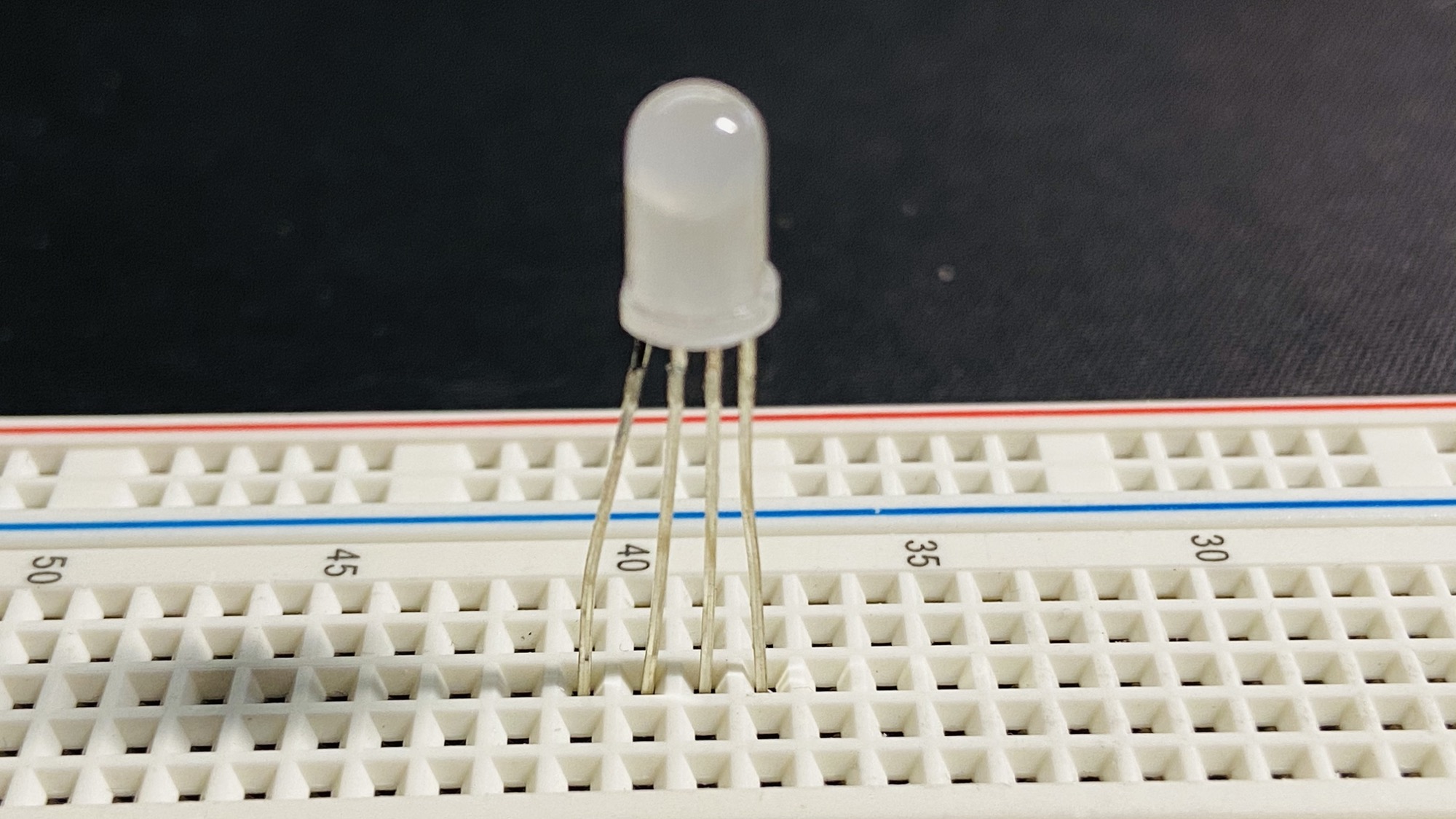
Now connect the longest pin to ground and a pin to + through a resistor. I used a 1kΩ resistor in this example:
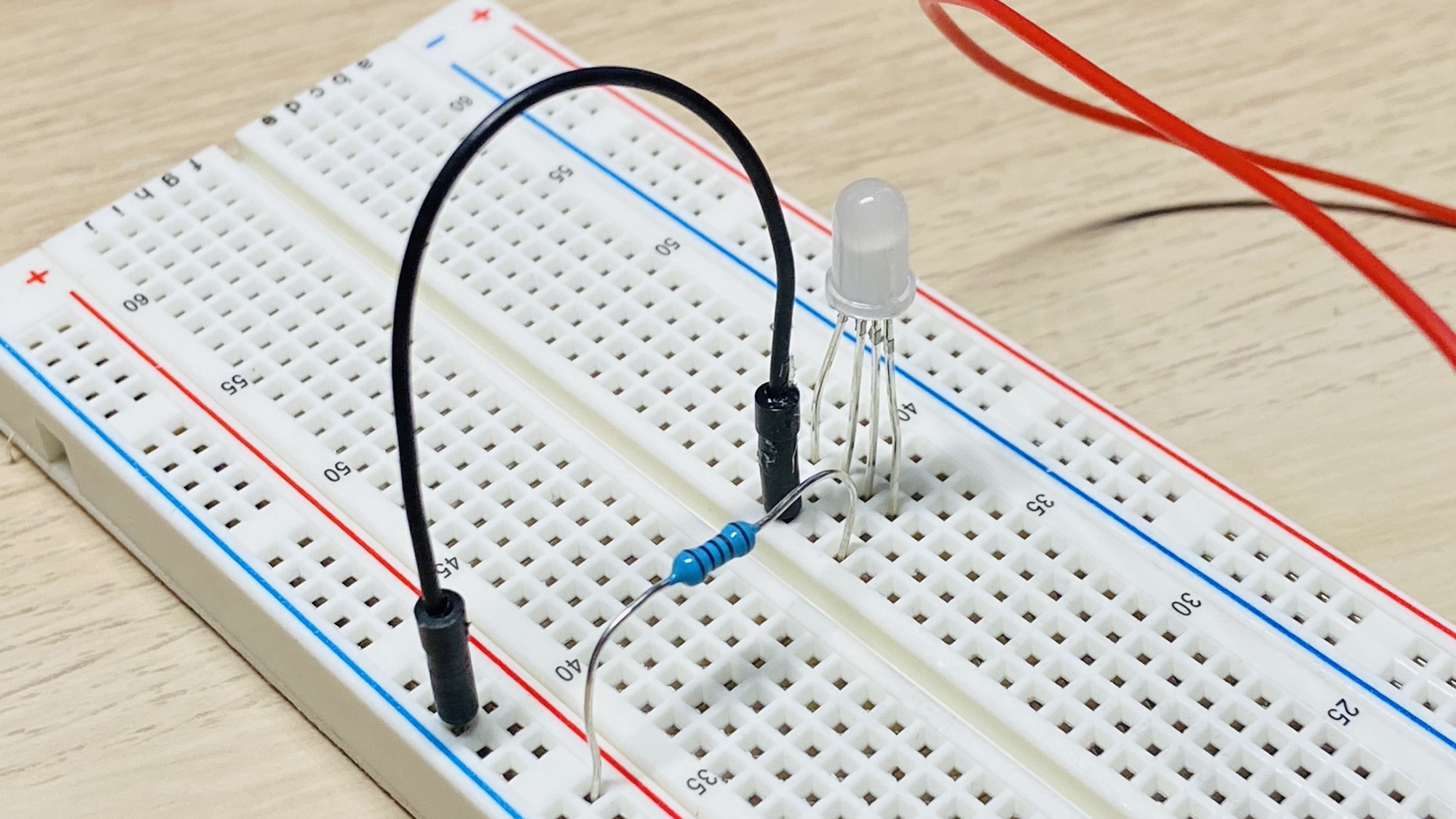
Now connect a battery, a 9V battery for example, and see if it lights up:
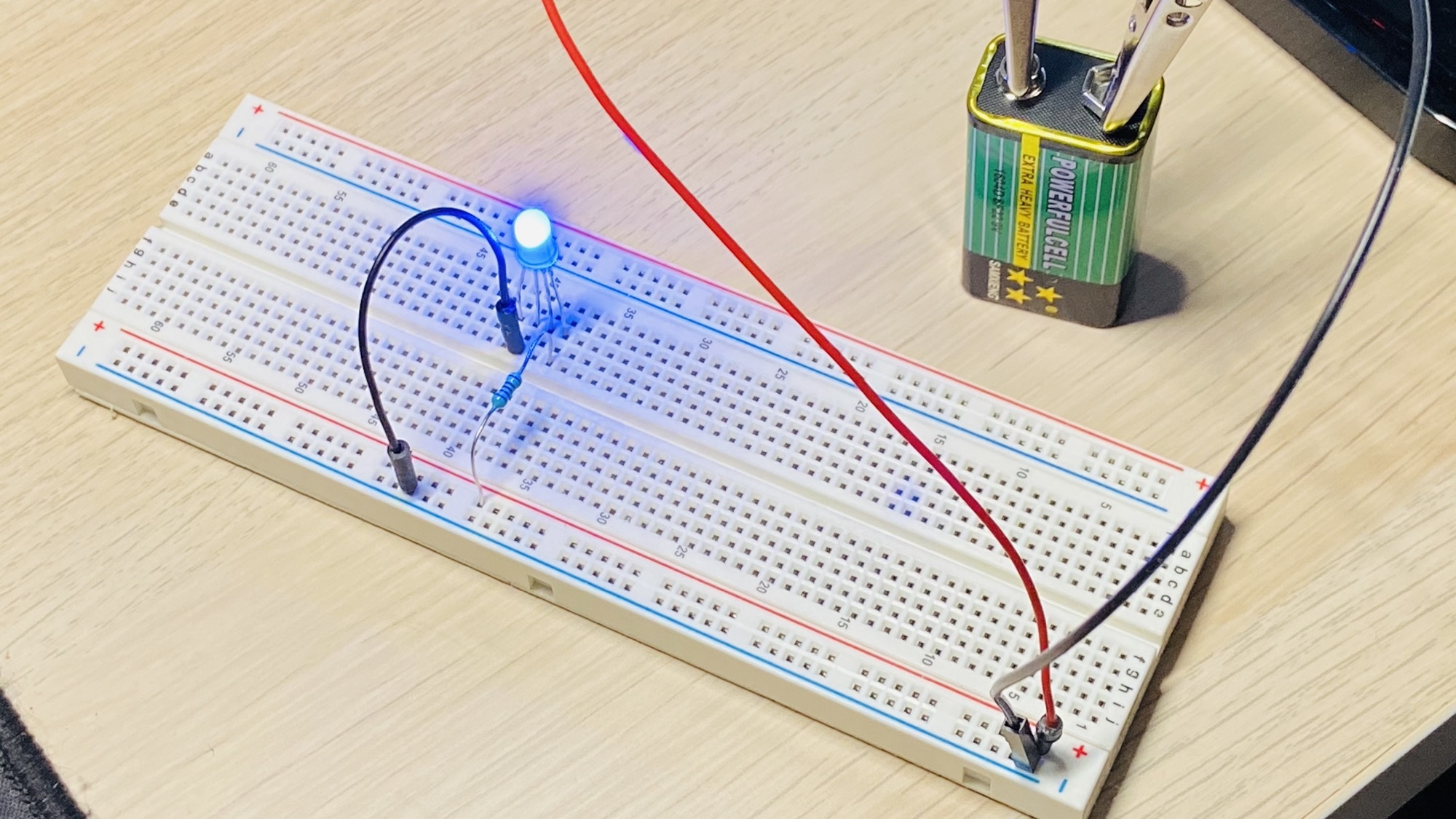
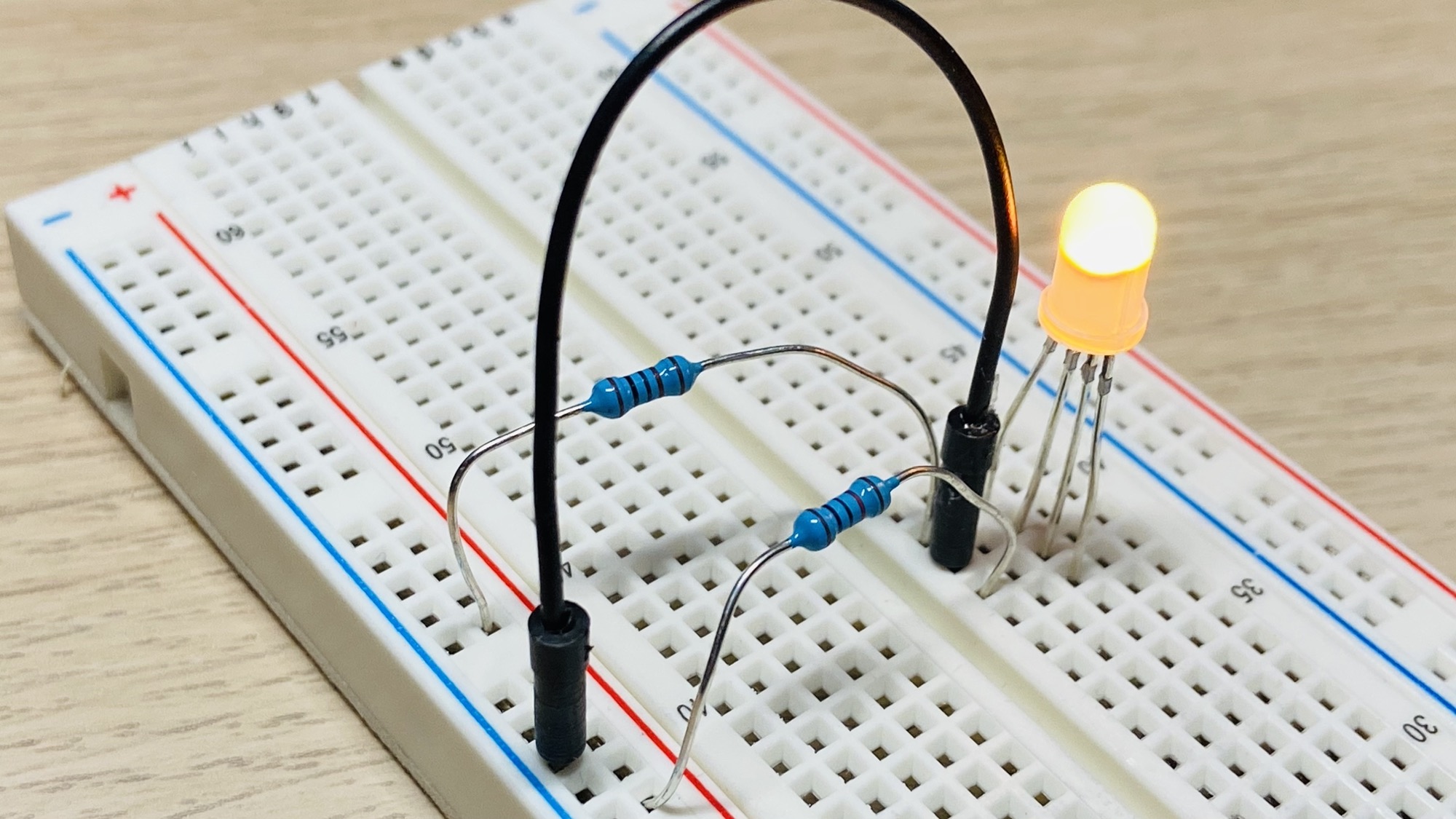
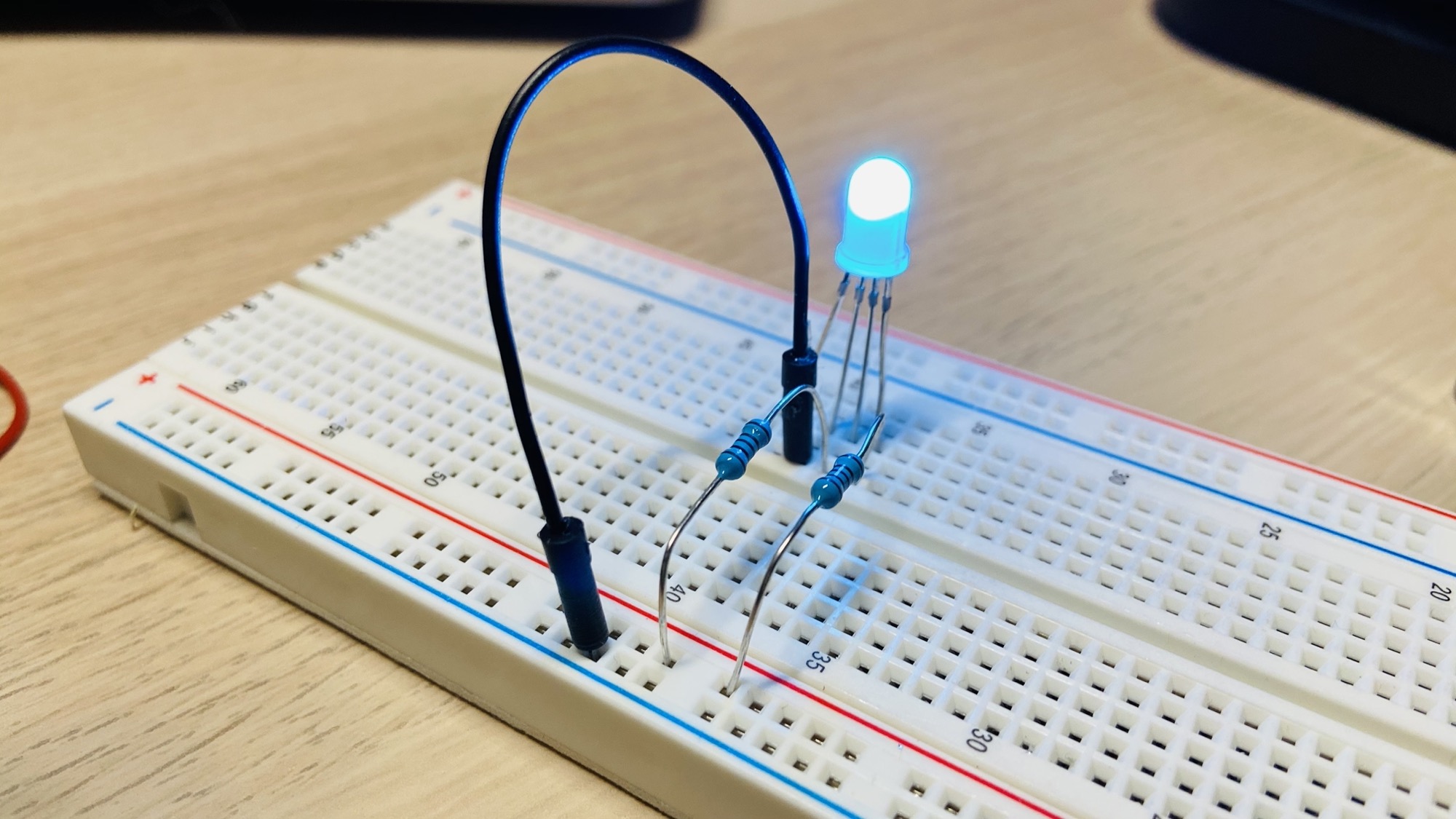
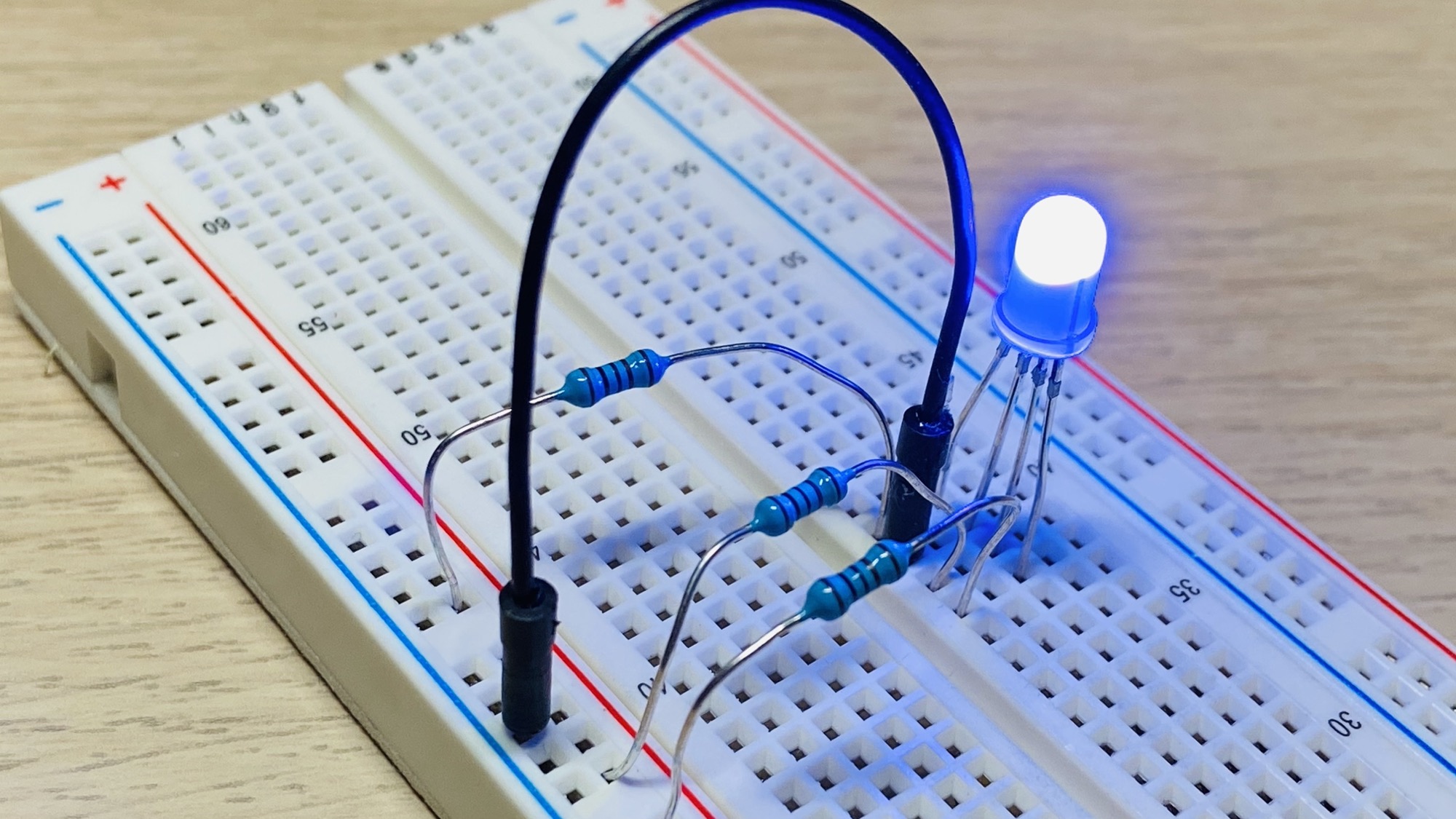
Great! Now you can change the color of the LED by connecting the other 3 pins with resistors of different resistance values:
Want me to talk about your product? You can sponsor this site.
Related posts about electronics: