# Build a simple counter with React
> Build a simple counter in React: render buttons that increment the count by 1, 10, 100, or 1000, wiring each click through state and an onClickFunction prop.
Author: [Flavio Copes](https://flaviocopes.com/about/) | Published: 2017-08-19 | Updated: 2019-05-04 | Topics: [React](https://flaviocopes.com/tags/react/) | Canonical: https://flaviocopes.com/react-example-counter/
In this short tutorial we'll build a very simple example of a counter in [React](https://flaviocopes.com/react/), applying many of the concepts and theory outlined before.
Let's use Codepen for this. We start by forking the [React template pen](https://codepen.io/flaviocopes/pen/VqeaxB).
> In Codepen we don't need to import React and ReactDOM as they are already added in the scope.
We show the count in a div, and we add a few buttons to increment this count:
```js
const Button = ({ increment }) => {
return
}
const App = () => {
let count = 0
return (
{count}
)
}
ReactDOM.render(, document.getElementById('app'))
```
Let's add the functionality that lets us change the count by clicking the buttons, by adding a `onClickFunction` prop:
```js
const Button = ({ increment, onClickFunction }) => {
const handleClick = () => {
onClickFunction(increment)
}
return
}
const App = () => {
let count = 0
const incrementCount = increment => {
//TODO
}
return (
{count}
)
}
ReactDOM.render(, document.getElementById('app'))
```
Here, every Button element has 2 props: `increment` and `onClickFunction`. We create 4 different buttons, with 4 increment values: 1, 10 100, 1000.
When the button in the Button component is clicked, the `incrementCount` function is called.
This function must increment the local count. How can we do so? We can use hooks:
```js
const { useState } = React
const Button = ({ increment, onClickFunction }) => {
const handleClick = () => {
onClickFunction(increment)
}
return
}
const App = () => {
const [count, setCount] = useState(0)
const incrementCount = increment => {
setCount(count + increment)
}
return (
{count}
)
}
ReactDOM.render(, document.getElementById('app'))
```
`useState()` initializes the count variable at 0 and provides us the `setCount()` method to update its value.
We use both in the `incrementCount()` method implementation, which calls `setCount()` updating the value to the existing value of `count`, plus the increment passed by each Button component.
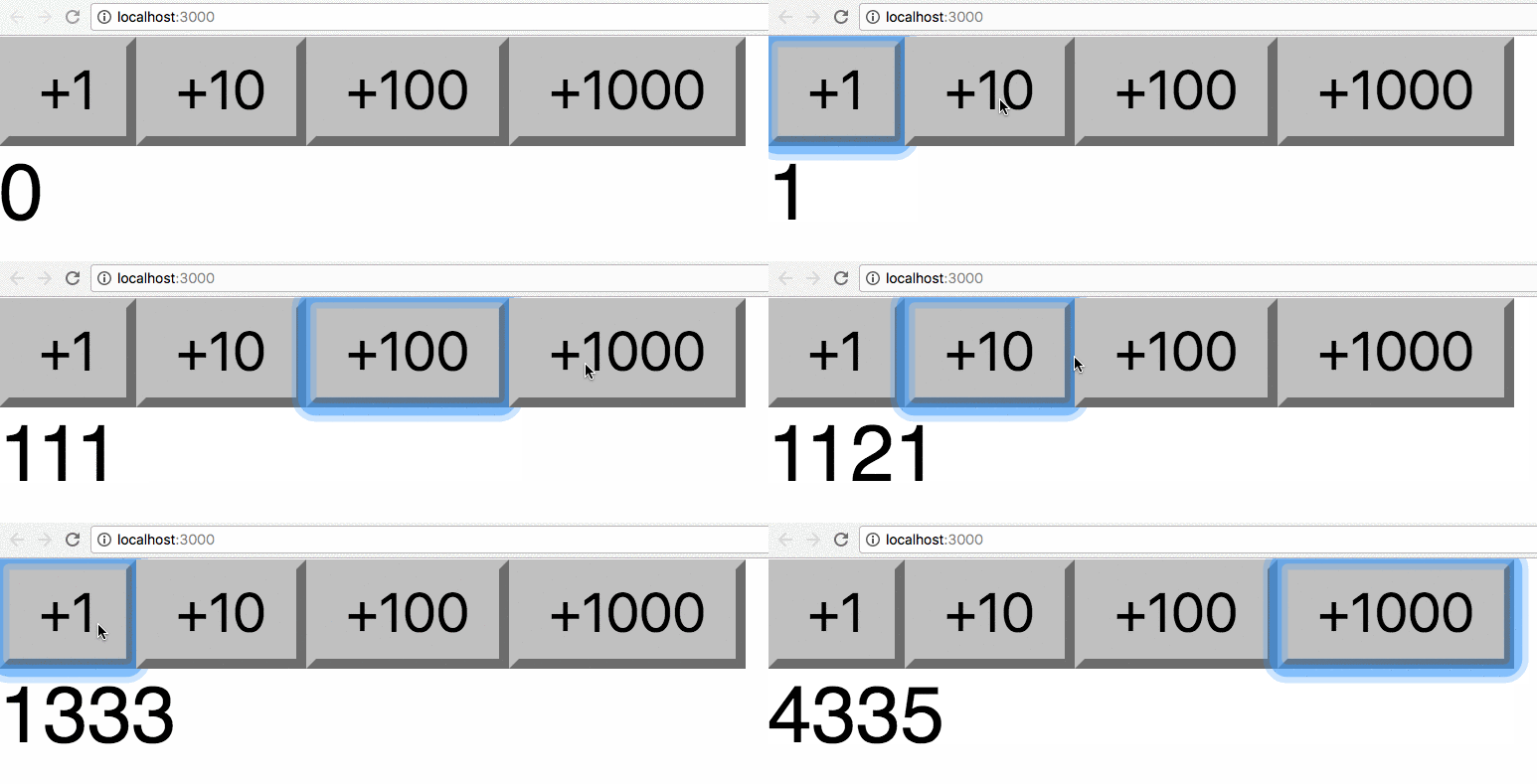
The complete example code can be seen at