# I built Tranquillity Maker, a mixer for the Background Sounds on your Mac
> Tranquillity Maker is my free, open source Mac app that plays the Background Sounds built into macOS together, each at its own volume, from a window or the menu bar.
Author: [Flavio Copes](https://flaviocopes.com/about/) | Published: 2026-09-30 | Updated: 2026-10-04 | Topics: [News](https://flaviocopes.com/tags/news/) | Canonical: https://flaviocopes.com/tranquillity-maker/
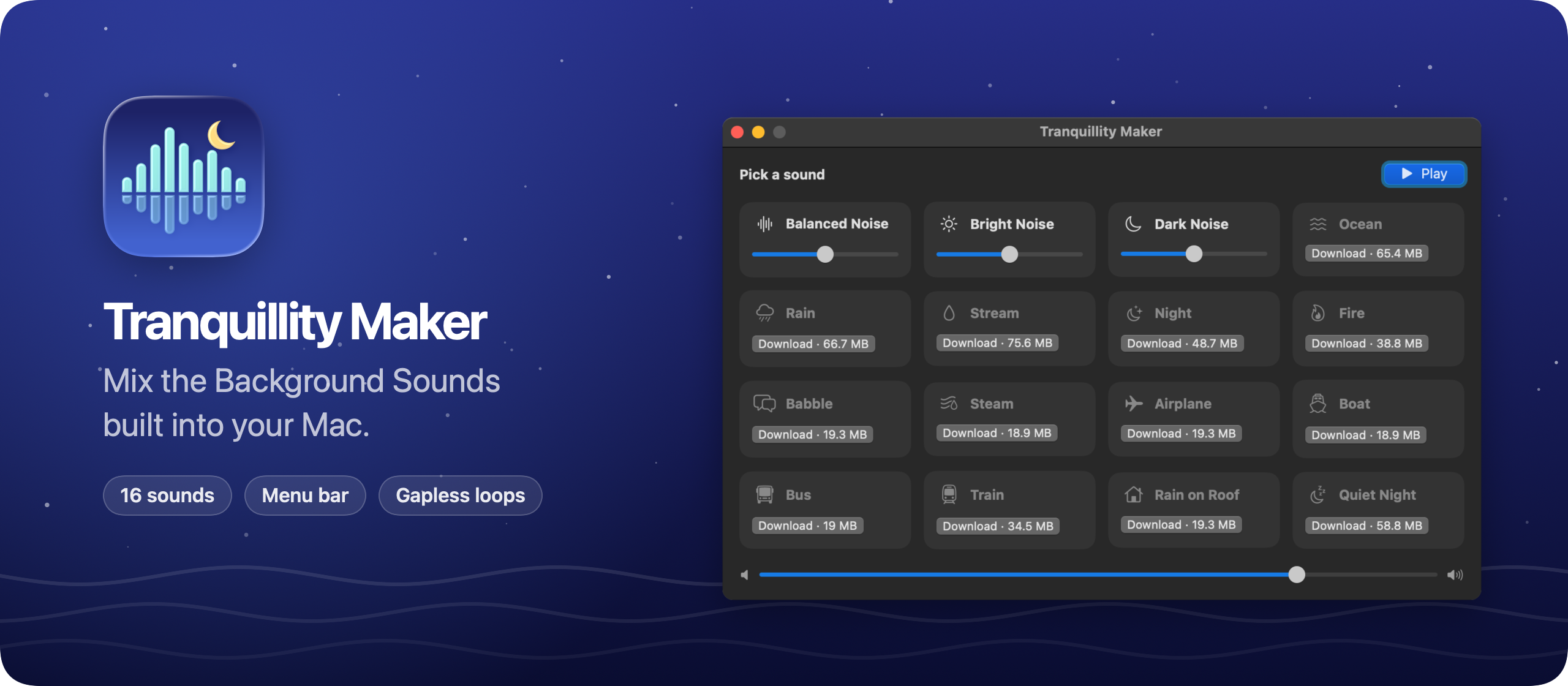
I built Tranquillity Maker, a macOS app that mixes the Background Sounds built into your Mac. It's free and open source, like [Note Repo](https://flaviocopes.com/note-repo/).
macOS comes with 16 Background Sounds, from Balanced Noise to Rain on Roof. You find them in the Accessibility settings, and they play one at a time. Tranquillity Maker plays as many as you want, each at its own volume.
Here's the app in 30 seconds:
Turn on a sound and it fades in. Add Fire on top of Rain, drag each slider until the mix feels right, and set the overall level with the master volume.
Tranquillity Maker remembers your mix. Next time, **Play** brings it back.
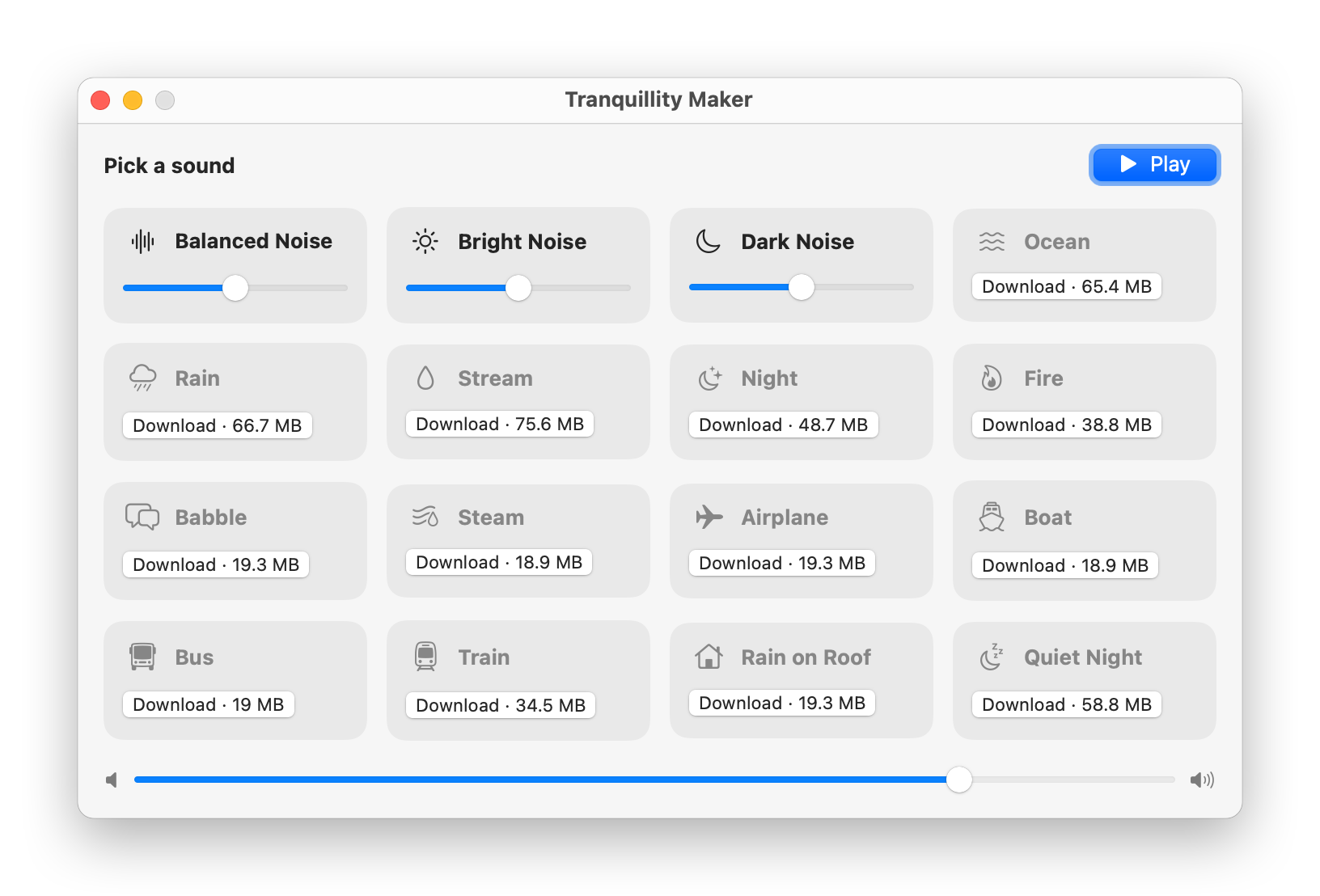
The whole mixer also lives in the menu bar. The icon fills in while something plays. Press `Space` in the window or the menu bar panel to pause the mix or bring it back.
Since version 1.1, the play/pause key on your keyboard does the same from any app. macOS sends that key to the app that played last, so it reaches Tranquillity Maker until you start something else, like a video in Safari.
Apple ships each sound as a set of audio files, 1 to 2.5 minutes long. Tranquillity Maker picks one at random and crossfades into the next over 4 seconds, so the sound never stops and restarts.
macOS Tahoe added eight new sounds, like Airplane, Boat and Quiet Night. On Sequoia you can get them too. Tranquillity Maker shows each one's size and downloads it from Apple with one click.
The app doesn't include any audio. It plays the same files macOS uses for Background Sounds. There are no accounts, and nothing about you or your mix leaves your Mac.
Under the hood it's a SwiftUI app with no dependencies. The audio runs through AVAudioEngine.
## Get it
The code is on GitHub at [flaviocopes/tranquillity-maker](https://github.com/flaviocopes/tranquillity-maker), MIT licensed.
Download the zip from the [latest release](https://github.com/flaviocopes/tranquillity-maker/releases/latest), unzip it, and drag Tranquillity Maker to your Applications folder. It runs on macOS 15 Sequoia or later, on Apple silicon and Intel Macs.
Since version 1.2, Tranquillity Maker is signed with my Apple Developer ID and notarized by Apple, so it opens like any other app you download.
The [README](https://github.com/flaviocopes/tranquillity-maker#opening-it-the-first-time) explains what to do on a work laptop.
## iPhone and iPad
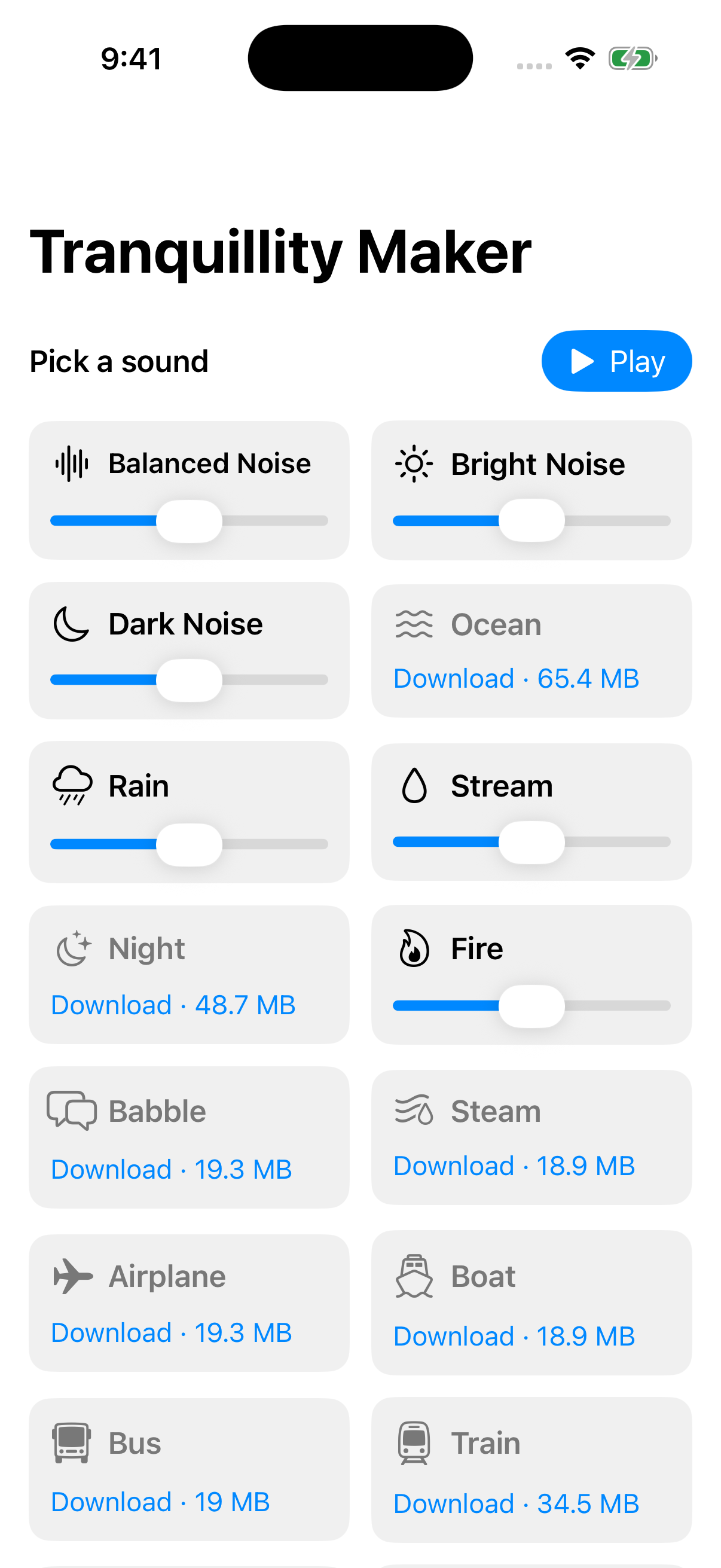
Since version 1.4, Tranquillity Maker runs on iPhone and iPad too. It has the same screen as the Mac window, with the sounds in two columns on the iPhone. The mix keeps playing when you lock the screen, and you pause it from the lock screen or Control Center.
iOS comes with the same Background Sounds, but apps can't read the copies it installs. So on iPhone and iPad every sound downloads from Apple, with one tap.
It isn't on the App Store, so you install it on your own device from Xcode. The [README](https://github.com/flaviocopes/tranquillity-maker#iphone-and-ipad) has the steps.
If you have an Apple TV, I also made [Couch Snake](https://flaviocopes.com/couch-snake/), a free and open source game for it.
 iOS comes with the same Background Sounds, but apps can't read the copies it installs. So on iPhone and iPad every sound downloads from Apple, with one tap.
It isn't on the App Store, so you install it on your own device from Xcode. The [README](https://github.com/flaviocopes/tranquillity-maker#iphone-and-ipad) has the steps.
If you have an Apple TV, I also made [Couch Snake](https://flaviocopes.com/couch-snake/), a free and open source game for it.
iOS comes with the same Background Sounds, but apps can't read the copies it installs. So on iPhone and iPad every sound downloads from Apple, with one tap.
It isn't on the App Store, so you install it on your own device from Xcode. The [README](https://github.com/flaviocopes/tranquillity-maker#iphone-and-ipad) has the steps.
If you have an Apple TV, I also made [Couch Snake](https://flaviocopes.com/couch-snake/), a free and open source game for it.