# How to fix prettier messing up your HTML on save
> Fix Prettier messing up your HTML on save in VS Code by setting the HTML editor.defaultFormatter to vscode.html-language-features in settings.json.
Author: [Flavio Copes](https://flaviocopes.com/about/) | Published: 2022-06-29 | Topics: [Tools](https://flaviocopes.com/tags/tools/) | Canonical: https://flaviocopes.com/vscode-prettier-fix-html-mess/
Like everyone I use Prettier to format my JS files.
I've had some issues with Prettier formatting my HTML like this:
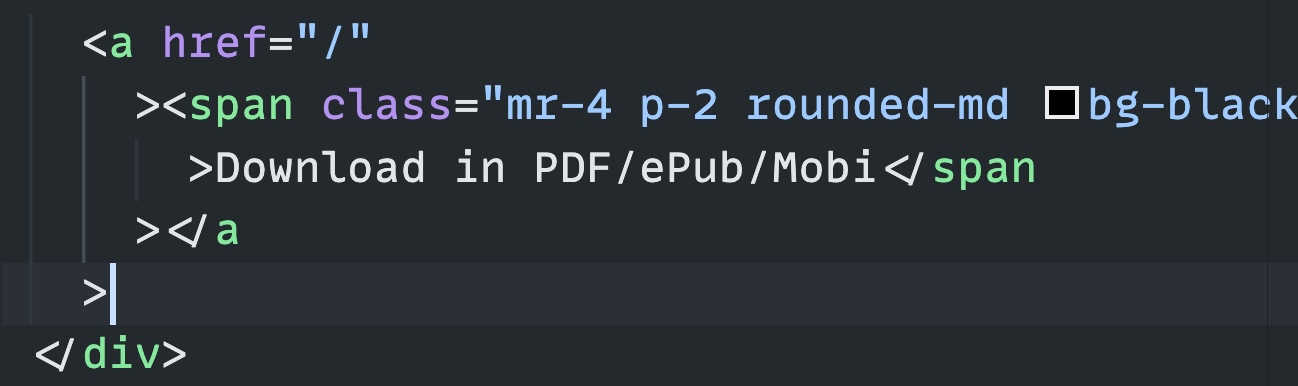
The solution I found is to add this to your settings.json file to tell VS Code to use the default HTML formatter instead of Prettier:
```json
{
"[html]": {
"editor.defaultFormatter": "vscode.html-language-features"
},
}
```