
An app by Flavio
Home Drop
Send photos and files straight to the other Macs at home over your local network. Pair once with a 6-digit code, no accounts and no servers. Full MIT source included.
Buy Home Drop · $20One-time purchase. Tax included. Full source code.
macOS 14 or later · Apple silicon and Intel
Home Drop sends photos and files to your other Macs over the local network. AirDrop asks you to pick a destination every time, and iCloud Shared Albums upload to Apple’s servers first. Home Drop keeps the Macs paired, so you drop a folder on the window and it arrives at full speed.
I built it because I share a lot of photos and files with my girlfriend, and AirDrop and shared folders were slow and unreliable for that.
There are no accounts and no servers. The Macs find each other with Bonjour, and you pair them once with a 6-digit code that one Mac shows and you type on the other.
Here’s a minute with two Macs: pairing, sending eight photos, and getting three photos and a PDF back:
Both Macs are test machines, and the names, photos and files are made up.
How you send things
Open Home Drop on both Macs, pick Pair a Mac (⌘P) on each, then type the code one of them shows.
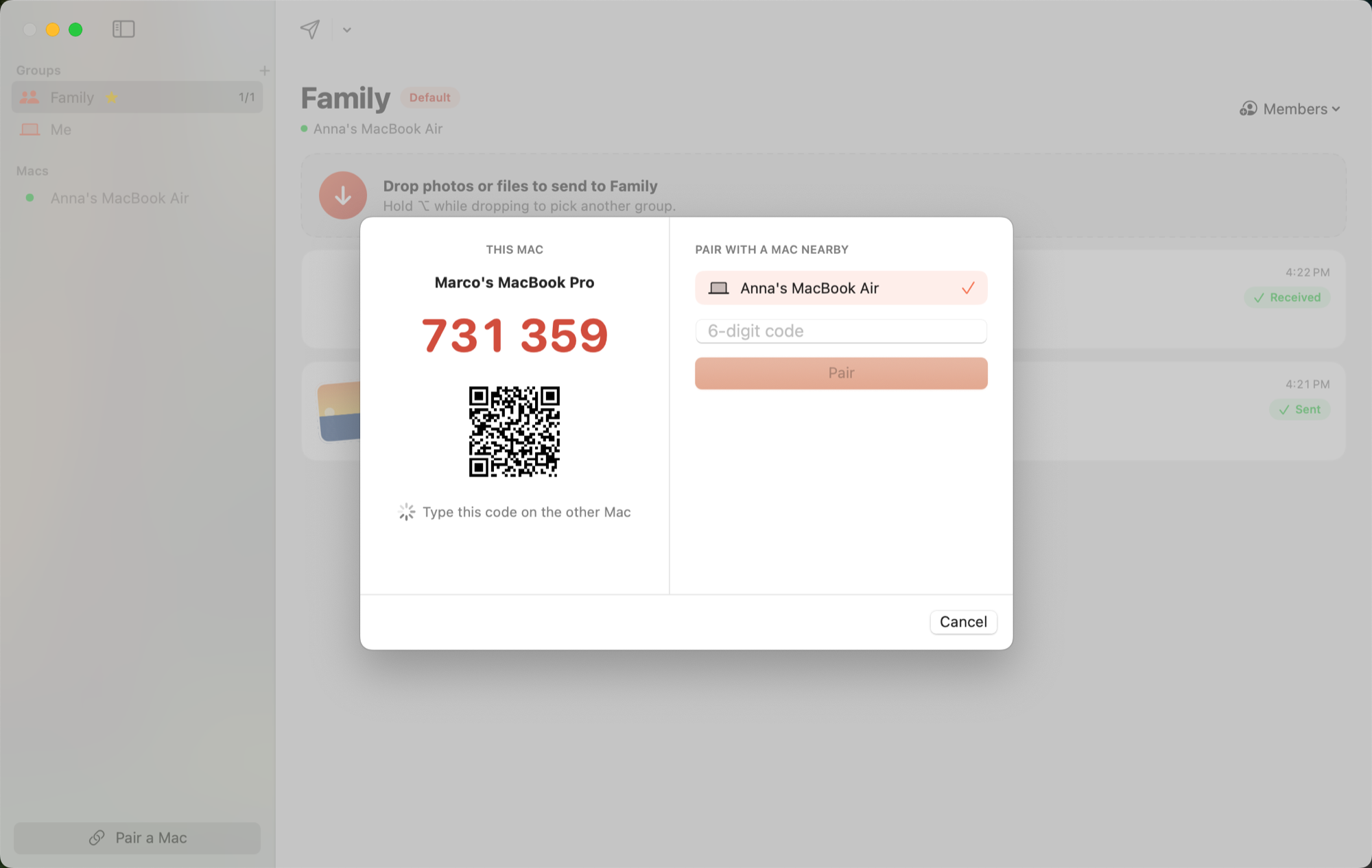
After that you have four ways to send a file:
- Drop it on the window or on the Dock icon. It goes to the default group.
- Hold ⌥ while dropping to pick another group from a small menu.
- Drop it on a group in the sidebar.
- Use Share › Home Drop in Finder or Photos. Hold ⌥ while picking it to choose a group.
A group is a set of paired Macs, like “Family” or “My Macs”. Each group keeps a stream of what was sent and received, with thumbnails, who sent it and when. The default group has a star.
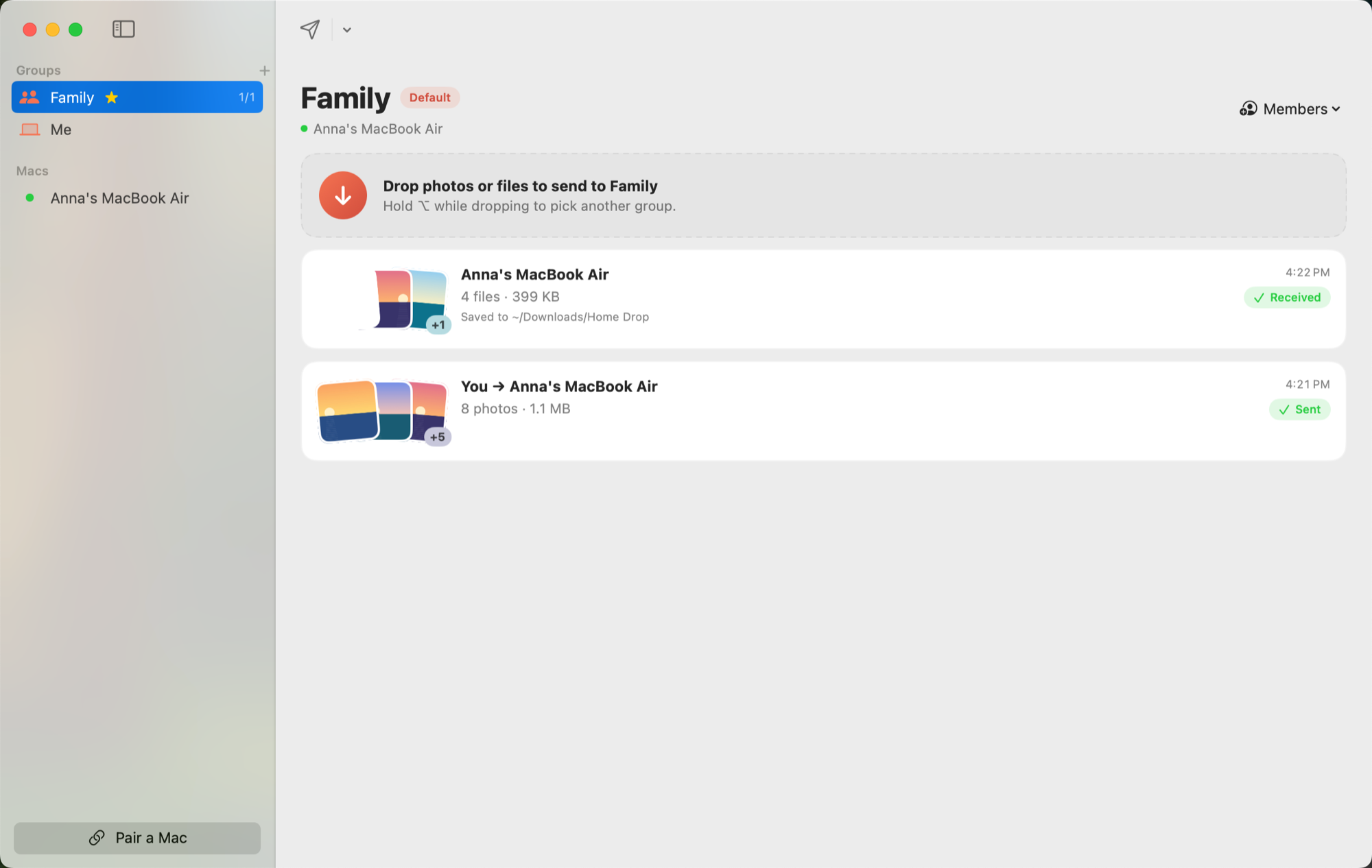
If a Mac is offline, the send waits and starts as soon as that Mac appears again.
Where files land
Files go to ~/Downloads/Home Drop. In Settings (⌘,) you can pick another folder, or add the photos and videos to an album in Photos instead. Photos keeps each photo’s date and location, and a Live Photo’s still and video go in as one Live Photo.
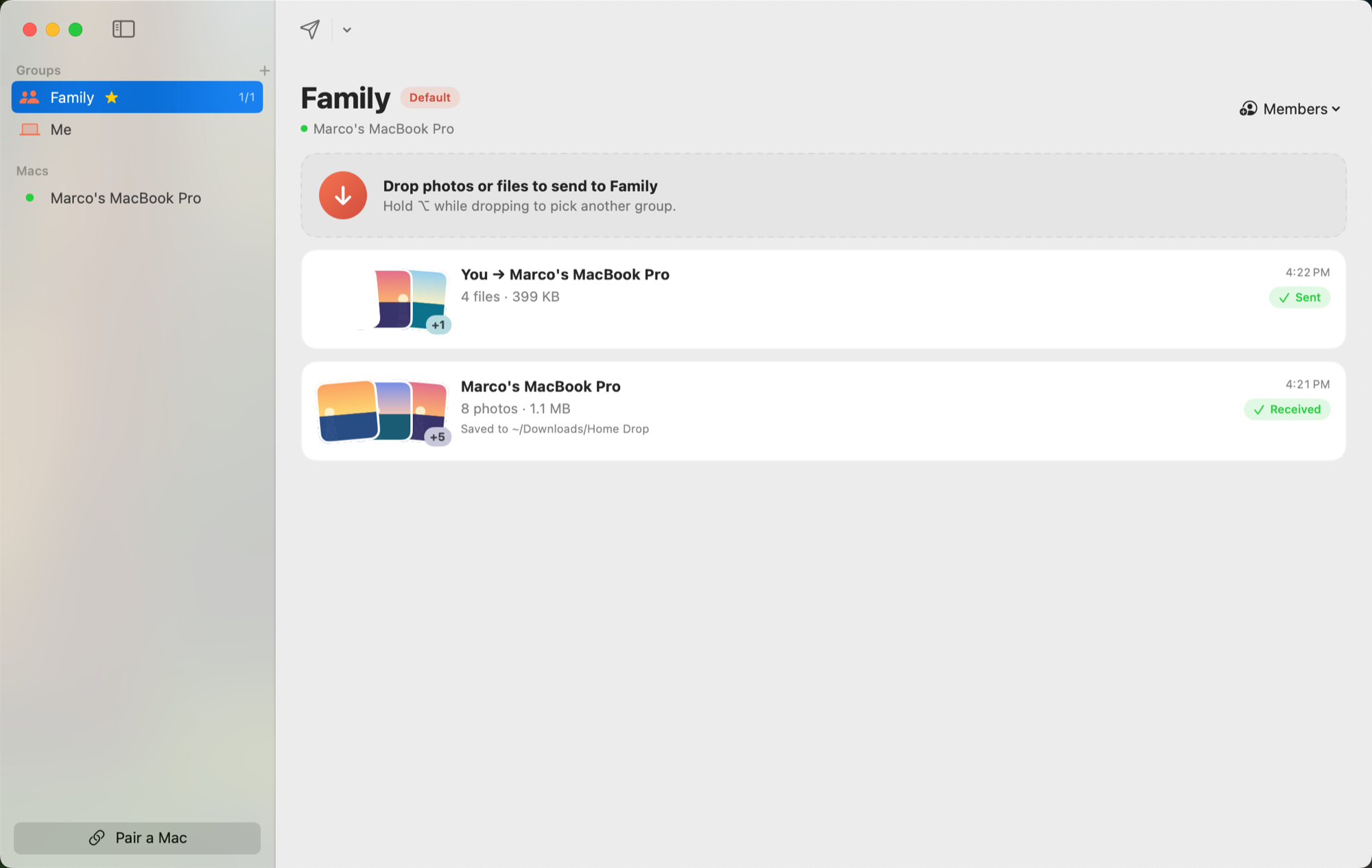
When files arrive, the Mac that receives them shows a notification with who sent them and what came. It only appears when Home Drop isn’t the app you are in, because the stream already shows what came.
The command line
homedrop lives inside the app at Home Drop.app/Contents/Helpers/homedrop and shares its state with the app. Link it into your PATH and an agent can send files too:
ln -s "/Applications/Home Drop.app/Contents/Helpers/homedrop" ~/.local/bin/homedrophomedrop pair "Anna's MacBook Air" 482913
homedrop groups add Family "Anna's MacBook Air" --default
homedrop send ~/Pictures/Trip
homedrop history --group Familyhomedrop help lists every command. homedrop capabilities describes them for an agent.
What to know before you buy
Home Drop needs macOS 14 or later on every Mac, and the app runs on both of them. It sends over your local network, so the Macs have to be on the same network and awake.
Bonjour asks for the Local Network permission the first time. Allow it, or the Macs never see each other.
Sharing from inside Photos sends a rendered JPEG, not the original file. For RAW files and Live Photos, drag them from the Finder instead.
The Share extension is off until you turn it on in System Settings. Until then, only dropping on the window works.
Album sync between Macs is not in this version.
How it stays private
Every Mac makes a Curve25519 key when it first runs. Pairing mixes the 6-digit code into a fresh key exchange, so only a Mac that knows the code can swap keys. Each transfer derives new AES-GCM keys from both paired keys plus a fresh exchange. A Mac that is not paired cannot connect, and nothing passes through a server.
What you get
$20 once, tax included. You get the notarized Mac app, the homedrop command and the full source under the MIT license.
Home Drop runs on macOS 14 or later, on Apple silicon and Intel.
After you pay, your Polar receipt has two downloads: the app zip and the source zip. Use the app, or build it yourself from the source.
Updates are manual. Download the new zip from your Polar receipt when there is one. There is no subscription and no account in the app.