
An app by Flavio
Batch Video Mute
Take the audio tracks out of a batch of videos and export verified silent MOV copies without re-encoding the video.
Buy Batch Video Mute · $20One-time purchase. Plus tax where it applies.
macOS 15 or later · Apple silicon and Intel
You recorded several property walkthroughs. The camera picked up conversations while you were filming. Add the clips to Batch Video Mute and keep the pictures without the room audio.
The app writes new MOV files from the existing video tracks. It checks each copy to confirm there are zero audio tracks.
Who it’s for
- Real estate agents and photographers. You film walkthroughs of a property, and the clips pick up the owner, the neighbors or your own comments. Mute the whole set before it goes on the listing.
- Video editors. You plan to lay music or a voiceover on top, and the camera audio is just in the way. Mute the clips once instead of turning tracks off in every project.
- Social media managers. Instagram and TikTok add their own sounds, and a clip with background chatter or copyrighted music playing in a shop can get flagged. Upload silent copies.
- Teachers and trainers. You record screen captures or classroom demos to reuse with a new narration later.
- Parents. You want to share the school play or a kid’s football match without the voices of other families in the background.
Why not do it one clip at a time
QuickTime Player can remove the audio from a video, one file at a time. With twenty clips that’s twenty rounds of open, remove, save, and choosing a name. Most video editors re-encode when they export, which takes longer and can soften the picture.
Batch Video Mute copies the video track as it is, so a clip is done in seconds and looks exactly like the original.
Use it on a batch
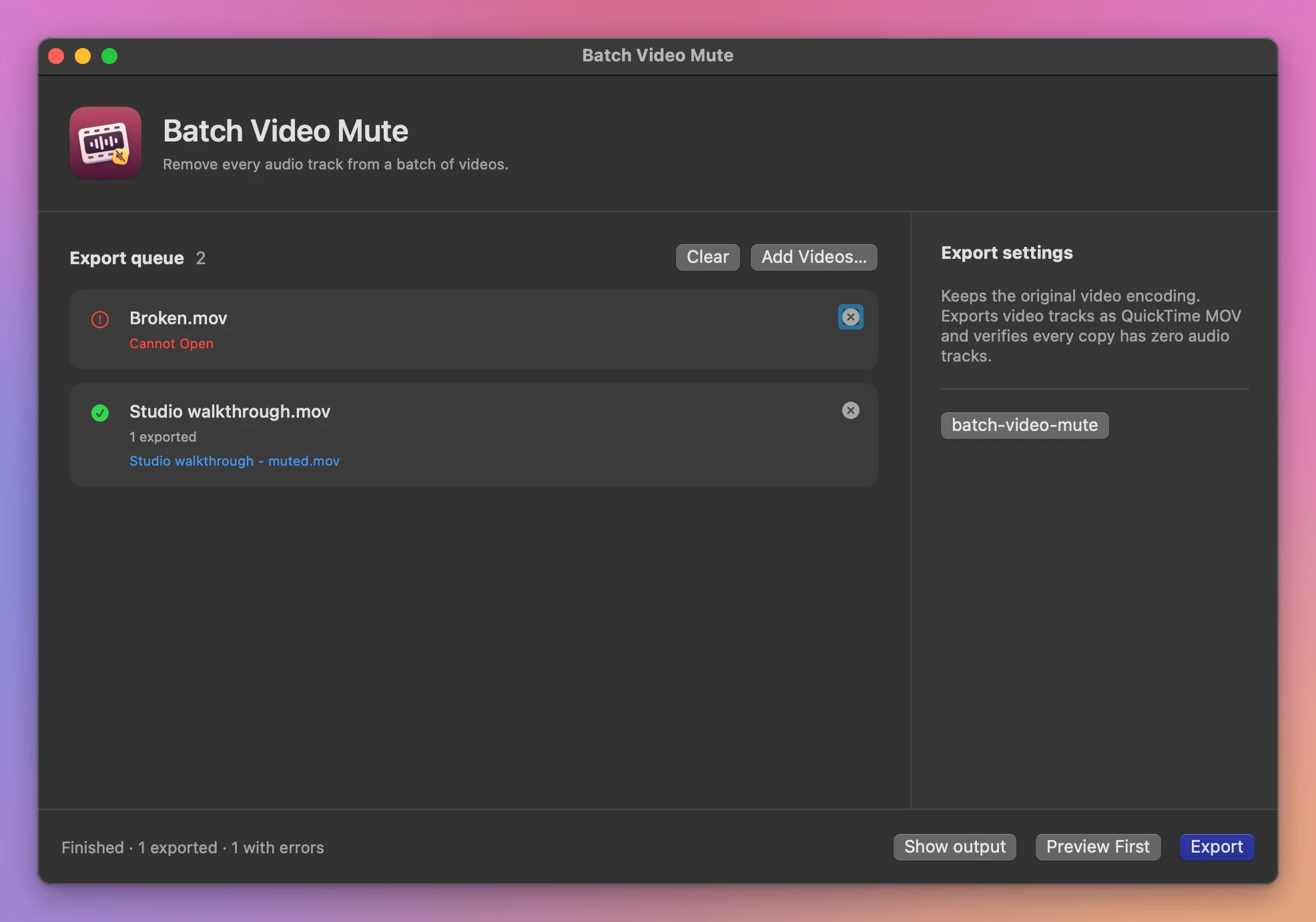
Add your clips and choose an output folder. Use Preview First to open a temporary silent copy of the first clip, then click Export. A damaged clip gets its own error and the batch carries on.
The originals stay where they are. If a filename is already in use, the app adds a number to the new file. The queue shows what was saved and any problems with individual items.
What it needs
Batch Video Mute runs on macOS 15 Sequoia or later, on Apple silicon and Intel Macs. Files are processed locally.
Outputs use QuickTime MOV. The source video codec must support passthrough to MOV. Additional tracks such as captions and timed data stay in the originals.
Buy Batch Video Mute
$20 plus tax where it applies, paid once.
Download the app from the order page or your Creem receipt, unzip it and move it to Applications. I sign the app with my Apple Developer ID, and Apple notarizes the download.
The app checks for updates once a day. When a new version is ready, click Install and Relaunch. To check anytime, choose Batch Video Mute → Check for Updates….