
An app by Flavio
Exporter for Apple Notes
Save your notes from the Notes app on your Mac as files: one PDF, Word file, text file, Markdown file or web page per note, in folders named like your Notes folders, with the pictures.
Buy Exporter for Apple Notes · $20One-time purchase. Tax included.
macOS 14 or later · Apple silicon and Intel
You’ve kept years of notes in the Notes app. Recipes, trip plans, lists, things you wrote down at 2 a.m. Now you want them somewhere else: in another app, in a backup you control, or in an email to someone who doesn’t have a Mac.
Notes lets you export one note at a time as a PDF. With five hundred notes, that’s an afternoon of clicking, and the PDFs land in one pile with no folders.
$20 including tax, paid once.
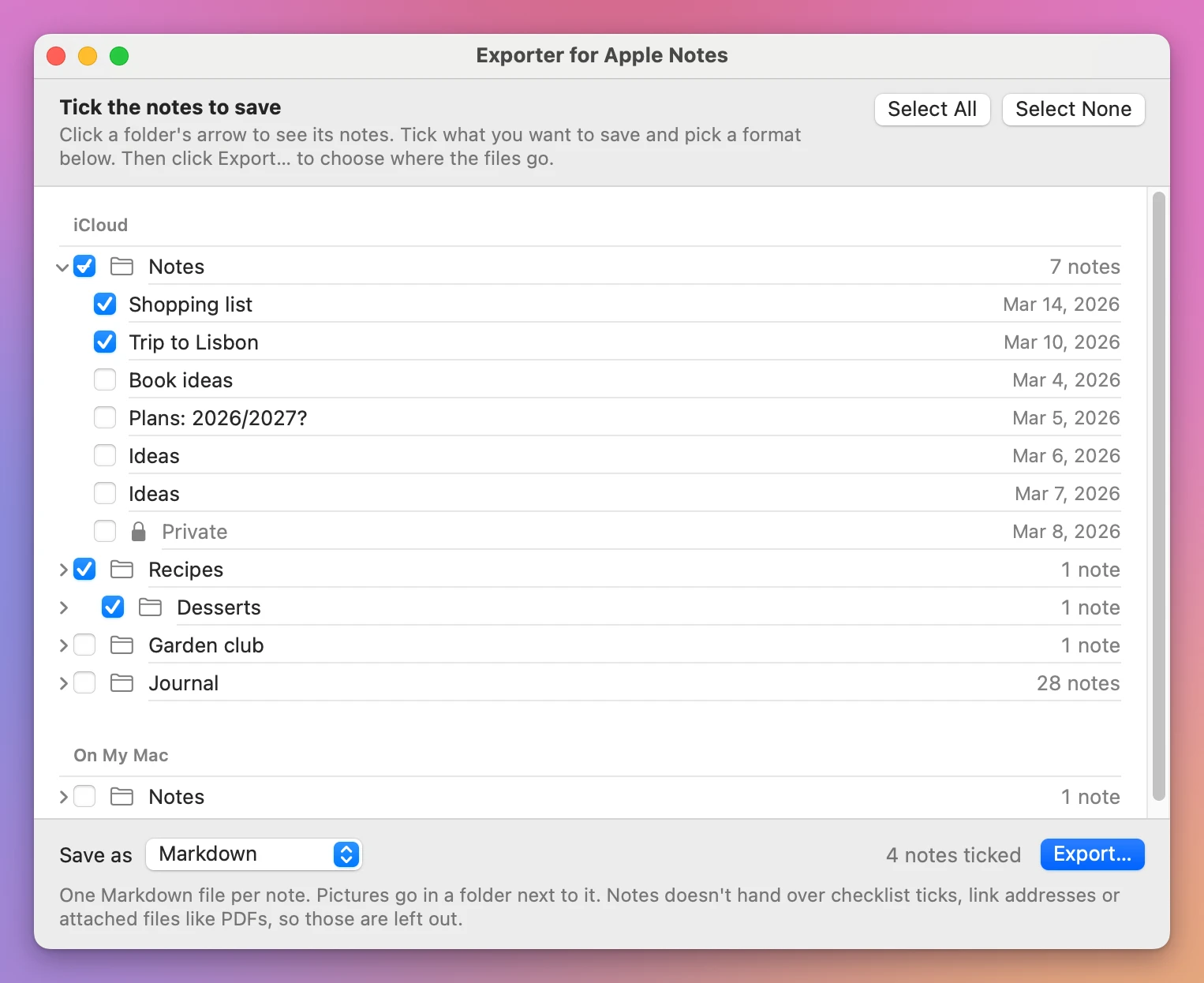
Exporter for Apple Notes is a Mac app that saves your notes as files, all at once. Tick the folders or the notes you want, pick a format, pick a place, and click Export…. You get one file per note, in folders named like your Notes folders, each file named after its note and dated like it.
What it can’t do
The app can only get what Notes hands to other apps, and Notes leaves some things out. Read this before you buy:
- Checklists come out as plain bulleted lists, without their ticks.
- Links keep their text, but not the address they point to.
- Attached files, like a PDF you dragged into a note, aren’t exported.
- Drawings and scanned documents were never tested. They may be left out.
- Locked notes can’t be read by any app. They’re skipped, and the report names each one.
- Notes in iCloud were never tested on real notes: the test Mac had only notes stored On My Mac. The app reads every account Notes shows it, iCloud included, but that hasn’t been tried with real iCloud notes yet.
What does come through: titles, headings, bold, italic, underline, strikethrough, monospaced text, bulleted and numbered lists, tables, and the pictures you pasted into your notes.
Five formats
- PDF: one per note, on A4 or Letter paper, with the note’s title and dates on top, the pictures, the tables, and page numbers.
- Word (.docx): one per note, with the pictures and tables. It opens in Word, Pages and Google Docs.
- Plain text: one text file per note. A text file can’t hold pictures, so they go in a folder next to it, and the text says where each one was.
- Markdown: one
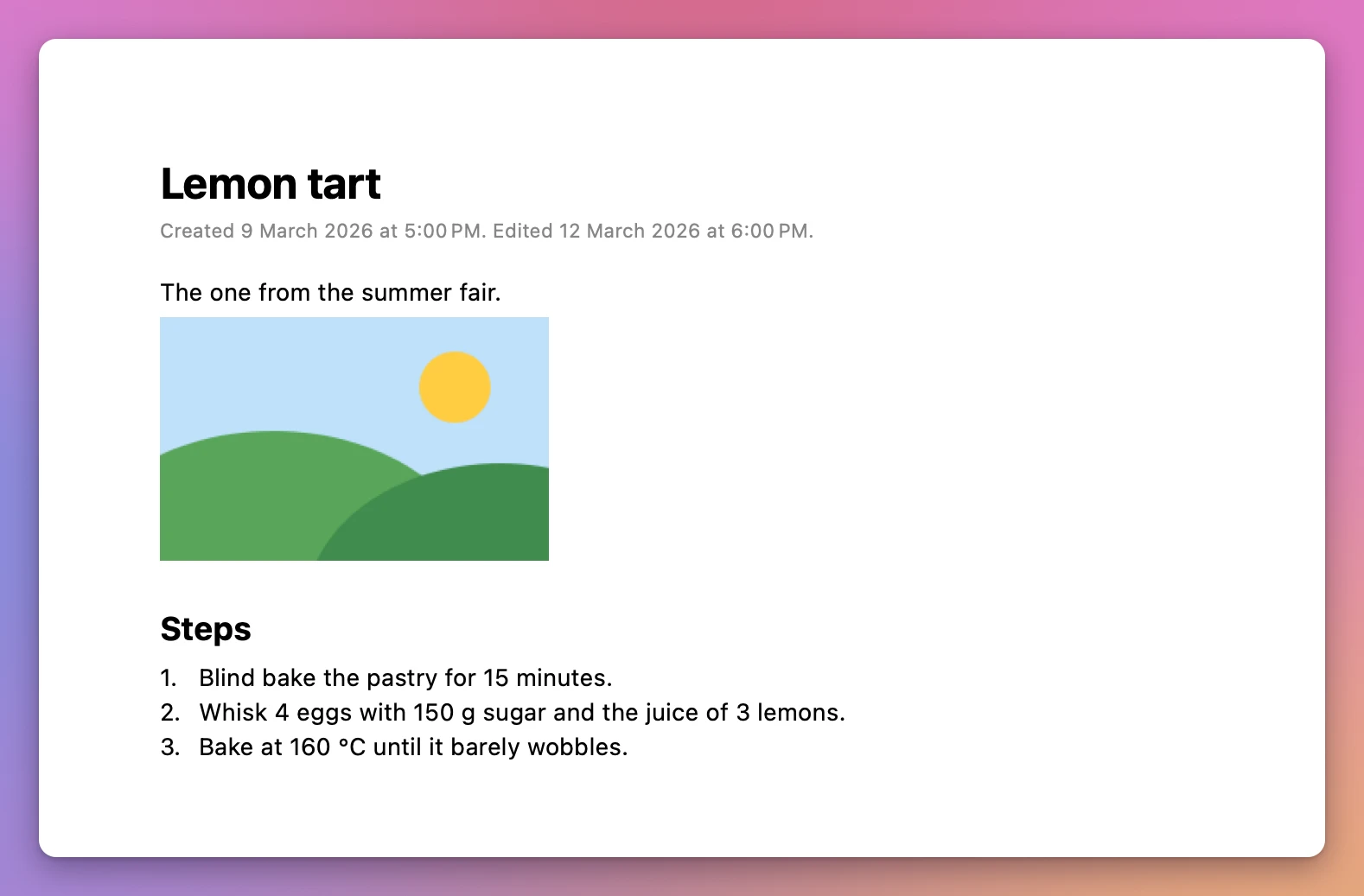
.mdfile per note, for apps like Obsidian or Bear. Pictures go in a folder next to it, and the note shows them. - Web page (.html): one page per note, with the pictures inside, that opens in any browser.
How it works
- Open the app and click Show My Notes. The first time, your Mac asks if the app can control Notes. Click Allow: that’s how it reads your notes.
- Your accounts and folders show up, with the number of notes in each. Every note is ticked, except the ones in Recently Deleted. Untick what you don’t want, or open a folder and pick single notes.
- Pick the format, and the paper for PDF and Word. Click Export… and choose where to save, like your Documents folder.
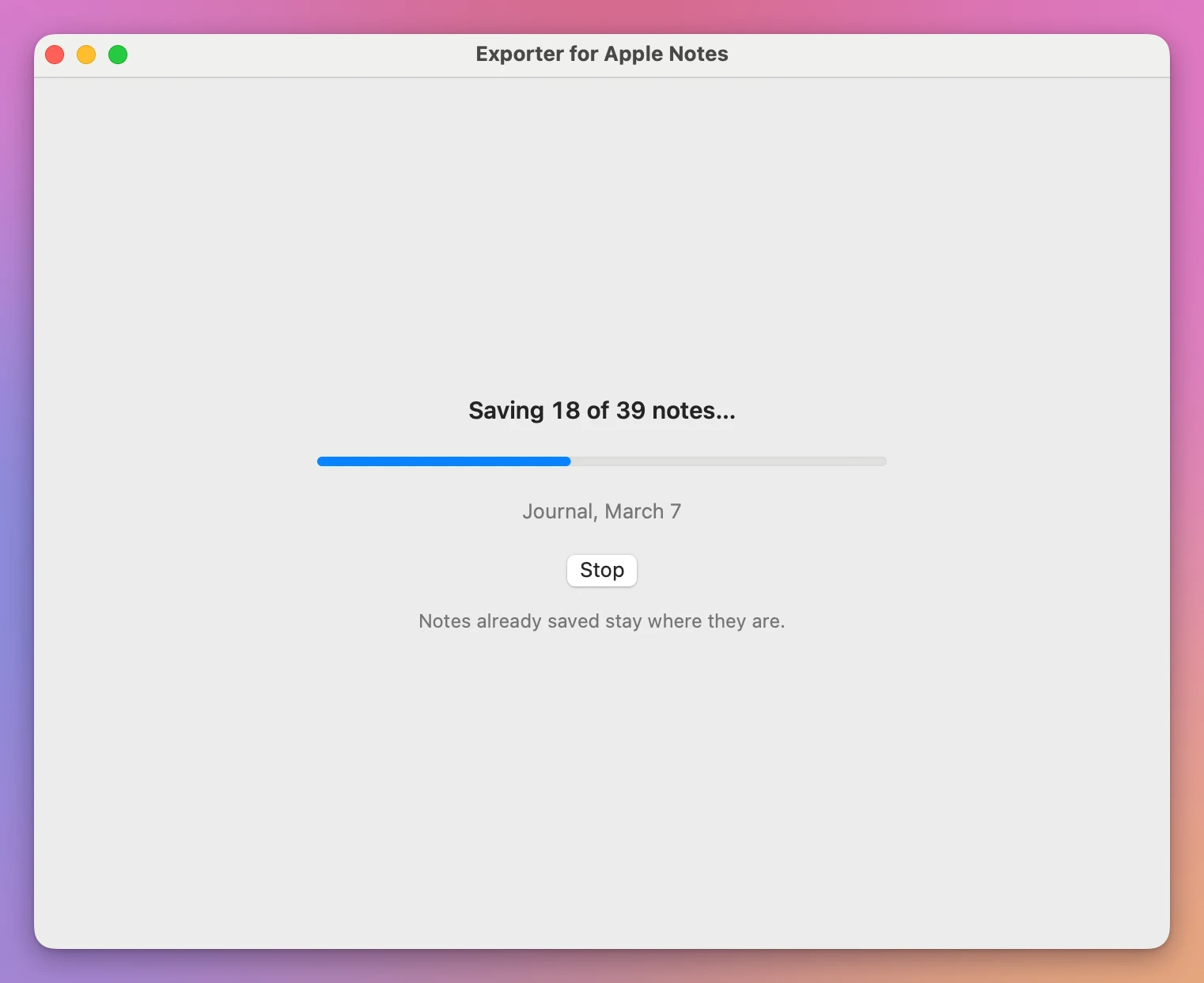
- The app saves the notes one by one. Around five hundred short notes take a few seconds. Stop stops it, and what’s already saved stays.
What you get
- A new folder named “Notes” and the date, like “Notes 2026-11-14”. Nothing that was there is ever replaced. Export again and you get “Notes 2026-11-14 2”.
- Inside it, a folder for each Notes folder, with the same name. If your notes are in more than one account, like iCloud and On My Mac, each account gets its own folder.
- One file per note, named after the note. Two notes called “Ideas” become “Ideas” and “Ideas 2”. Characters some disks refuse, like
/and:, are replaced, so the files work on a USB stick, an SD card and Windows. - Each file has the note’s dates: the day the note was created and the day it was last changed.
- A
notes.csvfile that opens in Numbers or Excel, with every note’s account, folder, title, dates and file, and what happened to it.
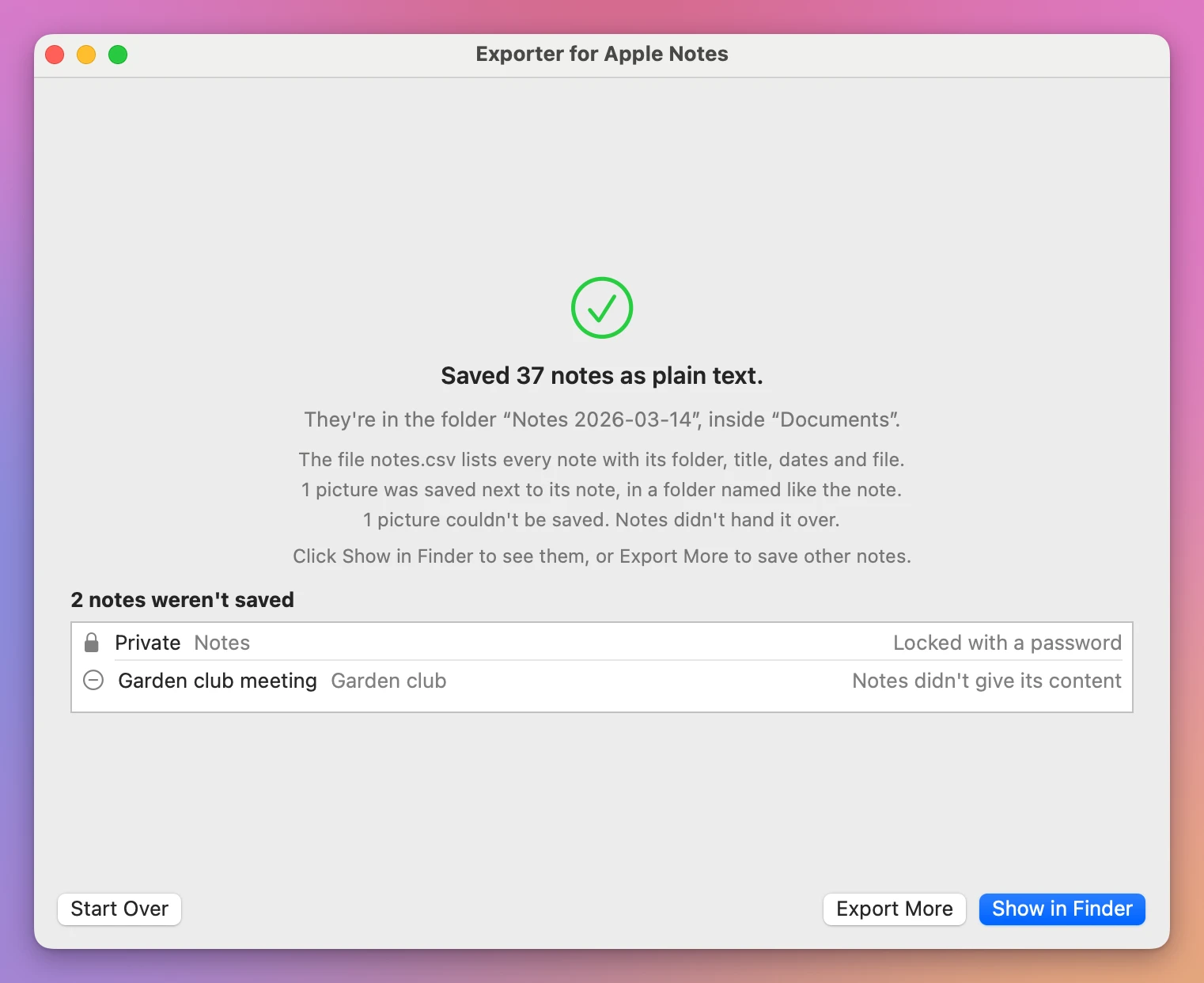
When it’s done, the window tells you how many notes were saved and where, and lists every note that wasn’t saved and why.
By hand, or with Exporter for Apple Notes
| Notes’ own Export as PDF | Exporter for Apple Notes | |
|---|---|---|
| How many notes at once | One | All of them, or the ones you tick |
| Formats | PDF, Word, plain text, Markdown, web page | |
| Folders | You make them yourself | Named like your Notes folders |
| File dates | The day you exported | The note’s own dates |
| A list of what was saved | No | notes.csv, and a report in the window |
Good to know
Exporter for Apple Notes is my own app. It’s not made by, affiliated with or endorsed by Apple.
Everything stays on your Mac. The app only reads your notes, after you click Show My Notes. It never changes, moves or deletes a note, and it saves files only where you choose.
If you clicked Don’t Allow when your Mac asked, the window shows how to turn it on: System Settings, then Privacy & Security, then Automation, then Notes under Exporter for Apple Notes. Then click Try Again.
While the app reads, Notes opens on its own, which is how the app gets your notes.
Buy Exporter for Apple Notes and get started
Exporter for Apple Notes costs $20 including tax, paid once. There’s no subscription.
After buying, your receipt has the app and a license key. Unzip the app and drag Exporter for Apple Notes to your Applications folder. It runs on macOS 14 Sonoma or later, on Apple silicon and Intel Macs. It’s signed with my Apple Developer ID and checked by Apple, so it opens like any other app you download.
Enter the license key in Exporter for Apple Notes → License… to get updates automatically. A key works on 3 Macs. Once a day, the app checks for a new version, shows what’s new, and installs it with Install and Relaunch. Your receipt always has the latest version, too.