Collect client-selected photos from a filename list on a Mac
By Flavio
Copy a client’s selected files into a new folder on Mac. Use Finder for a short list, or preview a longer list to catch missing names and duplicates before you send it.
Your client sent a list of the filenames they picked. You have the originals in several folders, and you want to send only the files they asked for.
For a short list, select the files in Finder and copy them to a new folder. For a longer list, Client File Collector searches the folders you choose and shows which names match, which are missing, and which belong to more than one file.
How do I copy a short list in Finder?
Make a new folder for the delivery first. Keep it separate from the originals. Then open the folder with the photos and switch to list view with Command–2. Click the Name column so you can scan the filenames in order.
If all the files sit in the same folder, hold Command while you click each name on your list. That keeps the earlier files selected while you add another. Copy them, open your delivery folder, and paste. For files in different folders, repeat the same steps for each folder. Apple’s guide to selecting items in Finder.
The examples here use made-up files on macOS 15. In the sample, the delivery has Cover.txt and Studio portrait.txt. These are small files with names you can read in the screenshots. The same selection works with JPGs or other exported photo files.
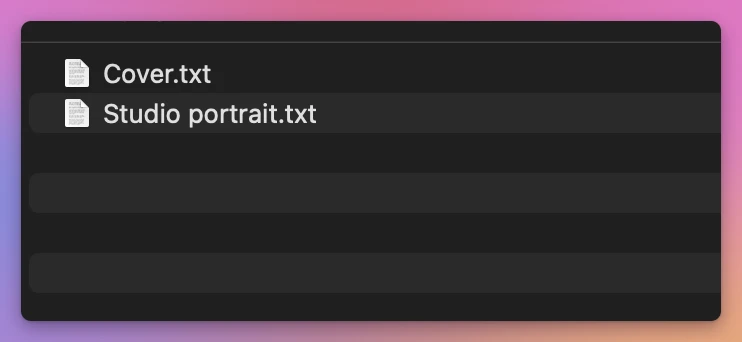
Check off the names you copied as you go. If two folders contain Proof.txt, write down both locations and check which one the client means. The filename alone gives you no way to pick between those two files.
What should I put in the filename list?
Use one filename per line, with the extension if you know it. If the client’s list came by email, copy the names without bullets or numbering. A name like Cover.jpg is more specific than Cover, so keep the extension when several export formats sit together.
A spreadsheet also works if you save a UTF-8 CSV with one column of filenames and no heading row. CSV is the plain text format a spreadsheet can export. A file called Cover, final.jpg needs quotes around the whole name inside the CSV so the comma stays part of the name.
How do I check a whole list at once?
Open Client File Collector and choose Asset folder. Select the folder that contains the originals or their subfolders. Paste the list under Requested filenames, or click Import… to open the text or CSV file. For CSV, turn on Treat the list as one-column CSV.
Choose the destination under Save in, enter a New output folder name, and click Preview. Each request gets a row. In the example, Cover.txt and Studio portrait.txt matched, Proof.txt appeared under both Print and Review, and Detail.txt was missing.
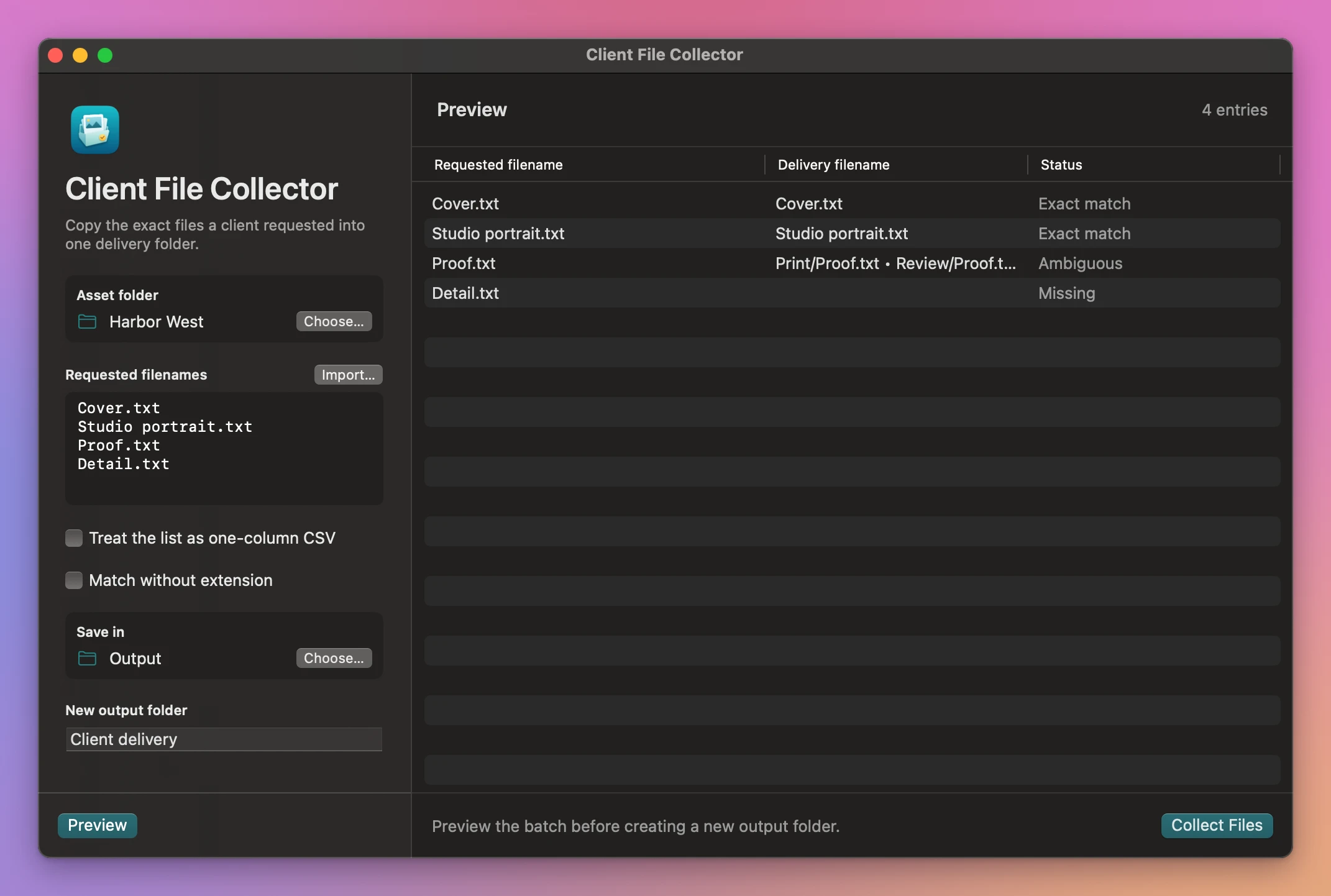
| What the list contains | In Finder | In Client File Collector |
|---|---|---|
| Two known names together | Select both and copy them | Both rows read Exact match |
Two files named Proof.txt | Check the Print and Review folders | The row reads Ambiguous and shows both paths |
No Detail.txt | Check the remaining source folders | The row reads Missing |
Use Match without extension if the client wrote Cover and the source has a single file with that name before the extension. Leave it off when the list already includes extensions.
What goes in the delivery?
Click Collect Files when you’re ready. In the example, the new folder held the two exact matches and Collection report.csv. The two unresolved names stayed in the report. Use Show in Finder to open the new folder and review it before sending anything.
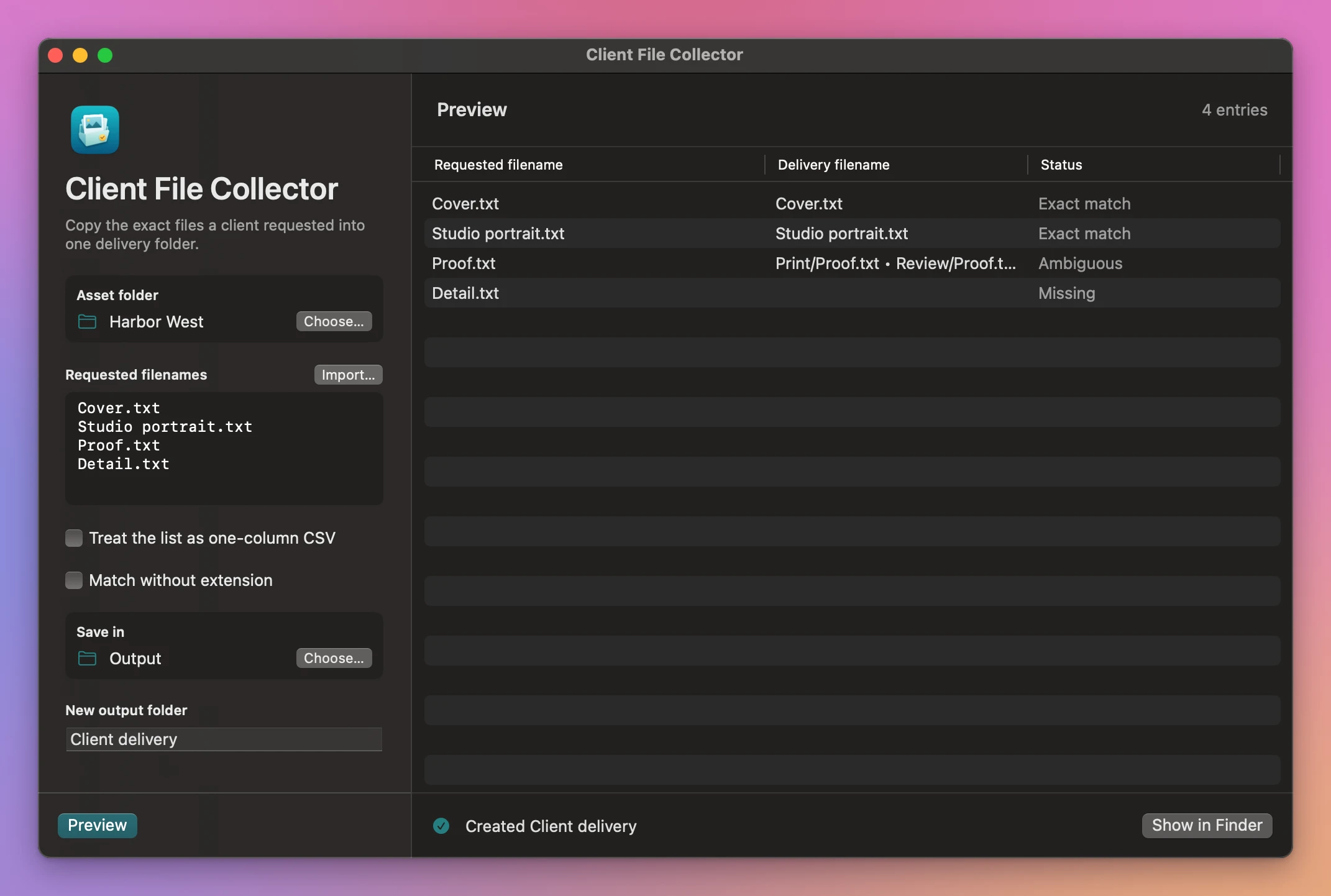
If the client clears up which proof they meant, put that original in a folder where its name is unique or adjust your list and preview again. The app costs $19 plus tax where it applies, paid once.
Get Client File Collector
Collect the photos your client picked from a shoot. Paste their filename list, check missing or ambiguous matches, and copy the selected files into a new folder for editing or delivery.
See Client File Collector → · Read the docs · $19. See the app page for tax details.
Want me to talk about your product? You can sponsor this site.