Sharing Docker Images on Docker Hub
By Flavio Copes
Learn how to share your Docker images on Docker Hub: register an account, sign in with docker login, then publish an image with docker tag and docker push.
An image like the one we created in the Node.js Hello World Docker Container from scratch post is simple, yet it’s a perfect example to try one of the cool features of Docker, provided through Docker Hub, the official hosting service of public and private Docker Images.
Before we can do that, however, we need to register on Docker Hub.
Docker Hub is free in its basic plan which includes unlimited public repos and one private repo. For more than that, there are paid plans.
Once you register and login, you will see your dashboard:
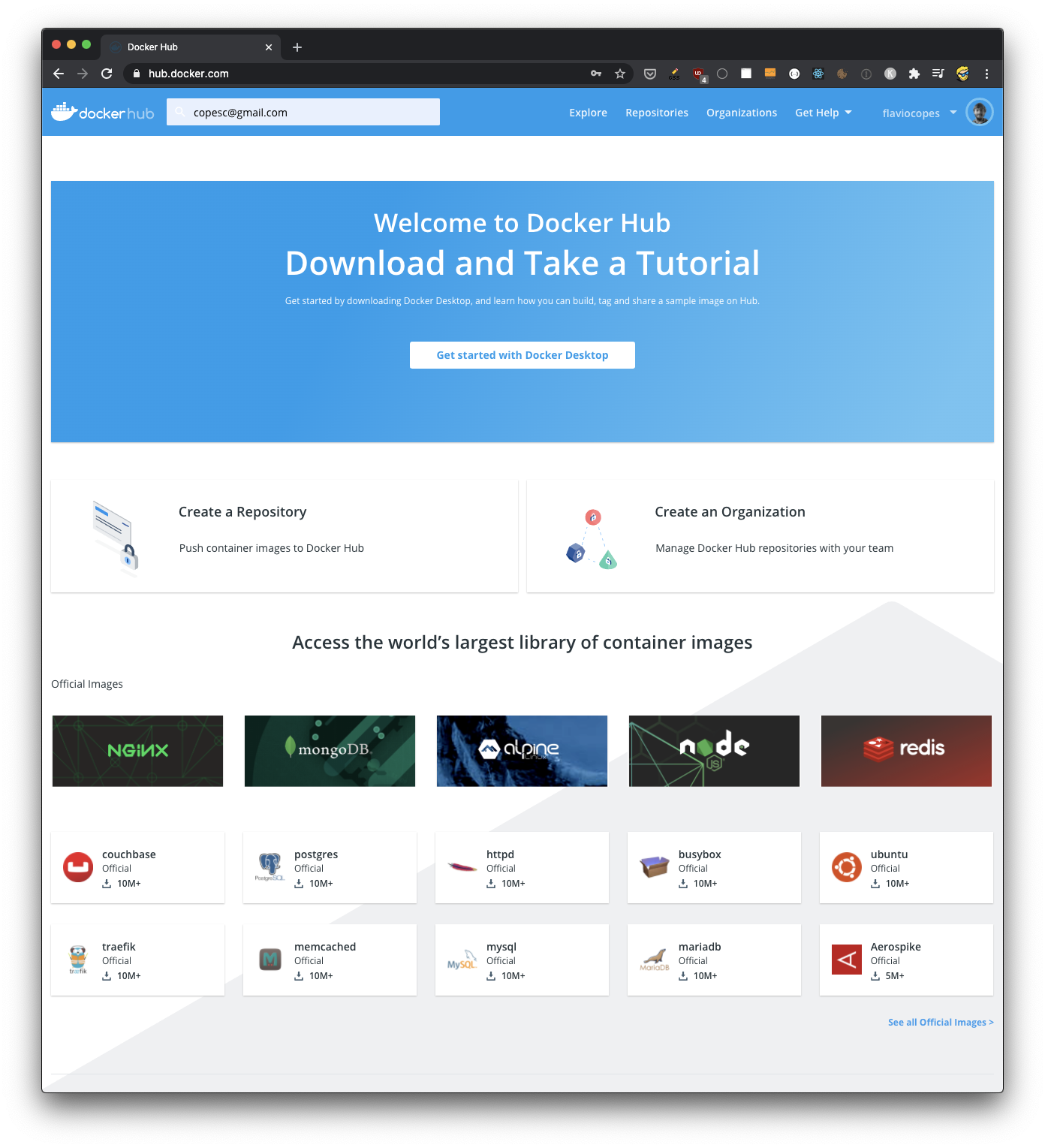
Now using your username, you need to login from the command line using docker login:
docker login --username <username>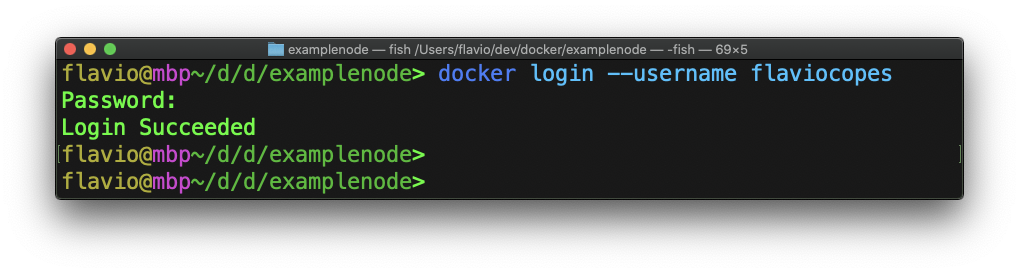
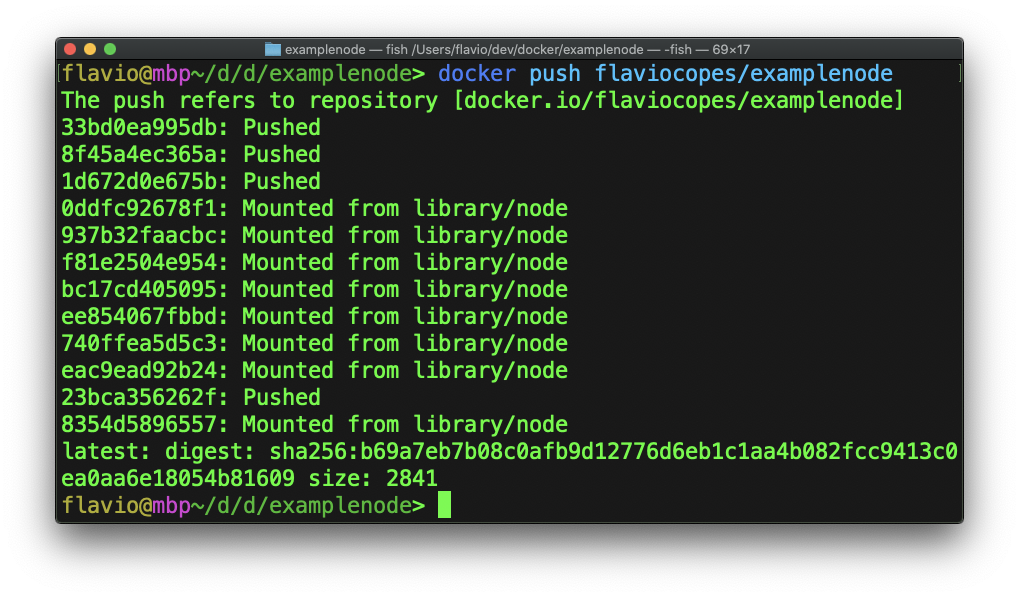
Now you can use docker tag to create the image, and docker push to push it to Docker Hub:
docker tag <image> <username>/<tagname>
docker push <username>/<tagname>
If you forget to login, you will get a
denied: requested access to the resource is deniederror message when you rundocker push.
Now you should see your image on the repositories list in Docker Hub:
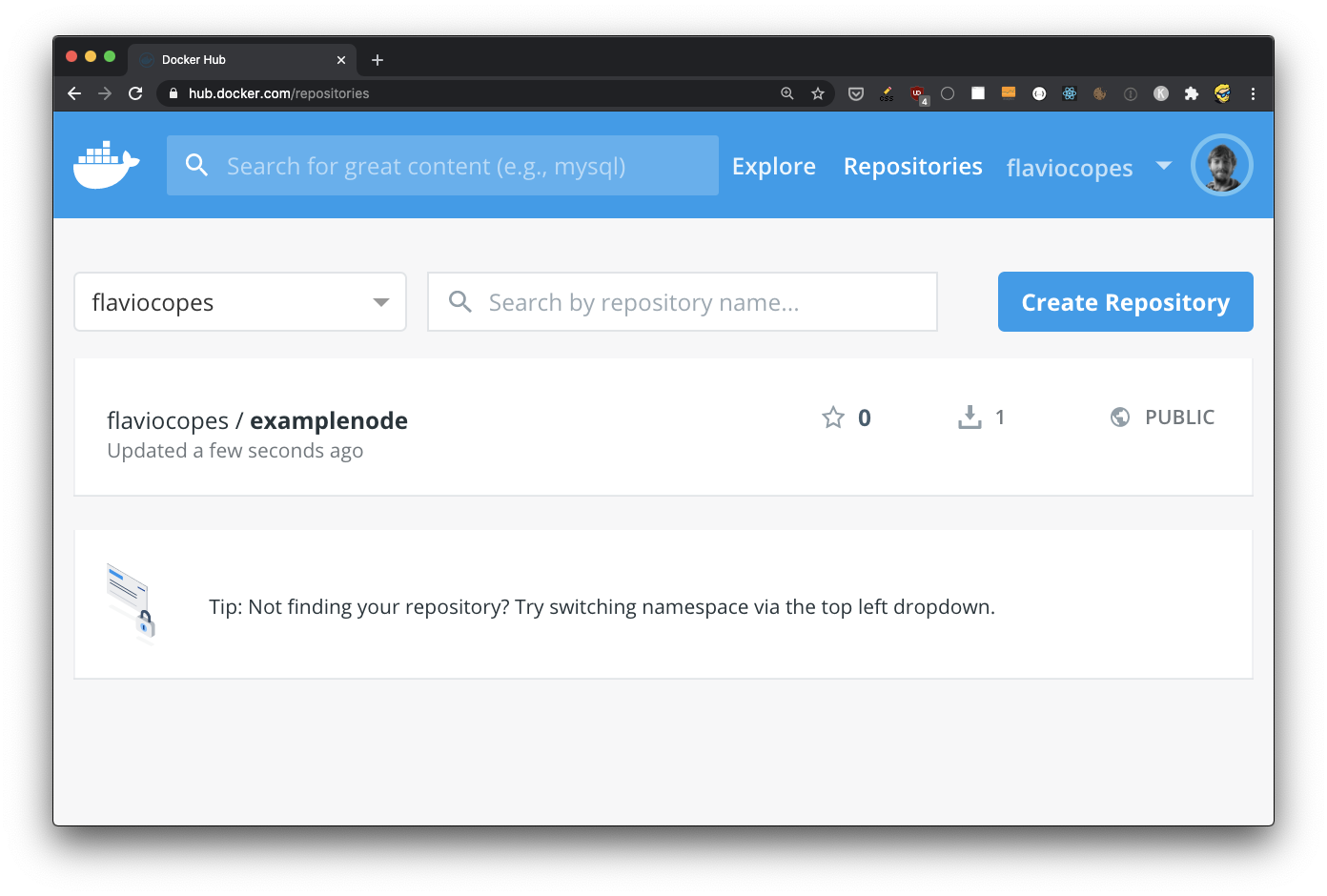
Click on it to reveal more details:
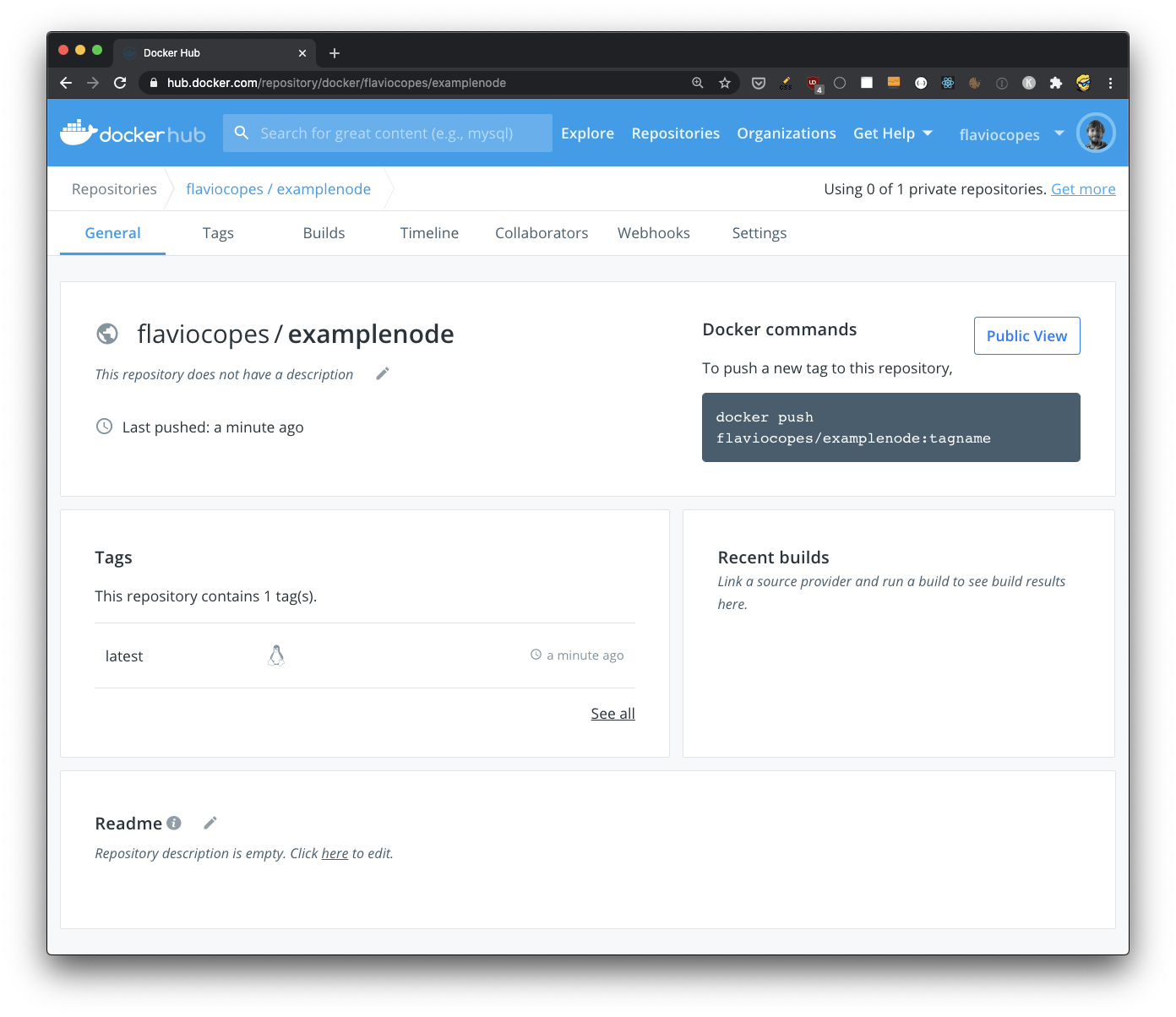
Now since the image is public, everyone can use it to create their own containers, or use it as a base image.
You can now create a new tag, making a new version of the image, and there’s a lot more you can do that I won’t go into now, like:
- automated builds of images from external repositories (like GitHub)
- running automated tests
- setting up webhooks to perform any action when a repository image is updated
- creating organizations and teams within them
Want me to talk about your product? You can sponsor this site.
Related posts about docker: