EmDash: Cloudflare's CMS for Astro, explained
By Flavio
Tagged: Cloudflare
What EmDash is, how it's built, what the admin and the MCP server look like, where it runs and what it costs, and where it falls short of WordPress and Ghost.
On November 4, 2026 Wes Bos asked where to move the last WordPress site he still had on a $600 a year Bluehost account. It was his wife’s site, so it had to keep working exactly like before, plugins included. Two days later he posted the result: 307 posts, 6.7 GB of photos, 4 custom content types, 5 page templates, 15 custom fields and one semi-complicated plugin moved to EmDash, pixel perfect on the front end, with the page speed score up from 52 to 75.
I have a similar problem with a smaller site. My Ghost blog runs in Docker on a VPS, and a VPS is a machine I have to keep patched. Ghost shipped three security fixes in 2026 alone that I had to care about, one of them a stored XSS in the editor fixed in 6.67.0. Tailscale and a locked down VPS reduce the exposure, but the real fix is to stop running a server for a blog.
So I spent a day with EmDash. I scaffolded a project, read everything it generates, drove the public playground at try.emdashcms.com through its admin and its REST API, and read the docs and the source of the parts I care about. This post is what I found.
What EmDash is
EmDash is an open source CMS built on Astro. Cloudflare announced it on April 1, 2026 as a developer beta, with a blog post that called it “the spiritual successor to WordPress”, and shipped 1.0 on September 28, 2026. It’s MIT licensed, the code is at github.com/emdash-cms/emdash, and in November 2026 the repo shows 13.5K stars and nearly 200 external contributors. The two people behind it are Matt Kane, who built Astro’s content layer, and Matt “TK” Taylor.
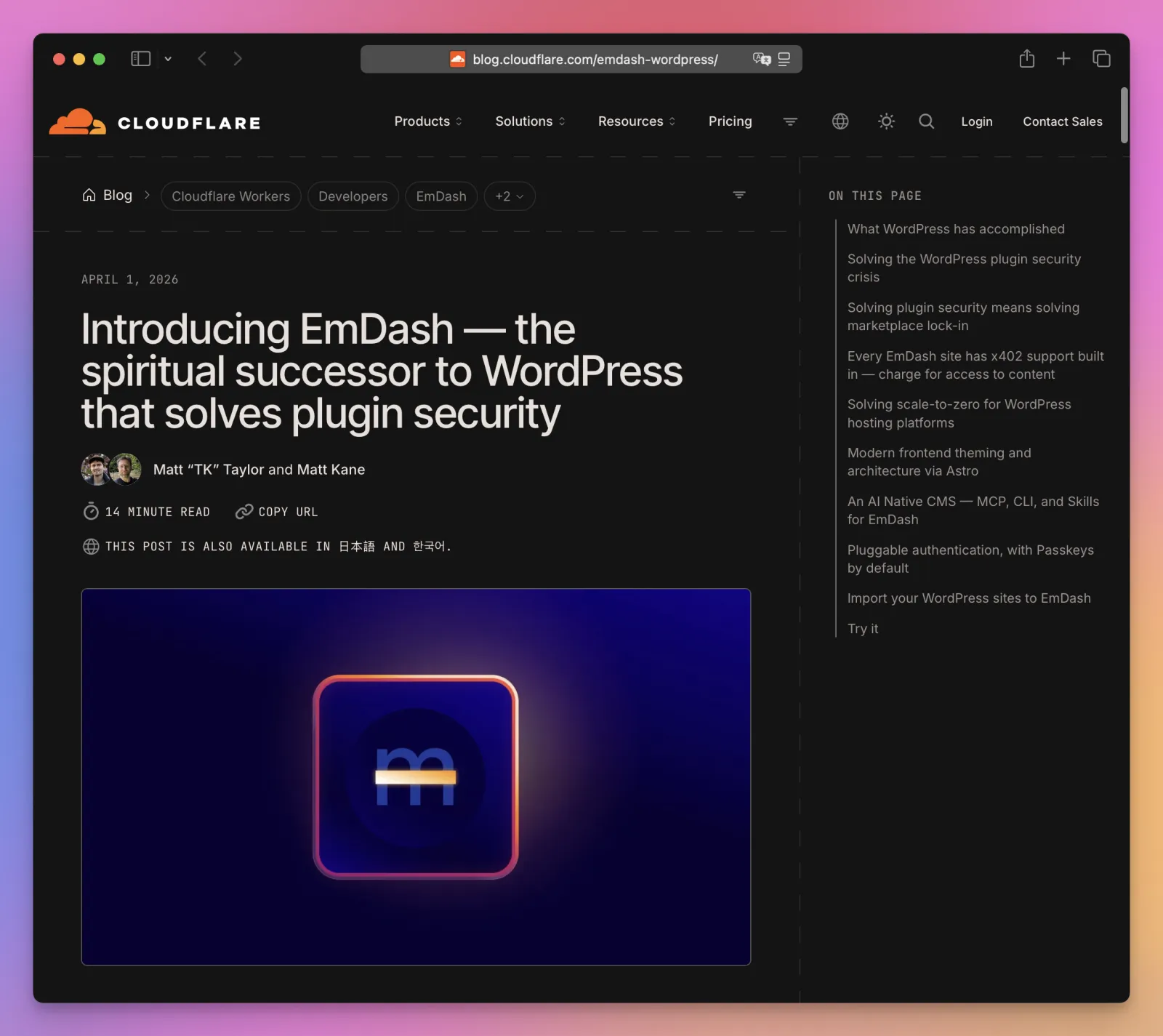
The Cloudflare blog itself moved to EmDash before 1.0, in July 2026, which is the “customer zero” the team points at when someone asks if it holds up under traffic.
The pitch has three parts:
- A WordPress-style admin with posts, pages, media, menus, widgets, comments, redirects, taxonomies and a visual schema builder, running inside your Astro site.
- Plugins that can’t take over your site. Each plugin runs in a sandbox with capabilities it declares up front. Cloudflare’s post cites a Patchstack number that 96% of WordPress security issues come from plugins.
- An agent interface that’s the same as the human one. Every site exposes an MCP server, a REST API and a CLI with the same permissions as a team member.
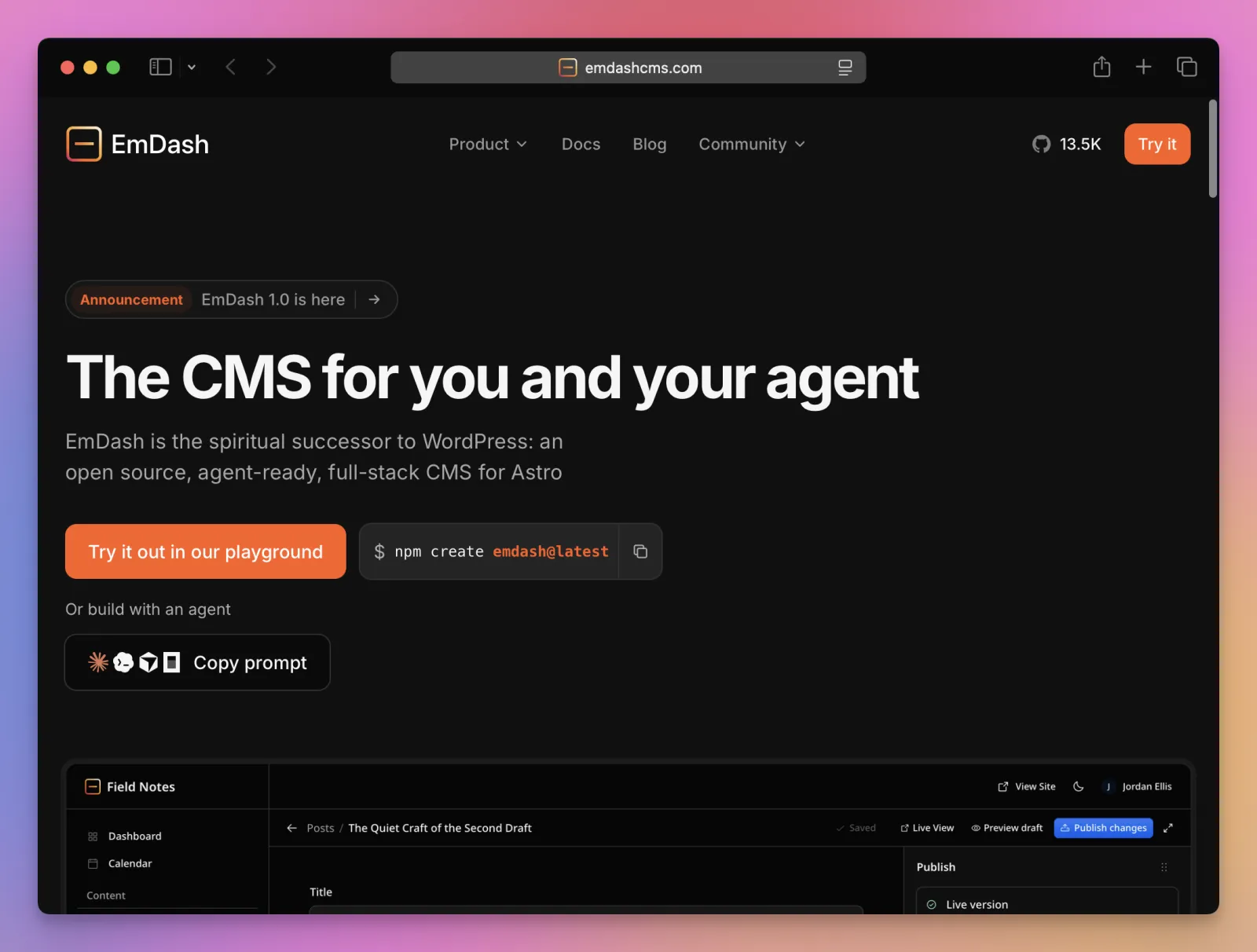
The tagline on emdashcms.com is “The CMS for you and your agent”. The FAQ on the same page is careful to say it works fine without any AI.
How it’s put together
EmDash is an Astro integration, not a separate backend. You add emdash() to astro.config.mjs, set output: "server", and the integration mounts the admin at /_emdash/admin, the API at /_emdash/api, and a live content collection your pages query at request time.
The parts under the runtime are adapters, and each one has a Cloudflare version and a portable version:
| Concern | On Cloudflare Workers | Anywhere Node.js runs |
|---|---|---|
| Database | D1 | SQLite, libSQL/Turso, PostgreSQL |
| Media | R2 | Local files, S3 or any S3-compatible bucket |
| Sessions | KV | File based or Redis |
| Scheduled publishing | Cron Trigger | A scheduler inside the Node process |
| Plugin sandbox | Dynamic Workers | A workerd child process |
Rich text is stored as Portable Text, a JSON array of typed blocks, not as HTML. The editor is TipTap in the admin, and the public site renders the blocks with a <PortableText /> component. This is the single biggest difference from Ghost and WordPress when you migrate, so I’ll come back to it.
Authentication is passkeys first, with magic links, GitHub, Google and Microsoft login as alternatives, and Cloudflare Access for teams. There’s no password anywhere in the default setup.
Setting up a project
The scaffolder takes a template and a target. I used the blog template with the Node target, non-interactive:
npm create emdash@latest -- demo-blog --template node:blog --yesIt wrote an EMDASH_ENCRYPTION_KEY to .env, installed 633 packages in 35 seconds, and left this project:
AGENTS.md
README.md
astro.config.mjs
emdash-env.d.ts
seed/seed.json
src/components
src/layouts
src/live.config.ts
src/pages
.agents/skills/building-emdash-site
.agents/skills/creating-plugins
.agents/skills/emdash-cli
.mcp.json
The whole configuration is one file. The blog template on Node uses SQLite and a local uploads folder:
import node from '@astrojs/node'
import react from '@astrojs/react'
import { defineConfig } from 'astro/config'
import emdash, { local } from 'emdash/astro'
import { sqlite } from 'emdash/db'

export default defineConfig({
  output: 'server',
  adapter: node({ mode: 'standalone' }),
  integrations: [
    react(),
    emdash({
      database: sqlite({ url: 'file:./data.db' }),
      storage: local({
        directory: './uploads',
        baseUrl: '/_emdash/api/media/file',
      }),
    }),
  ],
})
react() is there because the admin is a React app. The public site doesn’t need React, and the template’s pages are plain .astro files.
src/live.config.ts registers one live collection for all content types, and the template’s AGENTS.md tells you not to touch it:
import { defineLiveCollection } from 'astro:content'
import { emdashLoader } from 'emdash/runtime'

export const collections = {
  _emdash: defineLiveCollection({ loader: emdashLoader() }),
}
The content model comes from seed/seed.json. It defines collections, fields, taxonomies, menus and widgets, and the runtime applies it once to an empty database. This is the Posts collection from the blog template:
{
  "slug": "posts",
  "label": "Posts",
  "labelSingular": "Post",
  "urlPattern": "/posts/{slug}",
  "supports": ["drafts", "revisions", "preview", "scheduling", "search", "seo"],
  "commentsEnabled": true,
  "fields": [
    { "slug": "title", "label": "Title", "type": "string", "required": true, "searchable": true },
    { "slug": "featured_image", "label": "Featured Image", "type": "image" },
    { "slug": "content", "label": "Content", "type": "portableText", "searchable": true },
    { "slug": "excerpt", "label": "Excerpt", "type": "text" }
  ]
}
After the first boot the model lives in the database, and you change it in the admin. The seed only bootstraps. Changing the seed later does nothing to an existing site, which surprised me until I read the docs.
The three things the scaffolder adds for agents are worth noticing. AGENTS.md describes the project. .agents/skills/ holds three skills (building a site, creating plugins, using the CLI) that Claude Code, Codex and Cursor pick up. And .mcp.json points at https://docs.emdashcms.com/mcp, a docs MCP server, so an agent working on the site can check the current API instead of guessing from training data.
Then npm run dev and http://localhost:4321/_emdash/admin/ opens the setup wizard, which asks for a site title, your email, and a passkey. The first person through the wizard becomes the administrator, which matters on a deployed site: finish setup right after you deploy.
The admin
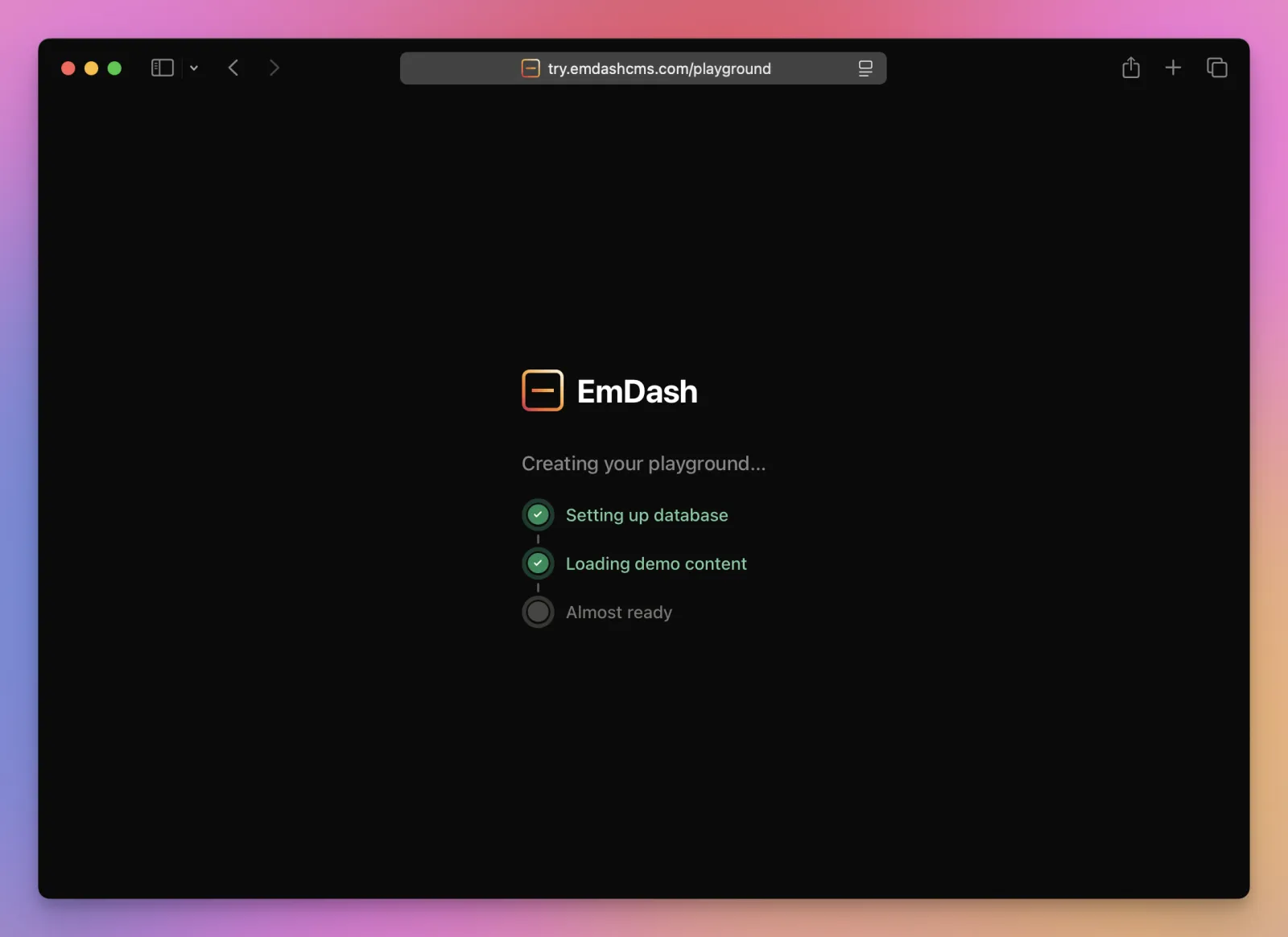
These screenshots are from the public playground, running EmDash 1.4.0. Opening it builds a fresh site with demo content in a few seconds, and the site lasts an hour (a bar at the bottom of the admin counts down):
The dashboard is the usual overview, with content counts and recent activity:
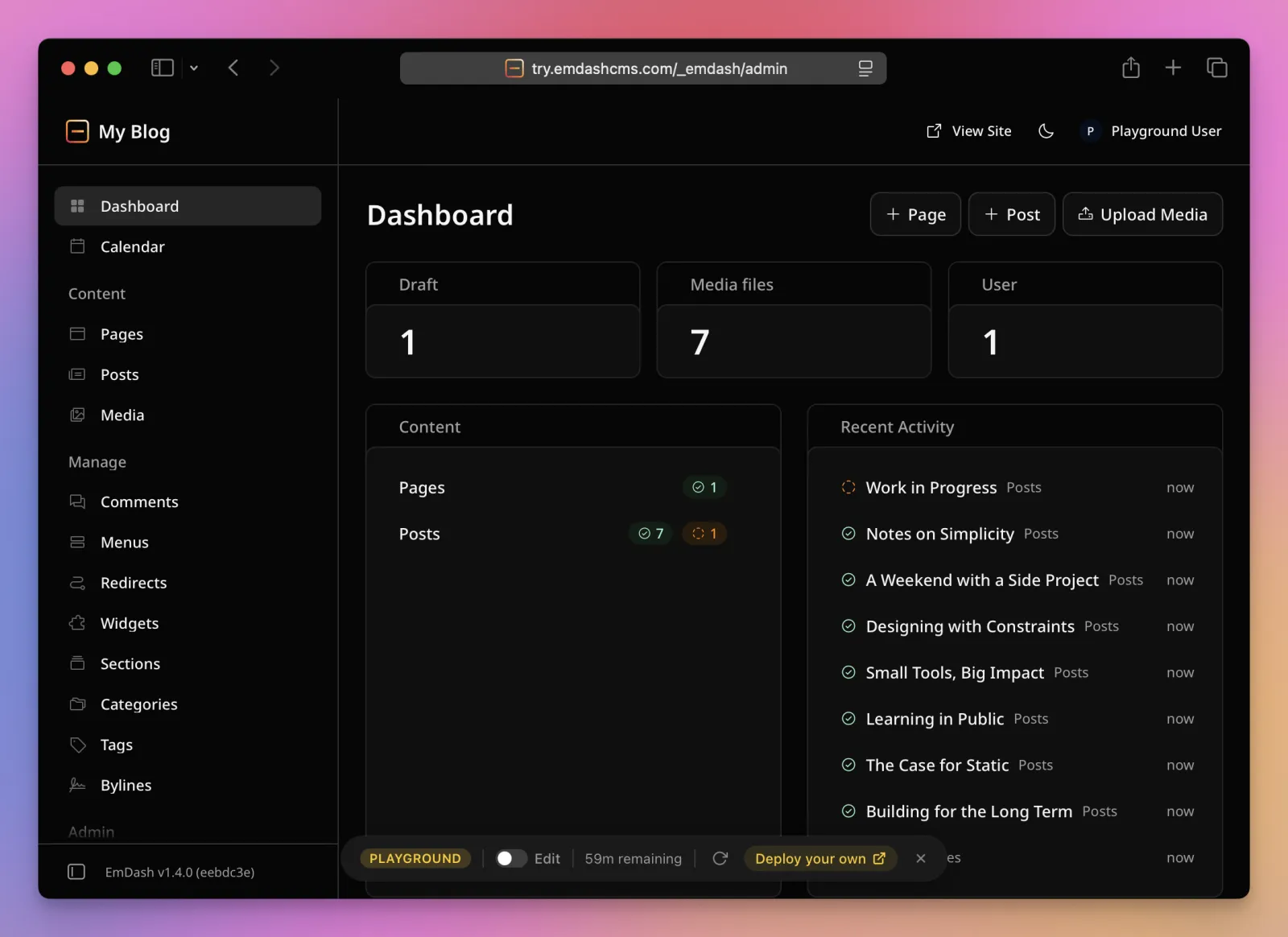
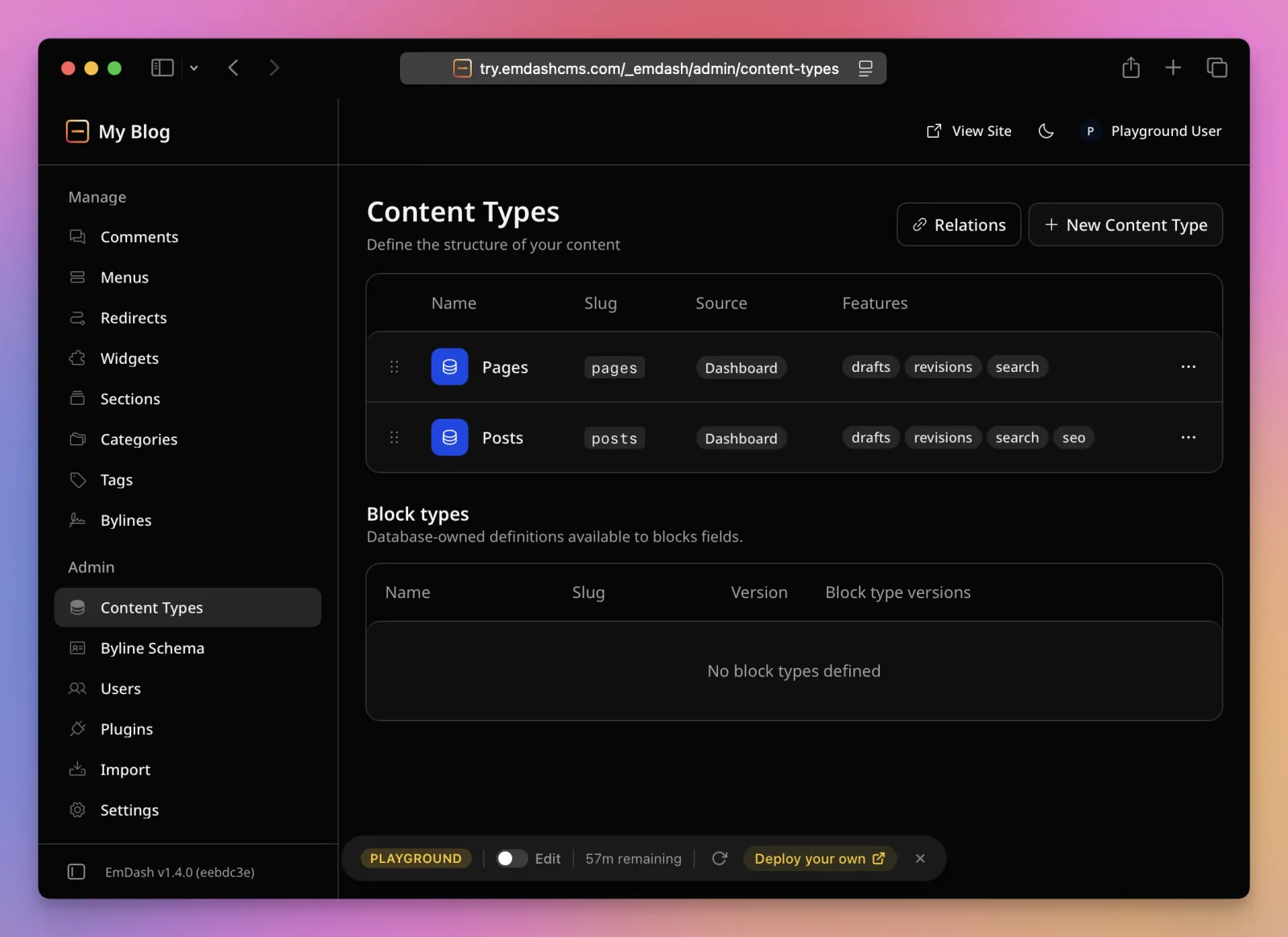
The sidebar on the left is the whole feature list: Pages, Posts, Media, Comments, Menus, Redirects, Widgets, Sections, Categories, Tags, Bylines, Content Types, Byline Schema, Users, Plugins, Import, Settings. If you’ve used WordPress, you know where everything is.
Content Types is the schema builder. Each collection shows its slug, where it came from (the seed or the dashboard) and which features are on:
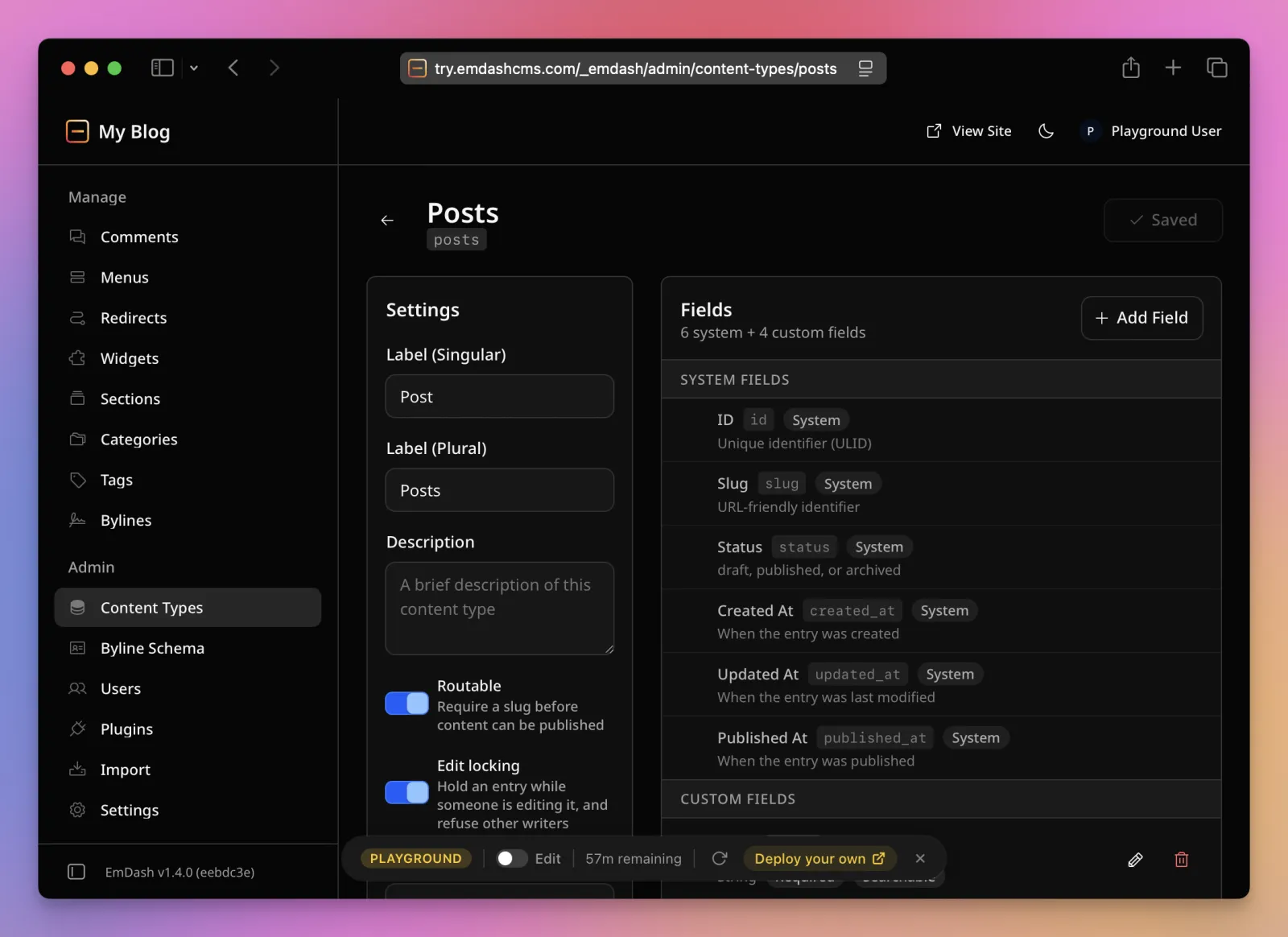
Opening Posts shows the system fields EmDash manages for you (id, slug, status, created, updated and published timestamps) and the custom fields from the seed. Every field is typed, and required and searchable are checkboxes here, not code:
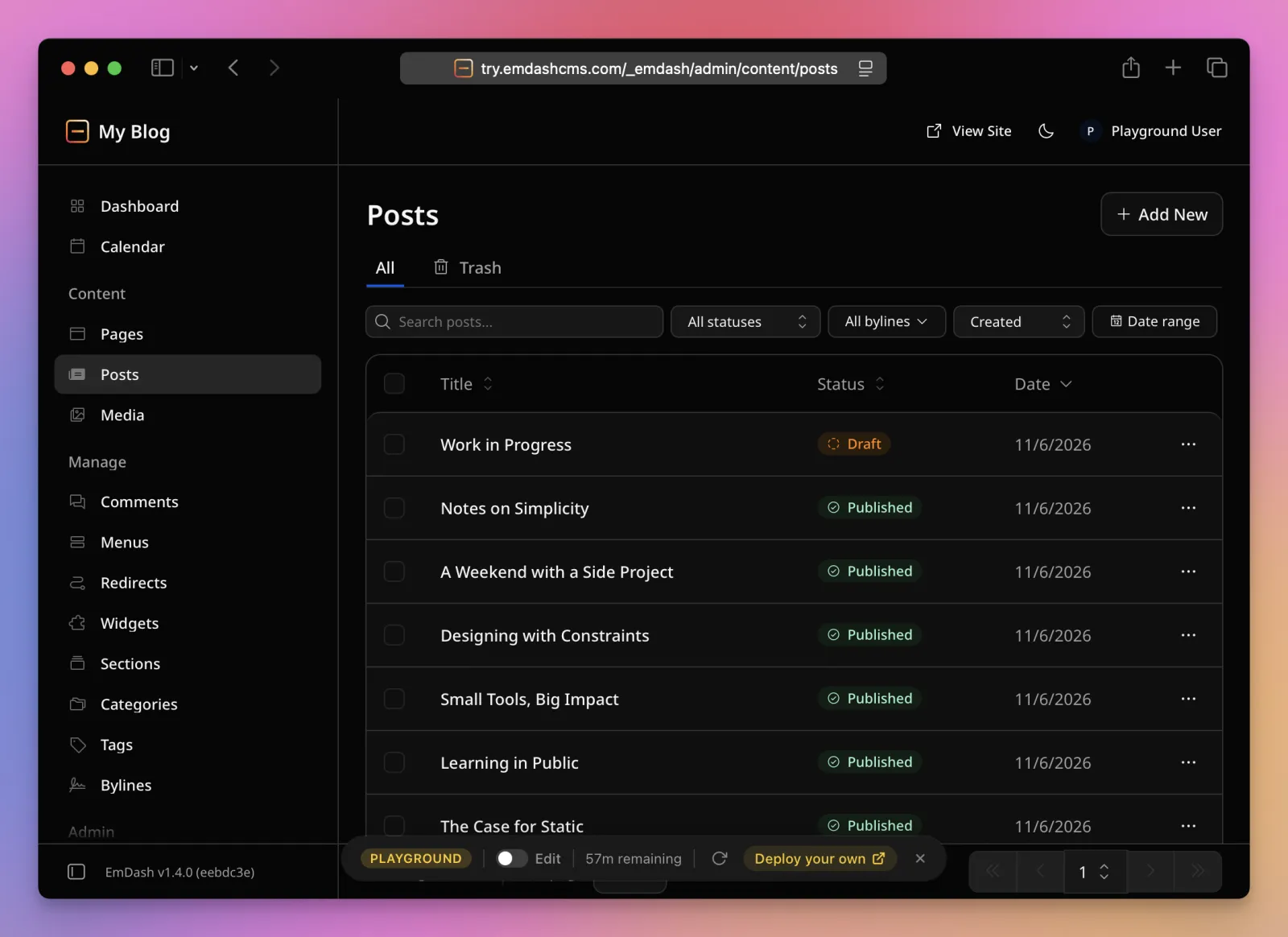
The Posts list filters by status, byline and date, and deleted entries go to a Trash tab:
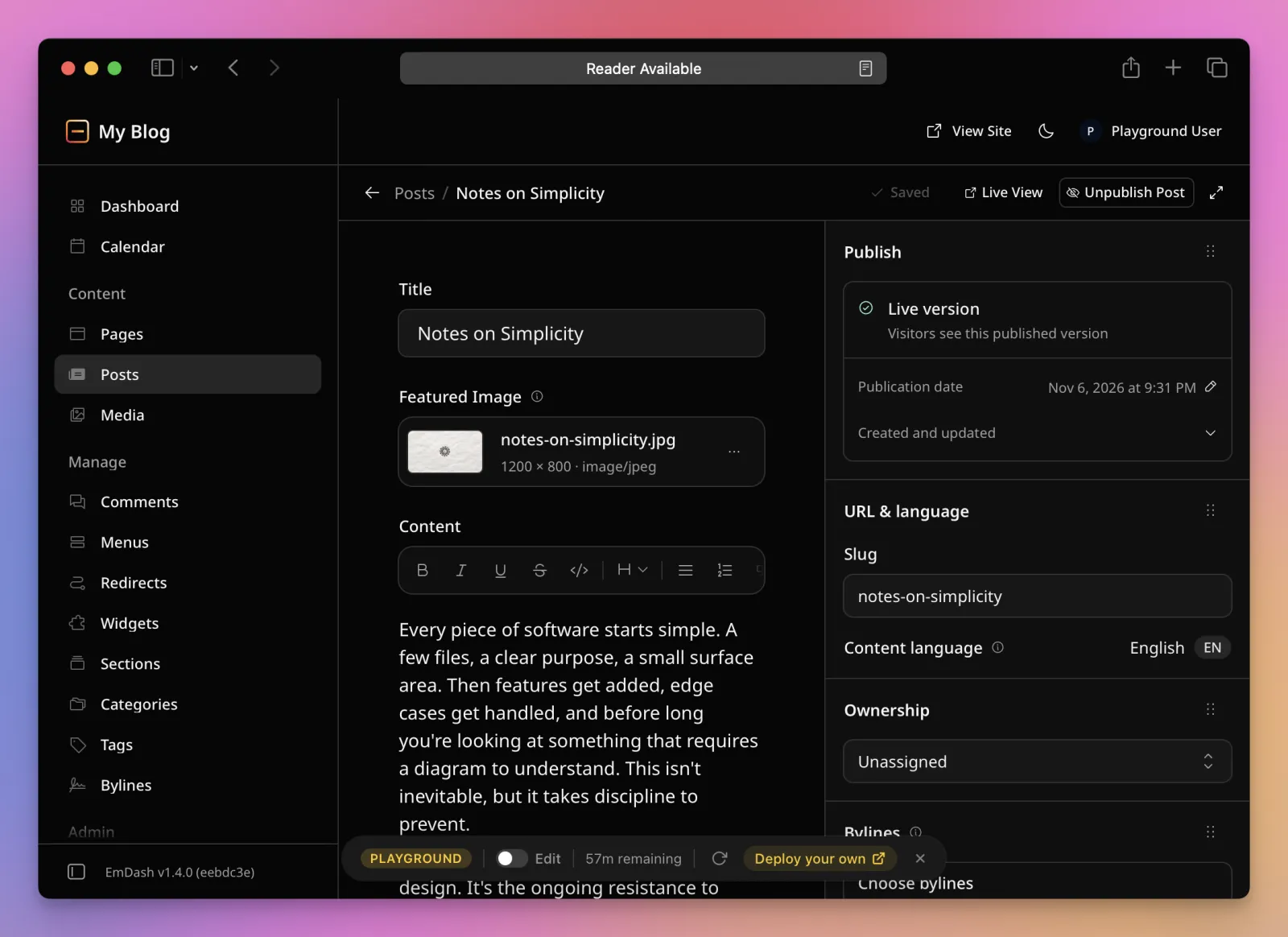
The post editor is a two-column page with the rich text editor on the left and publishing, URL, ownership, bylines and taxonomies on the right:
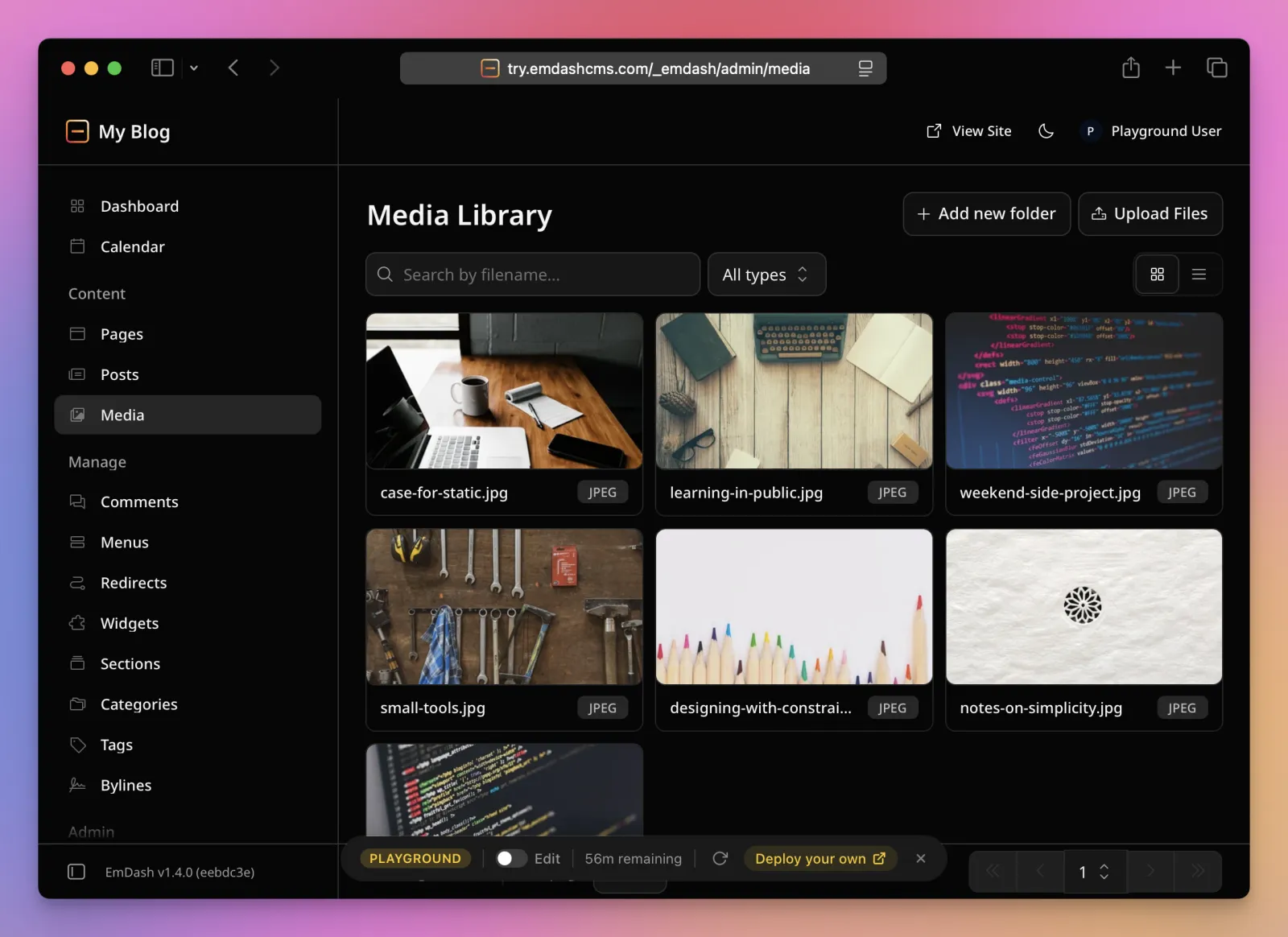
There’s a media library with folders:
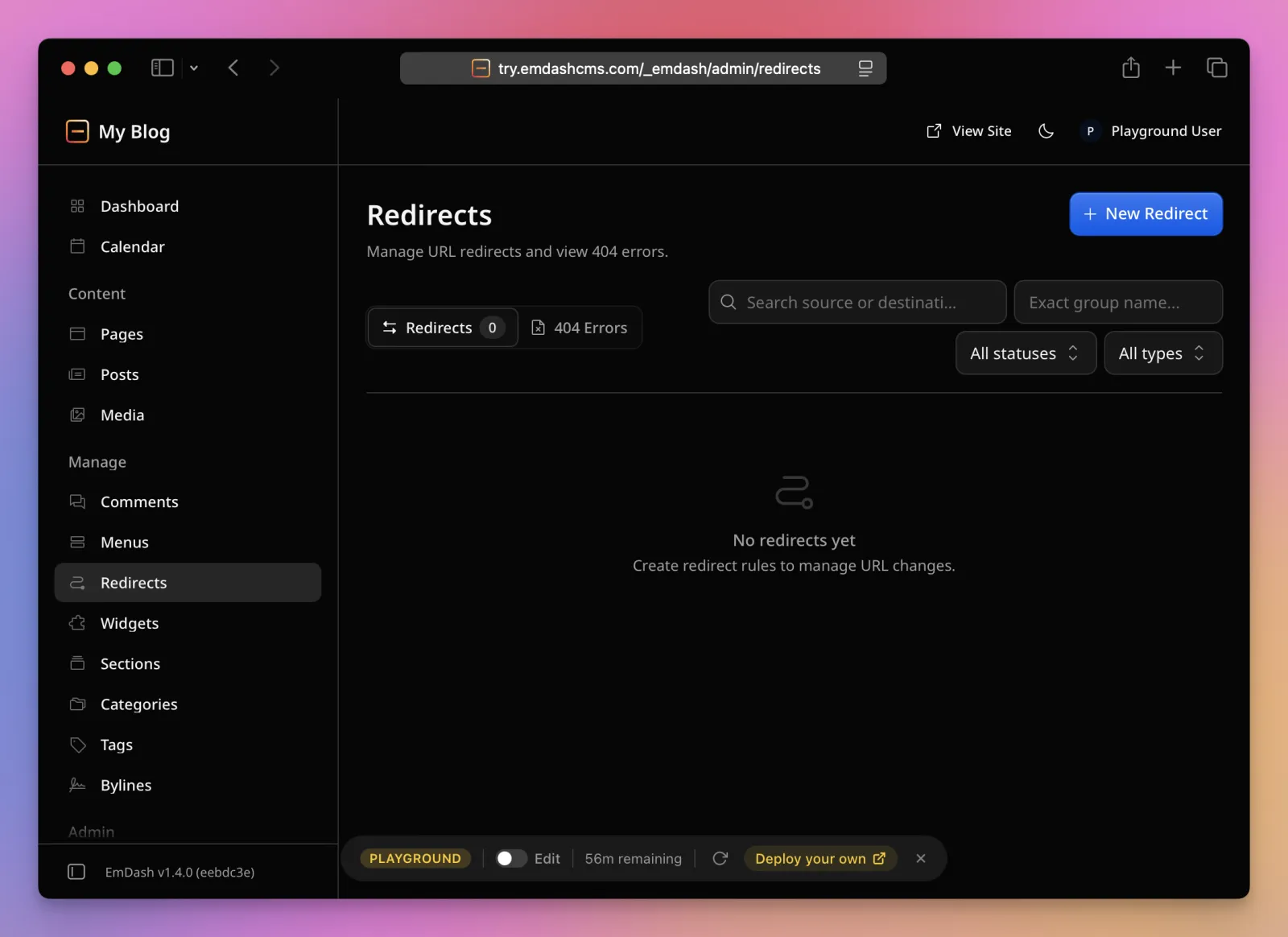
And a Redirects screen that also logs 404s, so you can turn a missed URL into a redirect from the same place. When you change a published entry’s slug, EmDash adds the 301 for you:
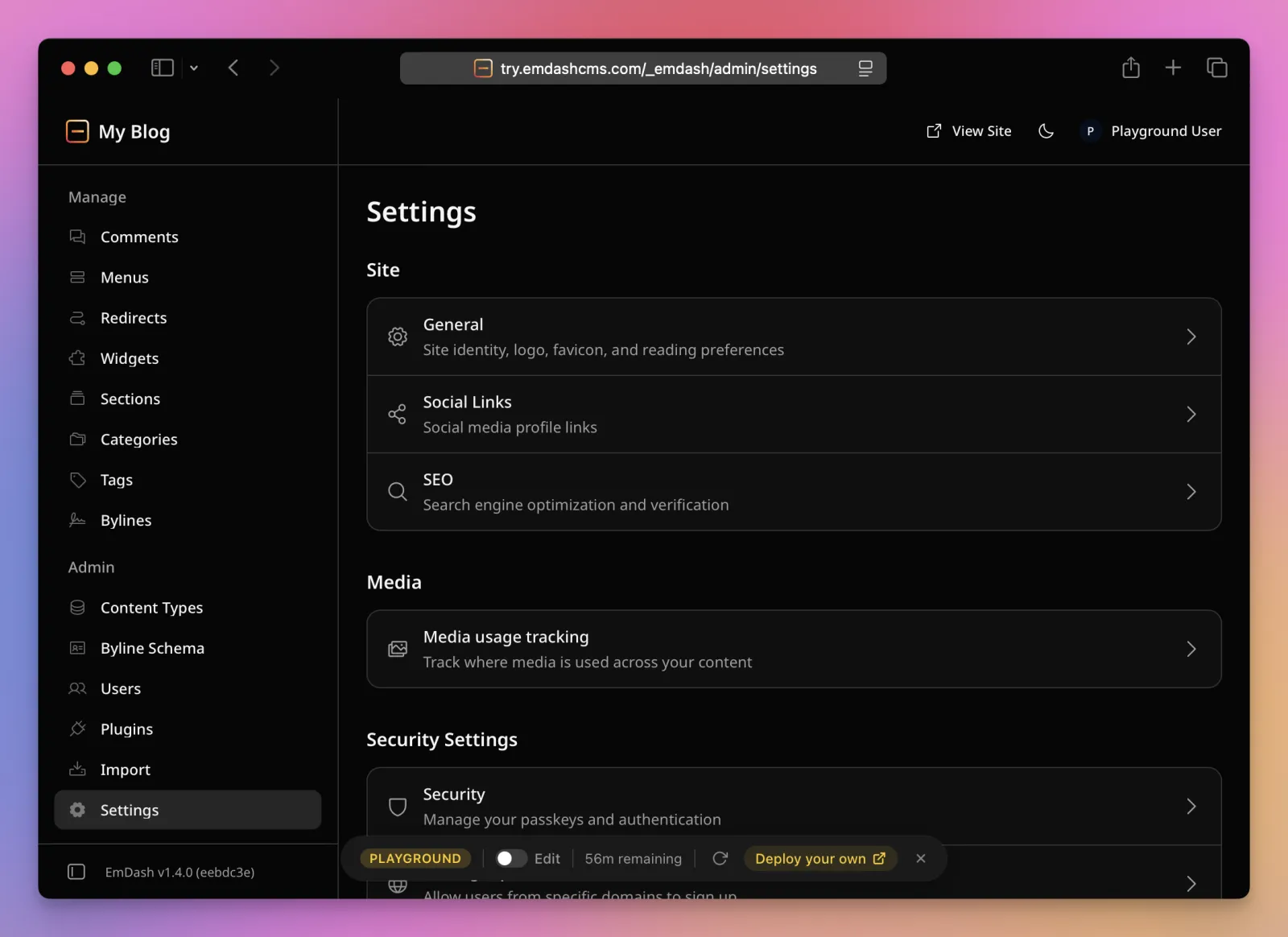
Settings covers site identity, social links, SEO, media usage tracking, passkeys, self-signup domains, API tokens and email:
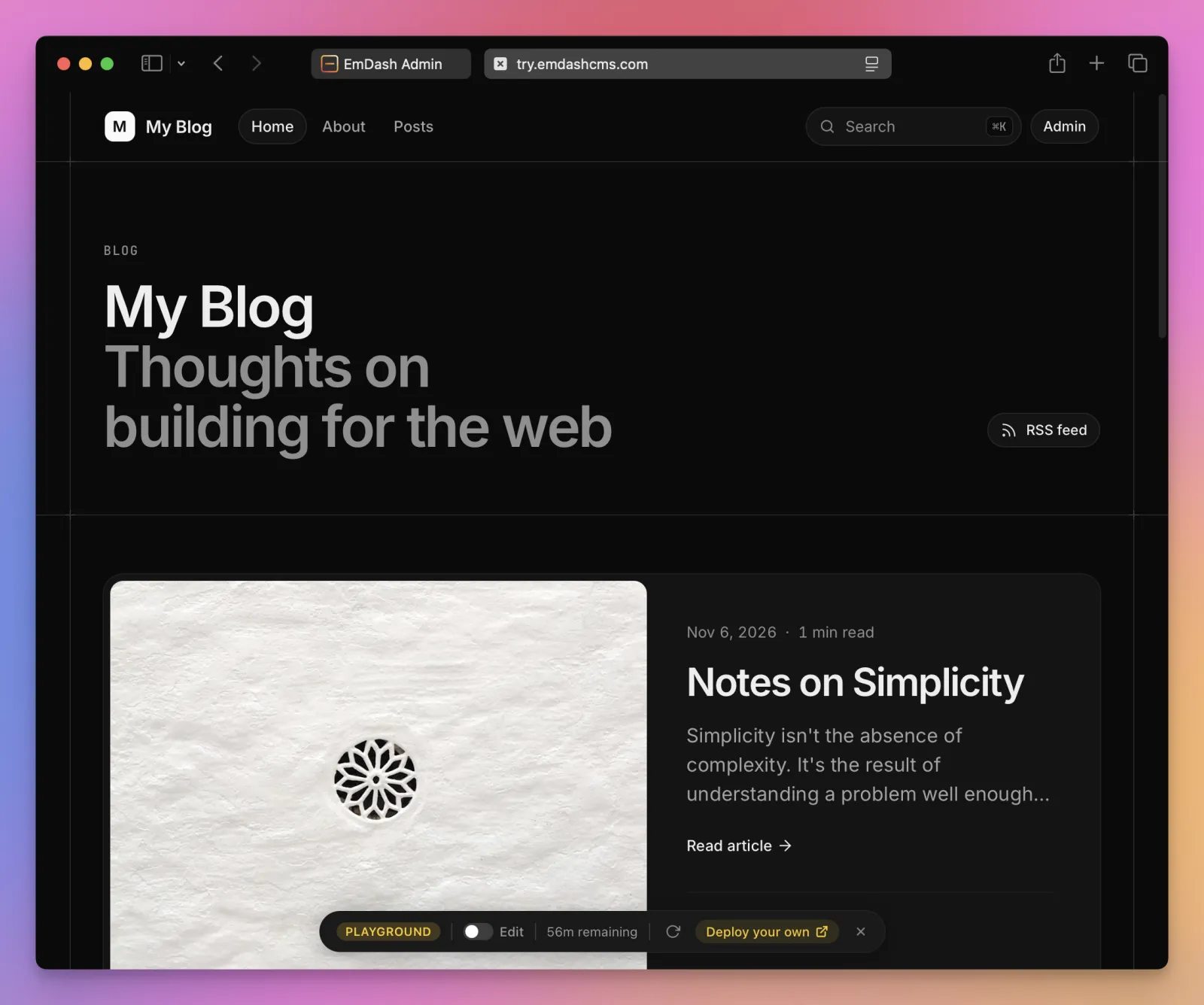
The public side of the playground is the blog template, which is what the scaffolder gives you:
Content, as your pages see it
On the Astro side there are two functions. getEmDashCollection lists entries, with filters, ordering and cursor pagination:
---
import { getEmDashCollection } from 'emdash'

const cursor = Astro.url.searchParams.get('cursor') ?? undefined
const { entries: posts, nextCursor, error } = await getEmDashCollection('posts', {
  limit: 10,
  cursor,
  orderBy: { published_at: 'desc' },
})
if (error) return new Response('Unable to load posts', { status: 500 })
---
<ul>{posts.map(post => <li><a href={`/posts/${post.id}`}>{post.data.title}</a></li>)}</ul>
{nextCursor && <a href={`/posts?cursor=${encodeURIComponent(nextCursor)}`}>Older posts</a>}
getEmDashEntry fetches one, and PortableText and Image from emdash/ui render it:
---
import { decodeSlug, getEmDashEntry } from 'emdash'
import { Image, PortableText } from 'emdash/ui'

const slug = decodeSlug(Astro.params.slug)
const { entry: post, error, cacheHint } = await getEmDashEntry('posts', slug)
if (error) return new Response('Unable to load post', { status: 500 })
if (!post) return Astro.rewrite('/404')
if (Astro.cache?.enabled) Astro.cache.set(cacheHint)
---
<article>
  {post.data.featured_image && <Image image={post.data.featured_image} priority />}
  <h1>{post.data.title}</h1>
  <PortableText value={post.data.content} />
</article>
Notice that post.id is the slug, and the database ID is post.data.id. The template’s AGENTS.md calls this out because agents get it wrong.
The types are generated. During development the integration writes emdash-env.d.ts every time the schema changes, so post.data.title is a string and post.data.featured_image is an image object, and the editor complains when you query a field that doesn’t exist. For a deployed site, npx emdash types fetches the schema and writes the same file.
This is what a stored entry looks like, read from the playground’s API. I cut the content to the first block:
{
  "id": "01M6RRZ5SQ3W7E64QNW34TMCNA",
  "type": "posts",
  "slug": "notes-on-simplicity",
  "status": "published",
  "data": {
    "title": "Notes on Simplicity",
    "featured_image": {
      "provider": "local",
      "id": "01M1A5H7P50MKJJ39ZGZH0K78M",
      "alt": "Geometric pattern carved into white paper",
      "filename": "notes-on-simplicity.jpg",
      "mimeType": "image/jpeg",
      "width": 1200,
      "height": 800
    },
    "content": [
      {
        "_type": "block",
        "style": "normal",
        "children": [{ "_type": "span", "text": "Every piece of software starts simple." }]
      }
    ],
    "excerpt": "Simplicity isn't the absence of complexity."
  },
  "publishedAt": "2026-11-06T15:52:20.023Z",
  "locale": "en",
  "seo": { "title": null, "description": null, "image": null, "canonical": null, "noIndex": false }
}
Headings are blocks with style: "h2", lists are blocks with listItem and level, code is a code block with a language, and images are image blocks with an asset. Anything you have as HTML has to be converted into this. The WordPress importer does it for Gutenberg and classic HTML. For Ghost there’s a community converter.
Agents, MCP, CLI
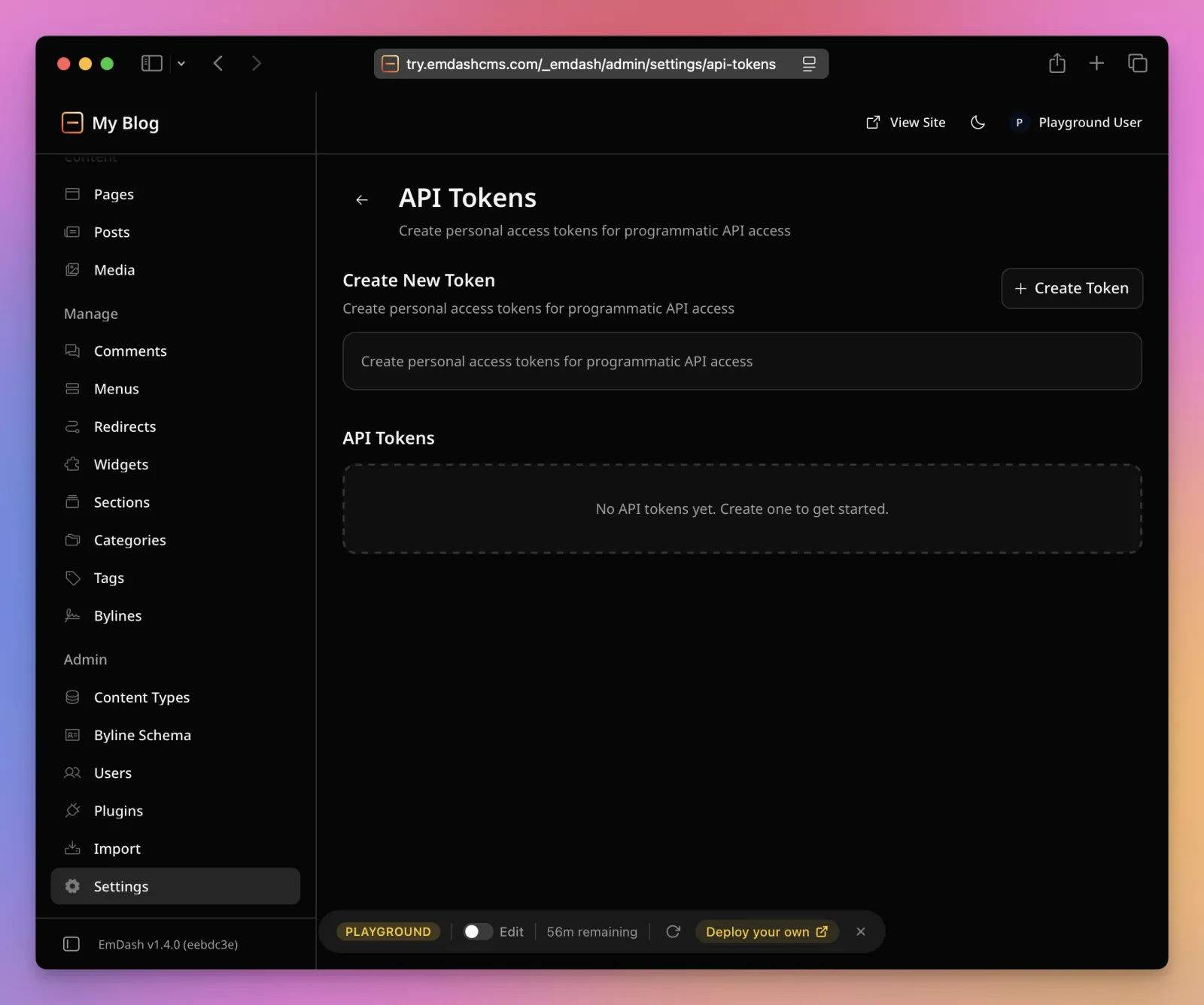
Every EmDash site is an MCP server at /_emdash/api/mcp. It’s on by default, speaks stateless streamable HTTP, and takes a bearer token: either an OAuth flow with PKCE for interactive clients, a device flow for CLIs, or a personal access token you create under Settings → API Tokens. Session cookies don’t work on it on purpose.
The server exposes 72 tools, grouped the way the admin is grouped:
| Group | Tools | What they cover |
|---|---|---|
| Content | 16 | Create, update, publish, schedule, trash, restore, compare, duplicate, translations |
| Schema | 13 | Collections, fields and block types |
| Taxonomies | 10 | Definitions and terms |
| Site transfer | 8 | Export and import whole sites, admin only |
| Media | 7 | Upload, metadata, delete, usage repair |
| Menus | 7 | Menus and their items |
| Bylines | 6 | Author credits |
| Revisions, settings, search | 5 | Restore a revision, read or update settings, search |
A token has scopes, like content:write or media:read, and the user’s role is checked separately, so a scope can never grant more than the user has. The docs recommend clearing every scope the client doesn’t need when you approve the OAuth prompt, and asking the agent for drafts rather than published posts. Both sound like advice written after someone’s agent published something.
Adding it to Codex is two commands:
codex mcp add emdash-site --url https://blog.flaviocopes.com/_emdash/api/mcp
codex mcp login emdash-site
In Claude you add the same URL as a remote connector and approve the scopes in the browser.
The CLI wraps the same API. npx emdash login runs the device flow, then the commands mirror the admin:
npx emdash content list posts --status published
npx emdash content create posts --data '{"title": "Hello"}' --draft
npx emdash media upload ./cover.jpg --alt "The cover"
npx emdash schema add-field posts reading_time --type integer
npx emdash site export --output blog.emdash
On localhost the CLI authenticates automatically, so you can script against a dev server without a token.
I used the REST API directly from the playground, because that’s what a migration script does. Creating a draft, then publishing it with a date in the past, is two calls:
curl -X POST https://try.emdashcms.com/_emdash/api/content/posts \
  -H "Authorization: Bearer $EMDASH_TOKEN" \
  -H "Content-Type: application/json" \
  -d '{"slug": "hello-from-ghost", "status": "draft", "data": {"title": "Hello from Ghost"}}'

curl -X POST https://try.emdashcms.com/_emdash/api/content/posts/01M6RS34H769EAF3PKEDJEF8S1/publish \
  -H "Authorization: Bearer $EMDASH_TOKEN" \
  -H "Content-Type: application/json" \
  -d '{"publishedAt": "2021-03-15T09:30:00.000Z"}'
The second call answered with the entry as "status": "published" and "publishedAt": "2021-03-15T09:30:00.000Z". Listing posts by publishedAt ascending put it first, ahead of the sample posts dated today, and /posts/hello-from-ghost returned 200. Backdating needs the content:publish_any permission, which an admin token has. This is the one API detail that makes a migration keep its archive in order.
Plugins and the sandbox
This is the part Cloudflare leads with. A WordPress plugin is PHP with the same access to the database and filesystem as WordPress itself. An EmDash plugin declares what it needs in a manifest, and runs where it can’t get anything else:
export default definePlugin({
  id: 'notify-on-publish',
  capabilities: ['read:content', 'email:send'],
  hooks: {
    'content:afterSave': async ({ entry }, ctx) => {
      if (entry.status === 'published') await ctx.email.send({ ... })
    },
  },
})
On Cloudflare each plugin is a Dynamic Worker, loaded through a Worker Loader binding. On Node it runs inside a workerd child process, which is the same open source runtime Workers use (I wrote about workerd separately). The limits are fixed:
| Limit | Value | Enforced on Cloudflare | Enforced on Node |
|---|---|---|---|
| CPU time per call | 50 ms | yes | no |
| Subrequests per call | 10 | yes | no |
| Memory | 128 MB | yes | no |
| Wall time per call | 30 s | yes | yes |
A plugin can’t read environment variables, the filesystem, another plugin’s storage, or any host it didn’t name. When a hook times out, EmDash logs it and finishes the request without that plugin. When the sandbox runner is missing, sandboxed plugins don’t load and the rest of the site keeps working.
Two things cost you here. Dynamic Workers need the Workers Paid plan, $5 a month, and the Cloudflare templates ship with the loader binding commented out so a new site deploys on the free plan. And plugins come in two formats: sandboxed ones, which can only draw admin UI through a JSON schema called Block Kit, and native ones, which run in-process with full access and can ship React admin pages and Astro components. The Ghost importer I’ll use is a native plugin, because it has to register itself into EmDash’s import pipeline.
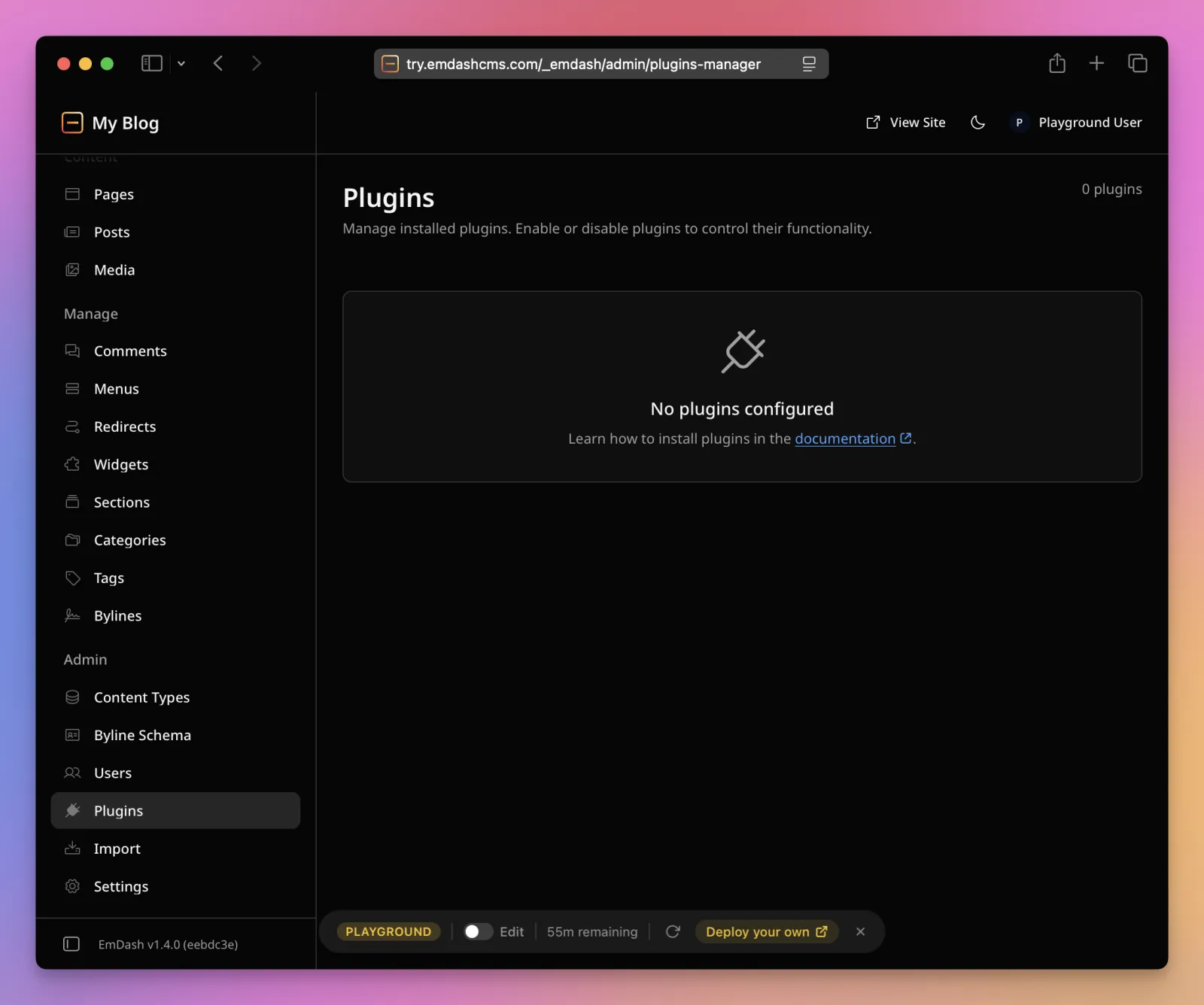
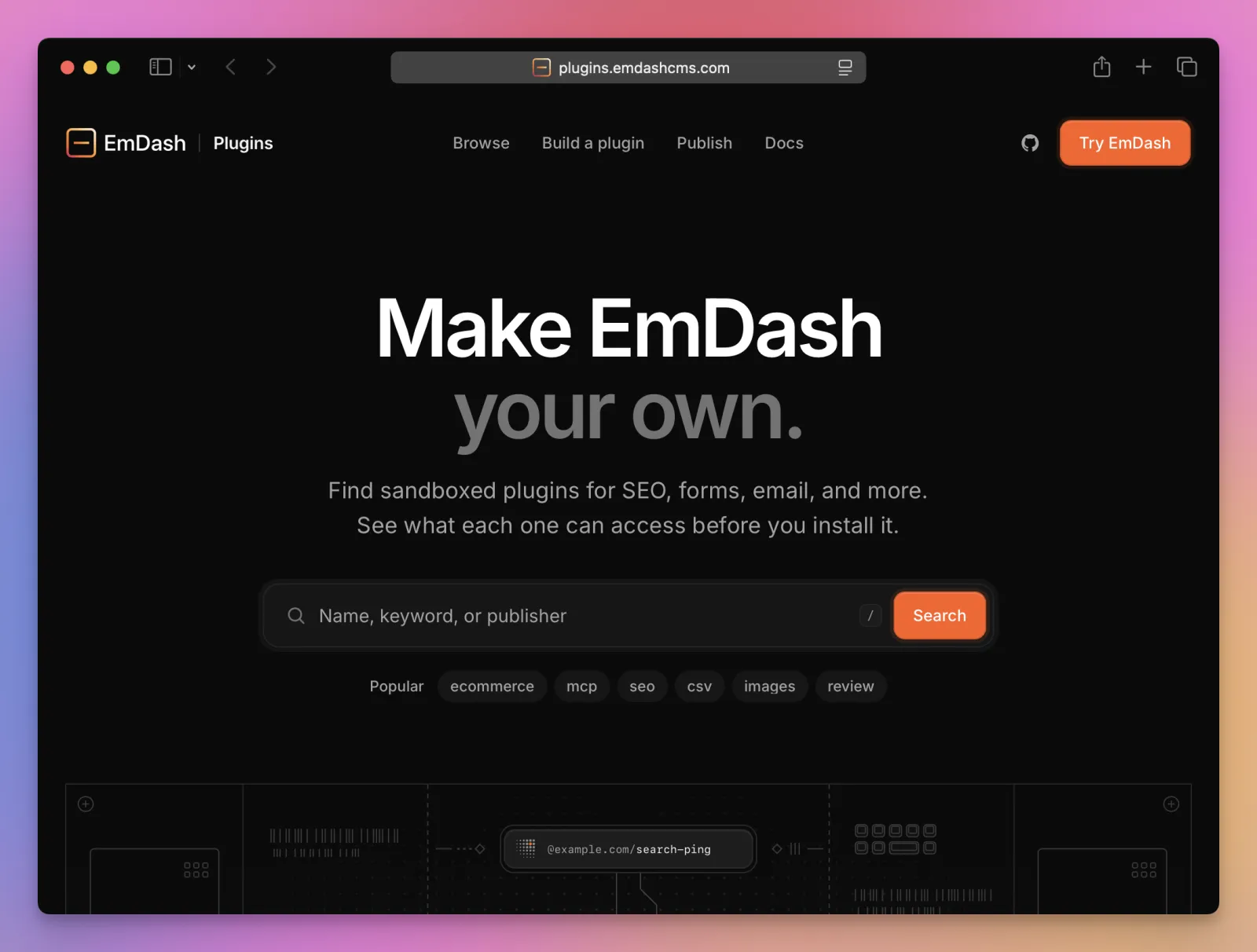
The registry at plugins.emdashcms.com is built on the AT Protocol, the same thing under Bluesky. Anyone can run a compatible store, and the moderation labeler is optional. One comparison I read counted 98 plugins from 52 publishers on October 21, 2026. WordPress.org has over 60,000. The “recently updated” list the day I looked had SEO checkers, a content approval workflow, a Bluesky cross-poster, lead delivery to HubSpot and Zapier, broken link checks, and a few CSV tools. No newsletter, no analytics, no commerce.
Comments are built in, with moderation in the admin. x402 payments are built in too: a page can answer 402 Payment Required with payment instructions, and an agent that supports x402 pays per request and retries. There’s a bot-only mode that charges only requests Cloudflare scores as bots. I’d want to see who pays before I put a post behind it.
Where to run it and what it costs
The reference deployment is Cloudflare Workers. wrangler.jsonc from the Cloudflare template is short:
{
  "name": "my-blog",
  "main": "./src/worker.ts",
  "compatibility_date": "2026-11-06",
  "compatibility_flags": ["nodejs_compat"],
  "d1_databases": [{ "binding": "DB", "database_name": "my-blog" }],
  "r2_buckets": [{ "binding": "MEDIA", "bucket_name": "my-blog-media" }],
  "triggers": { "crons": ["* * * * *"] }
}
npm run deploy creates the D1 database, the R2 bucket and a KV namespace for sessions on the first run. The cron trigger is what publishes scheduled posts and runs backups, so don’t delete it. Passkeys are bound to the hostname they were created on, so either run the setup wizard on the final domain or set EMDASH_SITE_URL before the first visit.
For a blog, all of it fits in Cloudflare’s free tiers. These are the numbers from Cloudflare’s pricing pages in November 2026:
| Service | Free | Paid, $5 a month |
|---|---|---|
| Workers requests | 100,000 a day | 10 million a month, then $0.30 per million |
| D1 rows read | 5 million a day | 25 billion a month |
| D1 rows written | 100,000 a day | 50 million a month |
| D1 storage | 5 GB | 5 GB, then $0.75 per GB |
| R2 storage | 10 GB a month | $0.015 per GB |
| R2 egress | free | free |
| Image transformations | 5,000 unique a month | $0.50 per 1,000 |
| Dynamic Workers for plugins | not available | included |
The 5,000 transformations are the one to watch with a big media library. Past that, new resizes fail with error 9422 while cached ones keep serving. The D1 free tier also has a 7-day Time Travel window for restores, 30 days on Paid.
On Node you build with npm run build and run node ./dist/server/entry.mjs with the environment variables in the process, because the standalone entry doesn’t read .env. The docs have a Dockerfile and a compose file with a volume for the SQLite database and uploads. Two things to know: the scheduler only runs while a Node process is alive, so scale-to-zero hosting breaks scheduled publishing, and FTS5 has to be compiled into Node’s SQLite for search to work.
The portable path is real. A .emdash site package exported from one deployment imports into any other, SQLite to D1 or D1 to Postgres, with everything except users, sessions, tokens and plugin secrets. But Matt Mullenweg’s criticism that the plugin sandbox “only works on Cloudflare” was true at launch and is half true now: on Node you get a sandbox through workerd, with the wall time limit enforced and the CPU and memory limits not.
Compared with WordPress and Ghost
| WordPress | Ghost | EmDash | |
|---|---|---|---|
| Language | PHP | Node.js | TypeScript, Astro |
| Content storage | HTML in MySQL | Lexical JSON and HTML in MySQL or SQLite | Portable Text in D1, SQLite or Postgres |
| Theme | PHP templates | Handlebars | Your Astro pages |
| Serverless hosting | no | no | yes, Cloudflare Workers |
| Plugin isolation | none | no plugin system, integrations via webhooks | sandbox with declared capabilities |
| Newsletter and members | plugins | built in, with Stripe | none |
| Comments | built in | built in, members only | built in |
| Agent access | REST API, MCP via plugins | Admin API | MCP, REST and CLI built in |
| Importers | WordPress, many via plugins | WordPress, Substack, Medium | WordPress; Ghost via a community plugin |
| Plugins available | 60,000+ | not applicable | about 100 |
| License | GPL | MIT | MIT |
The row that decides it for most people is the ecosystem. If your site depends on WooCommerce, a membership plugin or a form builder with ten years of edge cases, there’s nothing to move to yet. Wes Bos converted his one complicated plugin with the agent skills EmDash ships, and that’s the answer for everyone else too. You rebuild it, and the skills make rebuilding cheaper than it used to be.
For a Ghost site the gap is newsletters. Ghost’s members, paid tiers and email sending have no EmDash equivalent. If you send a newsletter from Ghost, you need a separate service before you move.
What I’d watch out for
- Schema changes touch data. Deleting a field drops its column, deleting a collection drops its table, and the admin can’t change a field’s type except between string, text and slug. Back up before you reshape a model.
- Two passkeys, minimum. Lose your only passkey on a site with no email provider configured and the docs say to reset authentication through the database.
- The encryption key is yours to keep.
EMDASH_ENCRYPTION_KEYencrypts plugin secrets and isn’t in the database. Restore a backup without it and those settings are gone. - JSON backups don’t restore. The built-in backup is for inspection. A real recovery point is D1 Time Travel, a SQLite
.backup, orpg_dump, plus a copy of the bucket. - Trailing slashes. Astro’s
trailingSlash: "always"also 404s EmDash’s own routes. Useignoreand redirect the old form yourself, and don’t redirect.well-known, which is where OAuth and MCP discovery live. - The admin is React, the site isn’t. Fine for me, but Joost de Valk’s and Jamie Marsland’s reviews both note the admin sits in an uncanny valley between WordPress and something new, and the editor is a rich text editor, not a block builder.
Where I land
For a new content site on Astro, EmDash is what I’d reach for now. The admin is good, the typed schema is the right idea, the MCP server means I can write and publish from Claude Code with the same permissions I’d give a contributor, and running it on Workers removes the server I’d otherwise have to patch.
For my Ghost blog it’s a yes, because that blog has no members and no newsletter, and every post, tag and image can be moved with a script.
For a WordPress site that leans on plugins, it’s a maybe that depends on how many of them you can rebuild. Wes Bos did it in two days for 307 posts and one real plugin. Count yours first.
Want me to talk about your product? You can sponsor this site.
Related posts about cloudflare: