How to use forms in PHP
By Flavio Copes
Learn how to handle forms in PHP, reading submitted data from the $_GET and $_POST superglobals and moving the form handler into a separate post.php file.
Forms are the way the Web platform allows users to interact with a page and send data to the server.
Here is a simple form in HTML:
<form>
  <input type="text" name="name" />
  <input type="submit" />
</form>
You can put this in your index.php file like it was called index.html.
A PHP file assumes you write HTML in it with some “PHP sprinkles” using <?php ?>, so the Web Server can post that to the client. Sometimes the PHP part takes all of the page, and that’s when you generate all the HTML via PHP - it’s kind of the opposite of the approach we do here now.
So we have this index.php file that generates this form using plain HTML:
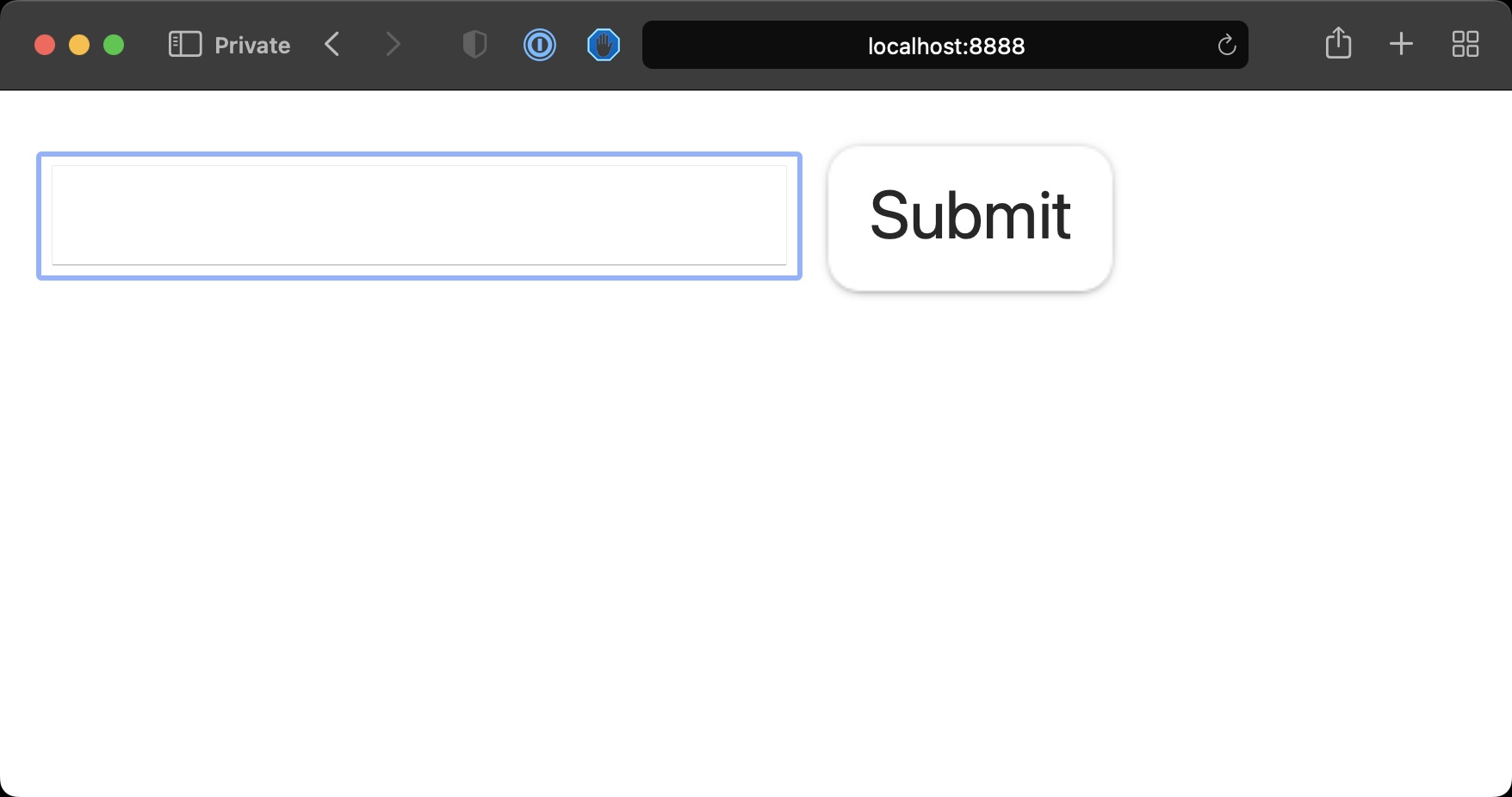
Pressing the Submit button will make a GET request to the same URL sending the data via query string, notice the URL changed to localhost:8888/?name=test
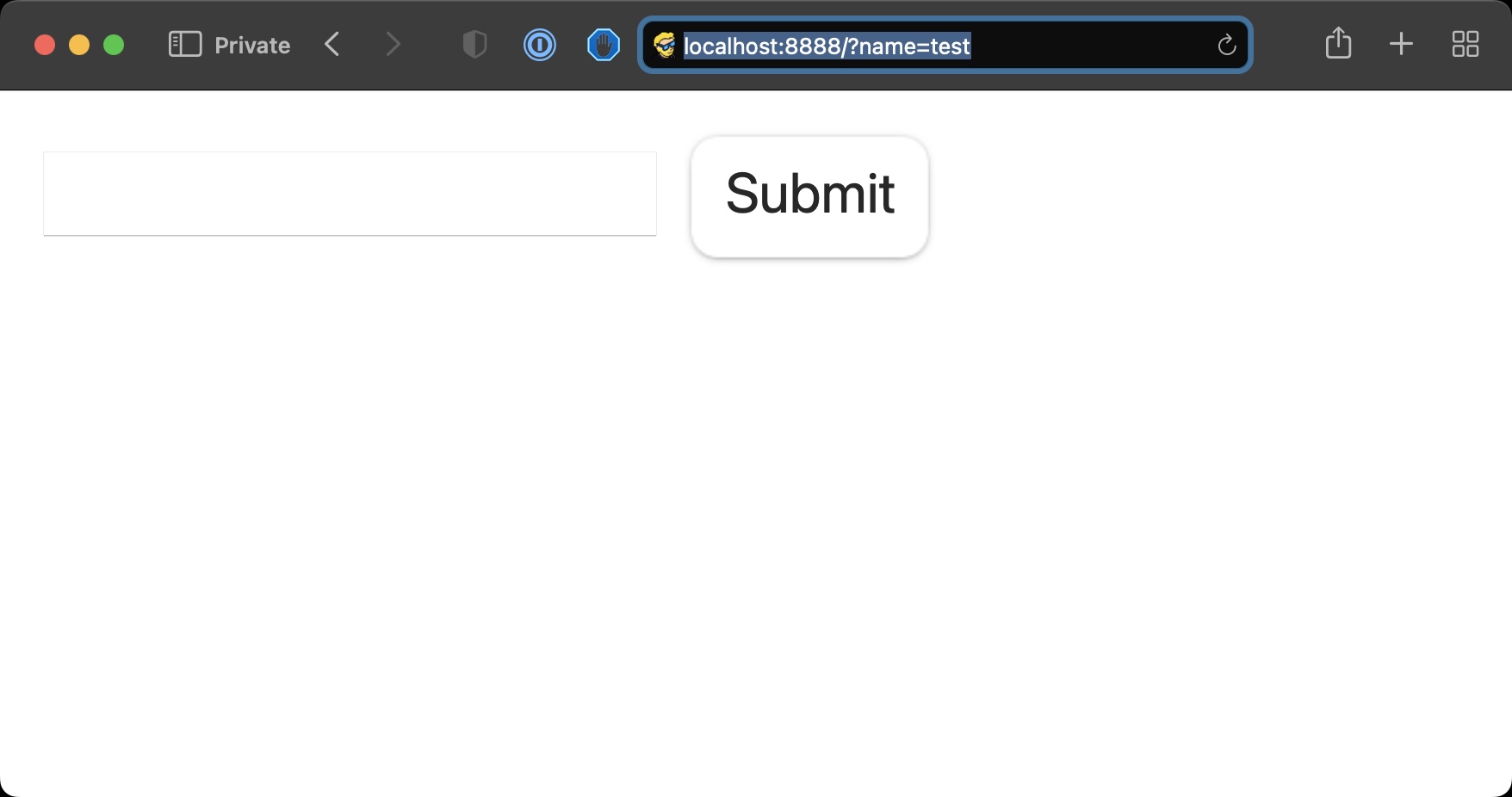
We can add some code to check if that parameter is set using the isset() function
<form>
  <input type="text" name="name" />
  <input type="submit" />
</form>

<?php
if (isset($_GET['name'])) {
  echo '<p>The name is ' . $_GET['name'];
}
?>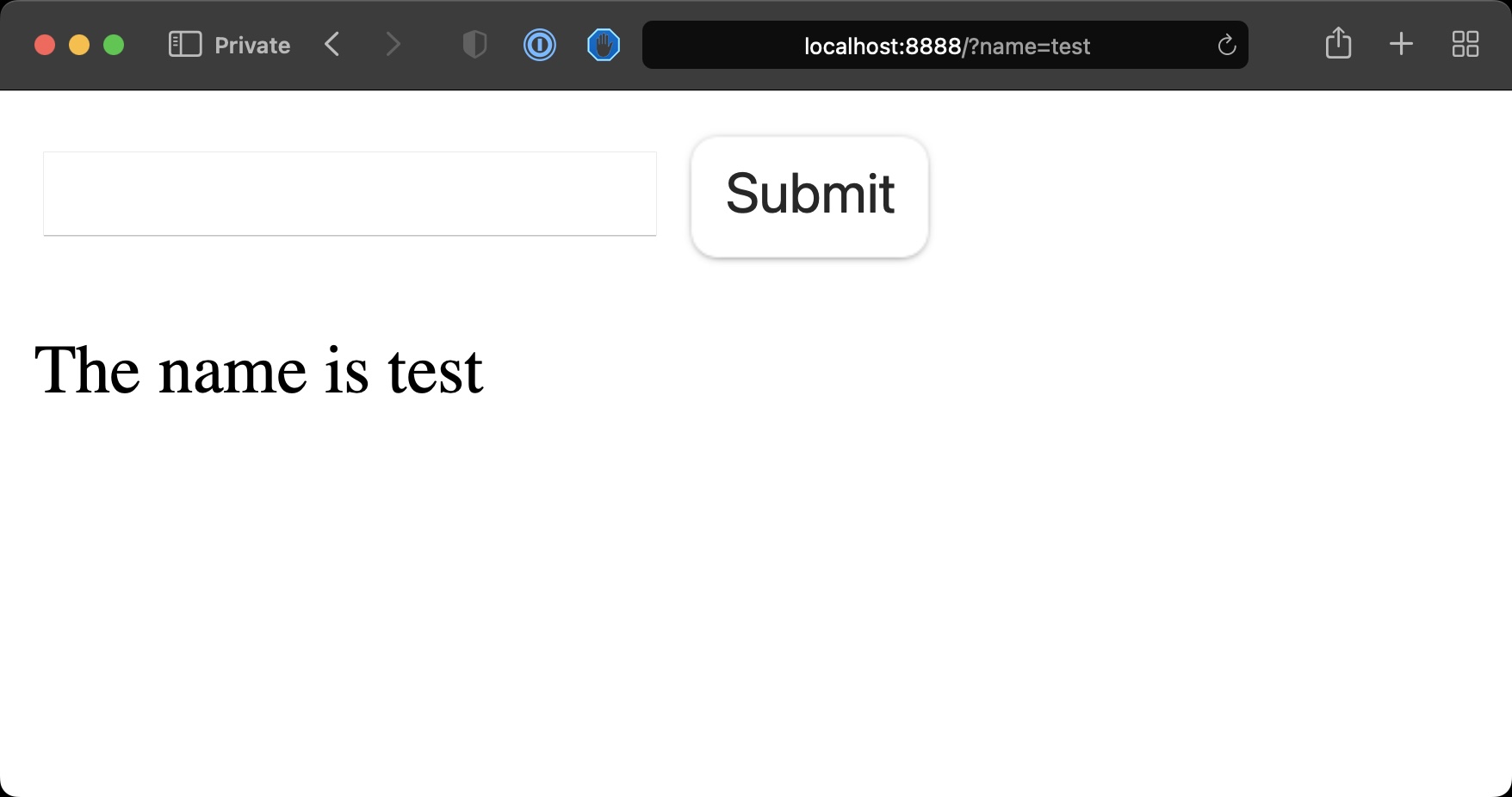
See? We can get the information from the GET request query string through $_GET.
What you usually do with forms however is, you perform a POST request:
<form **method="POST"**>
  <input type="text" name="name" />
  <input type="submit" />
</form>

<?php
if (isset($_POST['name'])) {
  echo '<p>The name is ' . $_POST['name'];
}
?>
See, now we got the same information but the URL didn’t change, the form information was not appended to the URL.
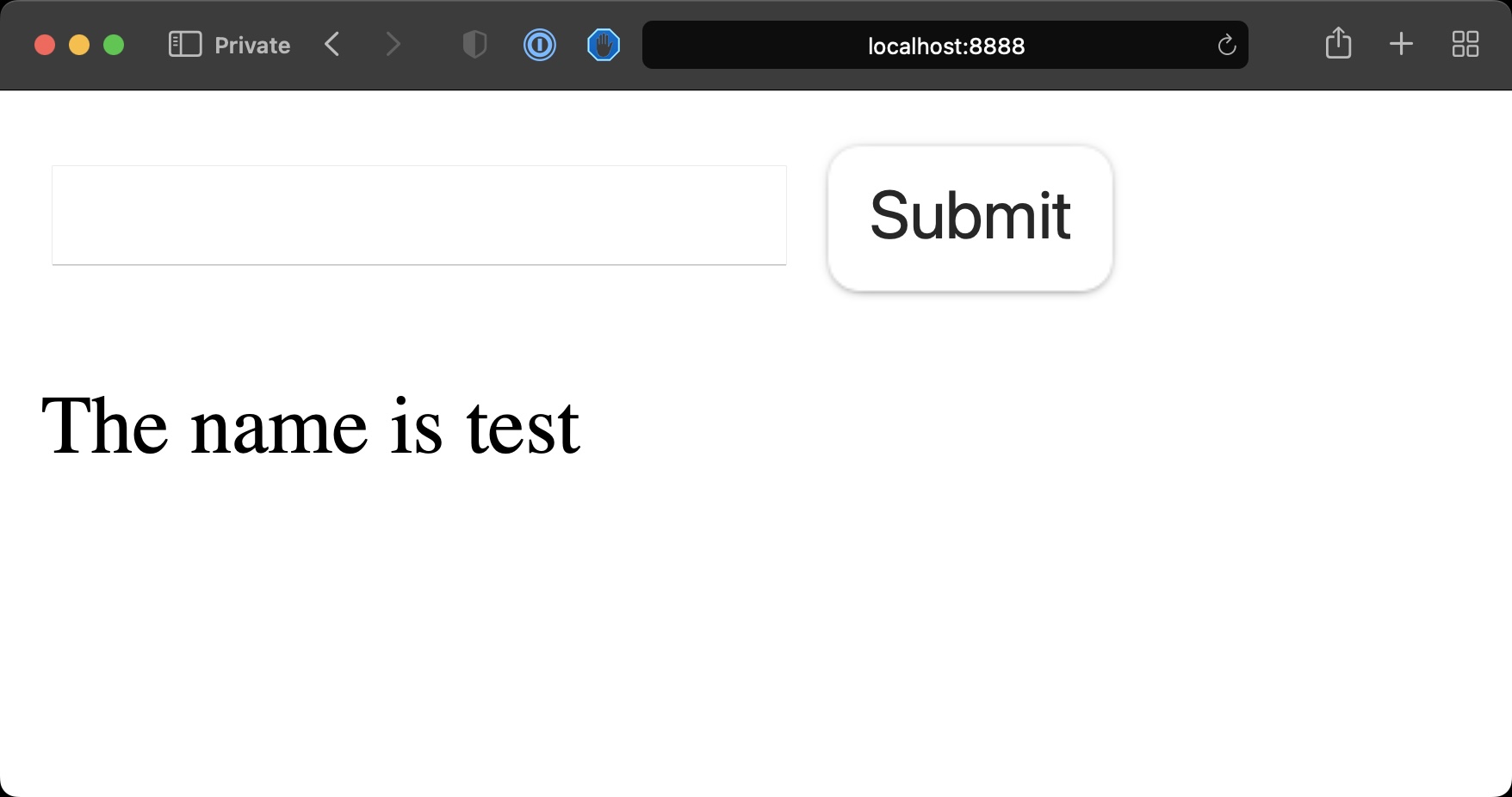
This is because we’re using a POST request, which sends the data to the server in a different way, through urlencoded data.
As mentioned, PHP will still serve the index.php file as we’re still sending data to the same URL the form is on.
We’re mixing a bunch of code and we could separate the form request handler from the code that generates the form.
So we can have in index.php this:
<form **method="POST" action="/post.php"**>
  <input type="text" name="name" />
  <input type="submit" />
</form>
and we can create a new post.php file with:
<?php
if (isset($_POST['name'])) {
  echo '<p>The name is ' . $_POST['name'];
}
?>
PHP will display this content now after we submit the form, because we set the action HTML attribute on the form.
This example is very simple, but the post.php file is where we could for example save the data to the database, or to a file.
Want me to talk about your product? You can sponsor this site.