I open sourced testvm, so your coding agents can test Mac apps in a VM
By Flavio Copes
testvm is my free, open source tool that runs Mac app builds in a headless macOS VM, so coding agents test them without taking over your screen.
I open sourced testvm, the script my coding agents use to test the Mac apps they build. It runs each build in a headless macOS virtual machine, so the agents can open it, take screenshots and click through it while I keep working on my screen.
It’s free and MIT licensed, on GitHub at flaviocopes/testvm.
I explained how the VM works, step by step, in How to let coding agents test Mac apps in a VM. testvm is what I ended up with after typing those ssh commands one time too many.
Until today it lived inside the repo of VM Peek, my app that shows what agents do in the VM. Now it has its own repo, so you can use it without VM Peek.
What it does
An agent builds the app on my Mac as usual, then tests it in the VM:
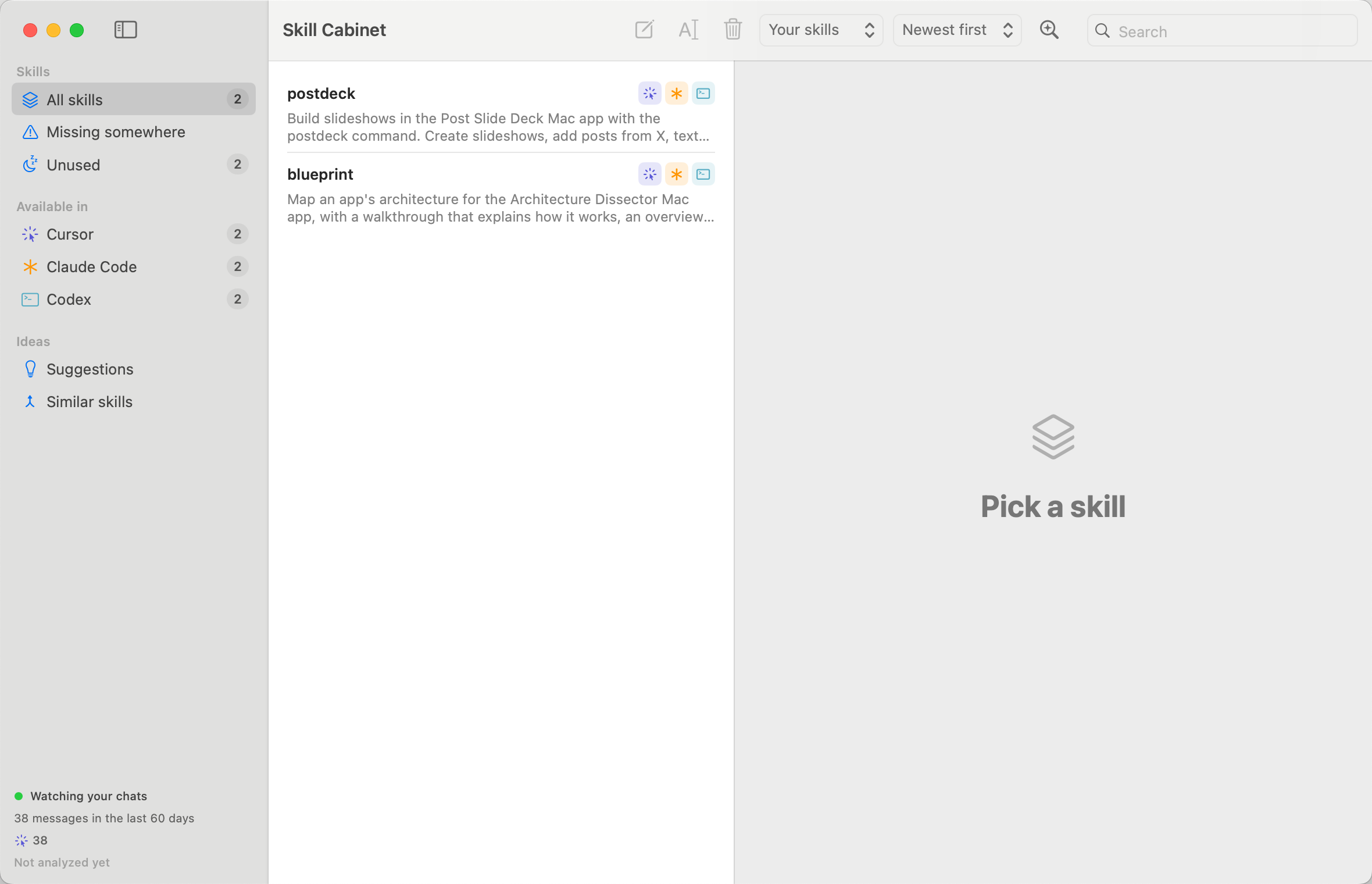
testvm open 'build/Build/Products/Debug/Skill Cabinet.app'
testvm shot "Skill Cabinet"
testvm ui "Skill Cabinet"
testvm click 1171 114
open copies the app into the VM and launches it. shot takes a screenshot of its window. ui lists the window’s controls with their labels and the point to click, so the agent doesn’t have to guess from pixels. Then click, type and key interact with the app.
The VM runs under Tart with no window and no Dock icon, so nothing shows up on my screen. When it’s off, testvm starts it.
Every command also goes into a log, with the agent that ran it (Cursor, Claude Code or Codex) and its chat. That’s the log VM Peek reads.
The commands and the observation log follow these paths:
What’s new in 1.1
Moving it to its own repo was a good moment to clean it up for people who aren’t me:
- The VM’s image, cores, memory and display size are now settings in
~/.config/testvm/config. Before, they were fixed in the script. testvmcan drive a real Mac instead of the VM, like a Mac mini on your network. It now checks that Mac’s SSH host key, and it finds cliclick on an Intel Mac mini too.- The repo has a skill that teaches your agents every
testvmcommand.
Try it
You need an Apple silicon Mac with Tart installed. Then download testvm and create the VM:
curl -Lo /opt/homebrew/bin/testvm https://github.com/flaviocopes/testvm/releases/latest/download/testvm
chmod +x /opt/homebrew/bin/testvm
testvm setup
setup downloads Cirrus Labs’ macOS Sequoia image, which is about 25 GB, so give it a while.
Then install the skill, so your agents know how to use testvm:
npx skills add flaviocopes/testvmThe README has the rule I give my agents so they stop opening apps on my Mac, the settings, and how to point testvm at a Mac mini.
Want me to talk about your product? You can sponsor this site.
Related posts about news: