
How to use Clean Client ZIPs
Clean Client ZIPs
Create one verified ZIP per folder, leave out Finder housekeeping files, and keep intentional hidden files on Mac.
Free to read. You can explore the guide before buying the app.
On this page
Install
Download the ZIP from the purchase page or your Creem receipt. Unzip it and move Clean Client ZIPs to Applications. The app is signed and notarized, and runs on macOS 14 Sonoma or later on Apple silicon and Intel.
The app checks for updates once a day. When a new version is ready, click Install and Relaunch. To check anytime, choose Clean Client ZIPs → Check for Updates….
If your copy still asks for a key, download the latest version from your purchase page and replace the old app in Applications.
Pick the delivery folders
In Folders to archive, choose one or more folders. Select a location under Save in, enter a new output folder name and click Preview.
The preview identifies .DS_Store, __MACOSX, .Spotlight-V100, .Trashes and names starting with ._ as Mac housekeeping. Files such as .gitignore stay in the archive. The app reports skipped symlinks, macOS packages and special files.
Make and check the ZIPs
Click Create ZIPs. Each selected folder gets one ZIP, with its own top-level directory. Two source folders with identical names need separate runs or unique names because they would produce the same ZIP filename.
The app checks the ZIPs before delivering them. Use Show in Finder to open the output folder.
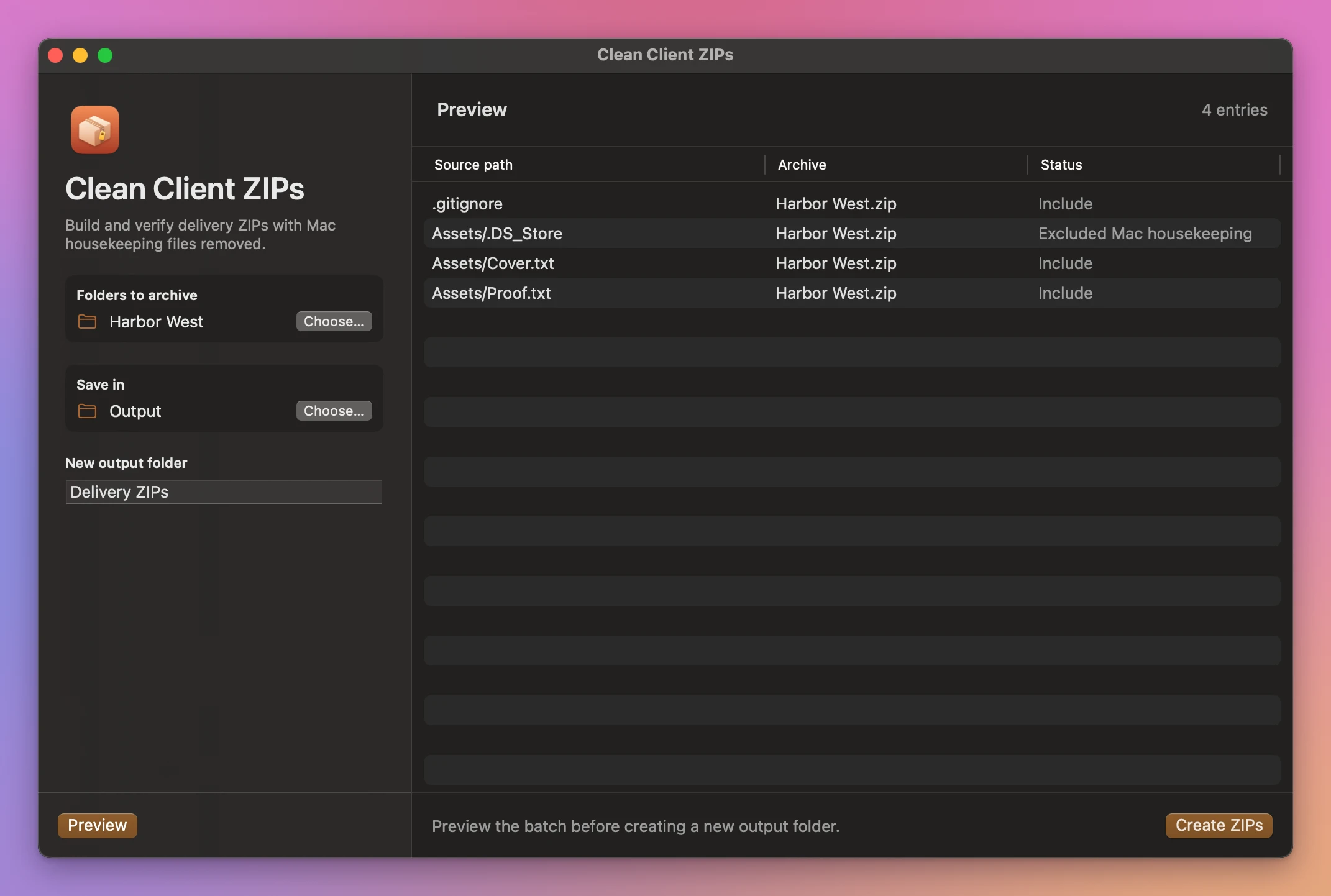
If an output folder already exists, choose a different name or location and preview again. Changes to the inputs also require a new preview. Cancel stops the work before delivery.
See Clean Client ZIPs → · $20 including tax.