The Node.js runtime
How to use the Node.js REPL
Learn how to use the Node.js REPL, the Read-Evaluate-Print-Loop, to run JavaScript interactively with tab autocomplete, the variable, and dot commands.
The node command runs our Node.js scripts:
node script.jsIf you omit the filename, you get the REPL:
nodeTry it in your terminal. The command stays idle and waits for input:
❯ node
>
The REPL is waiting for JavaScript code.
Start simple:
> console.log('test')
test
undefined
>
The first value, test, is what we told the console to print. undefined is the return value of running console.log().
You can enter a new line of JavaScript right away.
Tip: if you are unsure how to open your terminal, google “How to open terminal on
”.
Use the tab to autocomplete
The cool thing about the REPL is that it is interactive.
As you write code, press tab and the REPL tries to autocomplete what you typed. It matches variables you already defined or built-in names.
Exploring JavaScript objects
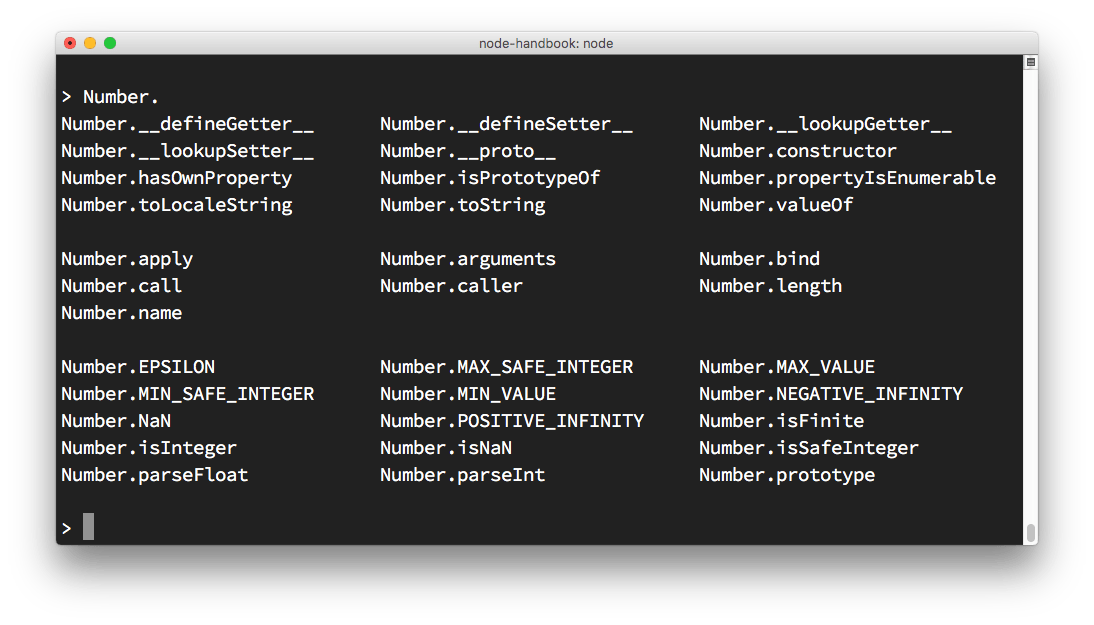
Try entering a JavaScript class name like Number, add a dot, and press tab. If you have an object instead, you can get its class name from its constructor.
The REPL prints all the properties and methods you can access on that class:
Explore global objects
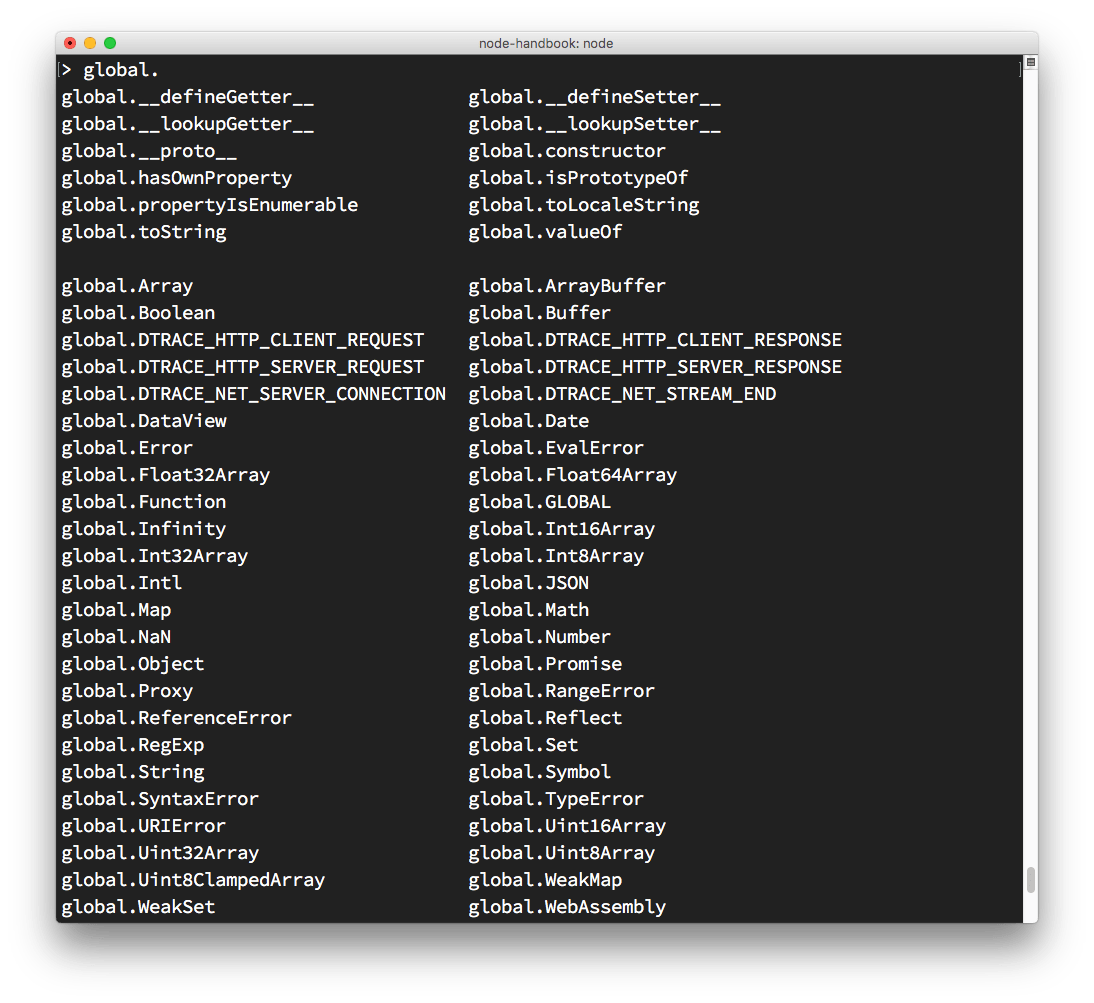
You can inspect globals by typing global. and pressing tab:
The _ special variable
If after some code you type _, it prints the result of the last operation.
Dot commands
The REPL has special commands, all starting with a dot .:
.help: shows the dot commands help.editor: enables editor mode, to write multiline JavaScript code with ease. Once you are in this mode, enter ctrl-D to run the code you wrote..break: when inputting a multi-line expression, entering the .break command will abort further input. Same as pressing ctrl-C..clear: resets the REPL context to an empty object and clears any multi-line expression currently being input..load: loads a JavaScript file, relative to the current working directory.save: saves all you entered in the REPL session to a file (specify the filename).exit: exits the repl (same as pressing ctrl-C two times)
The REPL knows when you are typing a multi-line statement without the need to invoke .editor.
For example if you start typing an iteration like this:
[1, 2, 3].forEach(num => {and you press enter, the REPL goes to a new line that starts with 3 dots, indicating you can now continue to work on that block.
... console.log(num)
... })
If you type .break at the end of a line, the multiline mode will stop and the statement will not be executed.
Lesson completed