How to export a mailbox from Mail on a Mac
By Flavio
Select the mailbox in Mail's sidebar and choose Mailbox › Export Mailbox…. Mail writes a folder ending in .mbox that another copy of Mail can import. Here's what's inside it, and how to turn it into PDFs you can open anywhere.
You want a copy of a mailbox outside Mail: a folder of client emails before you leave a job, or an old account before you close it.
In Mail, select the mailbox in the sidebar and choose Mailbox › Export Mailbox…, then pick a folder. Mail writes a folder named after the mailbox, ending in .mbox. It’s a backup that Mail, or another mail app, can import again. It isn’t something you can open and read, and that’s where Mailbox to PDF comes in.
To turn single emails into PDFs instead, see the tutorials on saving an email as a PDF and saving many emails as PDFs.
Export the mailbox
The test Mac runs macOS 15 Sequoia, and its Mail has made-up mailboxes with made-up emails. Here the mailbox is Keller Accounting, with three emails about an invoice. It sits inside a mailbox called Clients.
- Click the mailbox in Mail’s sidebar.
- Choose Mailbox › Export Mailbox….
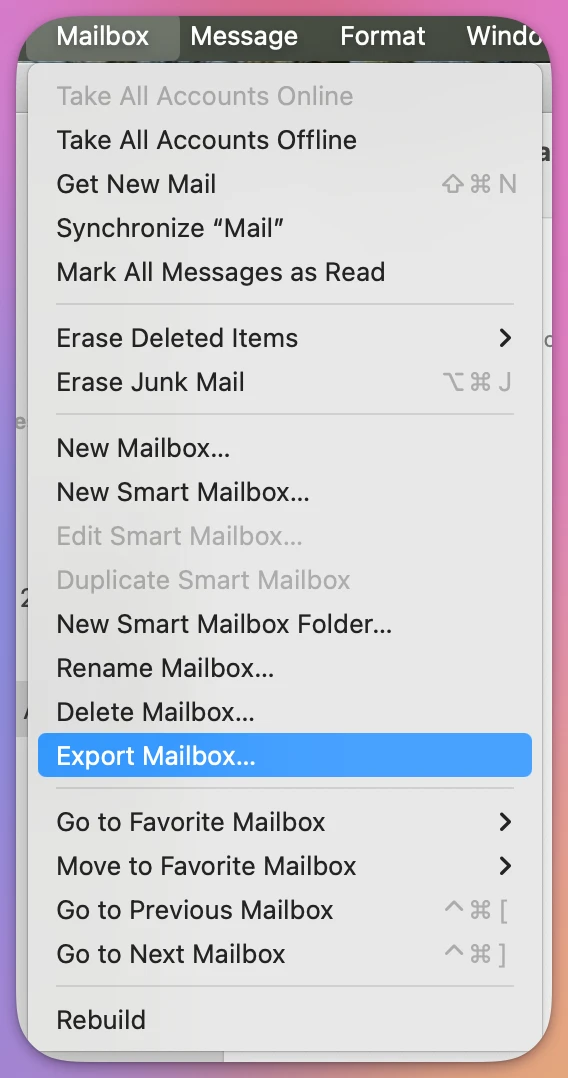
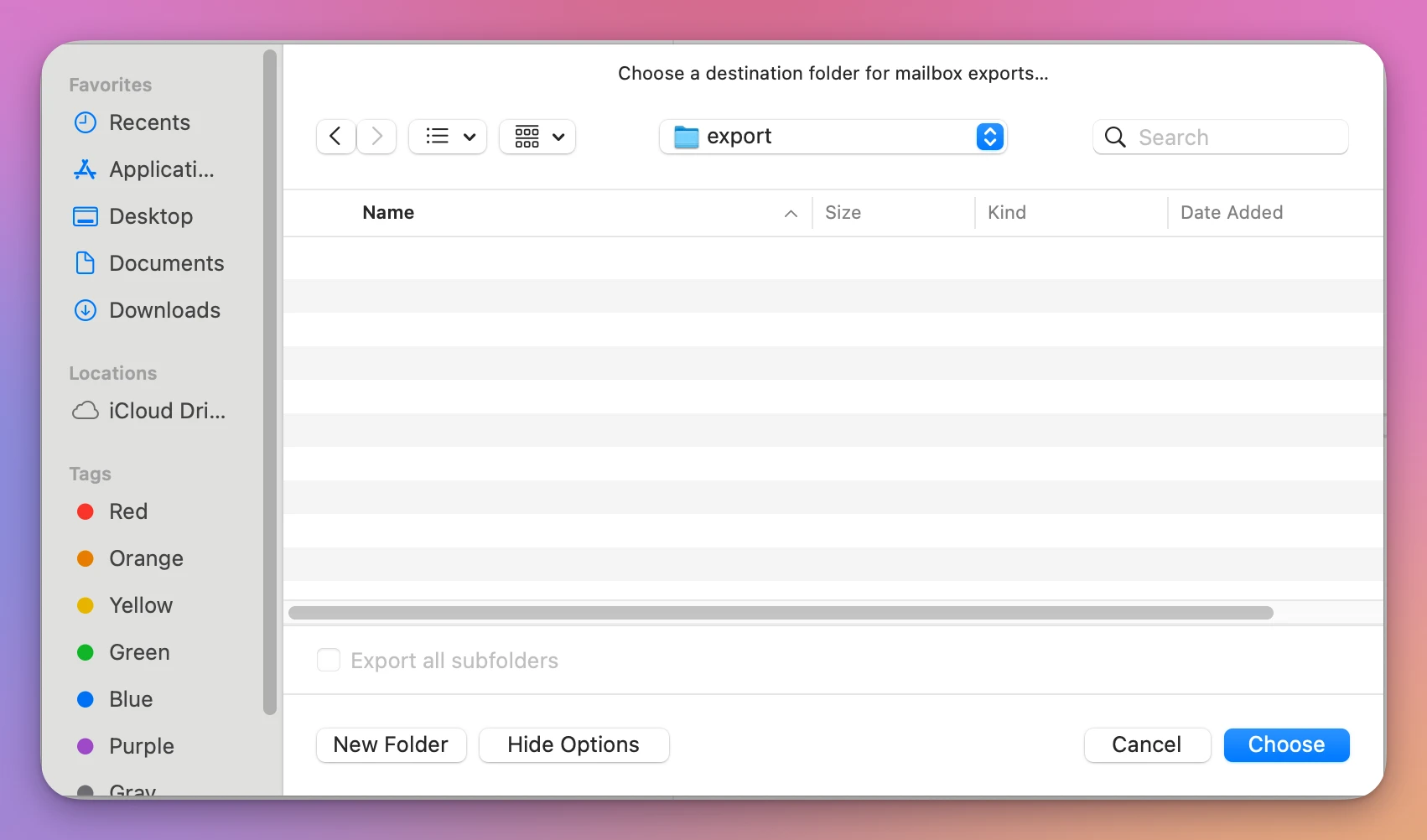
- Mail asks for a folder: “Choose a destination folder for mailbox exports…”. Click Show Options to see Export all subfolders, for a mailbox that has mailboxes inside it. Keller Accounting has none, so the box was greyed out.
- Pick a folder and click Choose.
No message says it’s done, and the export was in the folder a moment later.
What’s inside the .mbox?
Mail recreated the place of the mailbox: a folder named Clients, and in it Keller Accounting.mbox. In the Finder it’s a plain folder with a triangle next to it, so you can look inside without Show Package Contents:
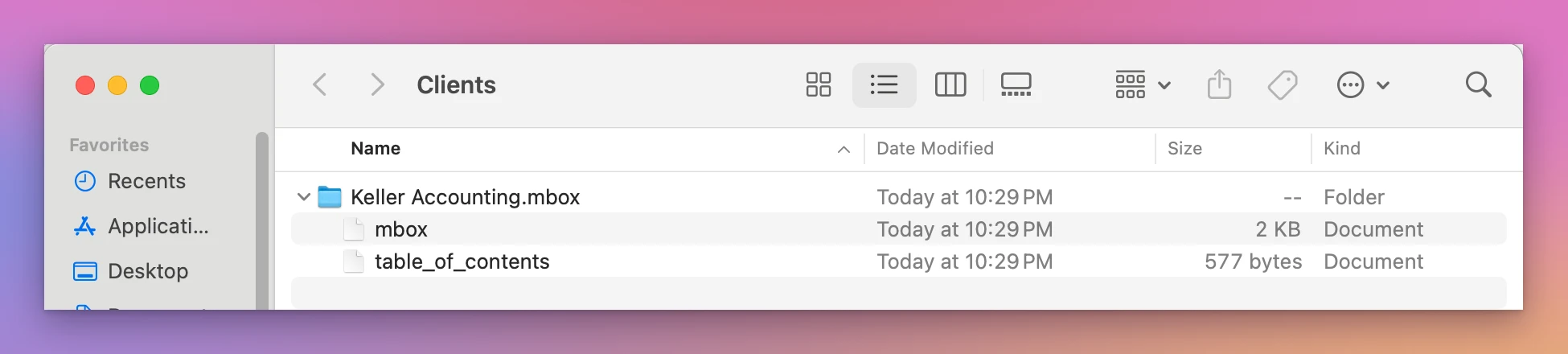
mboxholds the three emails, one after the other, with their attachments, as one long text file.table_of_contentsis a small file Mail adds for itself.
To read the emails again, you import the folder. Mail’s File › Import Mailboxes… offers “Apple Mail”, for “mailboxes created by another copy of Mail or a folder containing them”, and the imported mailbox lands in a mailbox named Import.
So an export is good for moving a mailbox to another Mac or keeping a backup for Mail. It’s not good for handing to an accountant or a lawyer.
Turn the export into PDFs
Mailbox to PDF is a Mac app I made that turns emails into PDFs, with their attachments in a folder next to each PDF. A mailbox exported with Mailbox › Export Mailbox… opens in it directly, without an import into Mail. It isn’t made by, affiliated with or endorsed by Apple. It costs $19, paid once.
- Click Choose Files… under Files, or drop the
.mboxfolder on the window. - Select
Keller Accounting.mboxand click Choose Files.
Files need no permission. The list shows the three emails, with a paper clip on the one with a receipt attached:
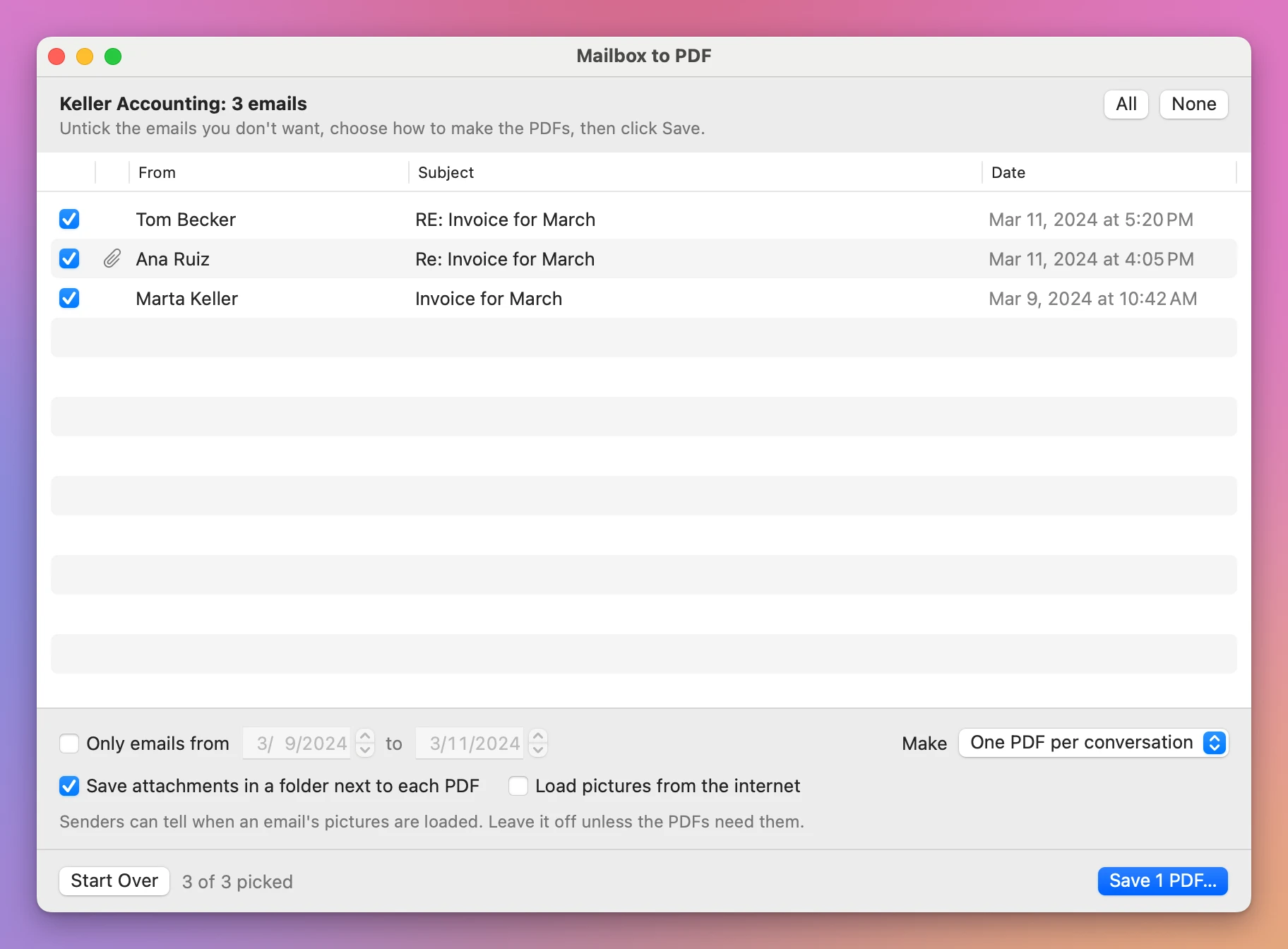
- In Make, choose One PDF per conversation. The three emails are one conversation, a question and two replies, so the button says Save 1 PDF….
- Click it, pick a folder and click Save Here.
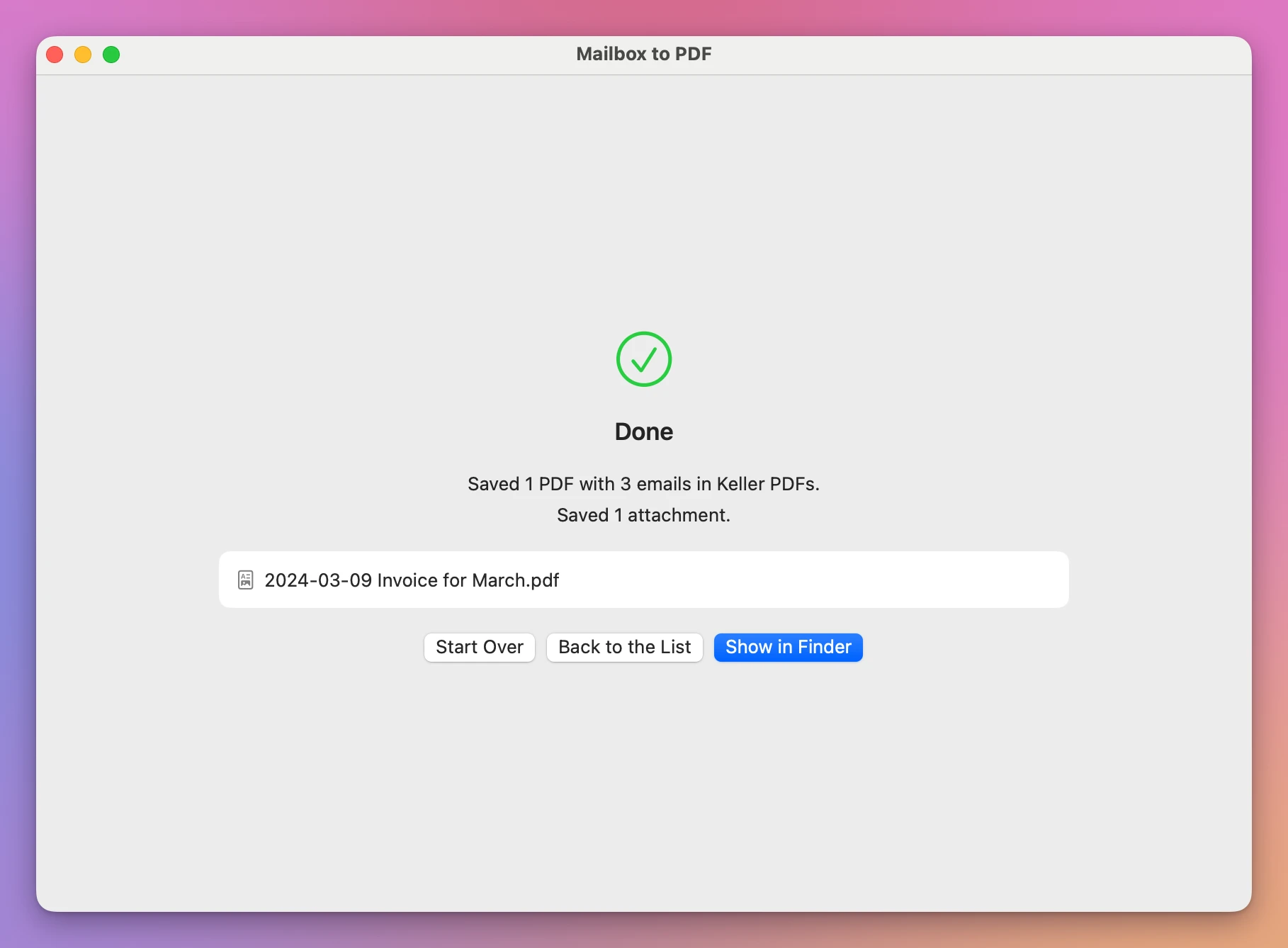
The PDF has three pages, one per email, in the order they were sent. It’s named after the first email, 2024-03-09 Invoice for March.pdf, and dated in the Finder like the last reply, March 11, 2024. The receipt is in a folder with the same name next to it.
The two replies, “Re:” from Ana and “RE:” from Tom, stayed in the same conversation: the app goes by the headers that say which email answers which, not by the subject alone.
Or skip the export
If the mailbox is still in Mail, you don’t need the export for the app. Choose a Mailbox… lists the mailboxes of every account. On the test Mac it showed Archive 2024, Clients with Keller Accounting inside it, INBOX in capitals, and Outbox under On My Mac. Pick one and click Read This Mailbox.
In that list the paper clip is a guess from each email’s headers, because the app reads each email in full only when it saves it. The report at the end counts the attachments that were really saved.
The .mbox and the PDFs side by side
Mail’s export (.mbox) | PDFs from Mailbox to PDF | |
|---|---|---|
| What opens it | Mail or another mail app, after an import | Preview, or any PDF reader, on any computer |
| Files | One folder per mailbox, the emails in one mbox file | One PDF per email, per conversation, or one for everything (up to 2,000 emails) |
| Attachments | Inside the mbox file | Next to each PDF, in a folder with the same name |
| Dates | When you exported | The date of each email |
| Good for | A backup, moving to another Mac | Sending, printing, keeping as documents |
Get Mailbox to PDF
Turn emails into PDFs: the ones selected in Mail, a whole mailbox, or an .mbox or .eml file. One PDF per email, per conversation, or one for everything, with the attachments in a folder next to each PDF.
See Mailbox to PDF → · Read the docs · $19. See the app page for tax details.
Want me to talk about your product? You can sponsor this site.