How to merge trail camera videos into one on a Mac
By Flavio
Your trail camera saved dozens of one-minute clips. Join them into one video on your Mac without losing quality, in the order they were recorded, with Clip Joiner.
You pull the SD card out of the trail camera and it’s full of one-minute clips. A deer at 21:46, the same deer at 22:03, a fox at 1 in the morning. You want one video you can scrub through, not 40 files to open one by one.
You can join them into one file without losing any quality. Clip Joiner is a Mac app I made that does it with a few clicks.
Why does a trail camera save so many small files?
The camera records one clip every time its sensor fires. Something walks past, it records a minute, it stops. The next animal starts a new file.
My trail camera saves each clip as an AVI file, about 260 MB for one minute of 4K.
Can’t I just open them in QuickTime Player?
A Mac opens some AVI files and not others, depending on what’s inside. Even when a clip opens, you get one window per clip.
Joining them into a .mov file solves both problems. The camera’s frames go into a .mov as they are, and that file plays in QuickTime Player.
QuickTime Player can join clips into one too. With AVI clips like these, it compressed the picture and the sound again in my test.
What are the ways to join them?
There are two kinds of join. One copies the camera’s pictures into the new file as they are. The other opens every picture and compresses it again, which takes longer and throws away some detail.
I tried both on five test clips built like my camera’s, 2.05 GB in all:
| Compressing the video again | Copying the frames as they are | |
|---|---|---|
| Time | 2 minutes 41 seconds | Under a second |
| Size of the joined file | 1.50 GB | 2.05 GB, the clips added up |
| The picture | Every frame compressed a second time | The camera’s own frames |
The first file is smaller because detail was thrown away to save space. Clip Joiner joins the second way.
What do trail camera files get wrong?
Two things, and both trip up a join.
The date inside the file. My camera writes June 29, 2010 inside every clip. Anything that sorts by that date puts the clips in a random order. The file’s own date, the one the Finder shows, is the real one. Sort by that.
The frame rate. The clips say they have 30 frames a second. My camera really stores about 12.5 pictures a second, and each one stays on screen longer. A joined file made from my test clips reports about 12 frames a second. That’s the real rate, and the video still lasts as long as the clips together.
How do I join them with Clip Joiner?
Clip Joiner reads the clips straight from the card and copies the camera’s frames into one file.
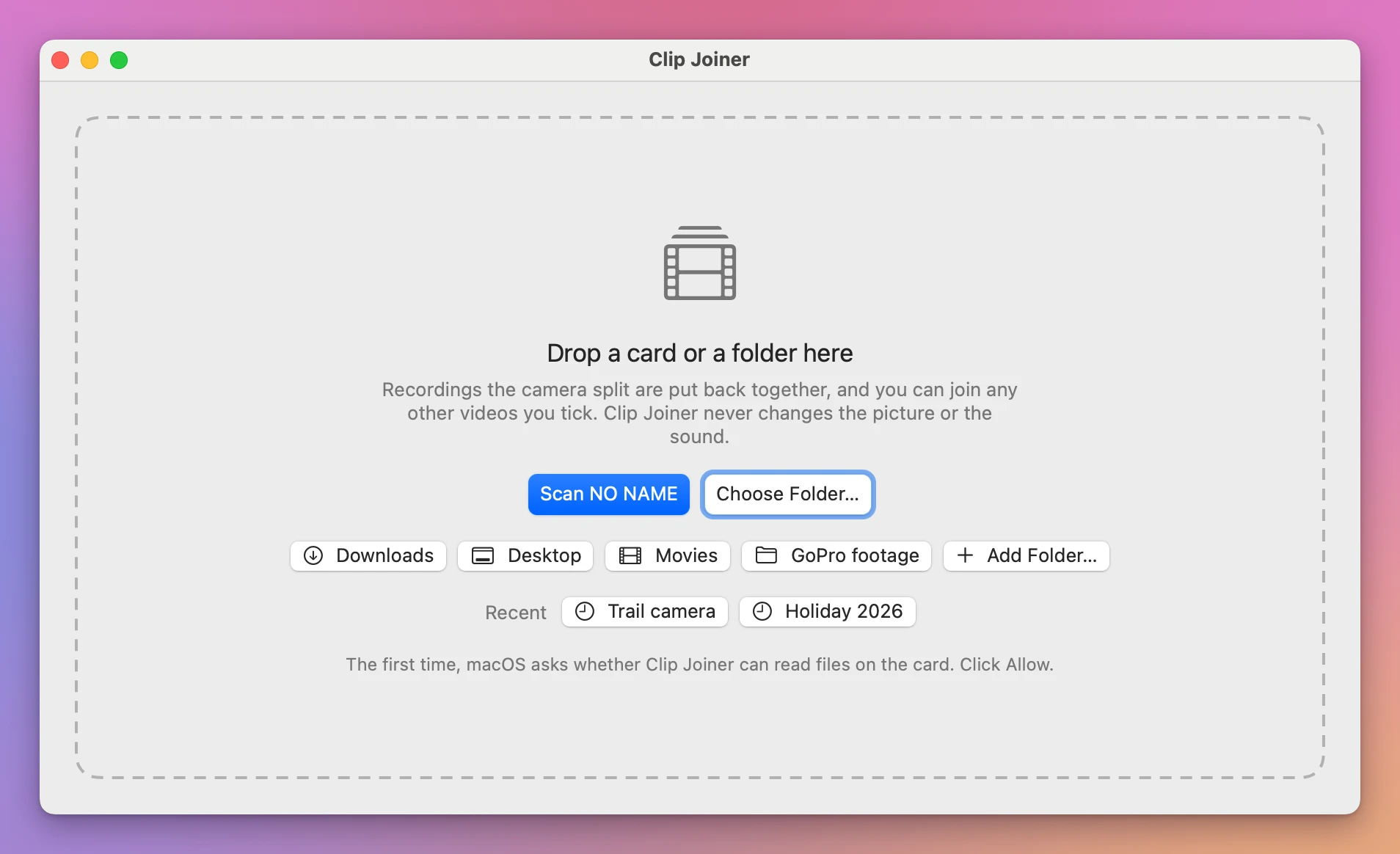
Plug in the card. The start screen gets a button with the card’s name, like Scan NO NAME. Click it, or drop a folder of clips on the window.
The clips are listed by the file’s date, oldest first, so the 2010 date inside the files doesn’t matter. Tick the ones you want, or click Select All. Each row shows the time it was recorded, its length and its size.
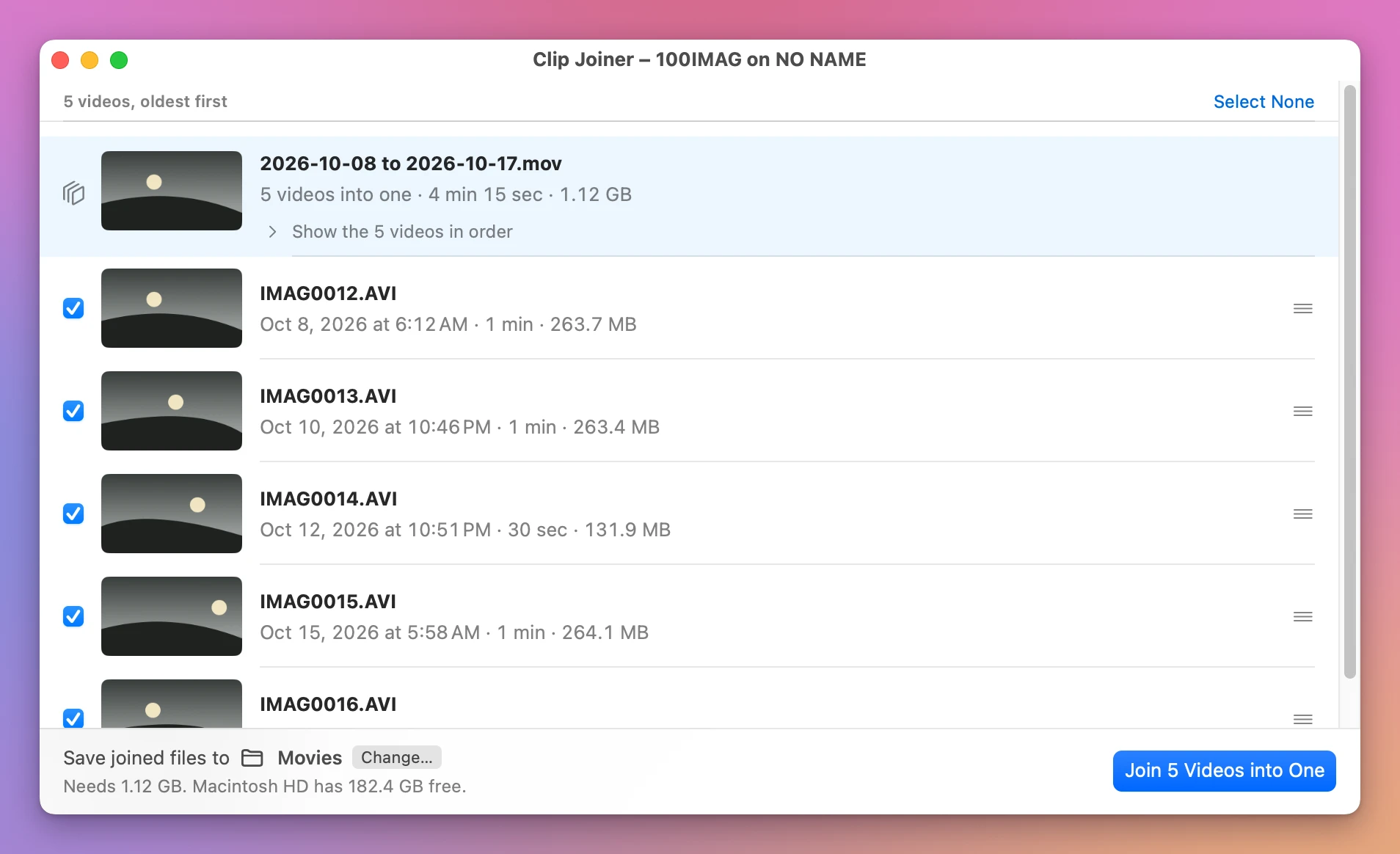
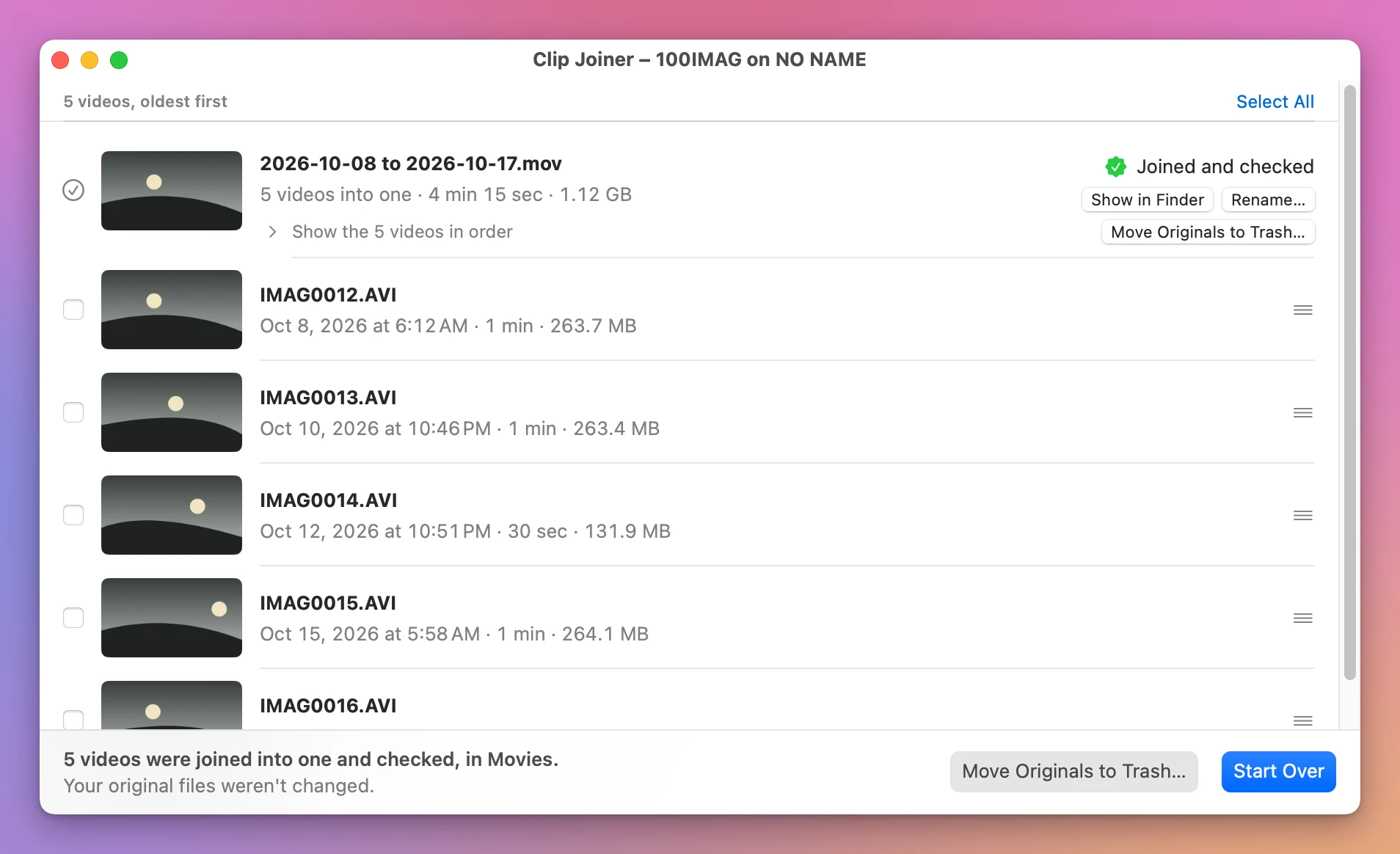
Click the Join button. It counts what you ticked, like Join 5 Videos into One. The joined video goes to your Movies folder unless you pick another one, and it’s named by the days the clips were recorded, like 2026-10-08 to 2026-10-17.mov. Click Rename… to call it something else, or Show in Finder to find it.
I had seven clips, 1.8 GB in all. Clip Joiner made one 7-minute .mov out of them in under 5 seconds, from the Mac’s own disk. From a card it takes longer, because the card is slower.
Before it says Joined and checked, the app compares the joined video with the clips and makes sure it’s as long as all of them together.
The app also puts back recordings that a GoPro or a drone split into several files.
Can I delete the clips from the card after?
Yes, once you’ve played the joined video. Be careful with the Trash: on a memory card, files you move to the Trash stay on the card and keep taking up space until you empty it. Clip Joiner’s Move Originals to Trash… says so, and offers Delete Now to free the space right away.
Get Clip Joiner
Join the videos on a memory card into one file on your Mac, straight from the card. Nothing loses quality, and every join is checked before your originals go.
See Clip Joiner → · Read the docs · $20. See the app page for tax details.
Want me to talk about your product? You can sponsor this site.