Where are iMessages stored on a Mac?
By Flavio
Messages keeps your conversations in the Messages folder inside your home folder's Library: one file called chat.db with the messages, and an Attachments folder with the photos and videos. Here's how to find it in the Finder, and what each item is.
You want to know where the Mac keeps your text messages. Maybe to back them up, maybe because an app asked for “a Messages folder”, maybe to find a photo someone sent you years ago.
The short answer: in a folder called Messages, inside the Library folder of your home folder. Its path is ~/Library/Messages. The messages themselves are in one file, chat.db, and the photos, videos and voice messages are in a folder called Attachments.
Look, but don’t move, rename or edit anything in there. These are Messages’ own files.
How do I open the folder?
- Click the Finder in the Dock.
- Choose Go › Go to Folder… in the menu bar.
- Type
~/Library/Messagesand press Return. The~stands for your home folder.
On the test Mac for this tutorial, a Mac running macOS 15 Sequoia, the Finder opened the folder. The messages in it are made up: they were put there for testing, because the test Mac has no Apple Account and no real conversations.
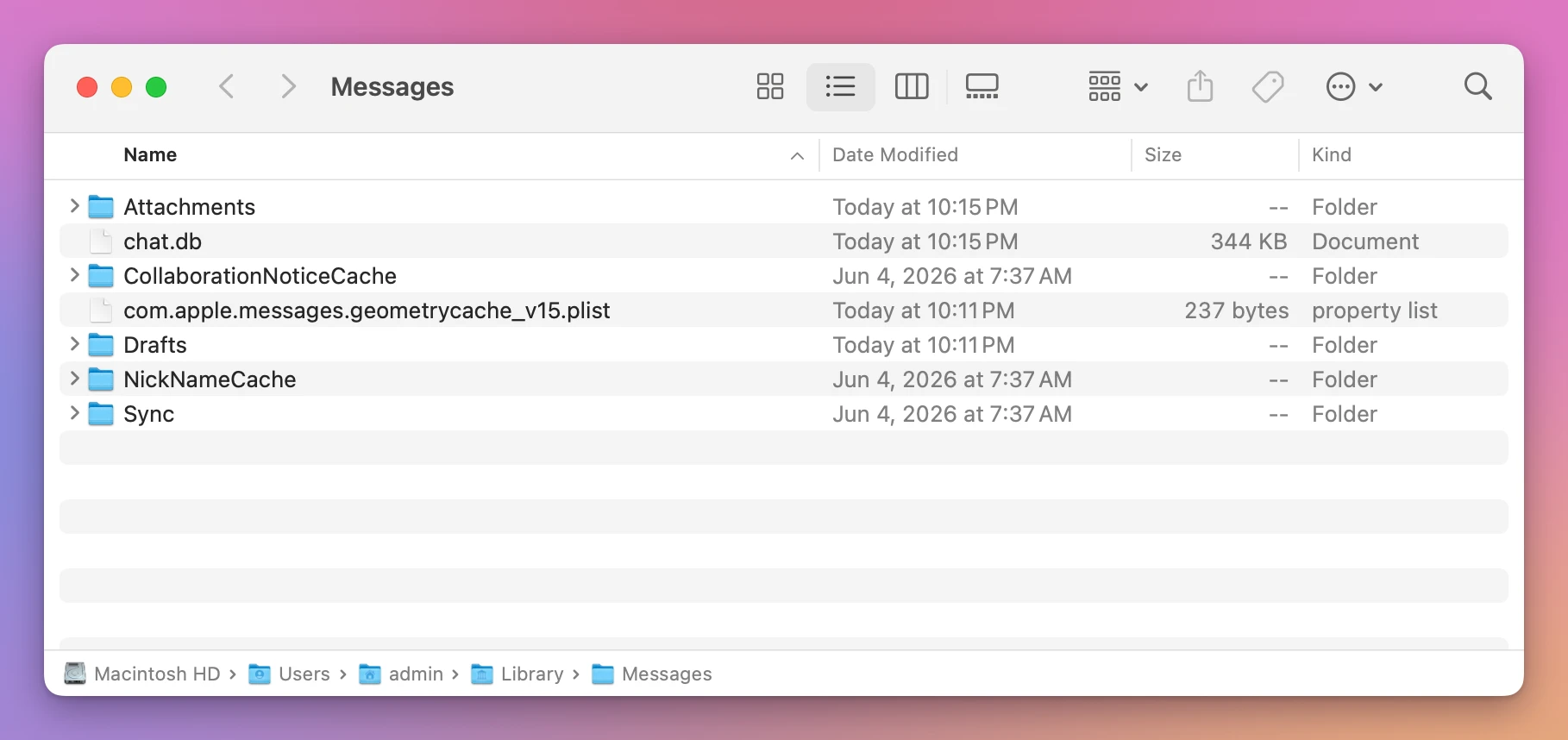
What’s in the Messages folder?
| Item | What it holds |
|---|---|
chat.db | The conversations: every message, who sent it and when, in one database file |
chat.db-shm and chat.db-wal | Two companion files of chat.db. They were there before the made-up messages went in |
| Attachments | The photos, videos, voice messages and other files sent and received, each in its own folder |
Drafts and com.apple.messages.geometrycache_v15.plist | They appeared the first time Messages was opened on the test Mac |
| CollaborationNoticeCache, NickNameCache, Sync | Folders Messages keeps for itself |
The folder on your Mac may not have exactly the same items as the test Mac’s.
Where are the photos?
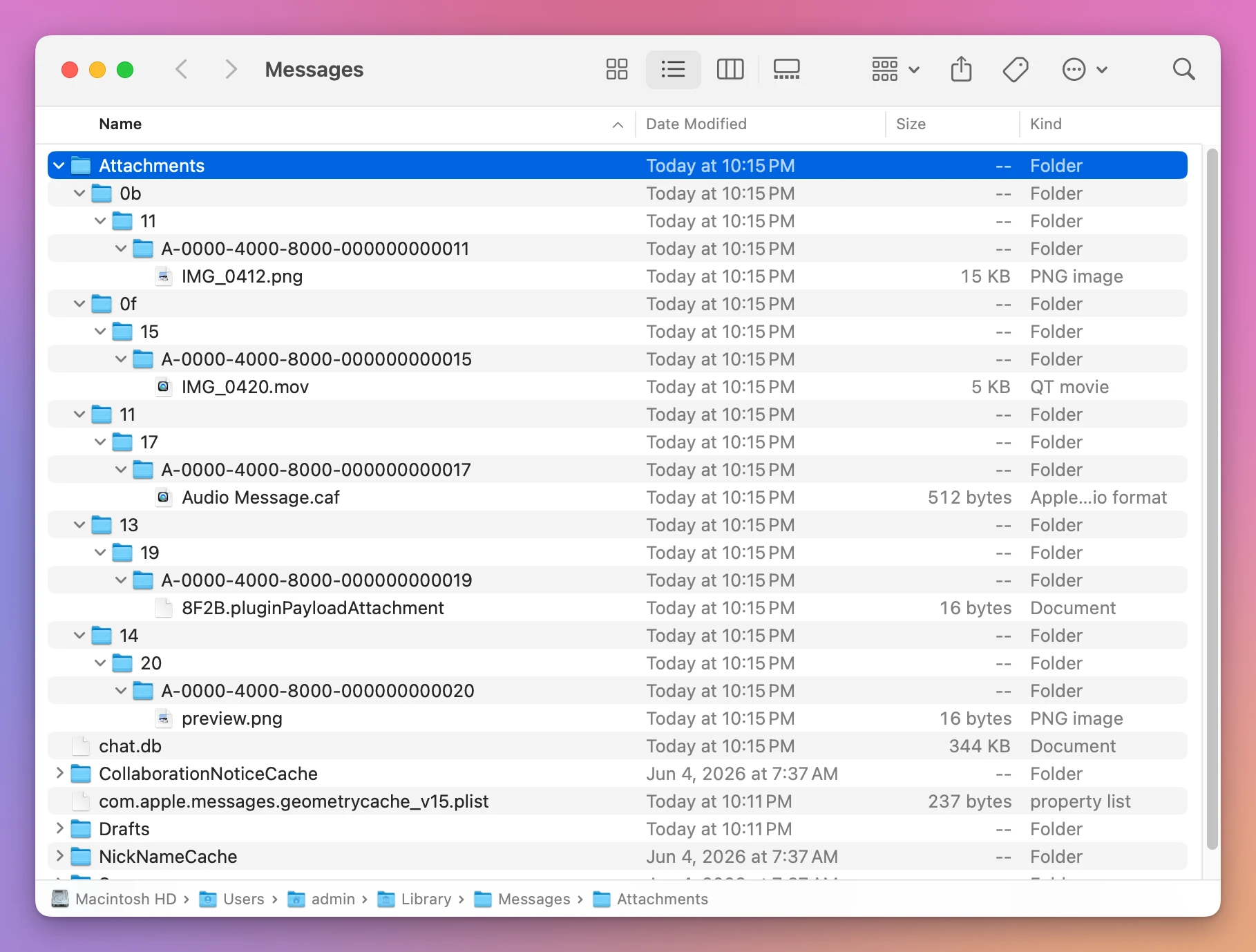
In Attachments, but not by conversation or by date. The folders have short coded names like 0b, then 11, then a long code, and the file sits at the bottom with its own name, like IMG_0412.png. Click Attachments once and press Option-Right Arrow to open every folder inside it:
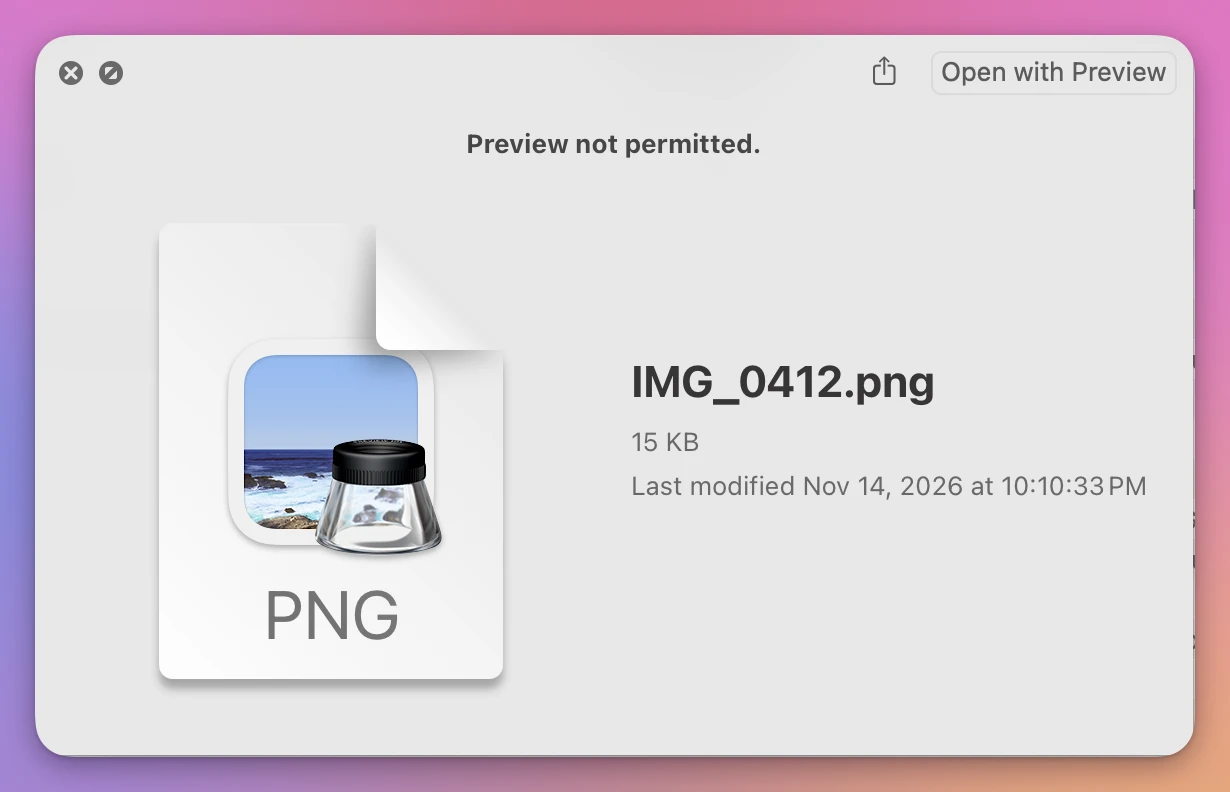
Pressing Space on the photo, to see it with Quick Look, said “Preview not permitted.” on the test Mac. The Open with Preview button in the same window opened it.
Nothing in Attachments says which conversation a photo came from or who sent it. That’s in chat.db.
Can I open chat.db?
On the test Mac, a double-click on it brought up this alert:
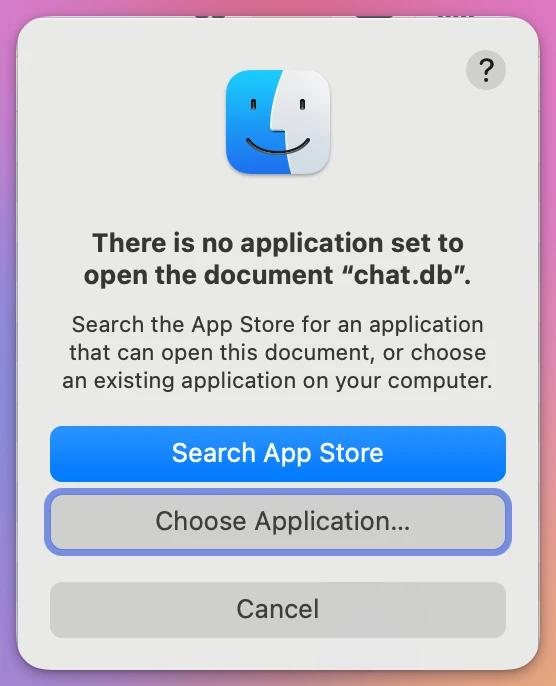
chat.db is a database, a file made for apps to read, not people. Click Cancel.
So the Finder is enough to find your messages and to look at the attachments one by one. It isn’t a way to read a conversation.
Read it with Chat to PDF for iMessage
Chat to PDF for iMessage is a Mac app I made that reads this folder and turns a conversation into a PDF, with the sender and time of every message and the photos in place. It’s my own app, not made by, affiliated with or endorsed by Apple. It costs $19, paid once.
It reads the Messages folder on your Mac once you turn on Full Disk Access for it. It never changes anything in there: it copies the history to a temporary folder, reads the copy, and deletes it when you quit.
It can also open a copy of a Messages folder, from another Mac or a backup, without Full Disk Access. Choose File › Open a Messages Folder… and pick the folder with chat.db in it. Here the copy was the made-up folder, on the Desktop as “Messages copy”:
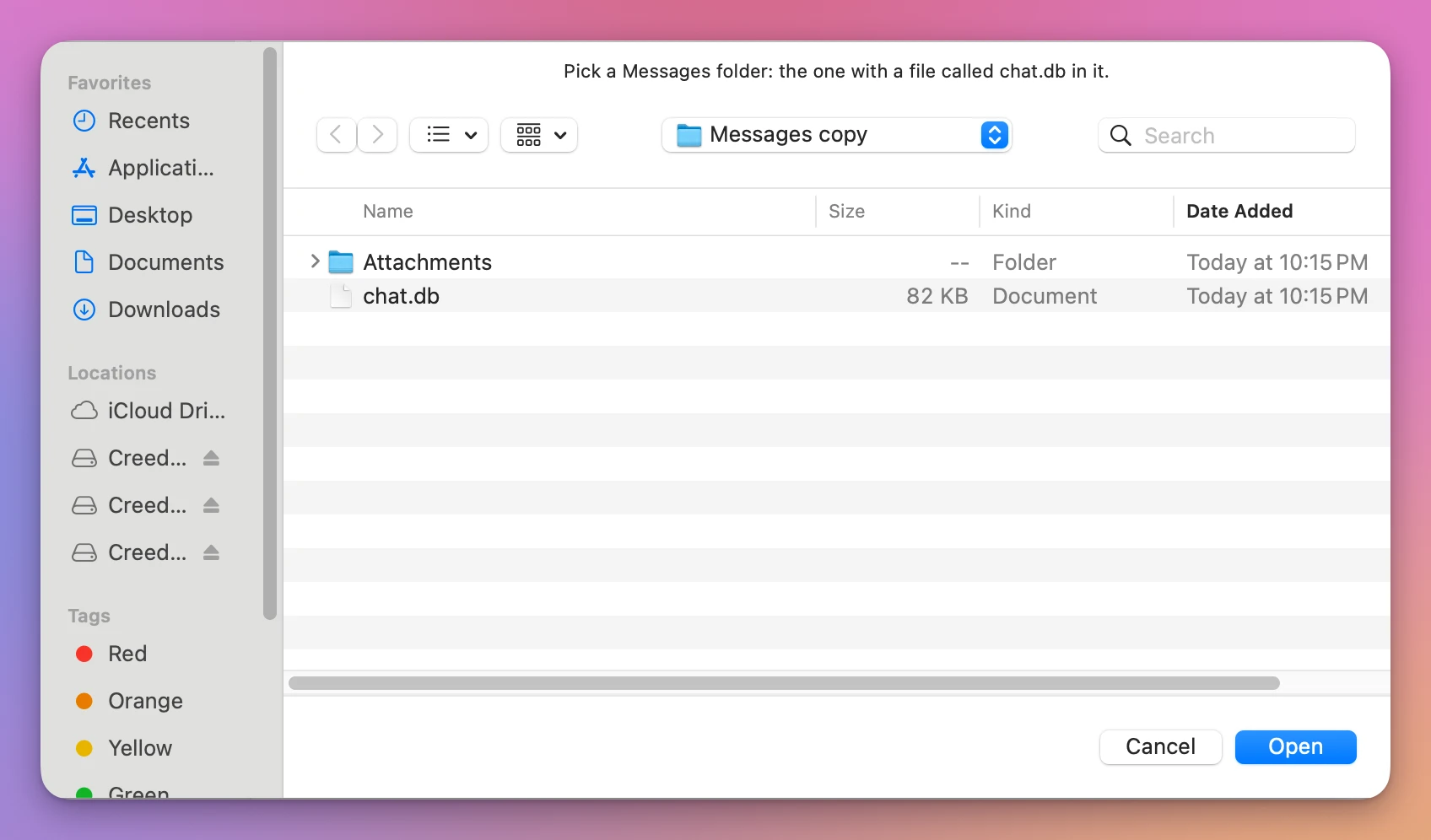
After Open, the window listed the four conversations in the copy, newest first, each with the day of its last message and how many messages it has: a phone number with 13 messages from March 2026, the “Hiking club” group, a group with no name, shown by the people in it, and a number with 2 messages from 2015. They show numbers and email addresses because that’s what chat.db keeps. Names… puts names on them, typed or taken from Contacts. From there, picking one and clicking Save PDF… works the way the tutorial on saving a conversation as a PDF shows. The tutorial on printing messages with the date and time shows what the times look like on paper.
Get Chat to PDF for iMessage
Turn an iMessage or text message conversation into a clean PDF: every message with its sender, date and time, the photos where they were sent, reactions and edits marked, and page numbers. For a court case, a custody file, a lawyer, or to keep.
See Chat to PDF for iMessage → · Read the docs · $19. See the app page for tax details.
Want me to talk about your product? You can sponsor this site.