A short guide to nano
By Flavio
A short guide to nano, the beginner friendly UNIX text editor, where you type directly with no modes and save or quit with the ctrl key shortcuts shown.
nano is a beginner friendly editor.
Run it using nano <filename>.
You can directly type characters into the file without worrying about modes.
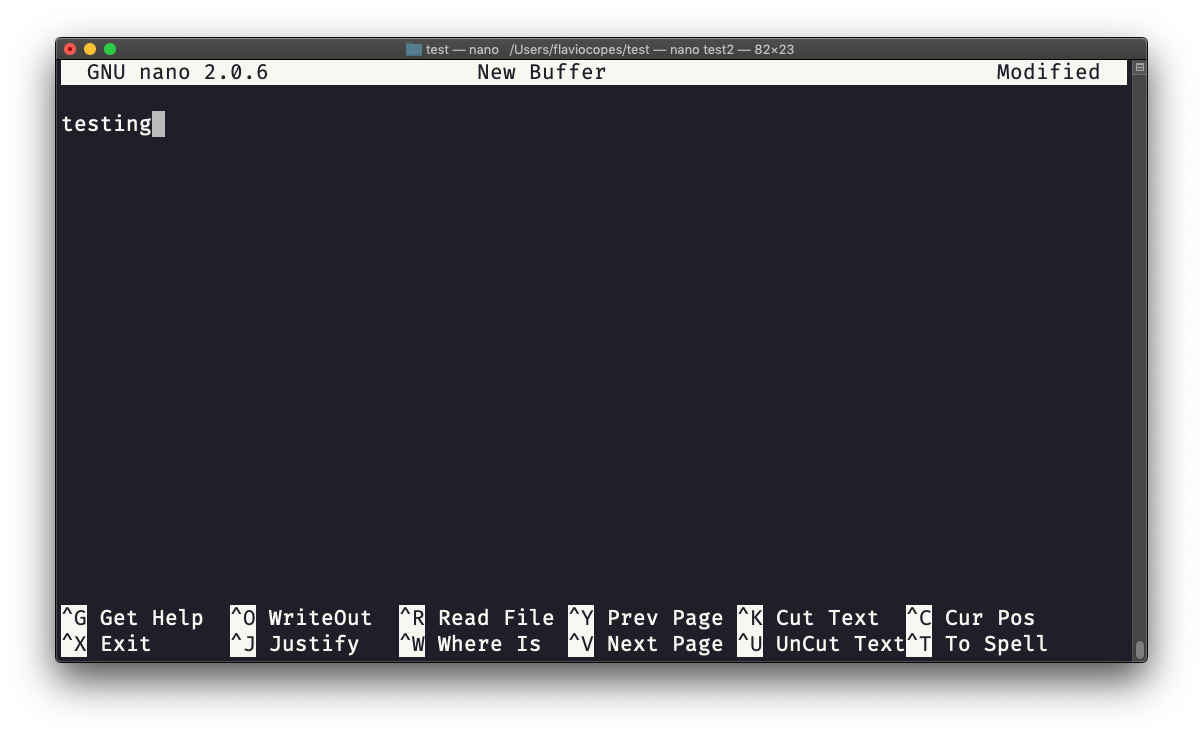
You can quit without editing using ctrl-X. If you edited the file buffer, the editor will ask you for confirmation and you can save the edits, or discard them. The help at the bottom shows you the keyboard commands that let you work with the file:
nano started in 1999 as a free software clone of pico. pico’s license wasn’t free. It’s part of the GNU project.
Since macOS 12.3, nano on a Mac is a link to pico. You get pico when you type nano. Same keys, fewer features: no syntax highlighting, no line numbers, no .nanorc options. Install GNU nano with Homebrew if you want the real one:
brew install nanoLinux distros ship GNU nano.
If you want a modal editor instead, I have a short guide to vim.
Want me to talk about your product? You can sponsor this site.
Related posts about cli: