Fix Cloudflare 'too many redirects' on Laravel Forge SSL
By Flavio Copes
Fix the too many redirects error on a Laravel Forge site with Cloudflare DNS by switching the SSL/TLS encryption mode from Flexible to Full (strict).
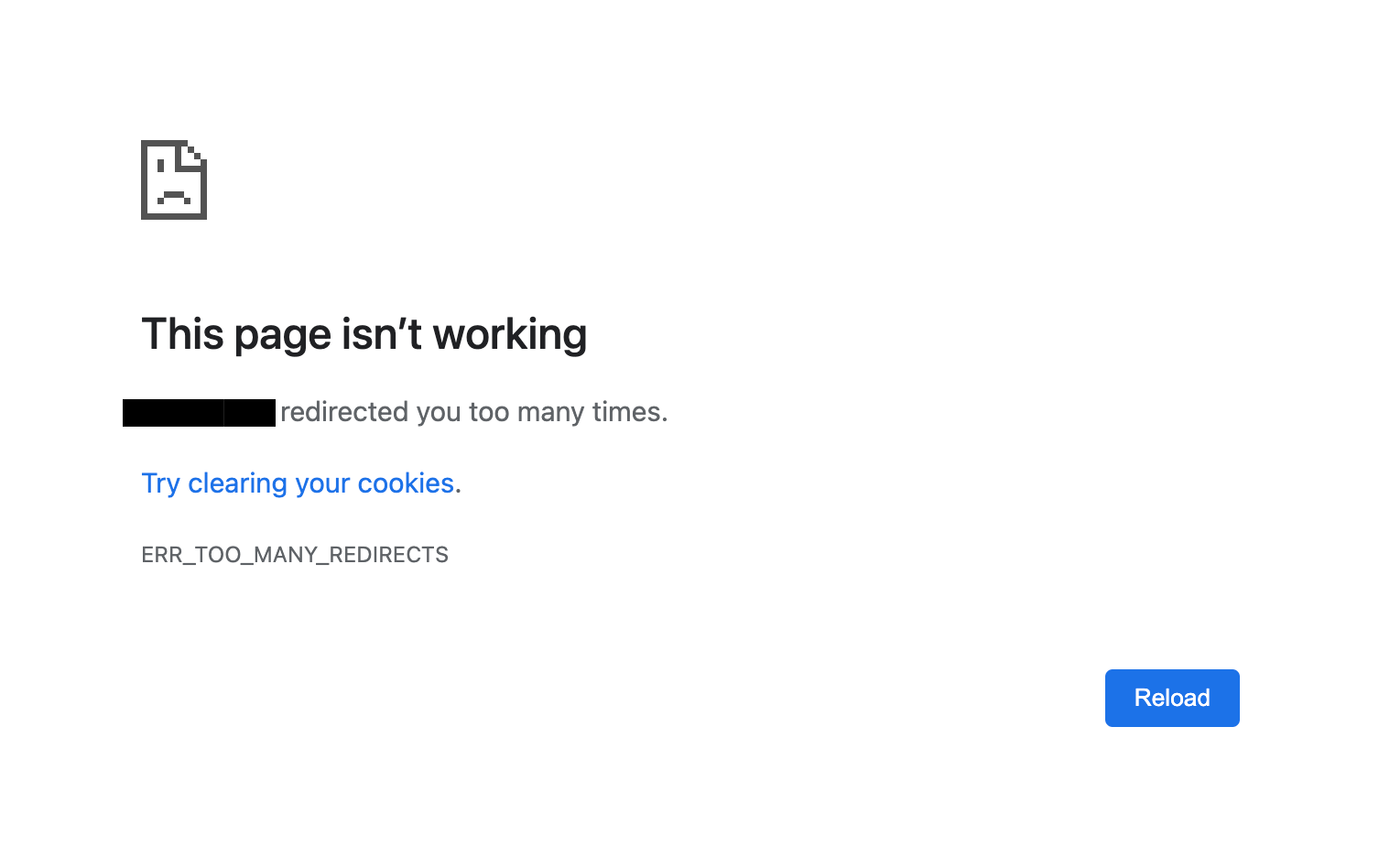
I deployed a site with Laravel Forge, with the DNS managed on Cloudflare. After setting up SSL, the site stopped loading and the browser only showed a “too many redirects” error.
I solved it by setting the SSL/TLS encryption mode to Full (strict) in the Cloudflare interface:
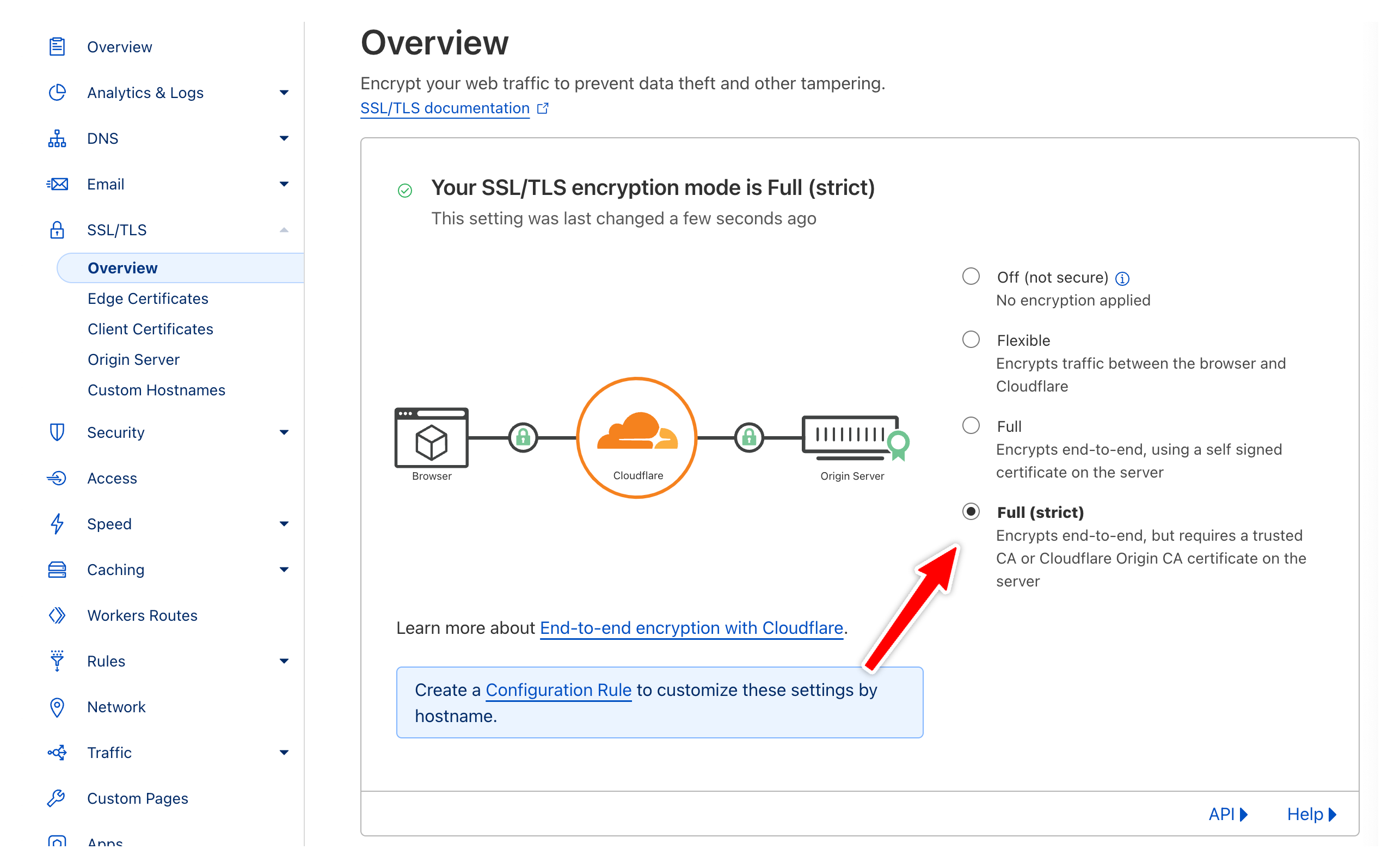
It was set on Flexible by default, and I just got this message over and over:
Why does Flexible mode cause a redirect loop?
Cloudflare sits between the visitor and your server. The encryption mode decides how Cloudflare talks to your origin server.
With Flexible, visitors connect to Cloudflare over HTTPS, but Cloudflare connects to your server over plain HTTP.
That’s the problem. A site provisioned with Forge has its own SSL certificate on the server (Forge sets up Let’s Encrypt for you), and the nginx configuration redirects every HTTP request to HTTPS.
So the loop goes like this. The browser requests the page over HTTPS. Cloudflare forwards the request to the server over HTTP. The server answers with a redirect to the HTTPS version. Cloudflare passes that redirect back to the browser, the browser follows it, and we’re back at step one.
After a few rounds the browser gives up and shows the error.
Full (strict) tells Cloudflare to connect to your origin over HTTPS and to validate the certificate. The server receives an HTTPS request, has no reason to redirect, and responds with the actual page.
There’s also a plain Full mode. It connects over HTTPS too, but accepts any certificate, even a self-signed or expired one. Since Forge gives you a valid Let’s Encrypt certificate, pick strict. You lose nothing and Cloudflare verifies it’s really talking to your server.
How to confirm the fix
The setting applies within seconds. Test from the terminal:
curl -IL https://myapp.comBefore the fix, curl follows redirect after redirect to the same URL until it hits its limit. After the fix, the first response is a 200.
One thing to watch out for: browsers cache 301 redirects. If curl says everything is fine but your browser still shows the error, open the site in a private window or clear the cache for that domain.
Want me to talk about your product? You can sponsor this site.
Related posts about laravel: