How to delete books from a Kindle on a Mac, and free its space
By Flavio
Deleting a book from a Kindle in the Finder moves it to a hidden Trash on the Kindle, and the space doesn't come back. Here's what happened when I tried it, how to delete for good, and how to remove a book by its title.
Your Kindle is getting full, or it’s cluttered with books you’ve finished, so you plug it into your Mac and drag some books to the Trash. The books disappear from the documents folder. The free space stays the same.
That’s because the Finder doesn’t delete a file from a Kindle, or from any USB disk. It moves it to a hidden Trash folder on that disk, .Trashes, so you can still put it back, and it keeps taking space there until you empty the Trash.
This is about a Kindle that shows up in the Finder as a disk. The tutorial about a Kindle that doesn’t show up explains which ones do. And before deleting a book you might want again, copy it to your Mac, as the tutorial about backing up a Kindle’s books shows.
Move a book to the Trash
I tried this on a stand-in Kindle: an 8 GB disk image formatted FAT32 like a Kindle that shows up as a disk, named Kindle, with a documents folder and 10 public-domain books in it. On the Mac it behaves like an older Kindle plugged in by cable, but it has no screen, so what the Kindle shows after a deletion isn’t part of this. The status bar at the bottom of the Finder window, from View > Show Status Bar, shows the free space.
Before, documents had 11 items and 8.55 GB available. I selected Pride and Prejudice.mobi, the biggest book at 12.9 MB, and chose File > Move to Trash. The book was gone from the list, and the space wasn’t back:
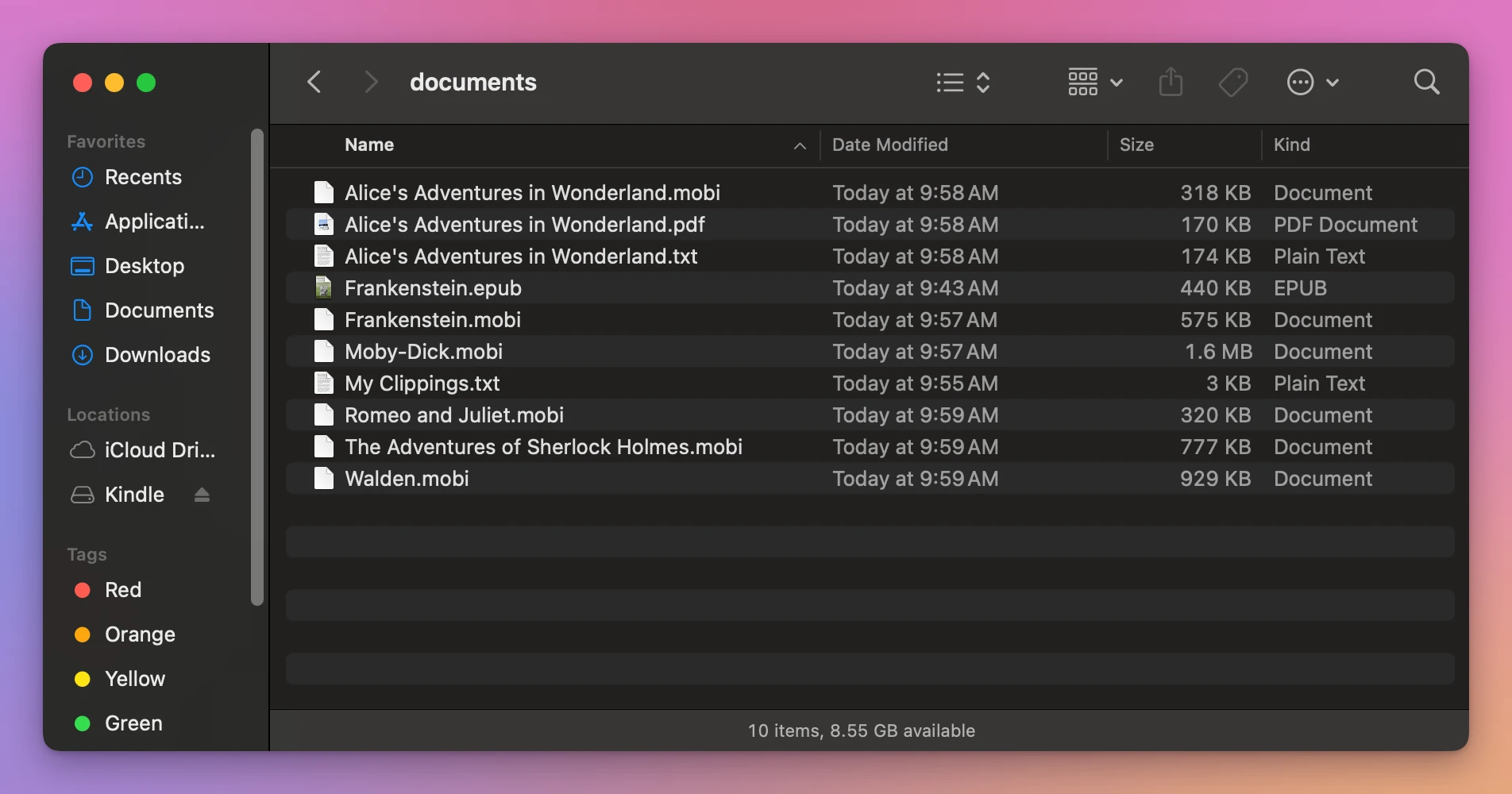
The book was now in .Trashes on the Kindle, still 12.9 MB. The tutorial about the hidden folders a Mac puts on a USB drive shows what’s in that folder.
Get the space back
Two ways, both in the Finder:
- Empty the Trash. That deletes the Kindle’s trashed books for good, along with everything else in your Mac’s Trash. The tutorial about emptying the Trash of one drive shows how to tell which files in the Trash are on which disk.
- Delete it right away, without the Trash. Select the book and choose File > Delete Immediately…, which shows up when you hold the Option key with the File menu open, or press Option-Command-Delete.
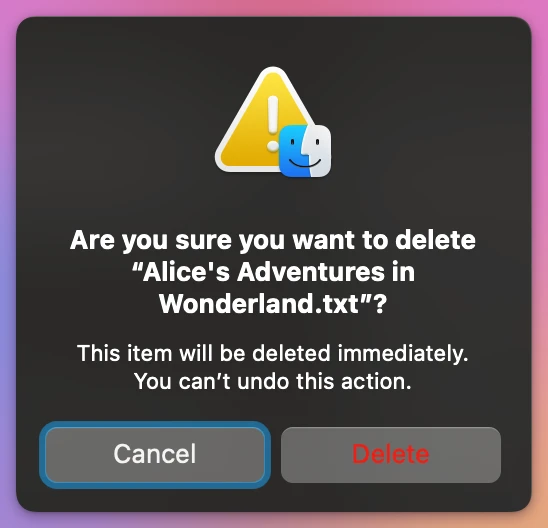
I did the second with Alice's Adventures in Wonderland.txt. The Finder asks first, and it can’t be undone:
The tutorial about a card that’s still full after deleting has the same thing for a camera’s card.
| Move to Trash | Delete Immediately | Transfer for Kindle, Remove | |
|---|---|---|---|
| Where the book goes | .Trashes on the Kindle | Gone | Gone |
| Space back | When you empty the Trash | Right away | Right away |
| Can you undo it | Yes, from the Trash | No | No |
| How you pick the book | By file name | By file name | By title and cover |
Where the Finder stops
The Finder shows file names. To find the big books you can sort by Size, but nothing tells you which file is which book unless the name says it. And it’s easy to forget that the Trash still holds what you moved there.
Remove a book by its title
Transfer for Kindle is a Mac app I made that lists a Kindle’s books with their title, author, cover and size, and removes the one you choose. It’s my own app, not made by, affiliated with or endorsed by Amazon. It costs $19, paid once.
To show the difference, I sent Pride and Prejudice to the stand-in again. The app said 8.54 GB free. I selected the book and pressed Delete. The app asks first, with Keep as the default button:
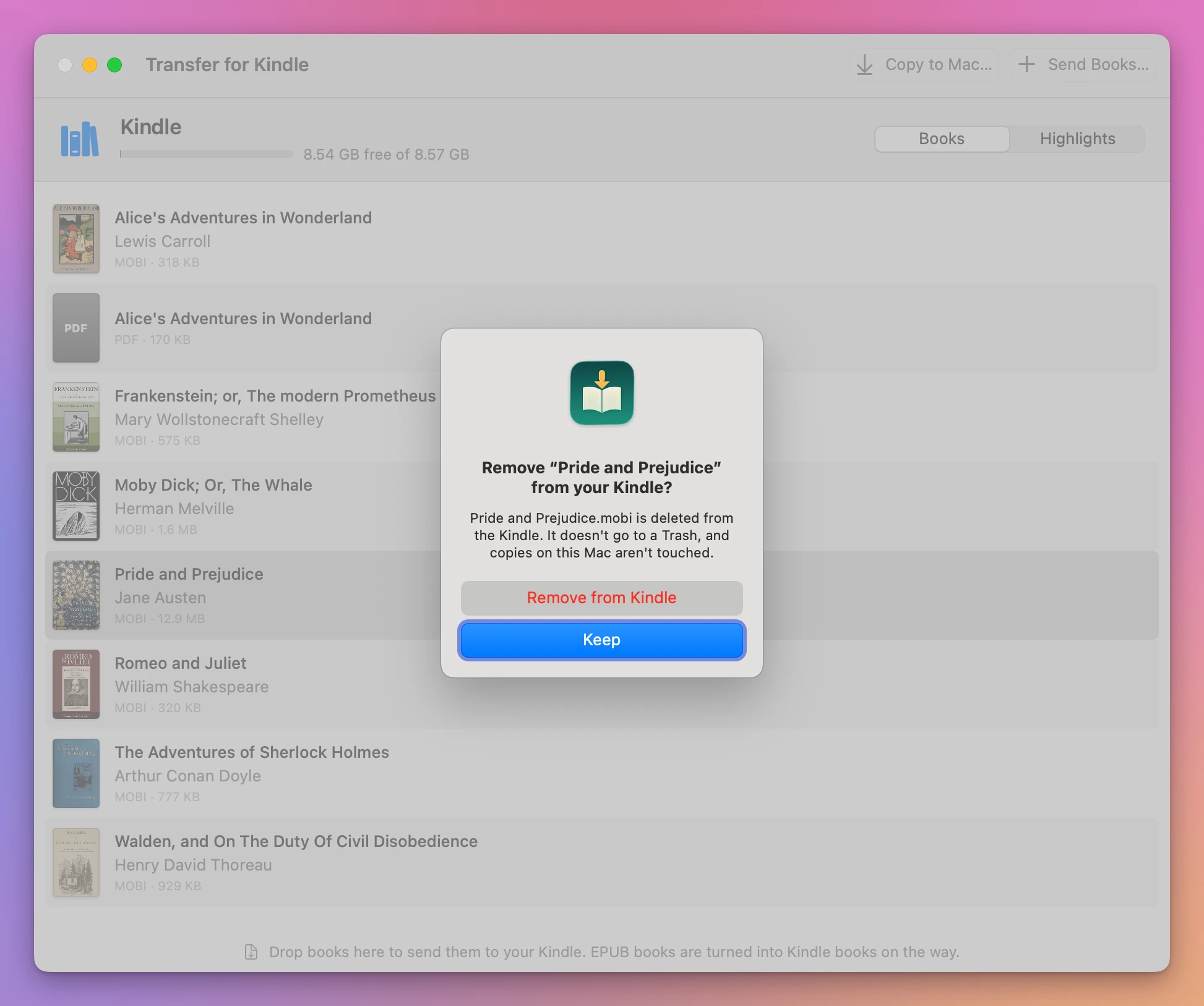
I clicked Remove from Kindle. The book left the list, and the free space went from 8.54 GB to 8.55 GB:
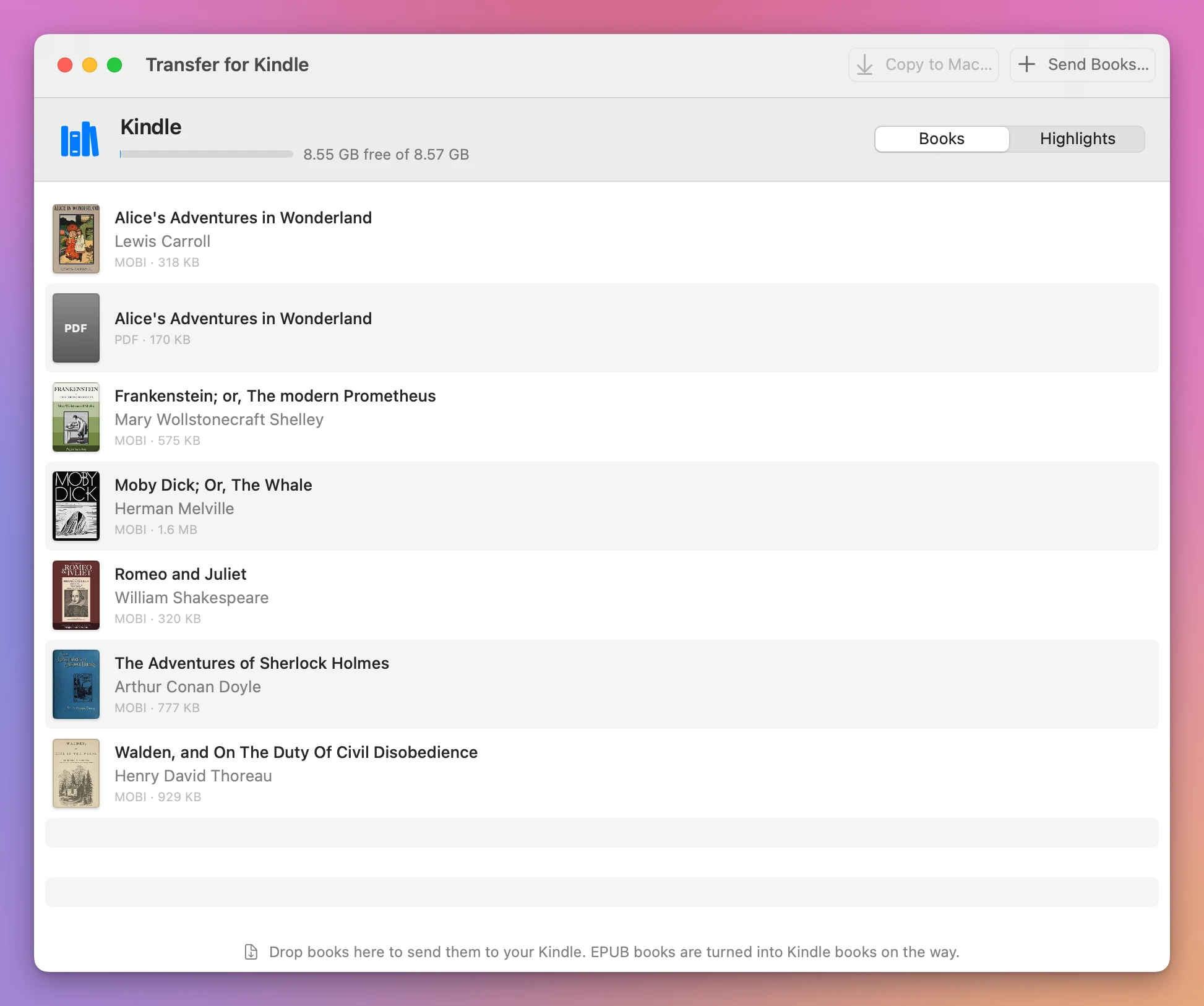
It’s 8.55 and not more because the copy I’d moved to the Trash with the Finder was still in the Kindle’s .Trashes, taking its 12.9 MB. The app only deletes what you remove with it.
Removing a book doesn’t touch your highlights. They’re in My Clippings.txt, which still had all 14 entries after the book was gone.
I also removed a book from my own Kindle with the app, an older Kindle that shows up as a disk, and it was gone from the Kindle.
Get Transfer for Kindle
Plug your Kindle into your Mac and see its books, send your own EPUB, PDF and other books to it by cable, copy books back, and save your highlights. An EPUB is turned into a book the Kindle opens, on your Mac, with nothing uploaded.
See Transfer for Kindle → · Read the docs · $19. See the app page for tax details.
Want me to talk about your product? You can sponsor this site.