I launched Calculum: practical calculators for real life
By Flavio Copes
I launched calculum.dev, a growing library of practical calculators with clear formulas, visible assumptions, and browser-only calculations.
Today I launched Calculum.
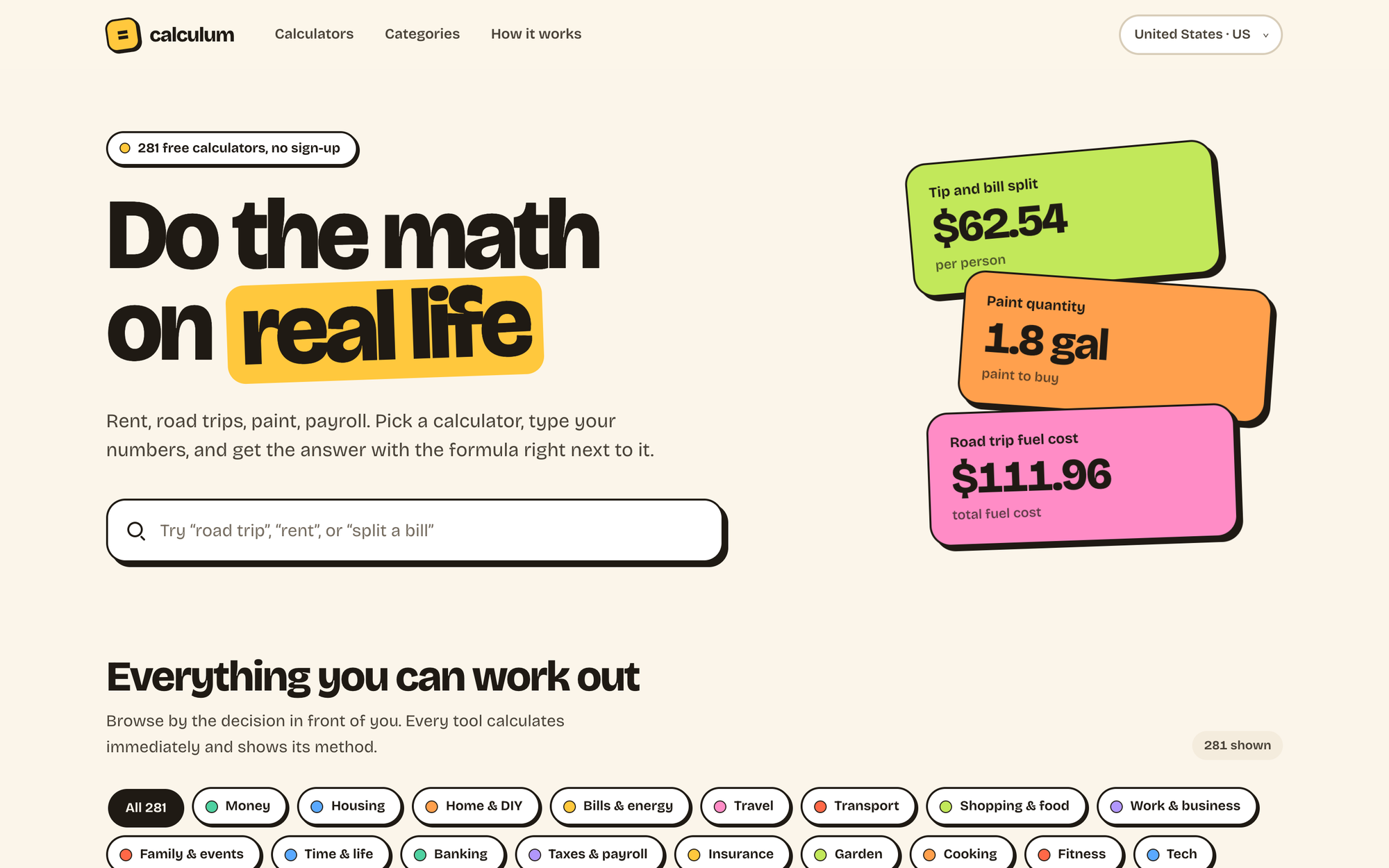
Calculum is a free library with a ton of practical calculators for real life.
It helps you answer questions like:
- How much rent can I afford?
- What will this road trip cost?
- How long will it take to pay off a credit card?
- How much paint should I buy?
- What hourly rate makes freelance work sustainable?
- Is it better to overpay a mortgage or invest the money?
There are calculators for money, housing, home projects, energy, travel, cars, shopping, work, taxes, insurance, cooking, fitness, shipping, sustainability, and more.
No account is required, and your numbers stay in your browser.
Here’s the site in 30 seconds:
Why I built it
Calculum started as a different product.
The first version was a local-first notepad calculator. You could type calculations, name values, and work through a problem one line at a time.
It worked, but the idea was too broad.
Most people do not wake up wanting a blank calculation surface. They have a specific question.
They want to know if an apartment fits their budget. How much a trip will cost. Which package is cheaper. How much material a home project needs.
So I changed the product.
Instead of one general calculator, I built a library of small calculators. Each one starts with a real decision and asks only for the numbers needed to answer it.
What makes Calculum different
A calculator should not give you one mysterious number in a box.
Every Calculum page shows the formula, the assumptions, and a useful breakdown of the result. Many calculators also include examples, edge cases, country context, and links to authoritative sources.
Changing values updates the result immediately.
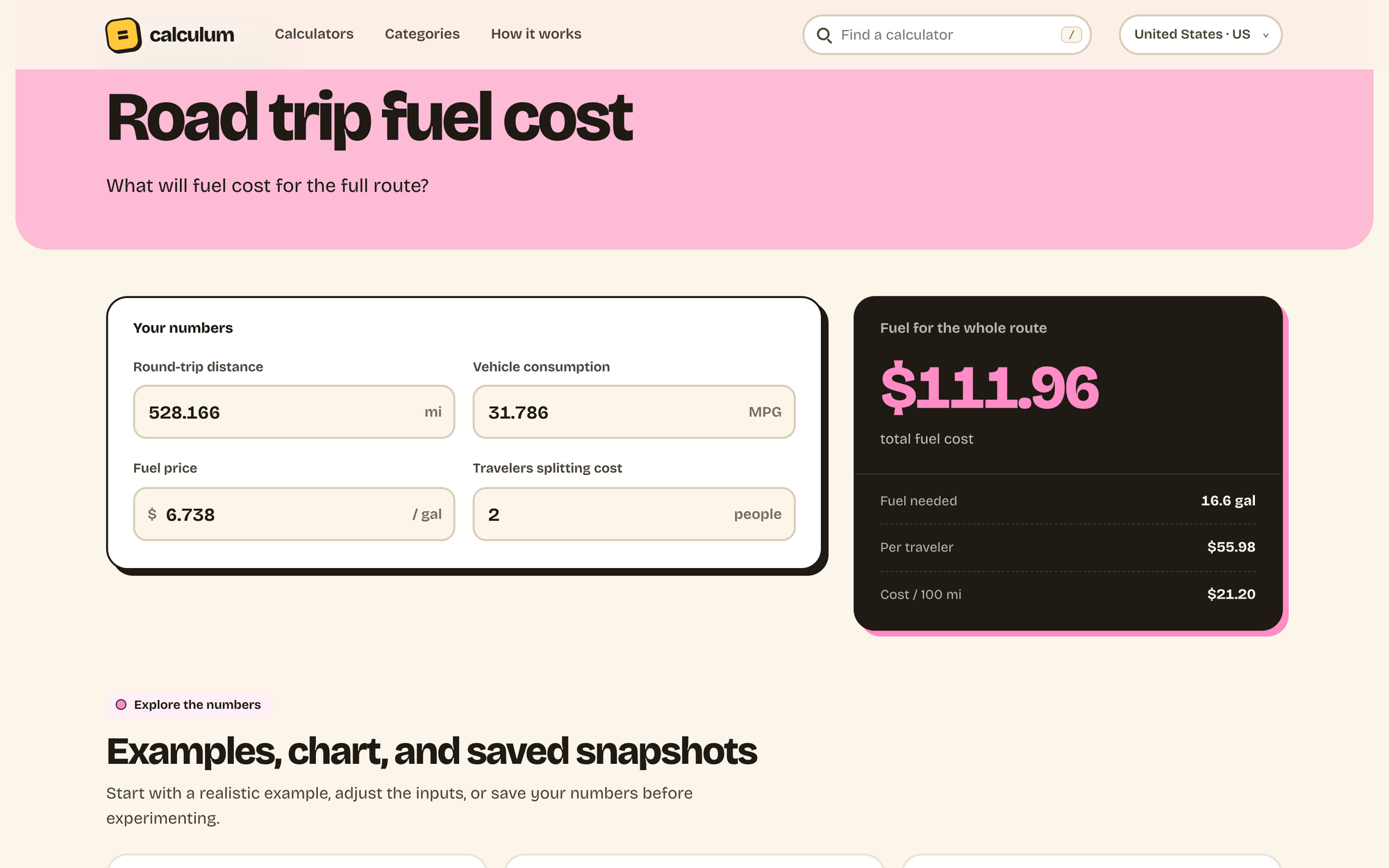
You can also choose your country. Calculum adjusts currencies, number formats, dates, and measurement units while keeping volatile values visible. It does not silently invent exchange rates, tax rates, or energy prices.
The calculation happens in your browser. There is no account, database, or server receiving the numbers you enter.
I also made the catalog searchable. With a library this large and still growing, browsing a long list would get old quickly.
How I built it
The site is data-driven.
Rather than building every calculator page by hand, I split the product into two layers.
The catalog contains the public metadata: slug, title, category, and the question the calculator answers.
The tool specifications contain the actual behavior: fields, default values, formula, assumptions, and a calculate() function.
Here is the complete structure of the monthly budget calculator:
'monthly-budget-planner': {
  eyebrow: 'Money left this month',
  fields: [
    field('income', 'Monthly take-home income', 4200, { prefix: '$' }),
    field('housing', 'Housing', 1400, { prefix: '$' }),
    field('food', 'Food & groceries', 650, { prefix: '$' }),
    field('transport', 'Transport', 350, { prefix: '$' }),
    field('other', 'Everything else', 900, { prefix: '$' }),
  ],
  formula: 'Income − housing − food − transport − other spending',
  assumptions: [
    'All values cover the same month.',
    'Taxes are already reflected in take-home income.',
  ],
  calculate: ({ income, housing, food, transport, other }) => {
    const spending = housing + food + transport + other
    const left = income - spending

    return result(money(left), left >= 0 ? 'left after spending' : 'over budget', [
      ['Total spending', money(spending)],
      ['Savings rate', income > 0 ? percent((left / income) * 100) : '—'],
      ['Yearly equivalent', money(left * 12)],
    ])
  },
}
The shared Astro page turns a specification into the form, result panel, formula, assumptions, examples, sources, and related links.
Astro creates every URL from one dynamic route:
export function getStaticPaths() {
  return calculators.map(calculator => ({
    params: { slug: calculator.slug },
  }))
}
At build time, the page runs calculate() with the default values. The initial answer is already in the generated HTML, together with the useful explanatory content.
JavaScript takes over when you change an input. The browser reads the form, converts displayed units back to canonical values, calls the same calculate() function, and updates the result text and breakdown.
There is no framework hydration and no request to a server.
The examples, sensitivity charts, and saved scenarios also use the real calculator functions. Saved snapshots go into localStorage, so you can compare plans without creating an account or uploading the values.
How localization works
The calculation definitions use canonical values. Measurements are stored in metric units, while money and dates are formatted at the edge of the interface.
Each country profile defines a locale, currency, and measurement system. Intl.NumberFormat and Intl.DateTimeFormat handle the display. Small conversion functions translate between kilometers and miles, liters and gallons, Celsius and Fahrenheit, and the other supported units.
When you change country, the browser first converts the current input back to its canonical value. It then converts that value into the new display unit and runs the calculator again.
This avoids a subtle bug: changing from kilometers to miles should change the number shown in the field, not the real distance being calculated.
Country-specific rules are separate from the formulas. They can change labels, visible defaults, context, and official source links, but they do not hide live tax or exchange rates inside the code.
How I test the calculators
Keeping the formulas as plain JavaScript functions means I can test them without opening a browser.
I use Node’s built-in test runner. The main catalog test loads every active calculator, builds its default input object, calls calculate(), and checks that the result has a primary value, a label, and detail rows. It also rejects NaN, Infinity, and missing values.
Then there are focused tests for the cases that usually break calculators: zero interest, payments that cannot reduce a balance, unreachable goals, negative results, unit round trips, and country-specific tax conventions.
Other tests check that:
- every catalog entry has one matching tool specification
- examples and saved scenarios run through the real formula
- authoritative sources cover the calculators that need them
- retired URLs redirect to active calculators or categories
- titles, descriptions, structured data, and sitemap URLs stay consistent
- financial calculators show the correct notices
The complete local verification command is:
npm run checkThat runs the Node tests, astro check, and a full production build.
Building with AI agents
I built Calculum with AI coding agents doing much of the implementation. My job was product direction, review, and deciding what should stay.
At one point the site grew too quickly. I removed dozens of weak or duplicate calculators before launch. Generating another page was easy. Making sure it deserved to exist was the real work.
The development stack
Calculum is intentionally simple:
- Astro generates the static site
- vanilla JavaScript modules run the calculators and interactive charts
- plain CSS handles the design
- JavaScript data files contain the catalog, formulas, editorial guides, sources, and country rules
- Node’s built-in test runner checks the product contracts
- TypeScript and
astro checkvalidate the Astro components
There is no React application, UI framework, calculation library, API, or database. The package dependency list is Astro, @astrojs/check, and TypeScript.
Astro generates the homepage, category pages, country guides, and all calculator pages as static HTML. JavaScript only takes over where interaction is needed.
Each calculator also gets its own title, description, canonical URL, breadcrumbs, WebApplication structured data, and sitemap entry during the build. Category pages use CollectionPage and ItemList structured data.
The deployment stack
The code lives in a GitHub repository and the site is deployed to Cloudflare Pages.
Cloudflare watches the main branch. Each push runs:
npm run buildThat command runs astro check and the Astro build, then Cloudflare publishes the generated dist directory.
There is no Astro adapter because the output is fully static. There are also no environment variables, secrets, Workers, serverless functions, or database migrations involved in a deploy.
Cloudflare serves the pages and assets from its network, while every calculation stays on the visitor’s device.
This is my favorite kind of deployment stack: there is almost nothing to operate.
Try it
Open Calculum and search for the question you are trying to answer.
The site is free, there is no signup, and I am still adding and improving calculators.
If you’d rather have the calculators on your Mac, I also built Number Pantry, a free app with the same 281 calculators that works offline.
If a result is unclear, a formula looks wrong, or a useful calculator is missing, let me know.
Want me to talk about your product? You can sponsor this site.
Related posts about news: