Plan the experiment
What we are building
Define one small language-model experiment you can train, inspect, compare, and explain without pretending it is a frontier model.
We are going to train a small language model on your Mac with Language Model Builder.
We are not trying to replace ChatGPT or Claude. We want one complete learning system, with evidence we collected ourselves.
Every step in this course follows the same chain:
text → tokens → training examples → next-token loss
     → updated parameters → checkpoints → sampled text → evaluation
Later we will add supervised fine-tuning and preference training. Those steps shape how the model responds. They do not replace tokenization, pre-training, or evaluation.
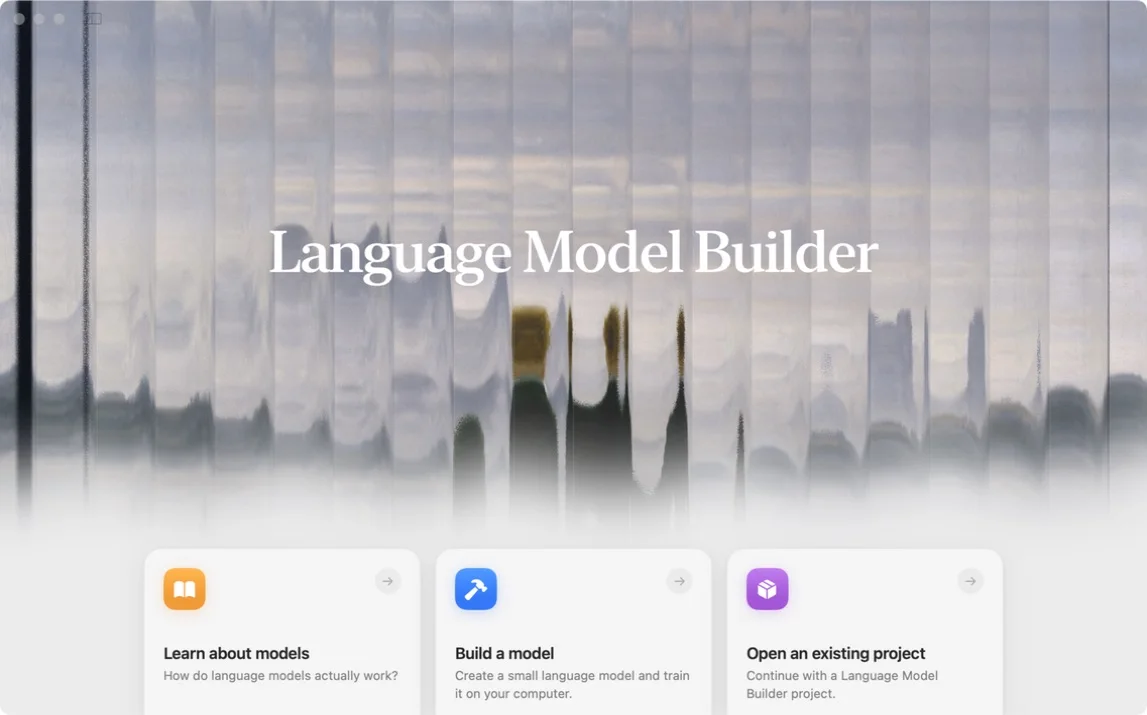
Open the app and choose Build a model. Do not start training yet.
The built-in textbook is useful when you want to pause the lab and revisit one idea without leaving the app.
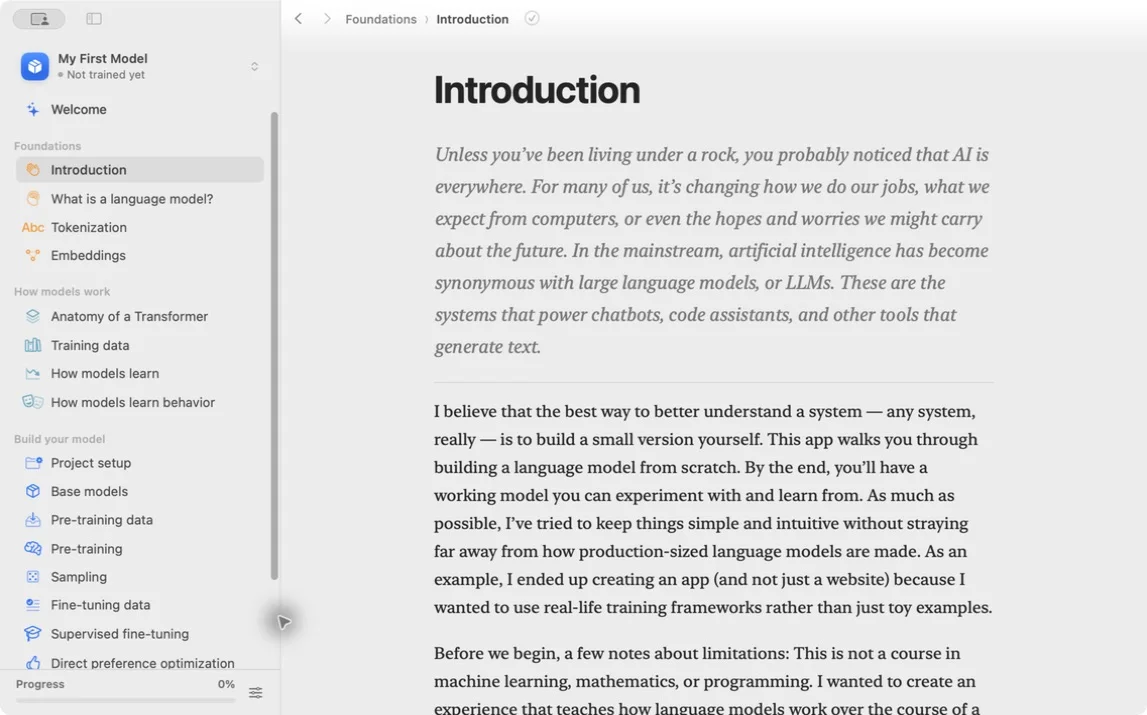
Create a new project with a simple name such as Tiny Stories Lab. Pick something you will recognize in the sidebar a week from now.
Before you touch a setting, write one hypothesis in your notebook:
A small model trained on short stories will move from random tokens toward grammatical story continuations, but it will remain unreliable outside that domain.
That sentence keeps the experiment honest. If the model writes fluent nonsense about rocket ships, we note it. We do not pretend it became a general assistant.
By the end of this course you will have:
- the exact tokenizer, data split, and model blueprint
- training and validation curves
- samples from early, middle, and late checkpoints
- SFT and preference comparisons
- a report separating observations from explanations
The report matters as much as the weights. A model file cannot tell us which data it saw, which controls stayed fixed, or why we trust a conclusion.
If the app asks you to name the project and you type Tiny Stories Lab, you should see that name in the sidebar immediately. If the sidebar stays empty, quit and reopen once before moving on. A missing project now saves you hours of training into the wrong folder later.
Try this on your own machine: open the app, create the project, and confirm the name appears in the sidebar before you read the next lesson.
Lesson completed