How to concatenate strings in AppleScript
By Flavio Copes
Learn how to concatenate strings in AppleScript using the & operator instead of the + you might expect from JavaScript, Swift, or Python.
To concatenate strings in AppleScript you use the & operator, not +.
I’m used to using the + operator to concatenate strings in JavaScript, Swift, Python and other languages.
So I tried that in AppleScript but it didn’t work.
In AppleScript you use the & operator:
set example to "hello"
"testing " & example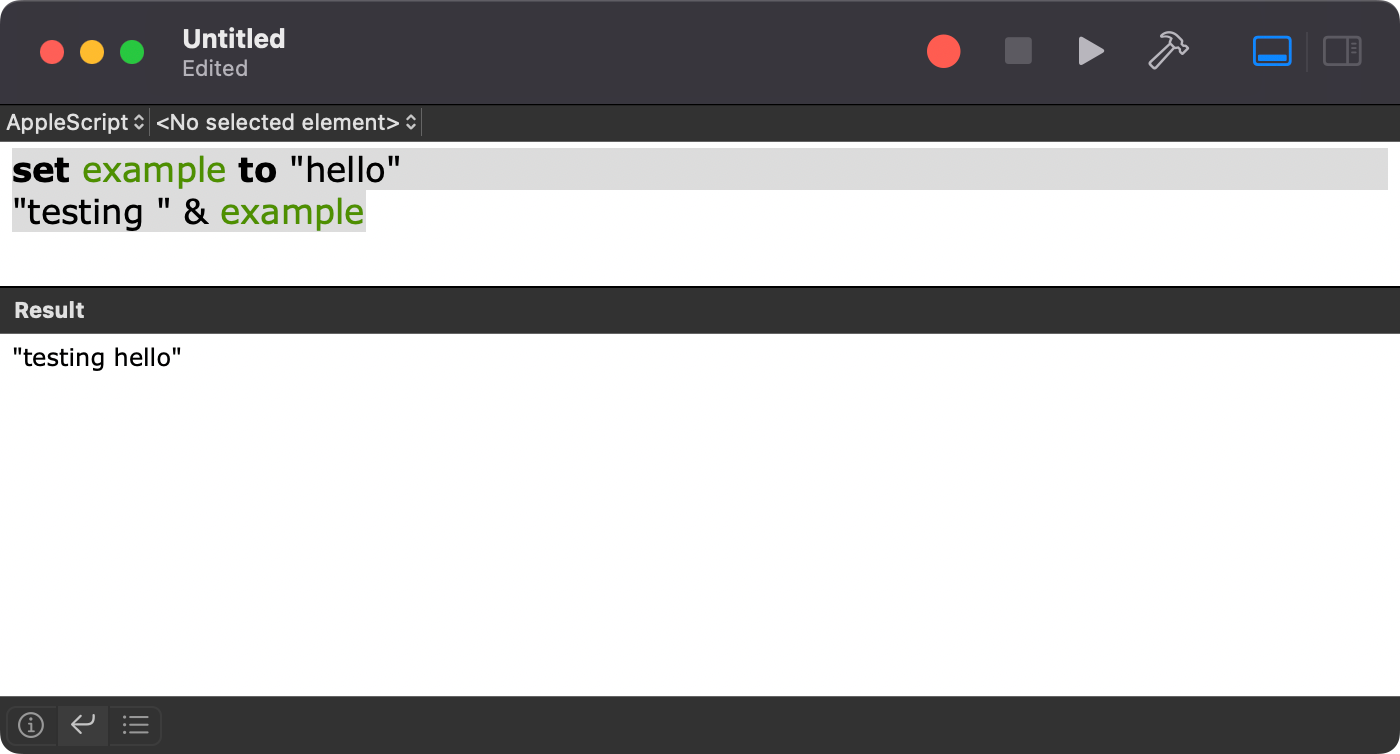
☝️ is the macOS built-in Script Editor app, the best way I found to tinker with AppleScript.
You can chain as many & as you want, and mix in variables:
set firstName to "Flavio"
set lastName to "Copes"
set fullName to firstName & " " & lastName
display dialog fullName
This shows a dialog with “Flavio Copes”. Notice the " " in the middle, & doesn’t add any spacing for you.
Concatenating strings with numbers
Here’s where it gets interesting. When the left operand is a string, AppleScript coerces the right operand to a string for you:
"You have " & 3 & " new messages"
-- "You have 3 new messages"
That works because the result class of & follows the left operand.
The pitfall: starting with a number
Flip the order and things break in a surprising way. If the left operand is a number, & doesn’t concatenate at all. It builds a list:
3 & " new messages"
-- {3, " new messages"}
No error, no dialog with the text you expected. Just a list with two items, which then fails later when you try to use it as a string.
The fix is coercing the number to text first, with as text:
(3 as text) & " new messages"
-- "3 new messages"
Or start the expression with a string, like in the earlier example, and let AppleScript handle the coercion.
This tripped me up when building a message from a calculation:
set fileCount to 12
display dialog (fileCount as text) & " files copied"
Without the as text coercion, display dialog receives a list and raises an error instead of showing the message.
Want me to talk about your product? You can sponsor this site.
Related posts about mac: