Linux commands: sort
By Flavio Copes
Learn how the Linux sort command orders the lines of a file or piped input, with -r to reverse, -n for numeric order, and -u to drop duplicate lines.
Suppose you have a text file which contains the names of dogs:
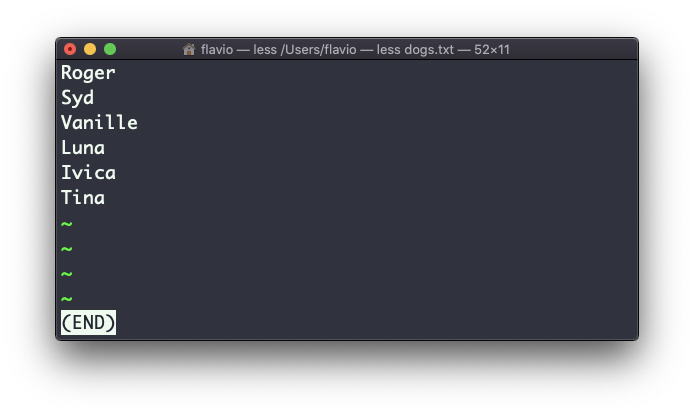
This list is unordered.
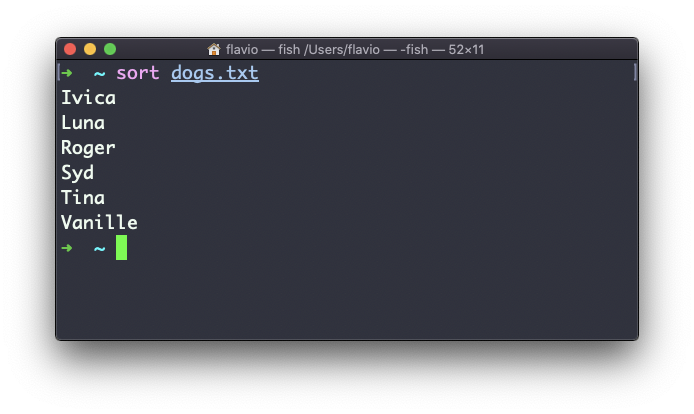
The sort command helps us sorting them by name:
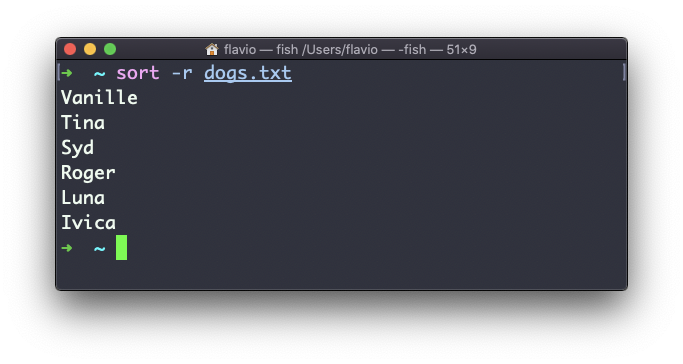
Use the r option to reverse the order:
Sorting by default is case sensitive, and alphabetic. Use the --ignore-case option to sort case insensitive, and the -n option to sort using a numeric order.
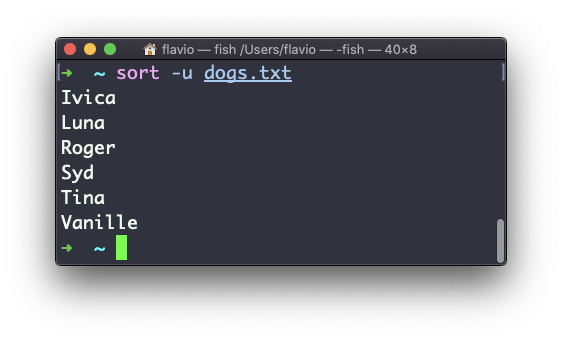
If the file contains duplicate lines:
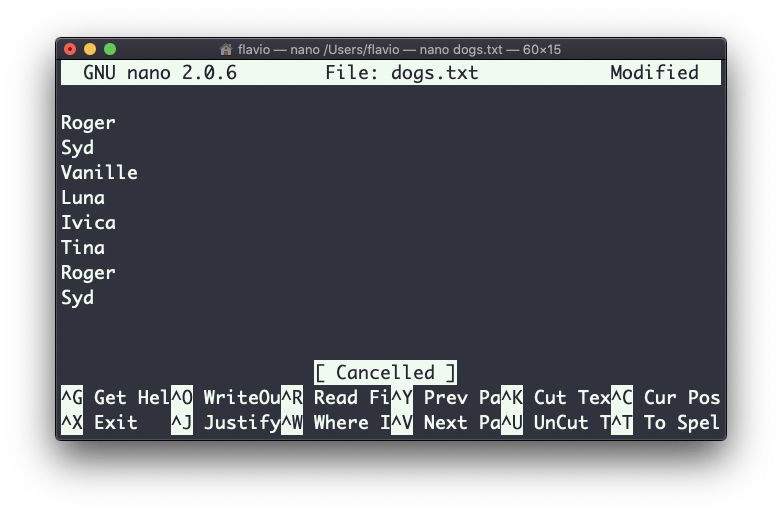
You can use the -u option to remove them:
sort does not just works on files, as many UNIX commands it also works with pipes, so you can use on the output of another command, for example you can order the files returned by ls with:
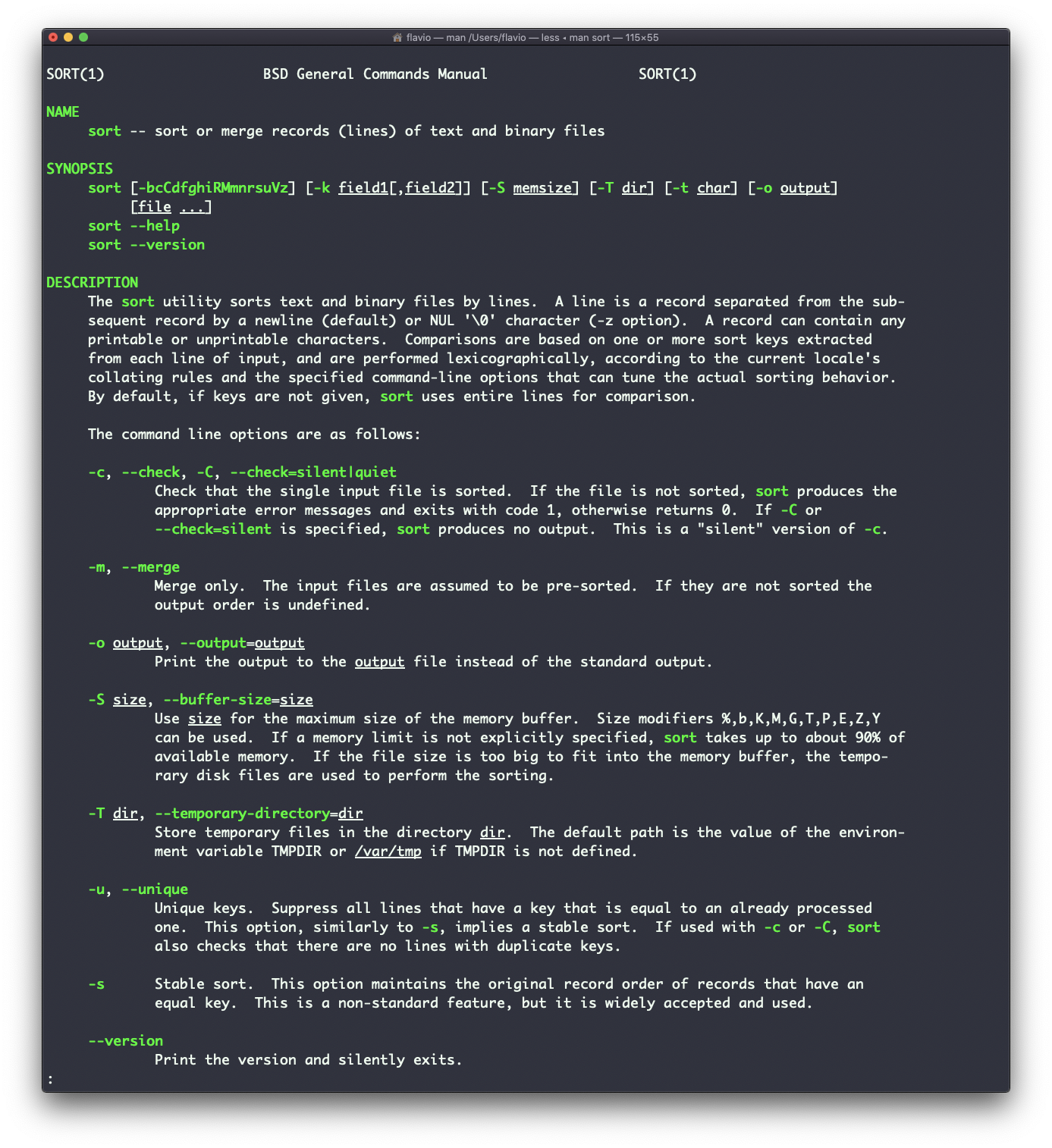
ls | sortsort is very powerful and has lots more options, which you can explore calling man sort.
The sort command works on Linux, macOS, WSL, and anywhere you have a UNIX environment
If you have a list in your clipboard and want to sort or dedupe it without the terminal, I built a free line sorter that does both in the browser.
Want me to talk about your product? You can sponsor this site.
Related posts about cli: