
An app by Flavio
Note Repo
A quiet daily notes app for macOS. Open it on today, write nested lists, and keep your notes on your Mac.
Buy Note Repo · $20One-time purchase. Tax included. Full source code.
macOS 14 or later · Apple silicon and Intel
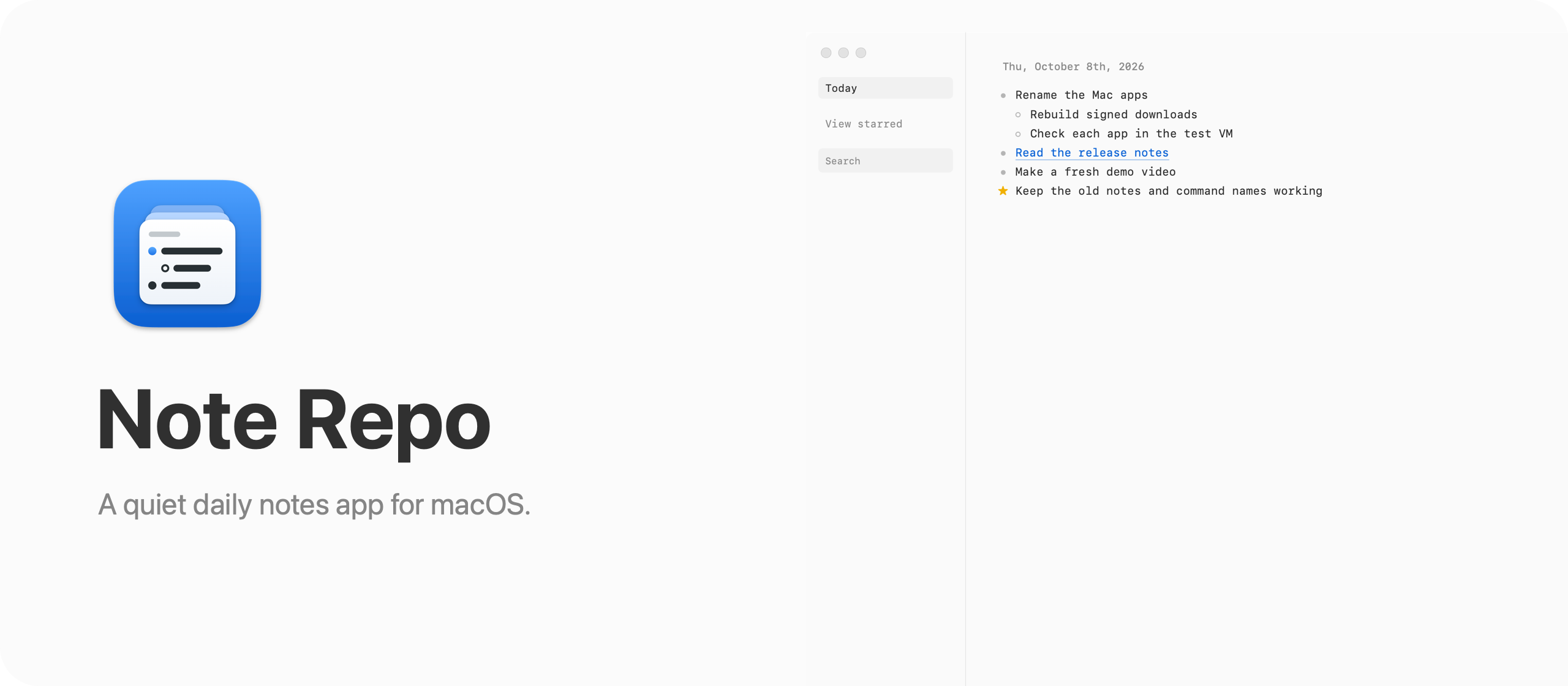
Open it and start writing
When you open it, you see today, ready for your first bullet. Scroll up and you find the earlier days, but only the ones where you wrote something. There are no empty pages to skip and no future days.
Here’s the app in 30 seconds:
Notes, links, and screenshots
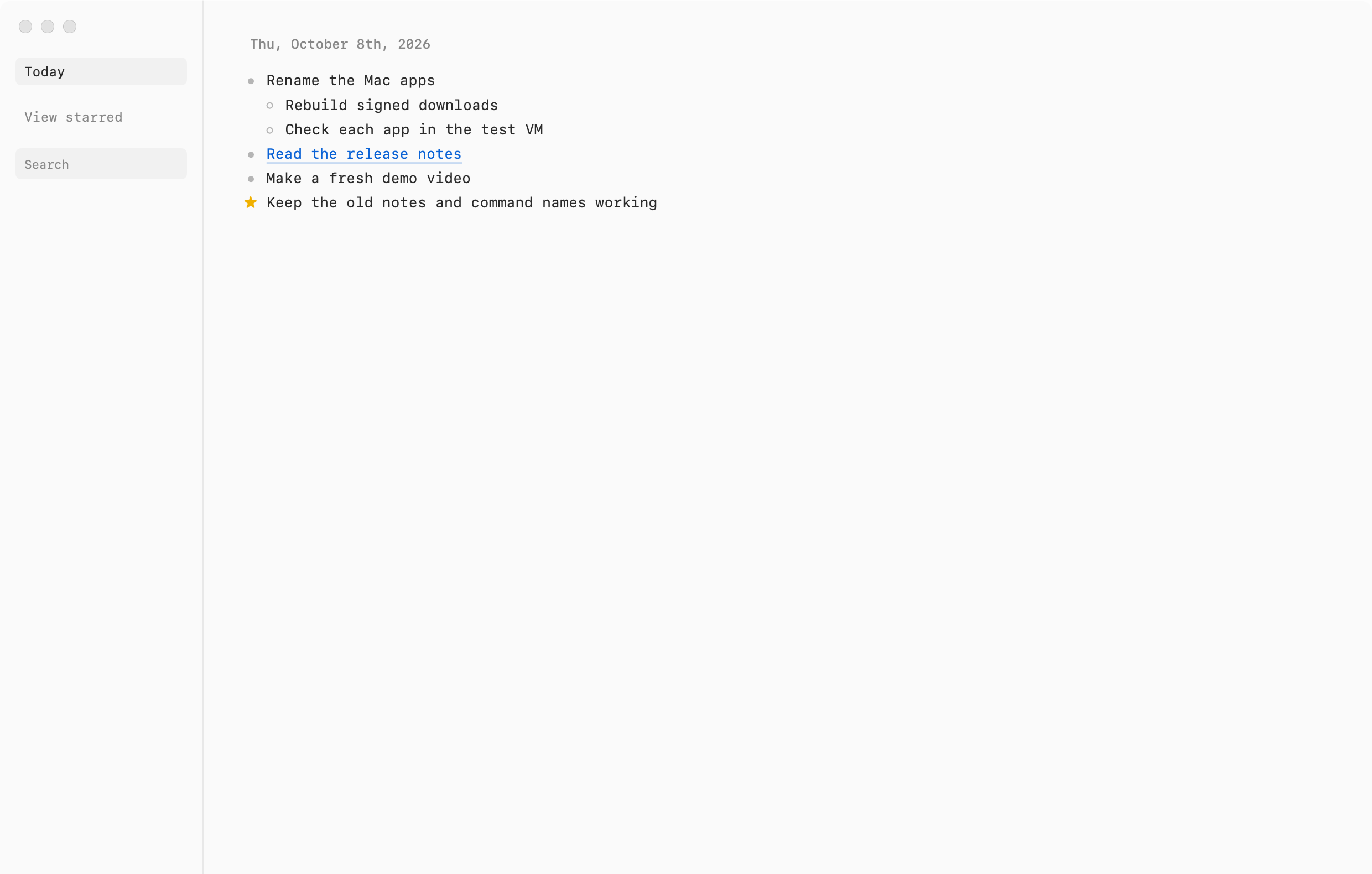
Every note is a list. You type bullets, press Tab to nest them, and Note Repo saves as you type.
When you paste a link, it fetches the page title and shows it next to the domain, instead of a long URL. A YouTube link gets the video title, and an X post gets the first line of its text. You can drop or paste screenshots into any day, search everything with ⌘F, and jump back to today with ⌘D.
Your notes stay on your Mac
Your notes stay on your Mac, in a single SQLite file. The app has no sign-in or AI features. It goes online to read the title of a link you paste. For an X post, that title is the first line. Once a day it also reads the latest version number from my website.
The notes and the requests for link titles take different paths:
Built for the Mac
I’d also like an iPhone app for Note Repo, and I wrote about how to sync a Mac app with its iPhone app while planning it.
Note Repo is a native Mac app written in Swift. SwiftUI draws the window, and each day is an AppKit text view. The whole download is about 1.6 MB.
The first versions ran the AHA stack (Astro, HTMX, and Alpine.js) inside Electron. Note Repo 2.0 replaced that with the Swift app, which looks the same, opens the same notes, and uses about a third of the memory.
What you get
For $20 including tax, you get the signed Mac app, the noterepo command line tool, and full Swift source code. It is a one-time purchase with no subscription. The code is MIT licensed, so you can change it and build your own version.
Downloading the app and updates
After buying, connect your GitHub account in Polar and accept the invitation to the private repository. Download the app from Releases, unzip it, and drag Note Repo to your Applications folder. It runs on Apple silicon and Intel Macs with macOS 14 or later.
Note Repo is signed with my Apple Developer ID and notarized by Apple, so it opens like any other app you download. When a newer version is available, the app links to its GitHub release so you can download it.