Linux commands: sudo
By Flavio Copes
Learn how the Linux sudo command runs a command as root using your own password, how sudo -i opens a root shell, and how -u runs it as any other user.
sudo is commonly used to run a command as root.
You must be enabled to use sudo, and once you do, you can run commands as root by entering your user’s password (not the root user password).
The permissions are highly configurable, which is great especially in a multi-user server environment, and some users can be granted access to running specific commands through sudo.
For example you can edit a system configuration file:
sudo nano /etc/hostswhich would otherwise fail to save since you don’t have the permissions for it.
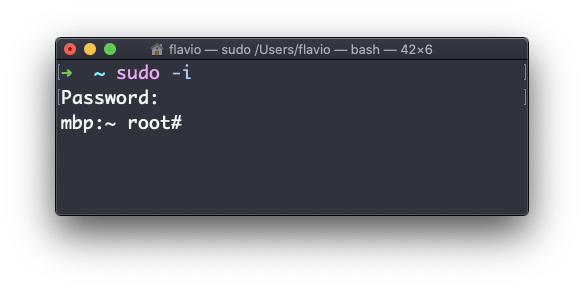
You can run sudo -i to start a shell as root:
You can use sudo to run commands as any user. root is the default, but use the -u option to specify another user:
sudo -u flavio ls /Users/flavioThe
sudocommand works on Linux, macOS, WSL, and anywhere you have a UNIX environment
Want me to talk about your product? You can sponsor this site.