Getting started with Svelte - a short tutorial
How to get started with Svelte
Since I started using Hugo as a static site generator to create websites, I’ve grown to love this approach to publishing on the web, compared to using a CMS that generated pages dynamically, as I was used to - in the past.
Svelte is a JavaScript framework that gives me the same feeling. Compared to React, Vue, Angular and other frameworks, an app built using Svelte is compiled beforehand, your site visitors don’t have to be served the framework and libraries code, and as a result all the fruition of the experience is smoother, consumes less bandwidth, and everything feels faster and lightweight.
As with Hugo, which disappears at deployment and generates plain HTML, Svelte disappears and all you get is plain JavaScript.
But let’s jump to the meat of the article. How to get started with Svelte.
You need to have Node.js installed. Check out my how to install Node.js post if you don’t have it already!
And make sure it’s the latest version (how to update Node.js).
Node installs the npx command, which is a handy way to run Node commands. In particular we’re going to run this:
npx degit sveltejs/template firstappThis will download and run the degit command, which in turn downloads the latest code of the Svelte project template living at https://github.com/sveltejs/template, into the firstapp folder.
Now go into that firstapp folder and run npm install to download the additional dependencies of the template. At the time of writing, those are the dependencies of that project template:
"npm-run-all"
"rollup"
"rollup-plugin-commonjs"
"rollup-plugin-livereload"
"rollup-plugin-node-resolve"
"rollup-plugin-svelte"
"rollup-plugin-terser"
"svelte"
As you can see, it’s the Svelte core, plus Rollup (a Webpack alternative) and some of its plugins. Plus npm-run-all, a CLI tool that is used to run multiple npm scripts in parallel, or sequential.
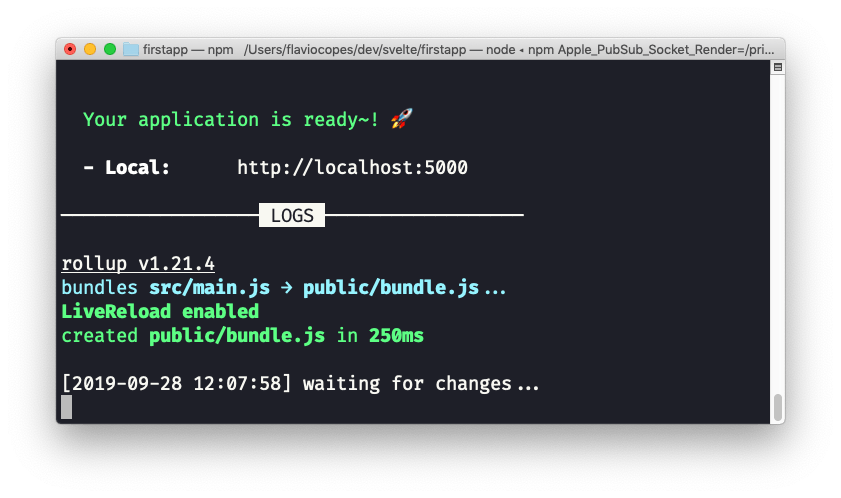
We’re now ready to run our Svelte site in development mode, by running
npm run devThis will start the app on localhost, on port 5000, by default:
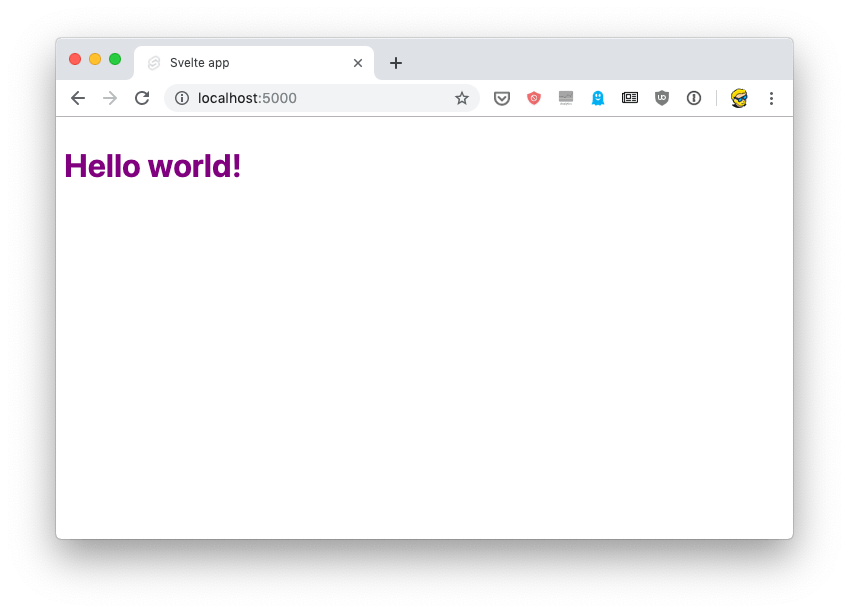
If you point your browser there, you’ll see the “Hello world!” example:
You’re now ready to open the code in your favorite editor. The src folder contains all you need to tweak the app: the main.js file:
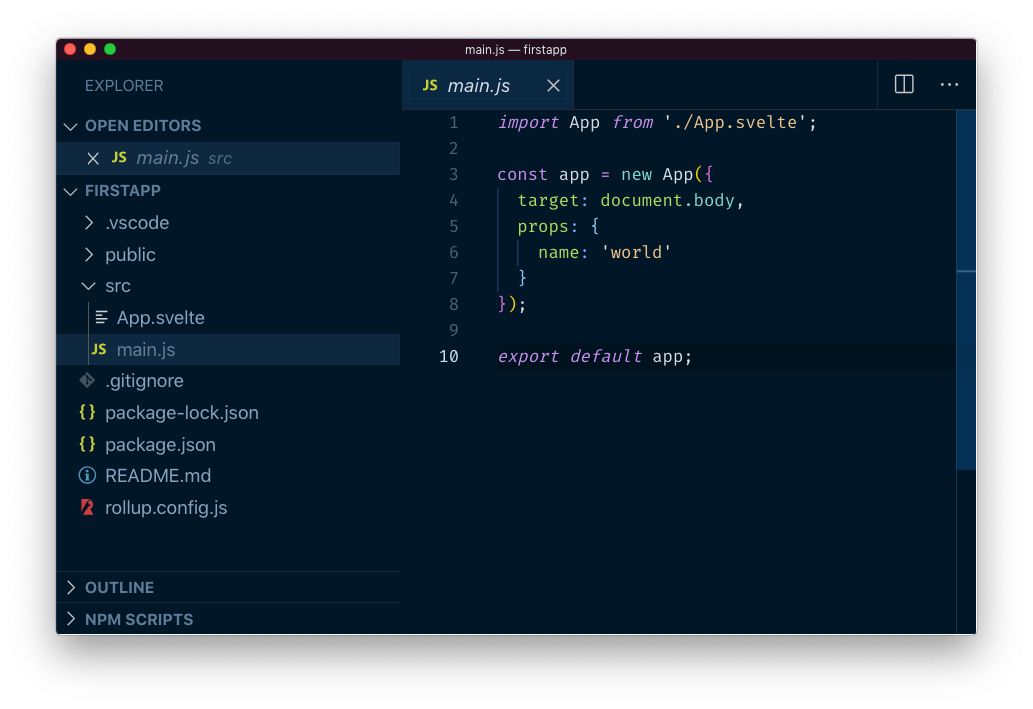
This file is the entry point and in this case initializes the App component, which is defined in App.svelte, a single file component:
<script>
export let name;
</script>

<style>
h1 {
color: purple;
}
</style>

<h1>Hello {name}!</h1>
If you are familiar with Vue.js, it’s a similar concept. You define the markup, the style and the JavaScript for each component in a single .svelte file.
download all my books for free
- javascript handbook
- typescript handbook
- css handbook
- node.js handbook
- astro handbook
- html handbook
- next.js pages router handbook
- alpine.js handbook
- htmx handbook
- react handbook
- sql handbook
- git cheat sheet
- laravel handbook
- express handbook
- swift handbook
- go handbook
- php handbook
- python handbook
- cli handbook
- c handbook
subscribe to my newsletter to get them
Terms: by subscribing to the newsletter you agree the following terms and conditions and privacy policy. The aim of the newsletter is to keep you up to date about new tutorials, new book releases or courses organized by Flavio. If you wish to unsubscribe from the newsletter, you can click the unsubscribe link that's present at the bottom of each email, anytime. I will not communicate/spread/publish or otherwise give away your address. Your email address is the only personal information collected, and it's only collected for the primary purpose of keeping you informed through the newsletter. It's stored in a secure server based in the EU. You can contact Flavio by emailing [email protected]. These terms and conditions are governed by the laws in force in Italy and you unconditionally submit to the jurisdiction of the courts of Italy.