How I fixed my DevOps mistakes with AI
By Flavio Copes
I resized a DigitalOcean droplet the wrong way and locked myself into a $48/month plan. Codex migrated my Sendy server to a new $12 droplet over SSH, database included, while I changed DNS.
In April 2026 I noticed Ubuntu 26.04 LTS was out, so I said “let’s update my server!” For no reason whatsoever.
I SSH’d into the machine to run the upgrade with Claude Code, but the agent kept getting killed. I told that story in Debugging a process killed on my server with Codex. The server had run out of memory, and the fix I picked was to resize the droplet and add RAM.
Plot twist: the AI then told me there was no upgrade path from 24.04 to 26.04 yet. So everything you’re about to read was completely useless.
The mistake
I use DigitalOcean. A “droplet” is what they call a server.
I didn’t notice they had changed the resize interface. Every option now defaults to also growing the disk, unless you check the “keep the storage size fixed” box I highlighted with the arrow:
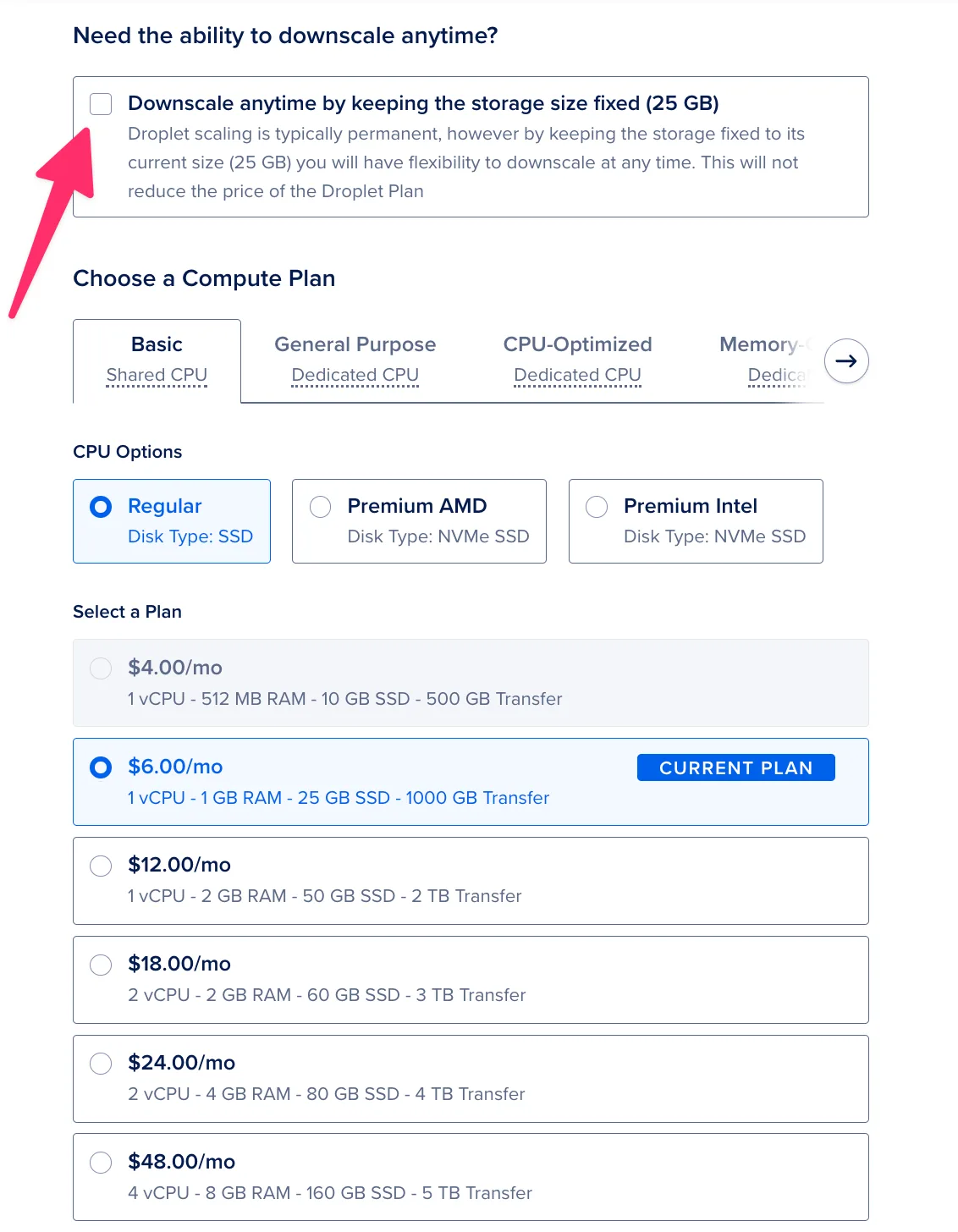
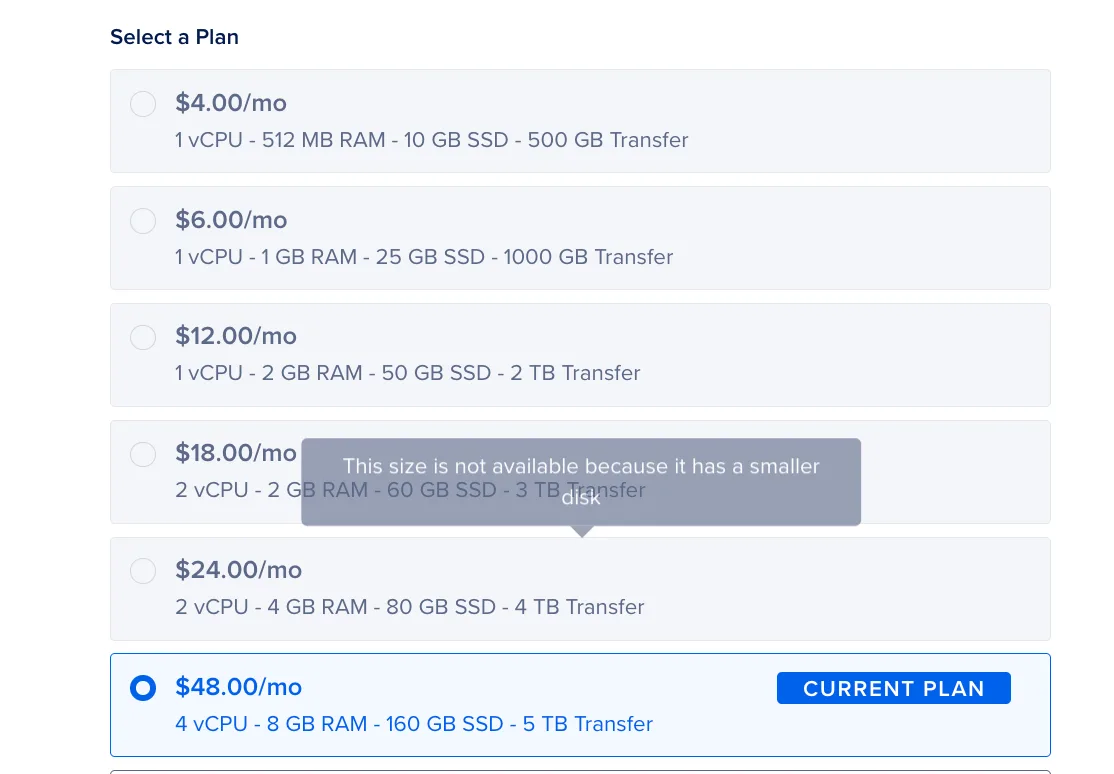
Why does that matter? You can shrink CPU and RAM later. You can never shrink a disk. Once the disk grows, the droplet is stuck on plans with at least that much storage.
So I ended up on a $48/month plan, and every smaller plan was greyed out:
I was pretty mad. This server runs Sendy, my newsletter app. It ran fine for years on a cheap plan, $6 or $12 a month depending on the moment, with the occasional temporary bump for more RAM. $600 a year for it is not necessary.
I asked Codex how to downsize. The answer was that you can’t. The only way is to create a new, smaller droplet and move everything over.
A ton of work. Normally.
But Codex said it would take care of it. I only had to create the new droplet and give it the IP address.
Picking the right size
I created the smallest droplet possible, $4/month. Codex checked it and told me no:
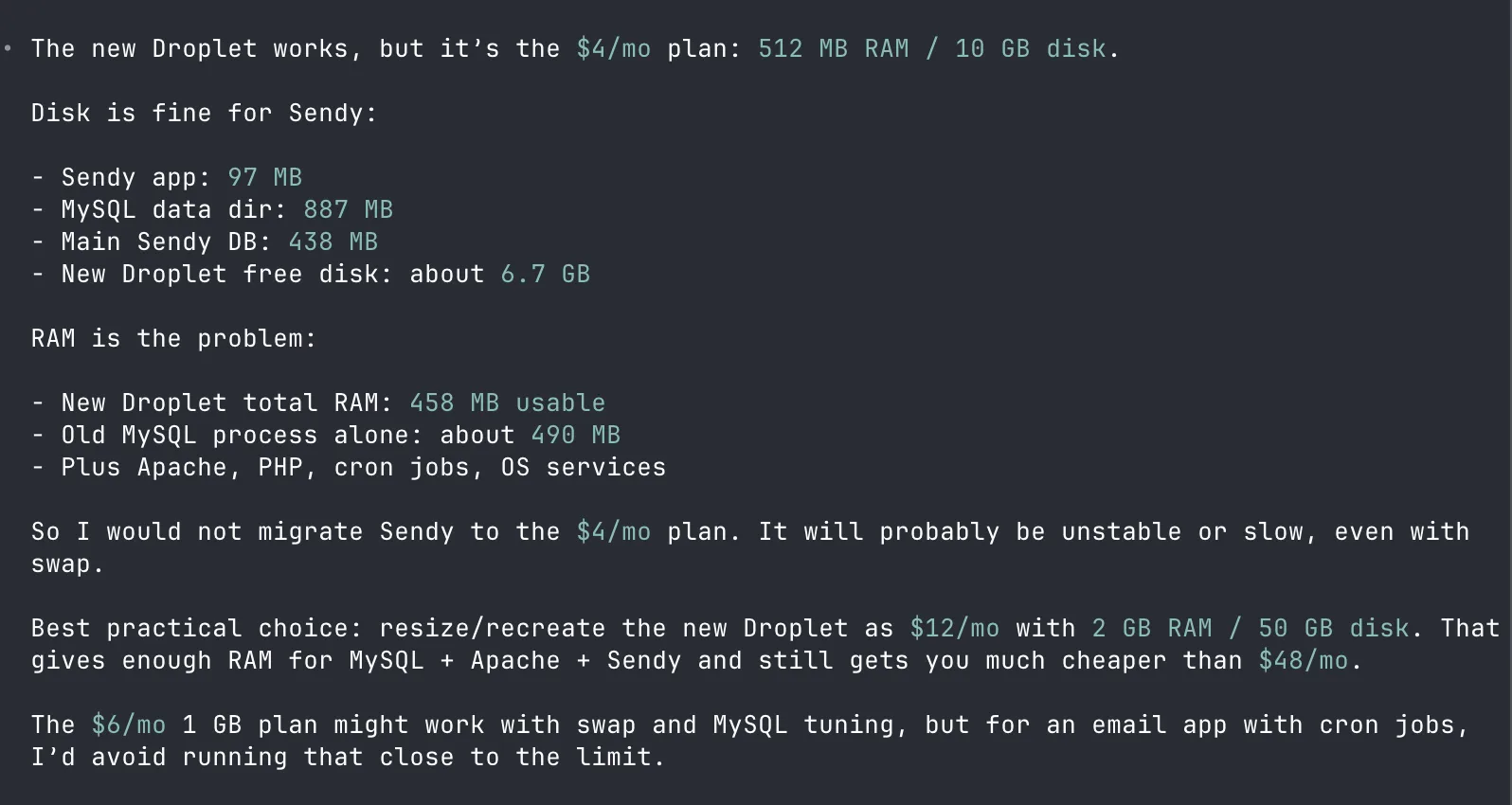
The disk was fine for Sendy. RAM was the problem. It had 458 MB usable, and MySQL alone on the old server used about 490 MB. It suggested the $12/month plan with 2 GB of RAM.
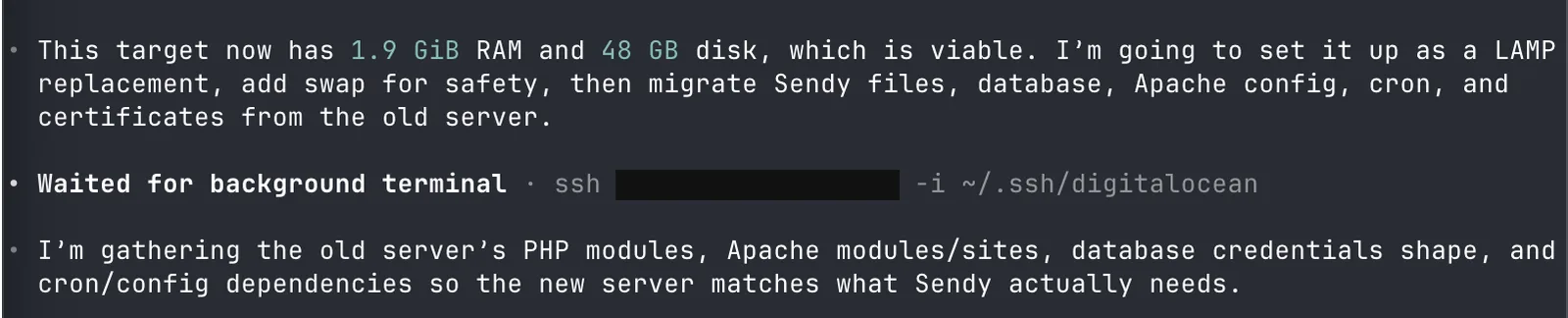
So I resized the new droplet to $12/month and told Codex to go ahead:
The migration
Codex now had SSH access to both machines. It started by reading the old server’s setup, then installed the matching software on the new one:



Notice the swap file. That was the real fix for the memory problem that started all of this. It took the agent one line.
After a little while it reported back:
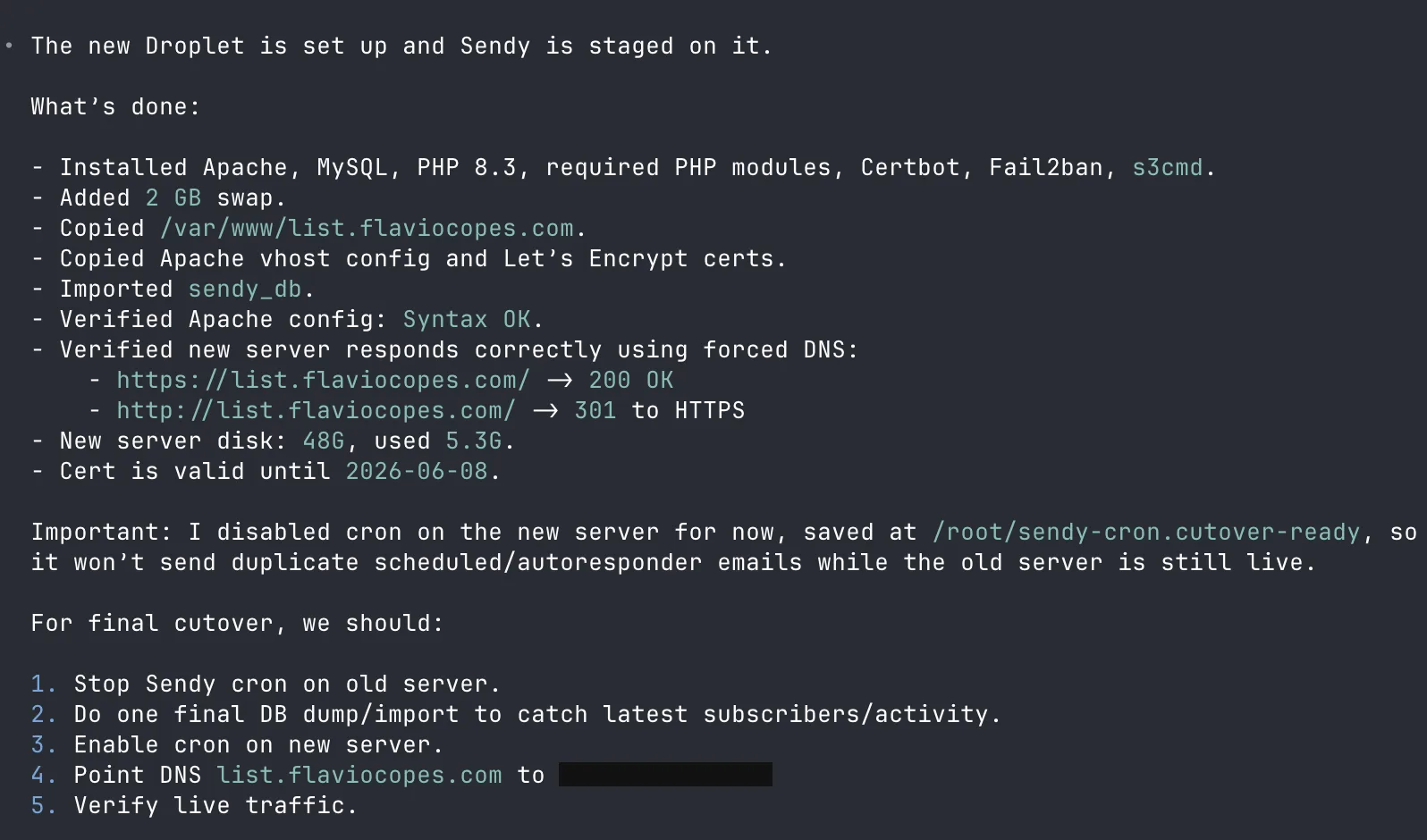
I want to point out two smart things in that summary.
First, it verified the new server by forcing DNS resolution to the new IP, so it could test https://list.flaviocopes.com/ on the new box before changing anything public.
Second, it disabled Sendy’s cron job on the new server. Sendy sends scheduled emails from cron. With two servers alive, both would have sent the same emails. The agent thought of that before I did.
It then listed the cutover steps: stop cron on the old server, do a final database sync, enable cron on the new one, point DNS to the new IP, verify.
Changing DNS
I told it to go ahead. Meanwhile I opened Cloudflare and changed the list A record to the new IP:
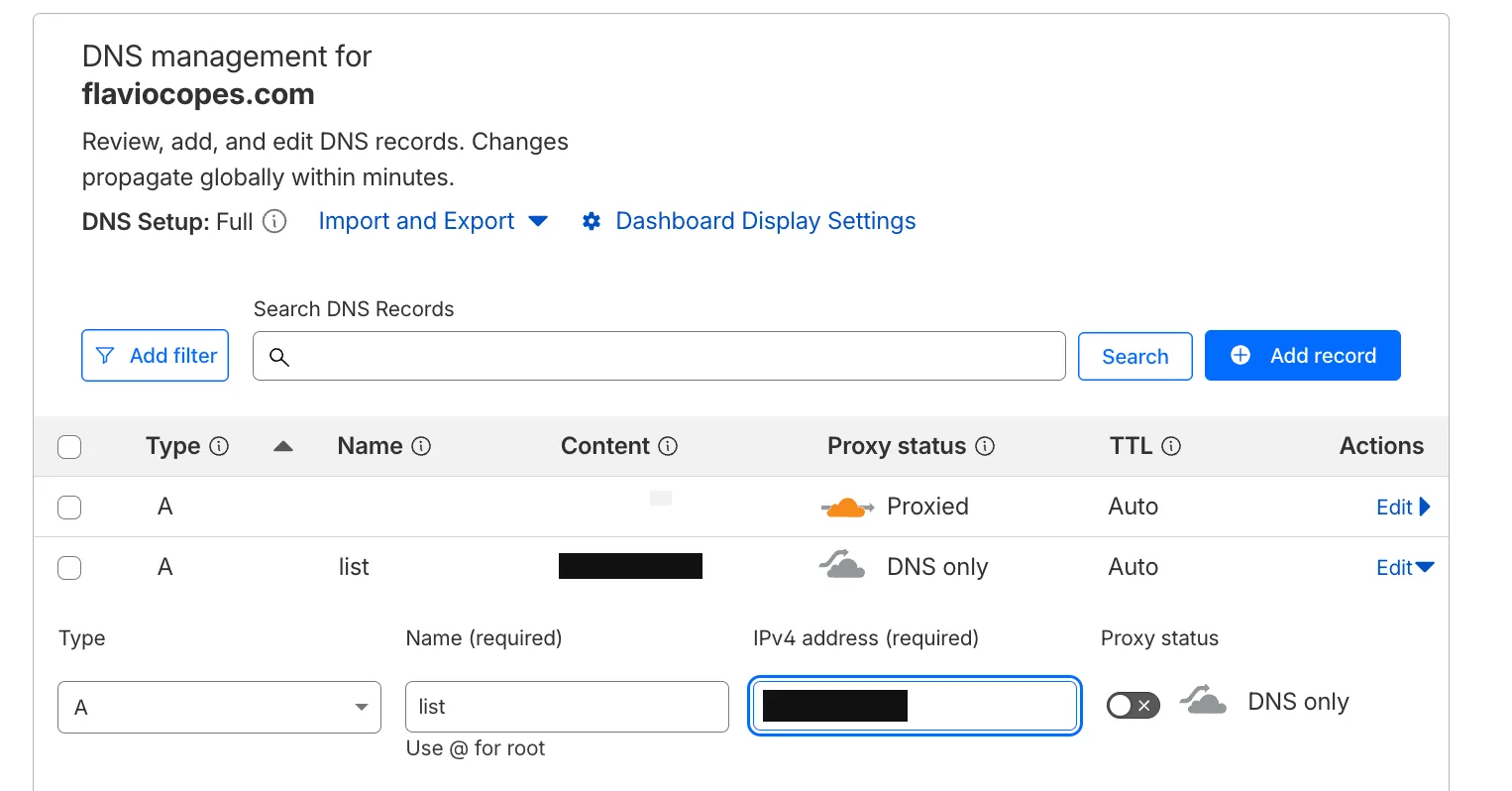
Before saving, I waited for the final database import to finish:

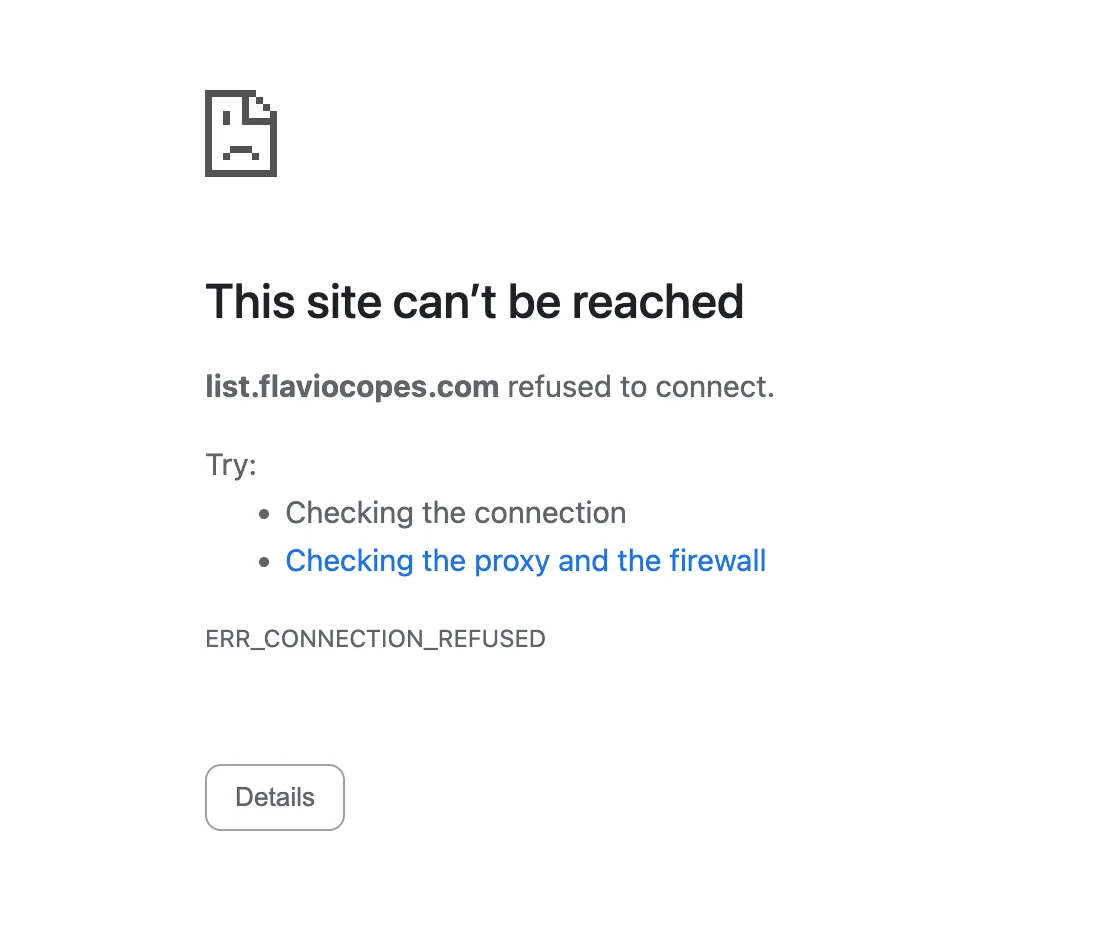
ERR_CONNECTION_REFUSED
Then I opened the site and got this:
So I asked:

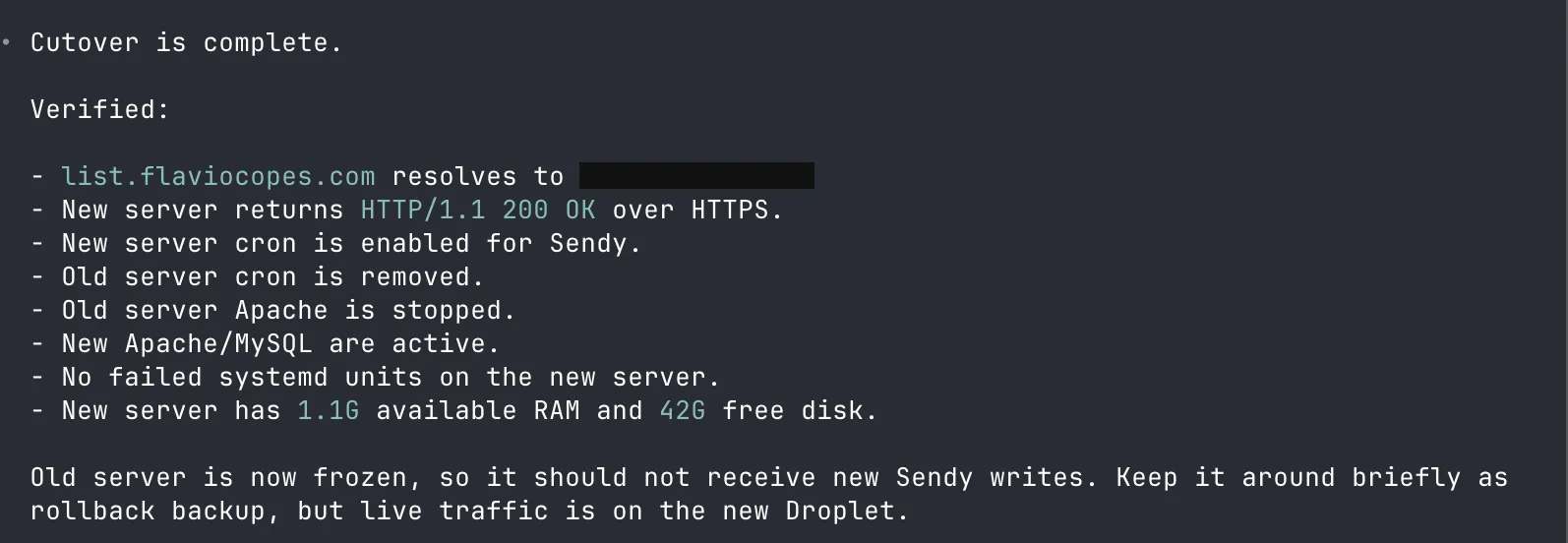
It checked the new server directly. Apache was up, listening on 80 and 443, firewall inactive, and a forced request to the new IP returned 200 OK:
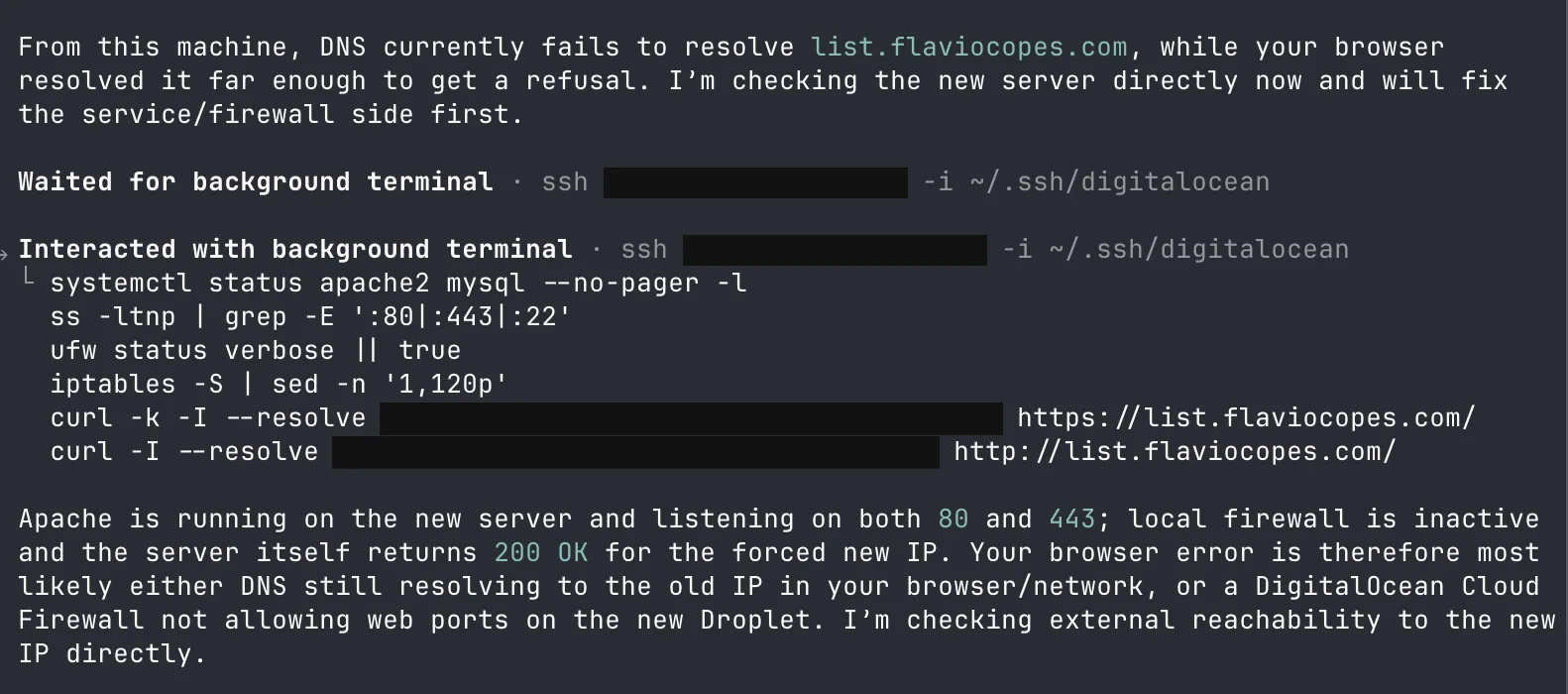
Then it found the real cause:

My browser still had the old IP cached. And Codex had just stopped Apache on the old server, so the old IP refused connections.
The fix was clever. It turned the old server into a temporary reverse proxy pointing to the new one. Anyone still resolving the old IP got forwarded to the new Sendy instead of a dead port:
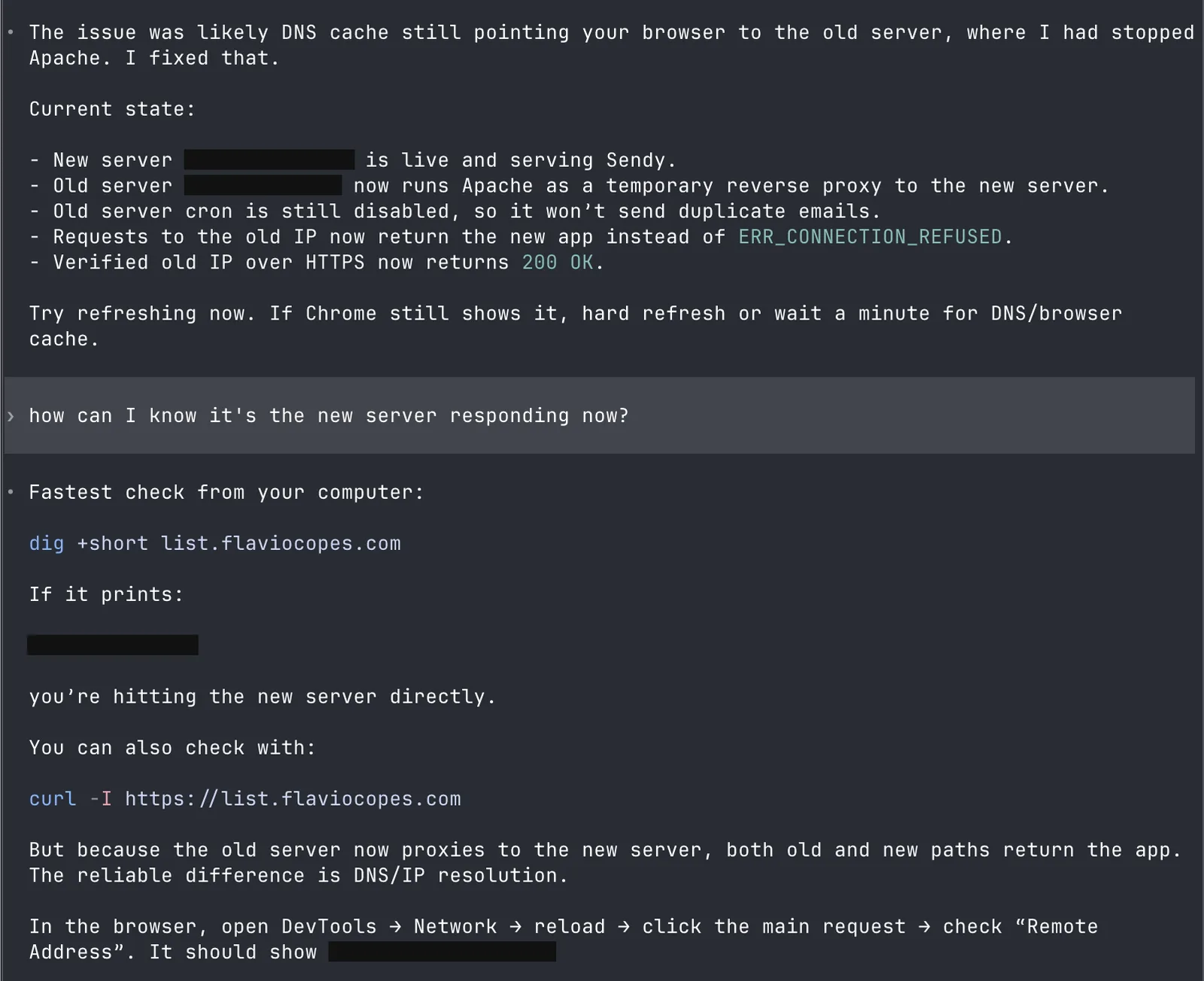
It also told me how to check which server I was hitting:
dig +short list.flaviocopes.comIf that prints the new IP, DNS has caught up.
I waited a few minutes. DNS updated, and everything worked.
Wrapping up
I set a reminder to destroy the old droplet a few hours later, once I was sure nothing pointed at it anymore.
Total cost of my mistake: one afternoon, and about half an hour of agent time. Without the agent, migrating a MySQL-backed PHP app to a new server with certificates and cron jobs would have been a weekend I didn’t want to spend.
Right after the cutover I also asked Codex to secure the new server. It wasn’t over, though. The migration left two subtle problems behind, and I only noticed them when I sent the next newsletter. I wrote that up in solving an issue with sending emails on my server. Later the same server filled its disk with MySQL binary logs: How I fixed a full Ubuntu server disk with Codex.
Want me to talk about your product? You can sponsor this site.
Related posts about ai: