Gatsby, fix the "cannot find module gatsby-cli/lib/reporter" error
How I fixed a weird Error: Cannot find module gatsby-cli/lib/reporter error I got while creating a Gatsby site
I created a site using Gatsby and I ran gatsby develop to start a local server.
But a weird error showed up, coloring with red my terminal:
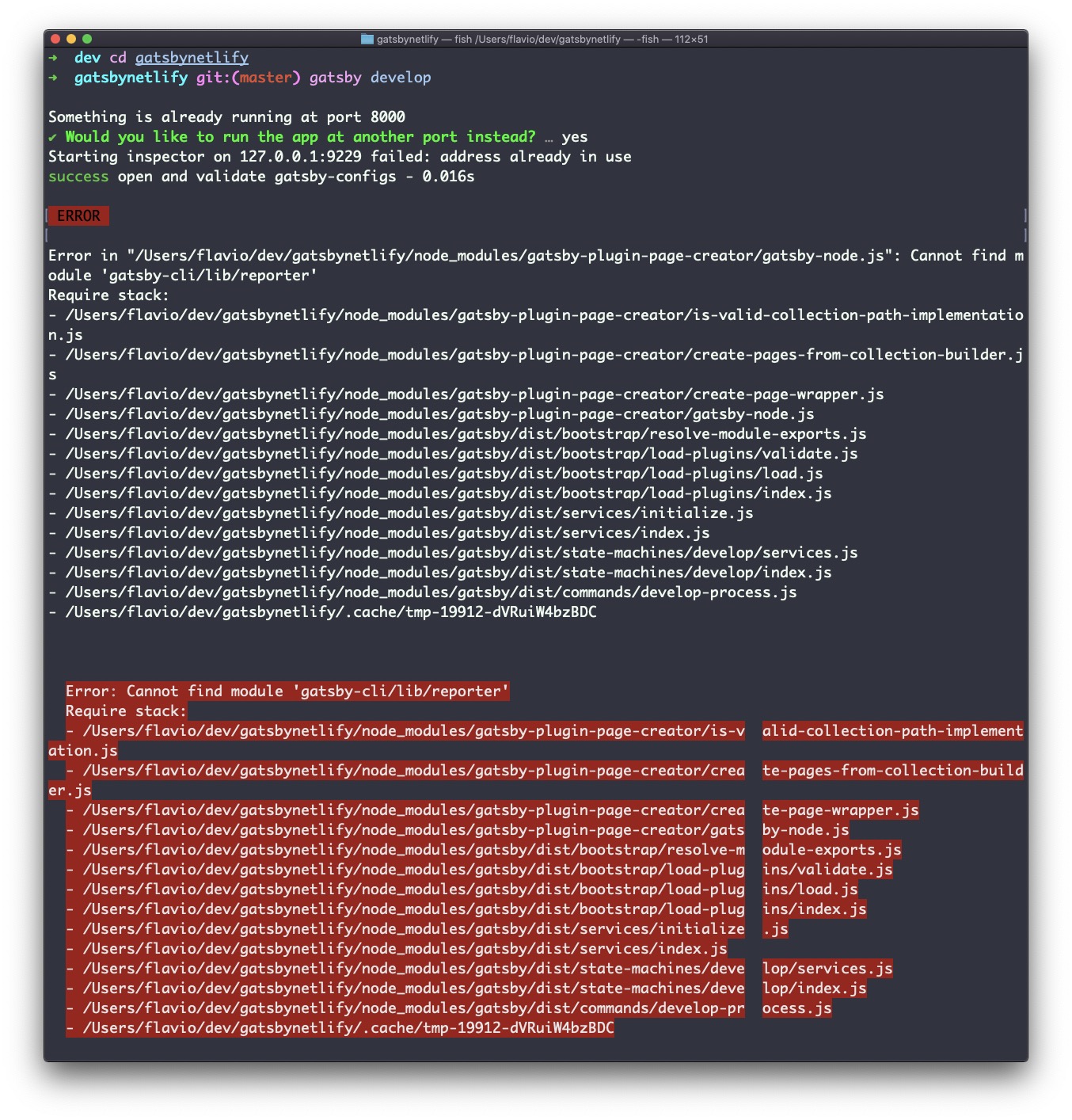
After a few searches across GitHub and StackOverflow (I found a lot of people with the same problem!) and this is what fixed the error.
First, I deleted node_modules:
rm -rf node_modulesthen I used yarn instead of npm install:
yarnThis installed all the packages again.
Finally I ran gatsby develop and it worked.
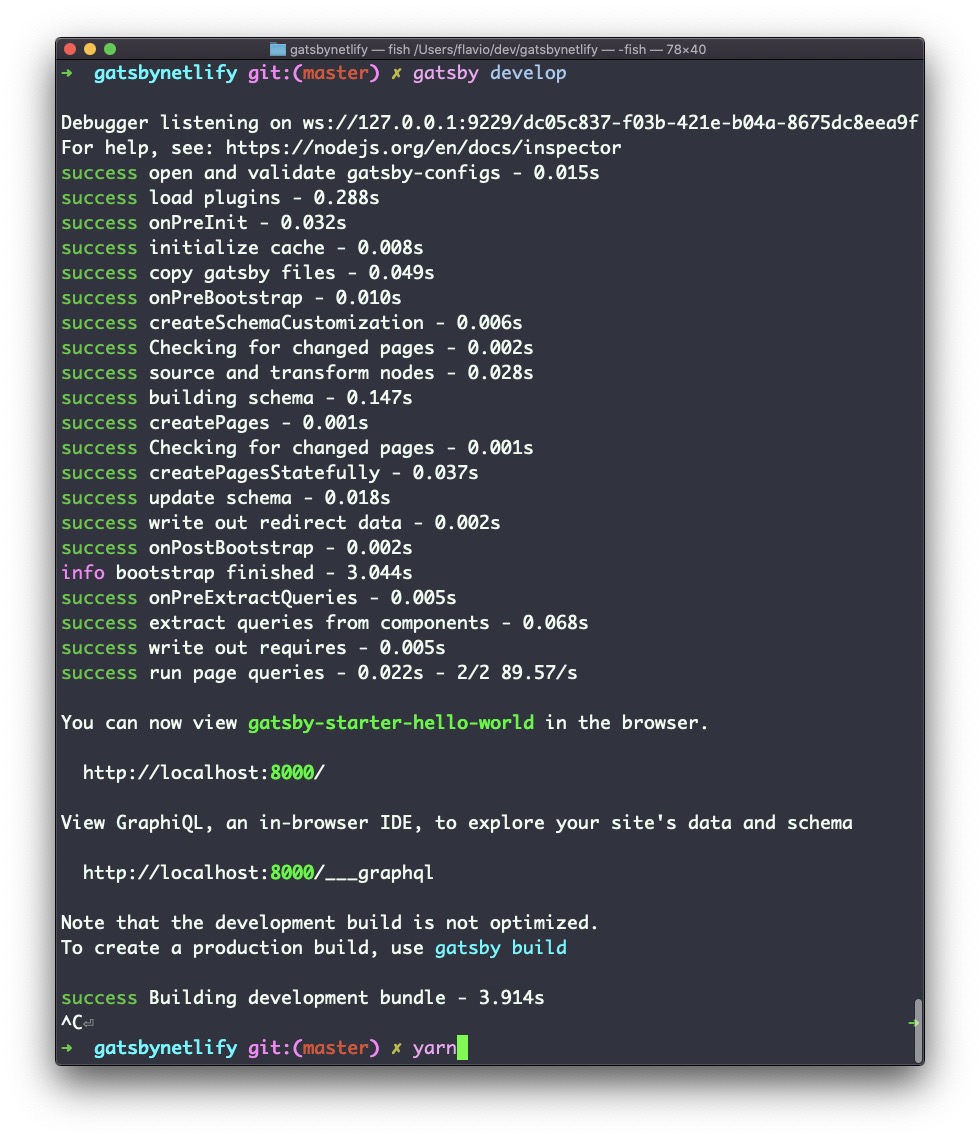
Not sure what the cause problem is/was, but I tried again running npm install instead of yarn and it didn’t work.
download all my books for free
- javascript handbook
- typescript handbook
- css handbook
- node.js handbook
- astro handbook
- html handbook
- next.js pages router handbook
- alpine.js handbook
- htmx handbook
- react handbook
- sql handbook
- git cheat sheet
- laravel handbook
- express handbook
- swift handbook
- go handbook
- php handbook
- python handbook
- cli handbook
- c handbook
subscribe to my newsletter to get them
Terms: by subscribing to the newsletter you agree the following terms and conditions and privacy policy. The aim of the newsletter is to keep you up to date about new tutorials, new book releases or courses organized by Flavio. If you wish to unsubscribe from the newsletter, you can click the unsubscribe link that's present at the bottom of each email, anytime. I will not communicate/spread/publish or otherwise give away your address. Your email address is the only personal information collected, and it's only collected for the primary purpose of keeping you informed through the newsletter. It's stored in a secure server based in the EU. You can contact Flavio by emailing [email protected]. These terms and conditions are governed by the laws in force in Italy and you unconditionally submit to the jurisdiction of the courts of Italy.