How to change a Next.js app port
By Flavio Copes
Learn how to change the port a Next.js app runs on in development, away from the default 3000, by editing the dev script in package.json to use next dev -p.
To change the port of a Next.js app, pass the -p flag to the next dev command in your package.json dev script. That’s all it takes.
I’ve been asked how to change the HTTP port of an app built using Next.js, when you are running it locally.
By default the port is 3000, but that’s a commonly used port and perhaps you have another service running on it. Maybe another Next.js project, a Node.js API, or anything else that grabbed port 3000 first.
Change the dev script
The answer is in the package.json file stored in the Next.js app main folder.
By default the file content is this:
{
  "name": "learn-starter",
  "version": "0.1.0",
  "private": true,
  "scripts": {
    "dev": "next dev",
    "build": "next build",
    "start": "next start"
  },
  "dependencies": {
    "next": "^16",
    "react": "^19",
    "react-dom": "^19"
  }
}
Note: the exact packages numbers will differ in your case, as they get updated
The thing you need to change is the scripts part.
Change:
"dev": "next dev",to
"dev": "next dev -p 3001"to start Next.js on port 3001 instead of 3000.
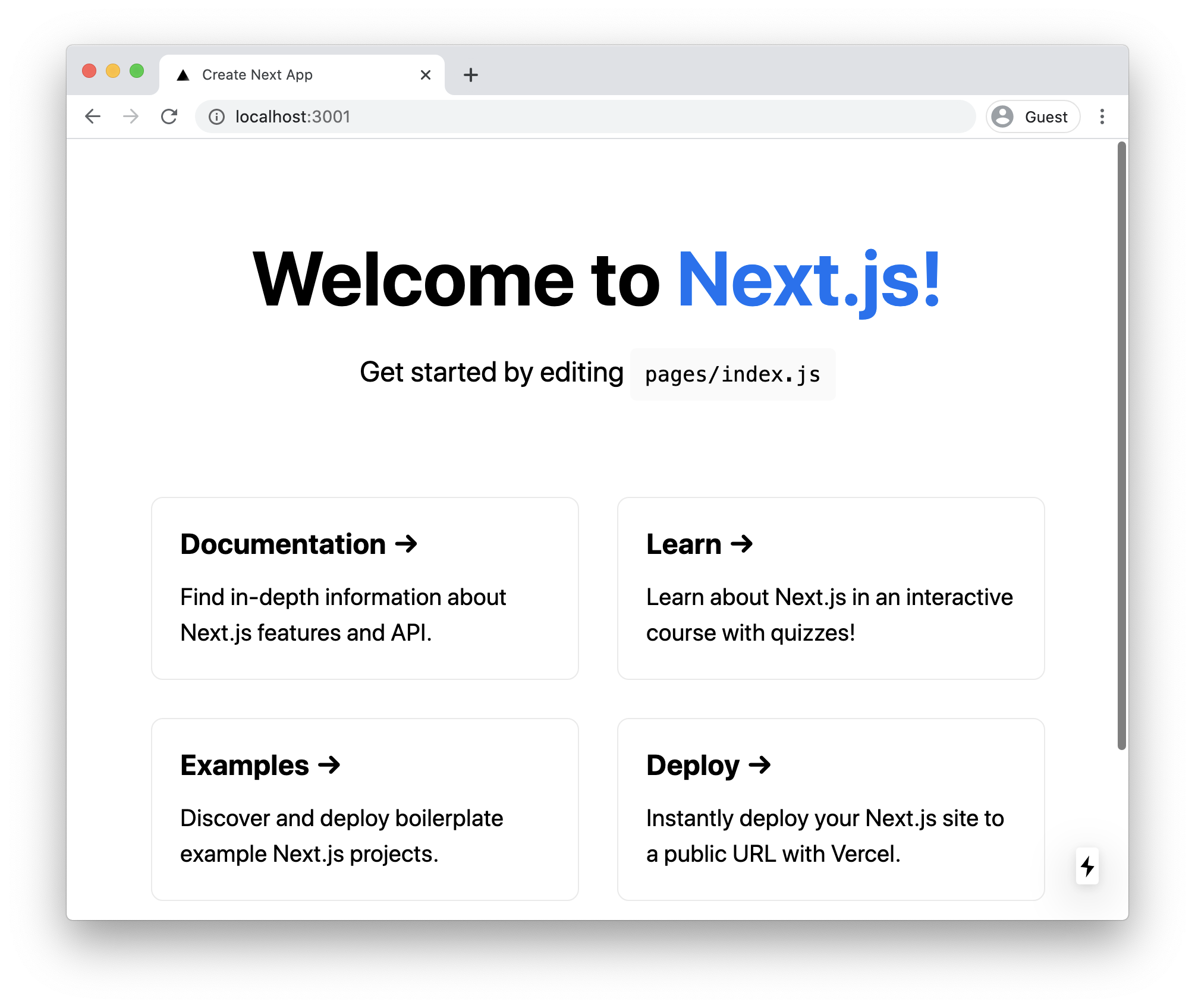
Now when you run npm run dev, the command used to start the development server locally, you will see it start on port 3001:
Change the port for one run only
You don’t have to edit package.json if you only need a different port once. You can pass the flag from the command line:
npm run dev -- -p 3001The -- part tells npm to forward everything after it to the underlying command, so next dev receives the -p 3001 flag.
This is handy when you spin up a second copy of a project for a quick test and don’t want to touch any files.
What about production?
The same flag works with next start, the command that serves the production build:
"start": "next start -p 3001"Run npm run build first, then npm run start, and the production server listens on port 3001.
What if the port is already taken?
If something else is already listening on the port you picked, Next.js fails to start and you’ll see an error mentioning EADDRINUSE.
The fix is to either stop the other process, or pick a different port number. Any free port works, common choices are 3001, 4000 or 8080.
Want me to talk about your product? You can sponsor this site.
Related posts about next: