Arduino vs Raspberry Pi
By Flavio Copes
Arduino vs Raspberry Pi compared: a microcontroller board with no OS versus a Linux single-board computer, and how to pick the right one for your project.
I recently got an Arduino.
When I got the idea of playing around with electronics after 15+ years of not touching a single resistor, I recall I spent some time searching which device was best for what I wanted to do.
Two of the most popular platforms for such a thing are Arduino and Raspberry Pi. There are many, many others, but those are the two most popular and in this article I want to explain the difference between those 2.
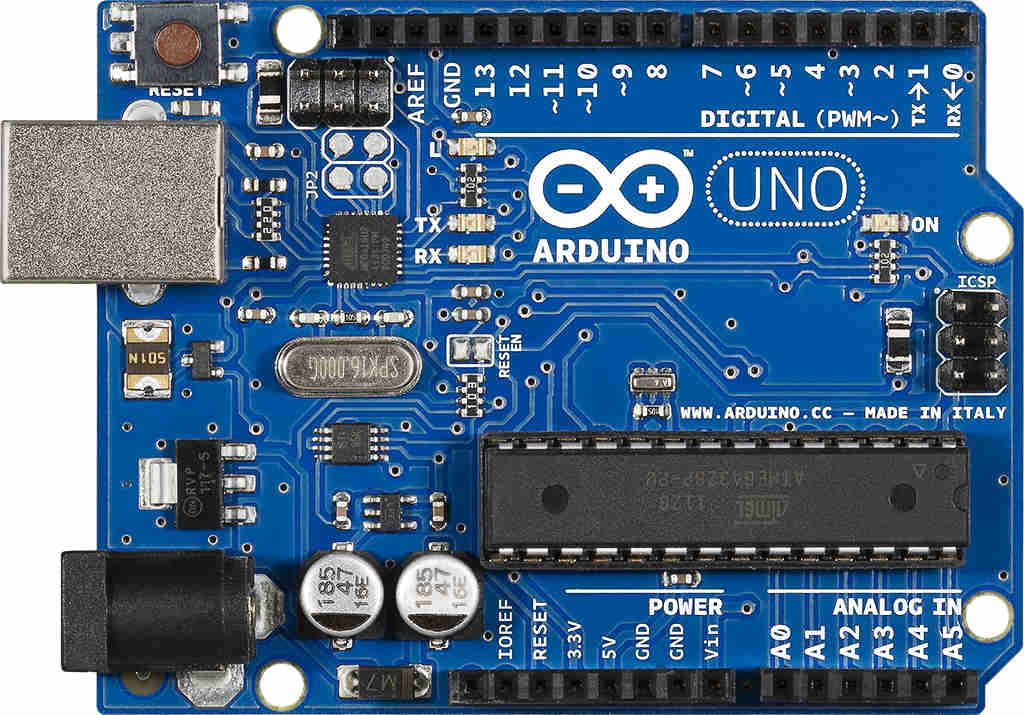
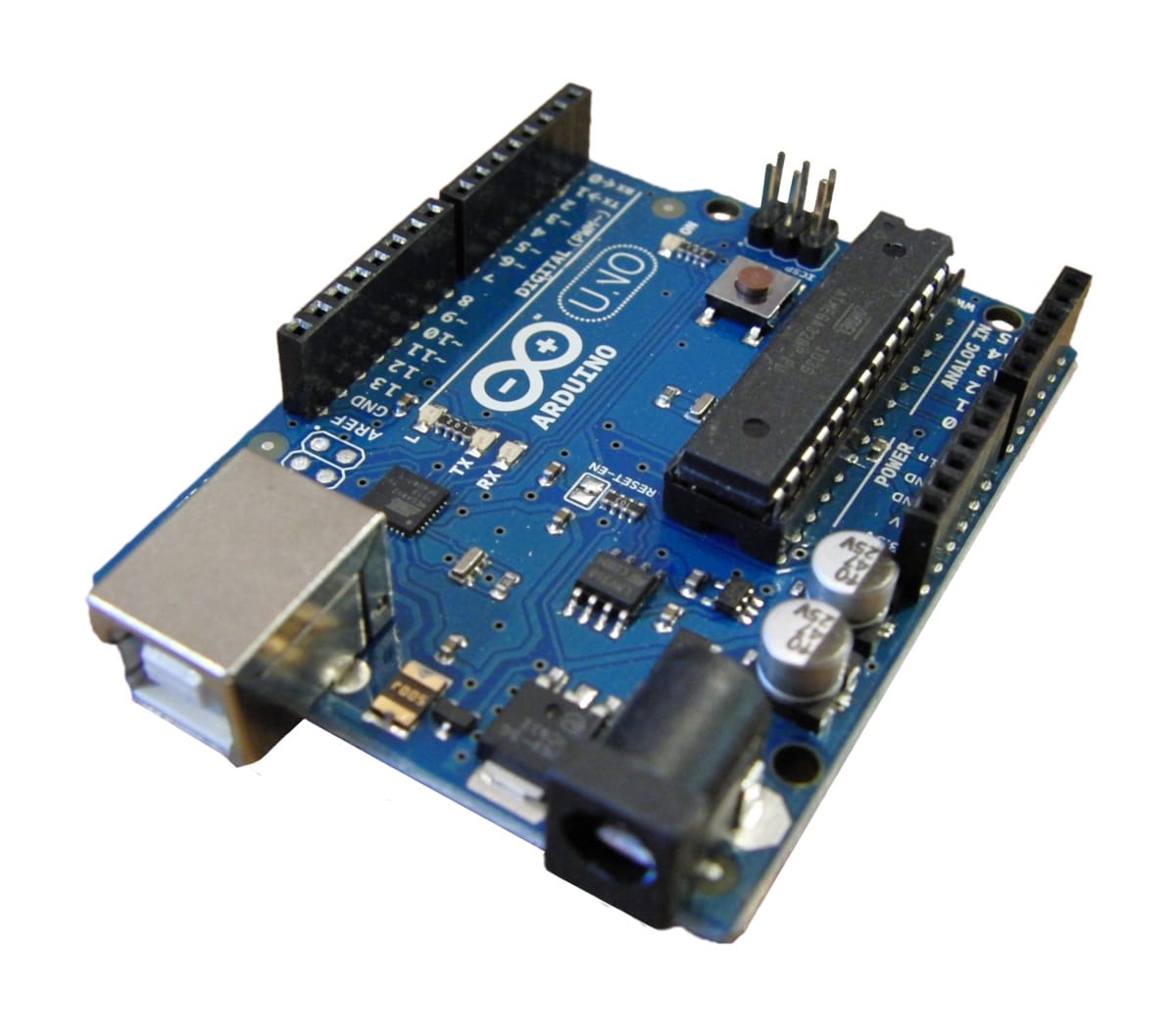
Here is Arduino Uno, the board we’ll take as an example, although Arduino offers many different boards. This is the board I chose, by the way. Arduino still sells this classic Uno Rev3, next to its 32-bit successor, the Uno R4:
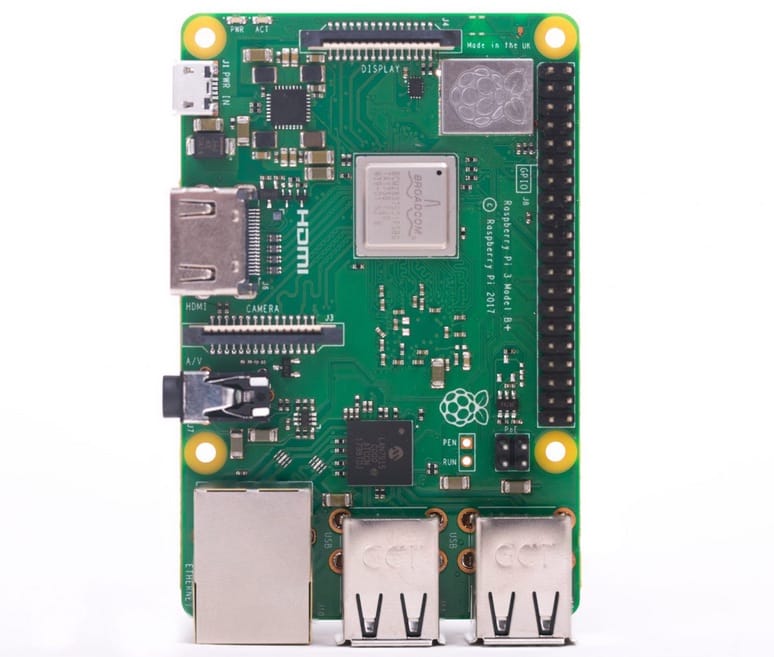
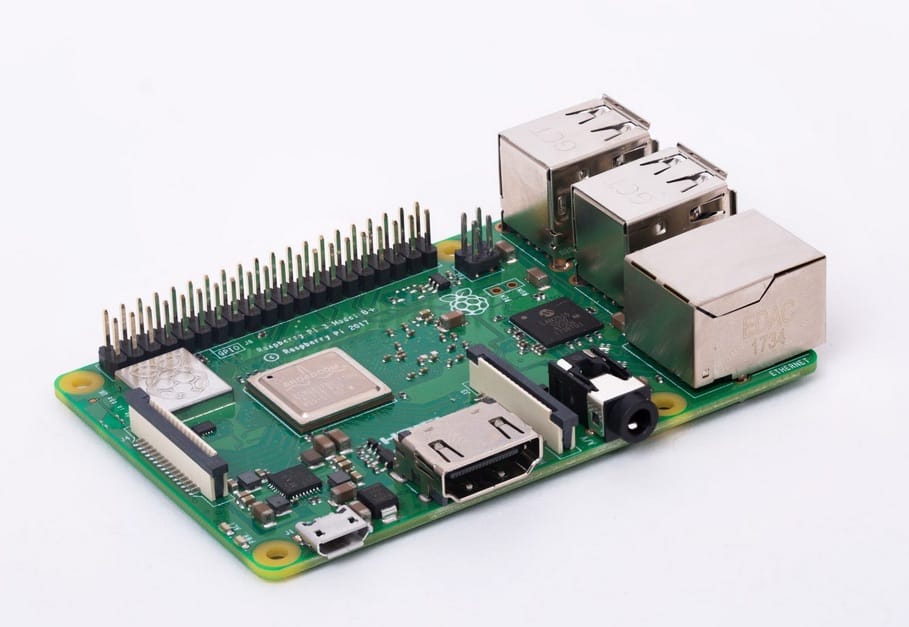
Here is a Raspberry Pi. The photos show a Raspberry Pi 3 Model B+, a 2018 board. The current one is the Raspberry Pi 5, sold with 1GB to 16GB of RAM:
They look pretty similar, at a first look. Chips, connectors, holes for screws.
Turns out, they are very, very different.
Starting from the core. The Arduino Uno Rev3 comes with an 8-bit microcontroller, the ATmega328P. Its successor, the Uno R4, has a 32-bit Renesas RA4M1 (Arm Cortex-M4), but it’s still a bare microcontroller board. The Raspberry Pi comes with a 64-bit microprocessor.
The Uno Rev3 has 2 Kilobytes of RAM, the Uno R4 has 32KB. A Raspberry Pi 5 has between 1GB and 16GB, depending on the model you buy. Even the smallest Pi 5 has about 500,000 times the RAM of the Uno Rev3.
In terms of I/O, Arduino has a USB port that can be used by a computer to transfer new programs to run, a power input and a set of I/O pins. On the Uno Rev3 that USB port is USB-B, on the Uno R4 it’s USB-C.
A Raspberry Pi is much more sophisticated in this regard, having a Video output, an HDMI port, an SD card port, an Audio jack, CSI camera port, DSI display port, USB ports which you can use to attach USB devices, Ethernet, Wireless LAN, Bluetooth and I/O pins (GPIO) as well. Lots of things. The exact ports change by model. A Pi 5 has two micro HDMI ports, two USB 3.0 ports, a PCIe connector the older boards did not have, and no audio jack.
Arduino has no operating system. It can only run programs that were compiled for the Arduino platform, which mostly means programs written in C++.
Raspberry Pi runs an operating system, which is usually Linux (Raspberry Pi OS). It’s a mini computer, while Arduino is much more simple.
Which one should you use?
Given those differences you might think a Raspberry Pi is so much more powerful and capable than Arduino, so you should use that. Right? Wrong.
Arduino consumes much less power (~50 mA idle on an Uno) than a Raspberry Pi (700+ mA, and a Pi 5 wants a 5A power supply).
The Uno has 20 I/O pins (14 digital, plus 6 analog inputs you can also use as digital pins). The Raspberry Pi has a 40-pin header, and 26 of those pins are GPIO. Individual I/O pins in Arduino can drive 20mA each, while Raspberry Pi GPIO pins can each drive a maximum of 16mA, and 50mA combined.
I researched those numbers, but I haven’t measured them myself yet.
You can program a Raspberry Pi in pretty much any programming language you want, as if you run Linux there is a vast choice for you.
What about programming?
Arduino is best to be programmed using C++ and its “Arduino language” which is just C++ with some convenience features that make it easy for beginners to start with.
However you are not limited to it. If you can live with the constraints of having the Arduino attached to the USB port of the computer, you can run Node.js code on it using the Johnny Five project, which is pretty cool.
There are similar tools for other languages, like pyserial and Gobot.
In my opinion Arduino is best when you want to compile a program for it, attach a battery or a power connector and put it somewhere to run, and play around with sensors and other nice stuff that interfaces with the real world.
You don’t have to worry about anything as there is nothing else than your program running on the Arduino. The Uno Rev3 does not even have a network out of the box (the Uno R4 comes in a WiFi version that does).
A Raspberry Pi is more like a small computer without a screen, which you program using more traditional tools.
I would use an Arduino to power my self-watering plants or track the temperature outside, or power some home automation stuff, but I would use a Raspberry Pi as a retro gaming platform or a web server.
I wrote more about the board in the Arduino introduction and in the Arduino Uno Rev3 post.
Want me to talk about your product? You can sponsor this site.
Related posts about electronics: