How to join the Apple Developer Program
By Flavio Copes
Learn how to join the Apple Developer Program, the $99 per year membership you need to publish your apps to the App Store.
The Apple Developer Program is the way you’ll get access to distributing your apps through all the Apple App Stores.
The membership currently costs $99 per year.
It’s not essential to create Swift applications, and you don’t need it to try the OS betas either. A free developer account (your Apple Account, registered on the developer site) is enough to pick developer betas under Software Update → Beta Updates (see Installing iOS and Mac beta releases). The paid program is essential when you want to publish on the App Store.
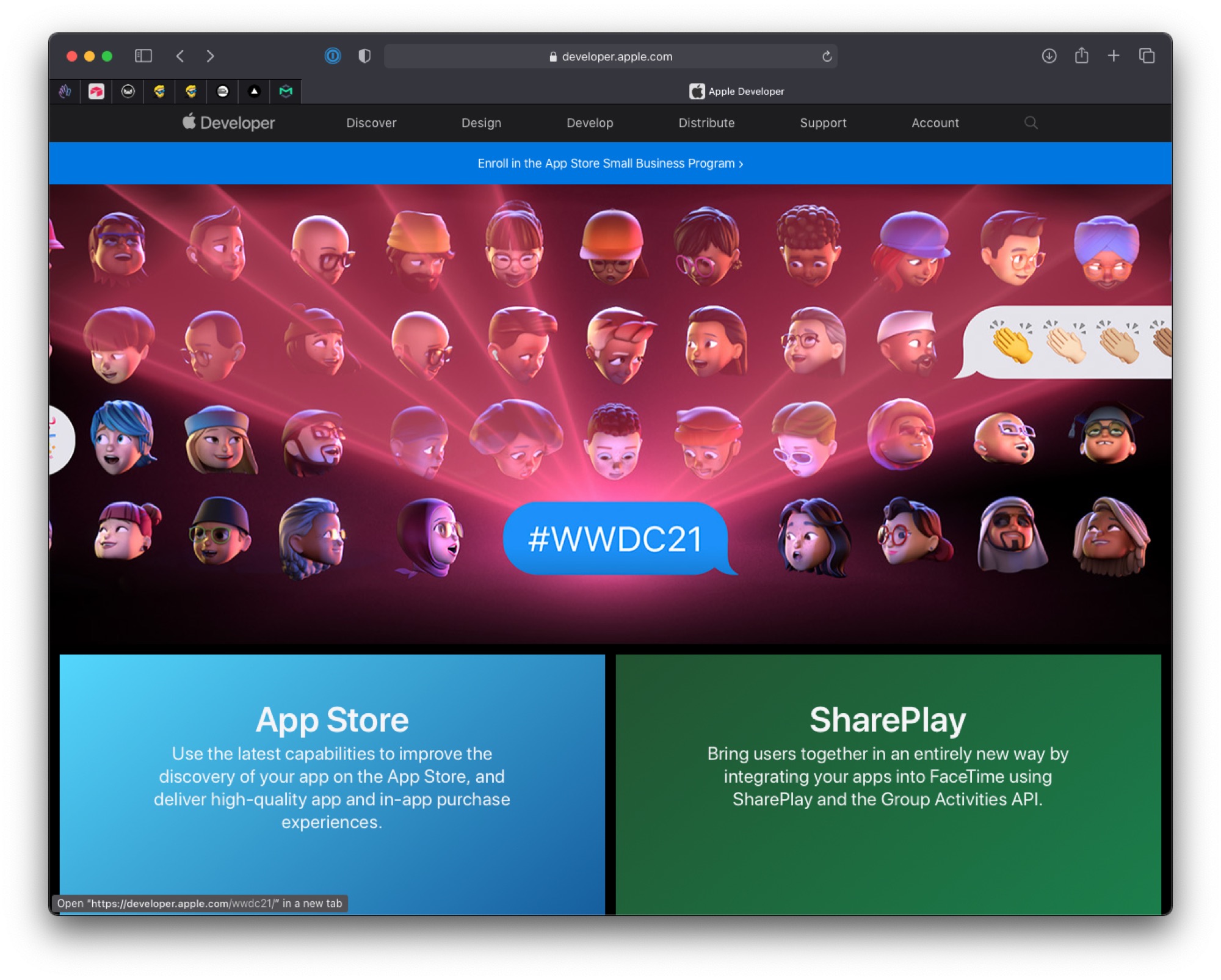
To join the Apple Developer Program, go to the Apple Developer website and click Account on the top menu.
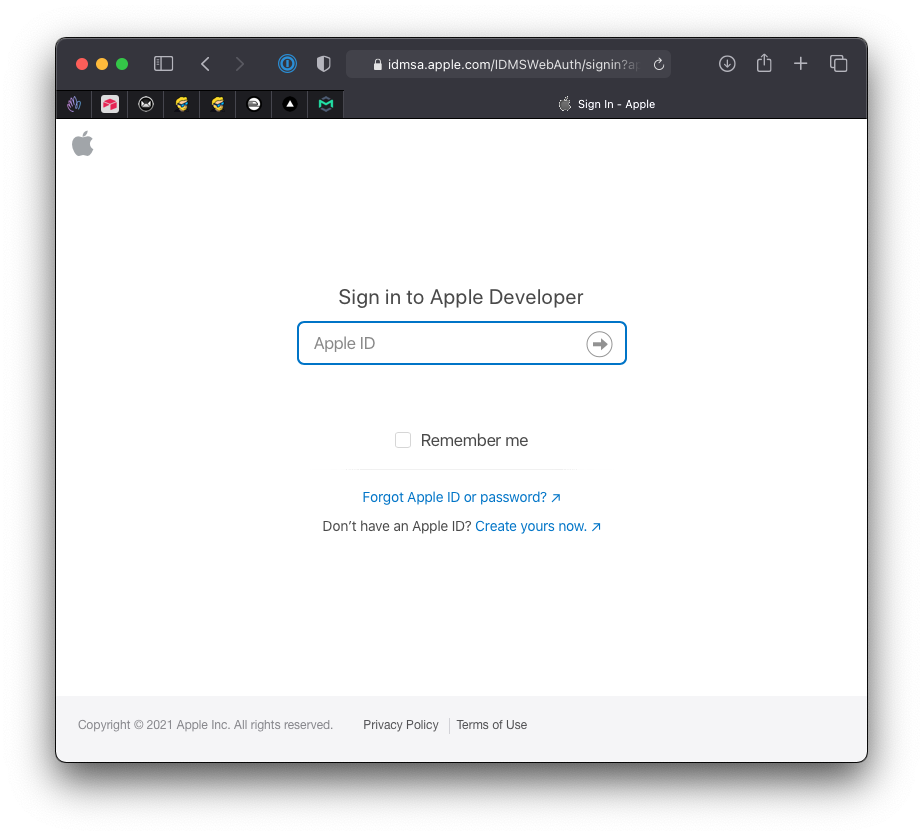
You’ll be shown a login form. Enter your Apple ID, or create one if you don’t have it already.
After logging in, you’ll see a page similar to this (the layout changes over the years; look for Account / membership options):
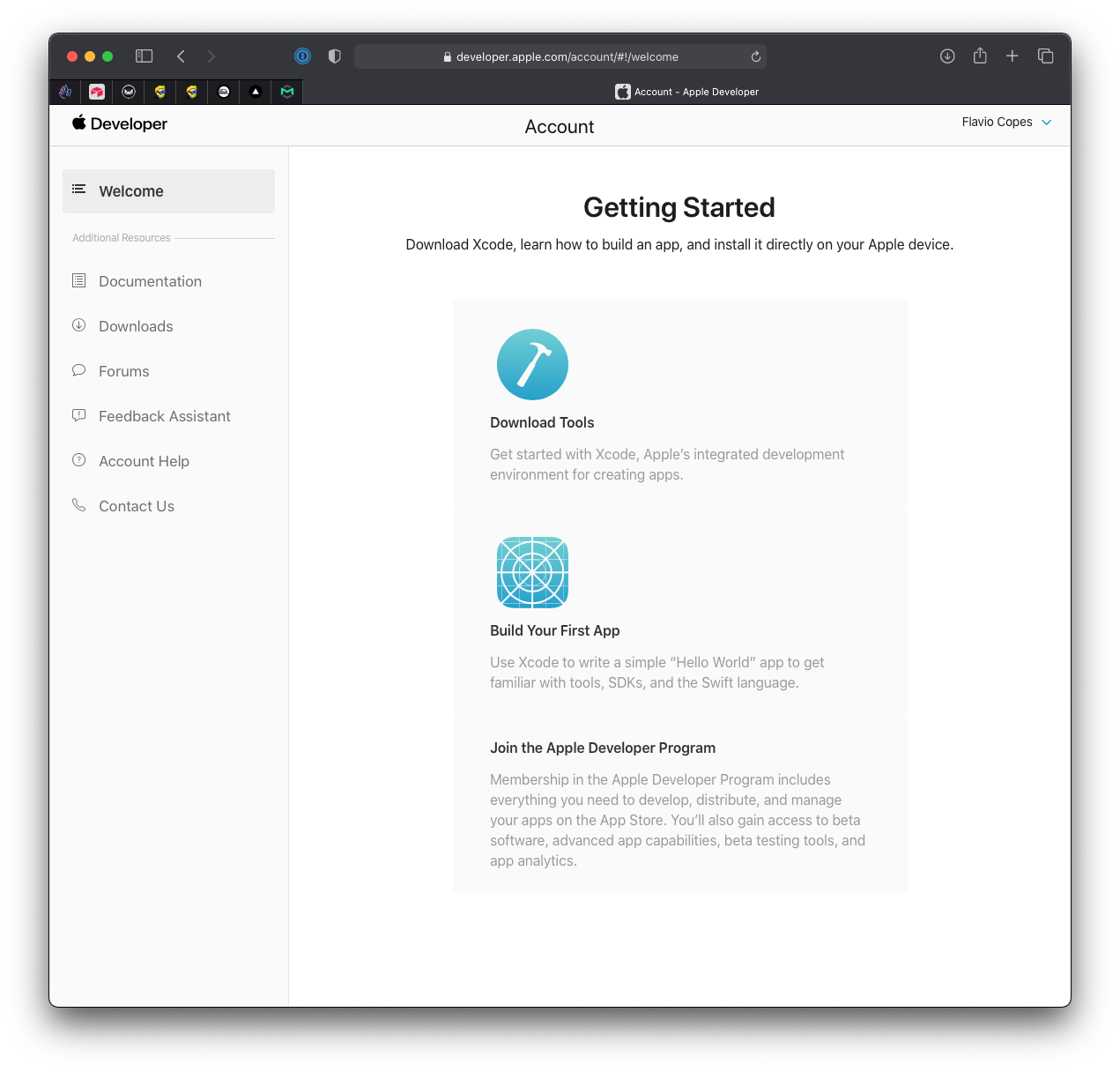
Hover the Join the Apple Developer Program menu. A new page will tell you everything you’ll gain by joining the program:
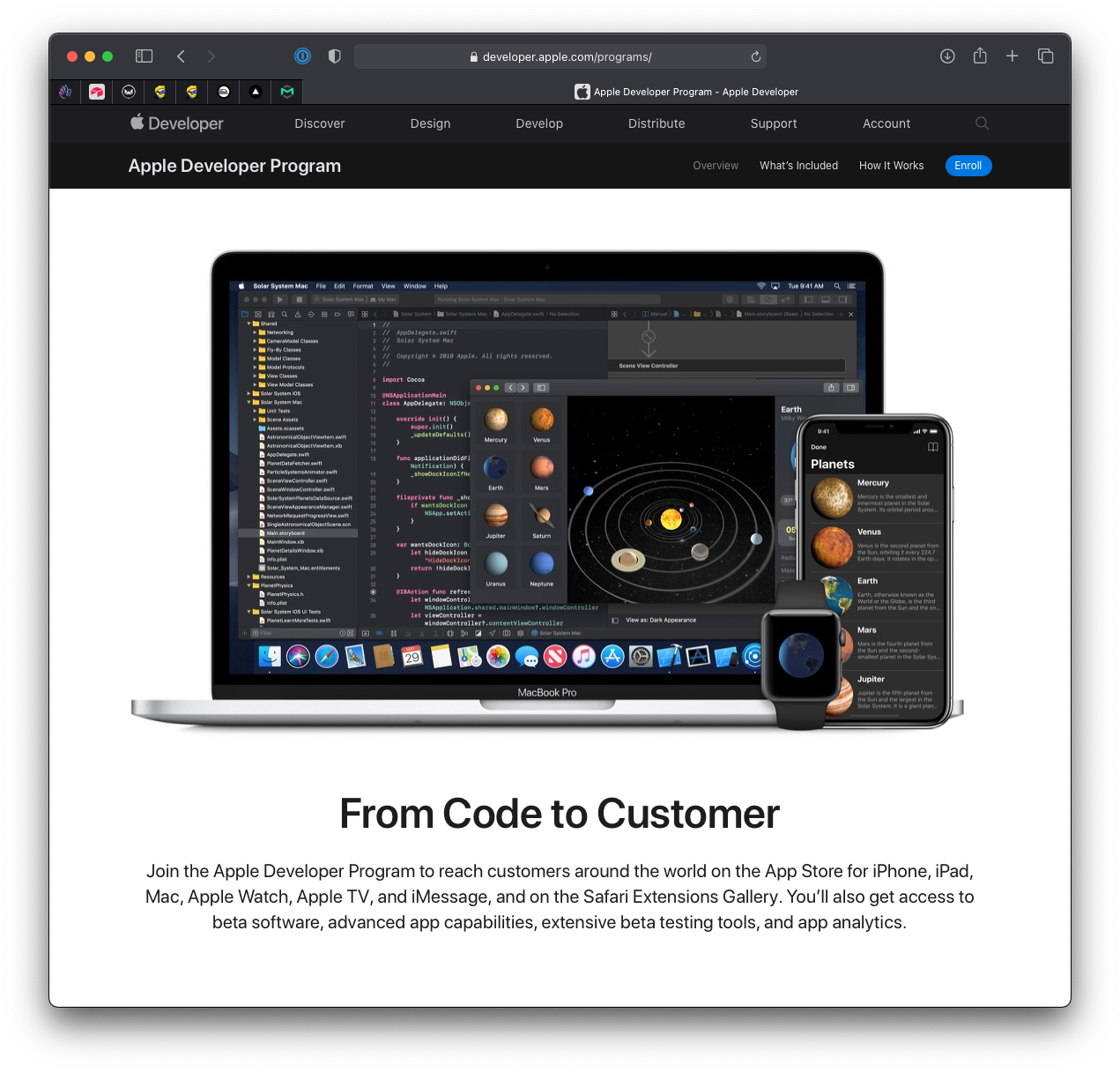
Click the Enroll button on top.
I had to fill a form:
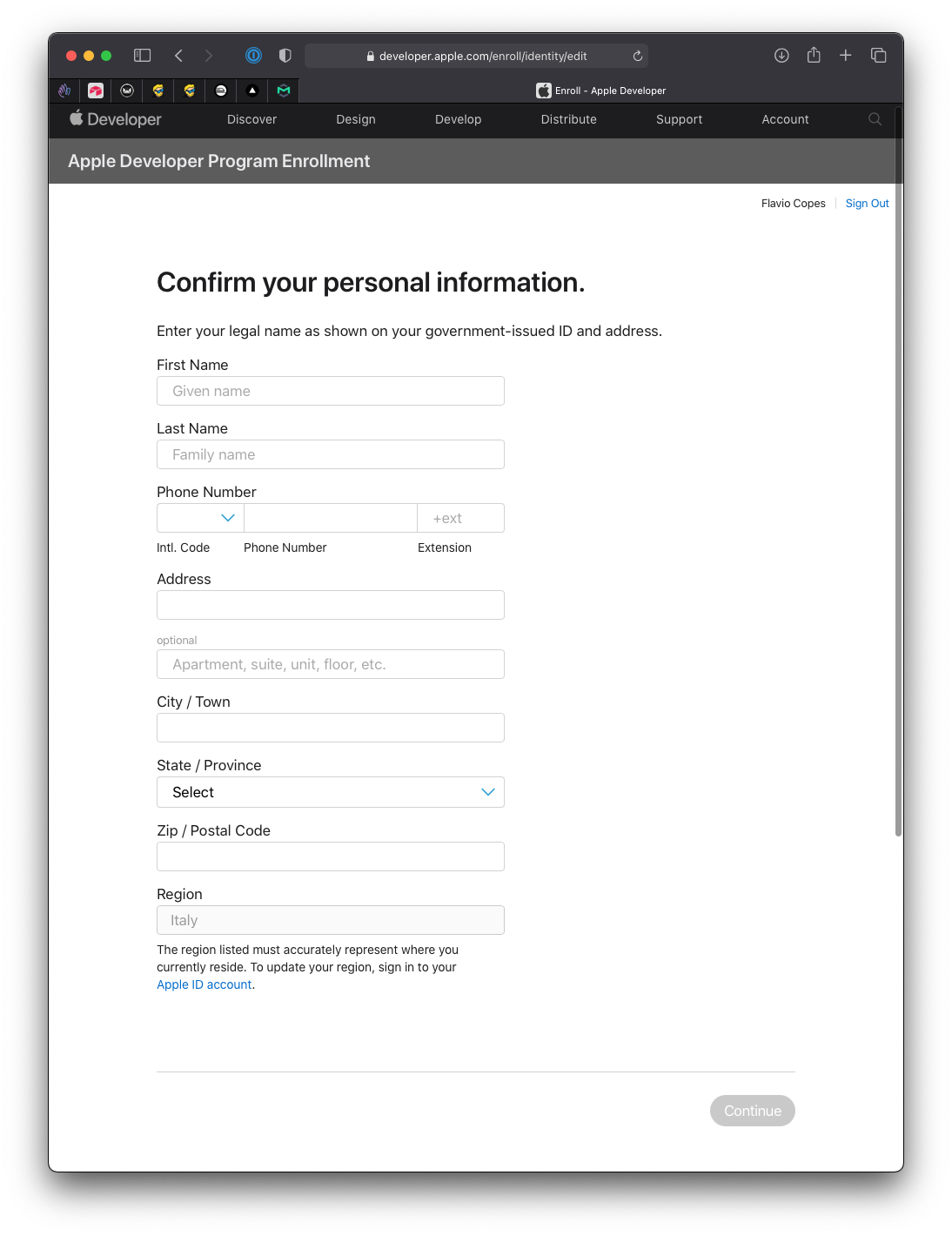
You’ll then choose to enroll as an individual, or as a company or nonprofit. I chose the first option.
I then agreed to the Apple Developer Program License Agreement and went on to the payment.
The payment auto-renews each year, until you decide to cancel.
After the payment, there will be a little waiting time until things are set up. They say up to 48 hours of processing time.
Meanwhile the account is pending.
For me, it took 10 minutes to get set up for the Apple Developer Program.
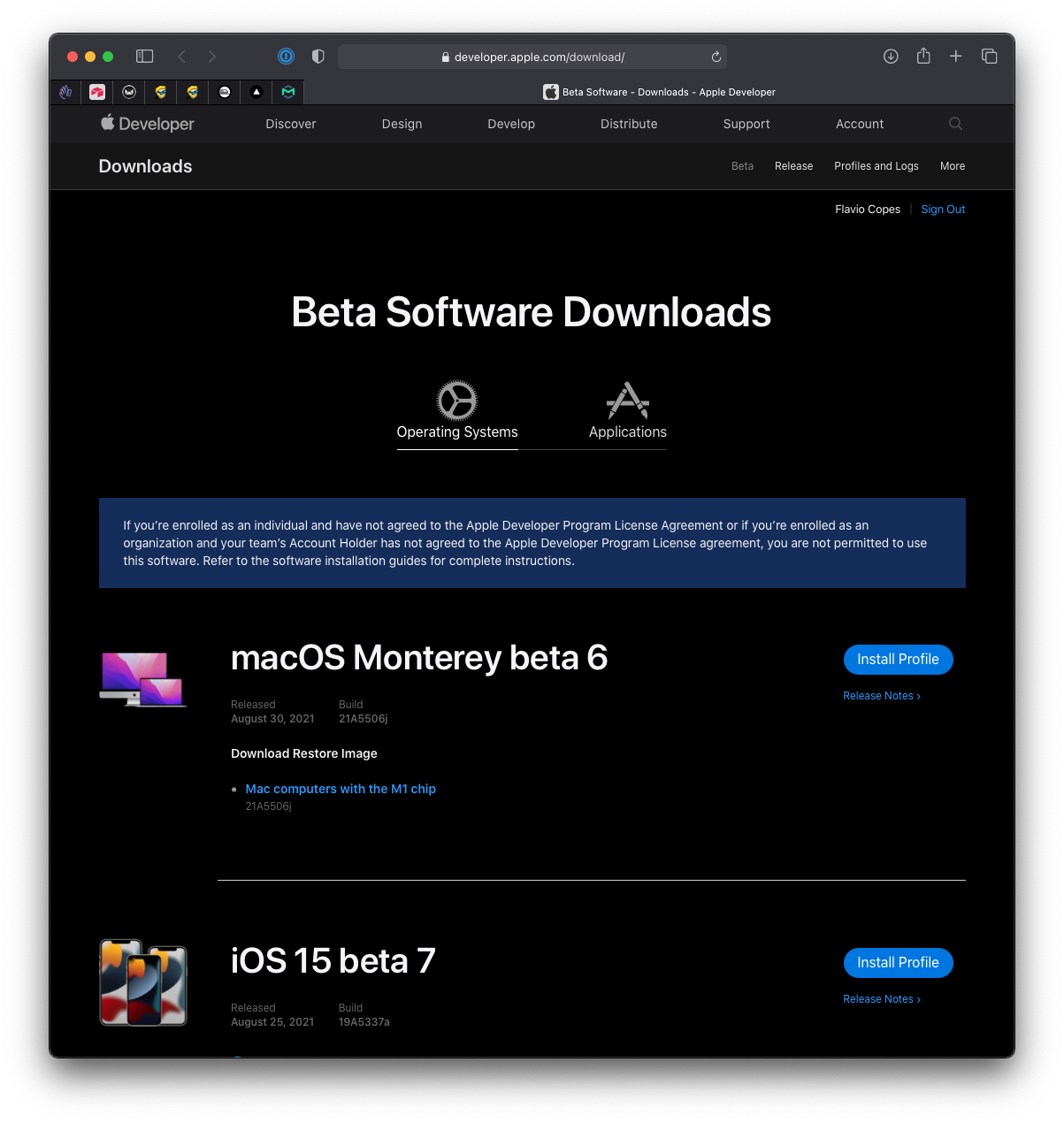
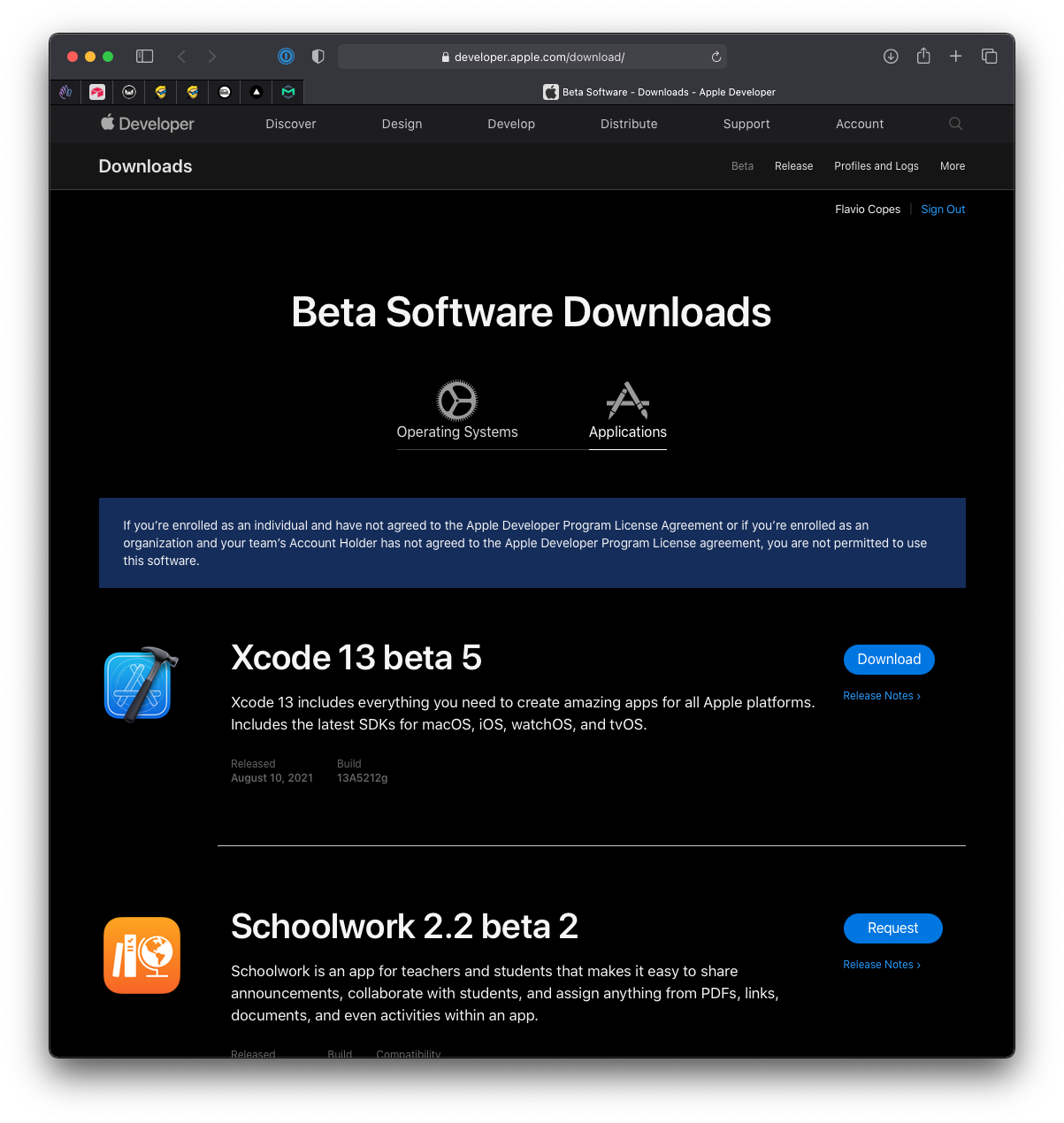
I got an email and I was able to open App Store Connect. The screenshots below show the 2021 Beta Software Downloads page, with its Install Profile buttons. Today you pick OS betas in Software Update → Beta Updates after signing in with your Apple Account. No profiles to install.
Want me to talk about your product? You can sponsor this site.
Related posts about swift: