Pasting code snippets in Discord
By Flavio Copes
Learn how to paste clean code snippets in Discord by wrapping them in triple backticks, then adding a language tag like js for syntax highlighting.
To paste a code snippet in Discord, wrap it in triple backticks and add a language tag, like ```js. You get a proper code block with syntax highlighting instead of a wall of plain text.
This works in Discord and in any other application that supports markdown, like Slack, GitHub or Notion.
Say you want to paste some lines of JS code.
Pasting directly will look like this:
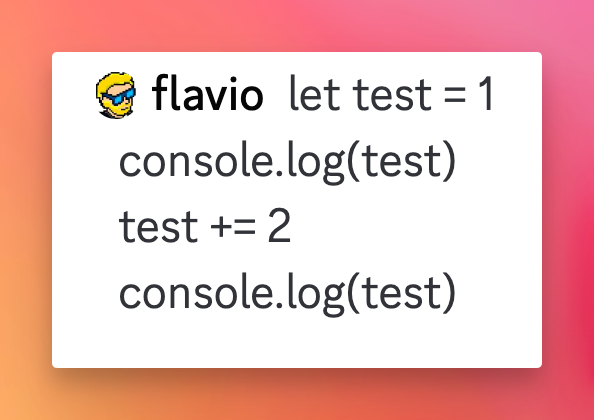
Hard to read, and the indentation is gone.
You can wrap the code in triple backticks, one set at the start and one at the end:
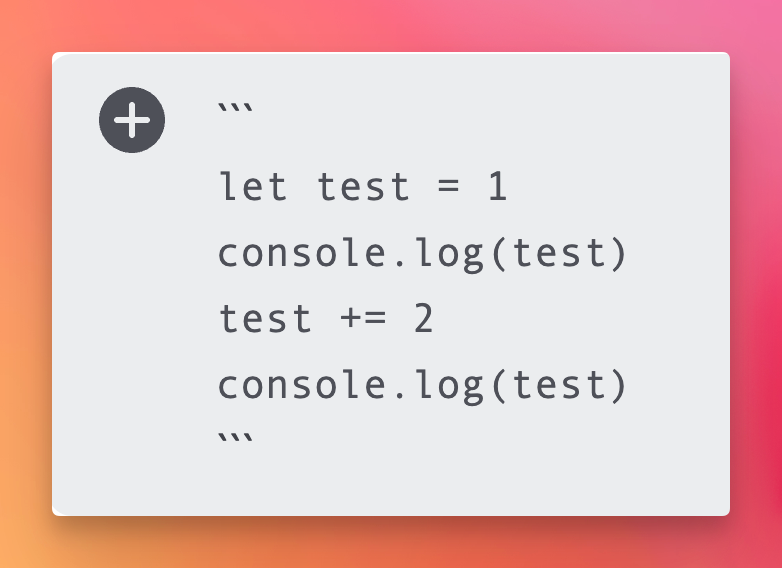
and it will look better:
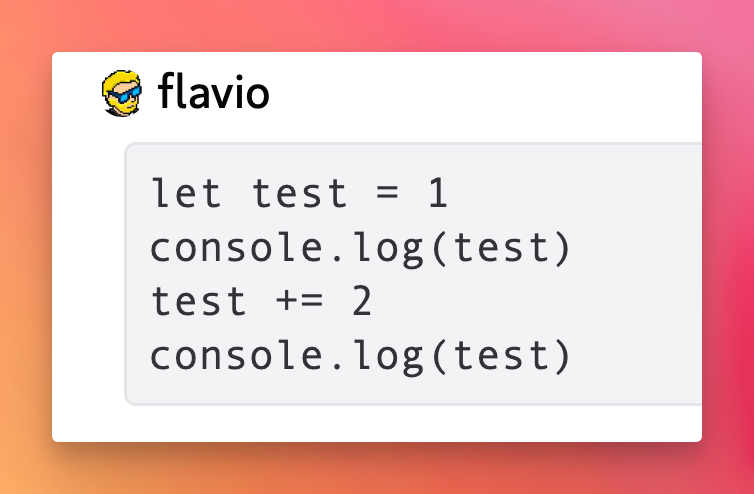
Now the code sits in its own block with a monospace font, but everything is still gray.
Adding syntax highlighting
Even better, add a language tag right after the opening backticks, like ```js. Now the code will be color highlighted, and it’s much easier to “visually parse”:
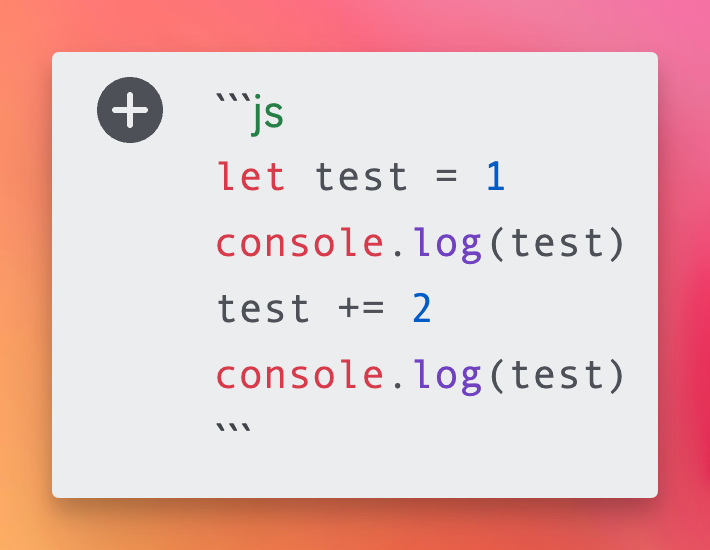
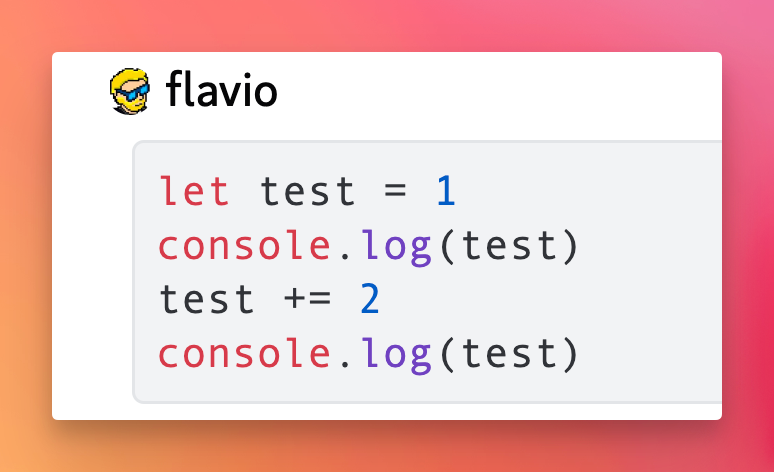
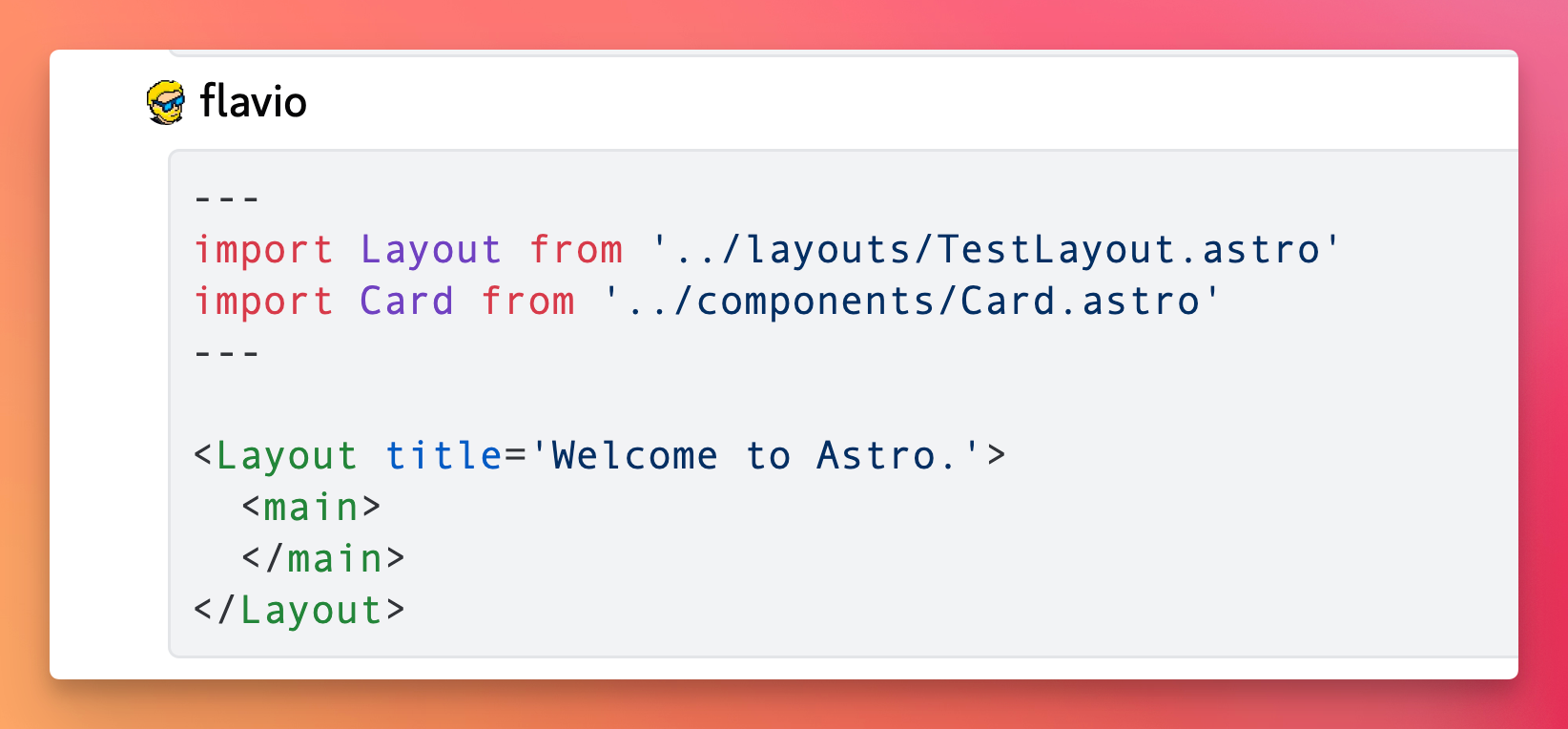
The tag is the usual short name of the language: js, ts, python, css, html, json, sql, bash. If you get no colors, the tag is probably misspelled, the code still renders as a plain block.
One thing that trips people up when typing a block by hand: pressing Enter in Discord sends the message. Use shift-enter to go to a new line while you’re still inside the code block. Pasting multi-line code works fine, Discord keeps the line breaks.
Inline code
For a short bit of code inside a sentence, like a command or a variable name, use single backticks instead. Writing `npm install` renders it in monospace without creating a whole block.
Watch out for long snippets
Discord messages cap at 2000 characters. If you paste a whole file, the message gets rejected or you’re tempted to split it into several messages, which makes it painful to copy back.
The fix: drag the file into the chat instead. Discord attaches it and shows an expandable preview, and whoever needs it can download the original.
One more gotcha: if your snippet itself contains triple backticks, say you’re sharing a markdown example, the block closes early at that point. Sending it as a file attachment avoids the problem entirely.
Want me to talk about your product? You can sponsor this site.
Related posts about tools: