I built Tab Reunion, a Chrome extension that merges all your windows into one
By Flavio Copes
Tab Reunion is my free, open source Chrome extension that moves the tabs of every open window into the one you're using, with one click or a keyboard shortcut.
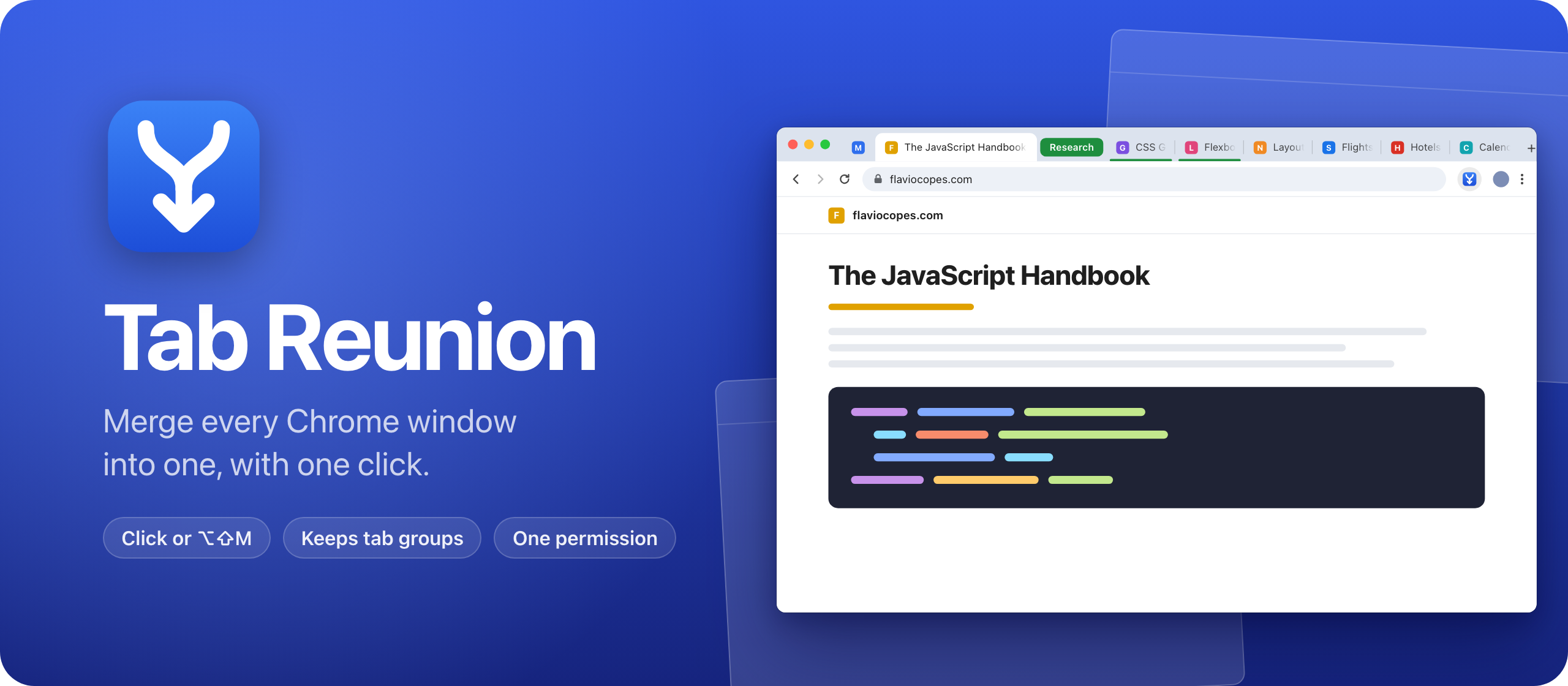
I built Tab Reunion, a Chrome extension that moves the tabs of every open window into the one you’re using. It’s free and open source, like Skill Cabinet and Tranquillity Maker.
Chrome windows pile up. A link opens in a new window, you drag a tab out to see two pages side by side, and a few hours later there are five windows with a handful of tabs each. Safari has a Merge All Windows command for this. Chrome doesn’t, so you drag the tabs back one at a time.
Tab Reunion is that missing command. Click its button or press Alt+Shift+M, and every tab lands in the window you’re in.
Here it is in 30 seconds:
What it does
Click the Tab Reunion button in the toolbar, and the tabs of every other window move into the window you’re using. The windows they came from close, since they’re empty now.
The keyboard shortcut does the same: Alt+Shift+M on Windows and Linux, Option+Shift+M on a Mac. You can change it in chrome://extensions/shortcuts. Look there too if the shortcut does nothing, because Chrome leaves it empty when another extension already uses it.
The tabs keep their order. They arrive window by window, each in the place it had. Tab groups come over whole, with their name and color, and pinned tabs stay pinned.
Incognito tabs never mix with your regular ones. Chrome doesn’t run extensions in incognito unless you allow it, and if you do, Tab Reunion in an incognito window merges only the incognito windows. Popups and installed web apps are left alone.
One permission
Tab Reunion asks Chrome for a single permission, tabGroups, which lets it move tab groups. Moving tabs needs no permission at all.
So it can’t see the address or the title of your tabs, and it can’t read your pages or your history. It never goes online, and there are no accounts or analytics.
Under the hood
The whole extension is one service worker, background.js: about 40 lines of JavaScript, with no build step.
The shortcut is Chrome’s special _execute_action command, so pressing it fires the same action.onClicked event as clicking the button, with the window you’re in. Tab Reunion then goes through every other normal window with the same incognito state. It moves runs of ungrouped tabs with chrome.tabs.move, and each group in one go with chrome.tabGroups.move, which is how a group keeps its name and color.
Chrome unpins a tab when it moves to another window, so Tab Reunion remembers which tabs were pinned and pins them again at the end.
The repo has a test that loads the extension into Chromium with Playwright. It opens three windows with a pinned tab and a tab group, merges them, and checks the order of every tab. Chrome 137 stopped accepting the --load-extension flag, so the test loads the extension through the DevTools protocol, with Extensions.loadUnpacked. It runs on every push.
Get it
The code is on GitHub at flaviocopes/tab-reunion, MIT licensed.
Tab Reunion isn’t on the Chrome Web Store, so you load it into Chrome yourself:
- Download the zip from the latest release and unzip it.
- Move the unzipped folder somewhere it can stay, like your Documents folder. Chrome runs the extension from that folder.
- Open
chrome://extensionsand turn on Developer mode in the top right corner. - Click Load unpacked and pick the folder.
- Click the puzzle icon in the toolbar and pin Tab Reunion.
An extension you load this way doesn’t update itself. When a new version comes out, copy its files over the old ones in the same folder, then click the reload arrow on the Tab Reunion card in chrome://extensions. The README has the details.
If you want to ship an extension through the store instead, I wrote how to publish a Chrome extension to the Chrome Web Store.
Want me to talk about your product? You can sponsor this site.
Related posts about news: