What is a webhook?
By Flavio Copes
Understand what a webhook is: a POST request handler that another service calls when an event happens, like a payment, so your app can react and run some work.
When writing code that integrates different services, it’s common to use webhooks.
What is a webhook?
A webhook is a POST request handler that listens for somebody to call it, and when this happens it performs some kind of work.
Let me do an example. I use Paddle to sell my Bootcamp and any time anyone signs up, my webhook is called with some JSON data.
The data includes the customer email, the customer name, the product bought.
The webhook is then responsible to add the customer to an Airtable base, and to email the customer to welcome and send them some information.
In my specific case, the webhook is a Node.js app built using Express, but it could be anything that can accept network requests, and is accessible from the Internet. I put it on a VPS, but it could also be a serverless function.
It’s common for any payment platform to offer webhooks - they process the payment, then they let you do “things” that you might need to do. For a full Paddle Classic webhook inside an Astro membership app, see How I built a paid membership site with Astro and Convex.
Another use case for a webhook is running tasks on a machine when you want it. For example all deployment platforms offer a webhook that you can call to trigger a new deploy.
I use that on Netlify or Cloudflare Pages (trigger a redeploy with a link). I have a IFTTT task that every day at 8AM triggers the deploy procedure, so the post that I scheduled the day before is published, as its published date is now passed.
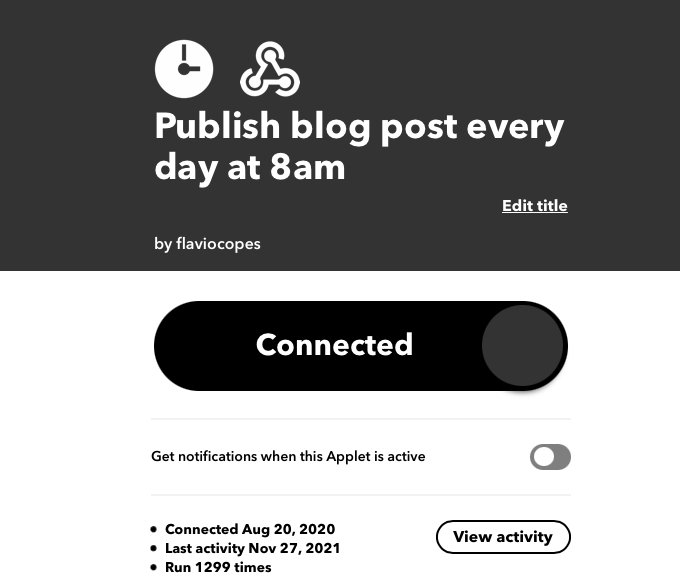
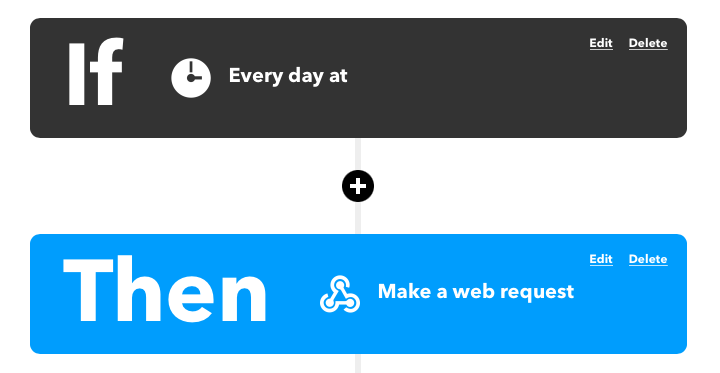
This is key to my consistency, since I know every day at 8AM the post of my static site is going to be published. I no longer need to do it manually.
Verify the caller
Anyone who finds your webhook URL can POST to it. Before you do any real work (charge something, send email, deploy), verify the request.
Most platforms sign the request body with a secret and send the signature in a header. GitHub uses X-Hub-Signature-256, Stripe uses Stripe-Signature, Paddle Billing uses Paddle-Signature, all HMAC-SHA256. Paddle Classic is the odd one: it puts an RSA signature in the p_signature field of the body, and you verify it with Paddle’s public key. The usual pattern:
- Read the raw request body (the bytes, before JSON parsing).
- Compute an HMAC-SHA256 of it with your webhook secret.
- Compare that digest to the signature header with a timing-safe compare.
- Reject the request if the signature is missing or wrong.
If you parse the JSON first and re-serialize it for the HMAC, the bytes change and the signature will not match. In Express, read the body with express.raw() on that route, verify, then parse the JSON.
Without this check, anyone can forge a payment event. Make the signature check part of the handler, not an optional extra.
Many no-code tools allow you to use them to create automations.
They’re pretty cool.
If you think about it, webhooks are the glue that keeps the Internet together. They definitely allow me to run my business, so I’m grateful for them to exist.
Want me to talk about your product? You can sponsor this site.
Related posts about tools: