The Arduino Cloud platform
By Flavio Copes
An introduction to the Arduino Cloud Editor, the browser IDE that lets you write and upload Arduino sketches from the web with a small agent to install.
Arduino Cloud is the online platform Arduino used to call Arduino Create.
It includes the Cloud Editor (Arduino used to call it the Web Editor), which lets you write and compile code directly in your browser.
The platform lives at https://cloud.arduino.cc/ and the editor at https://app.arduino.cc/. Old create.arduino.cc links redirect there.
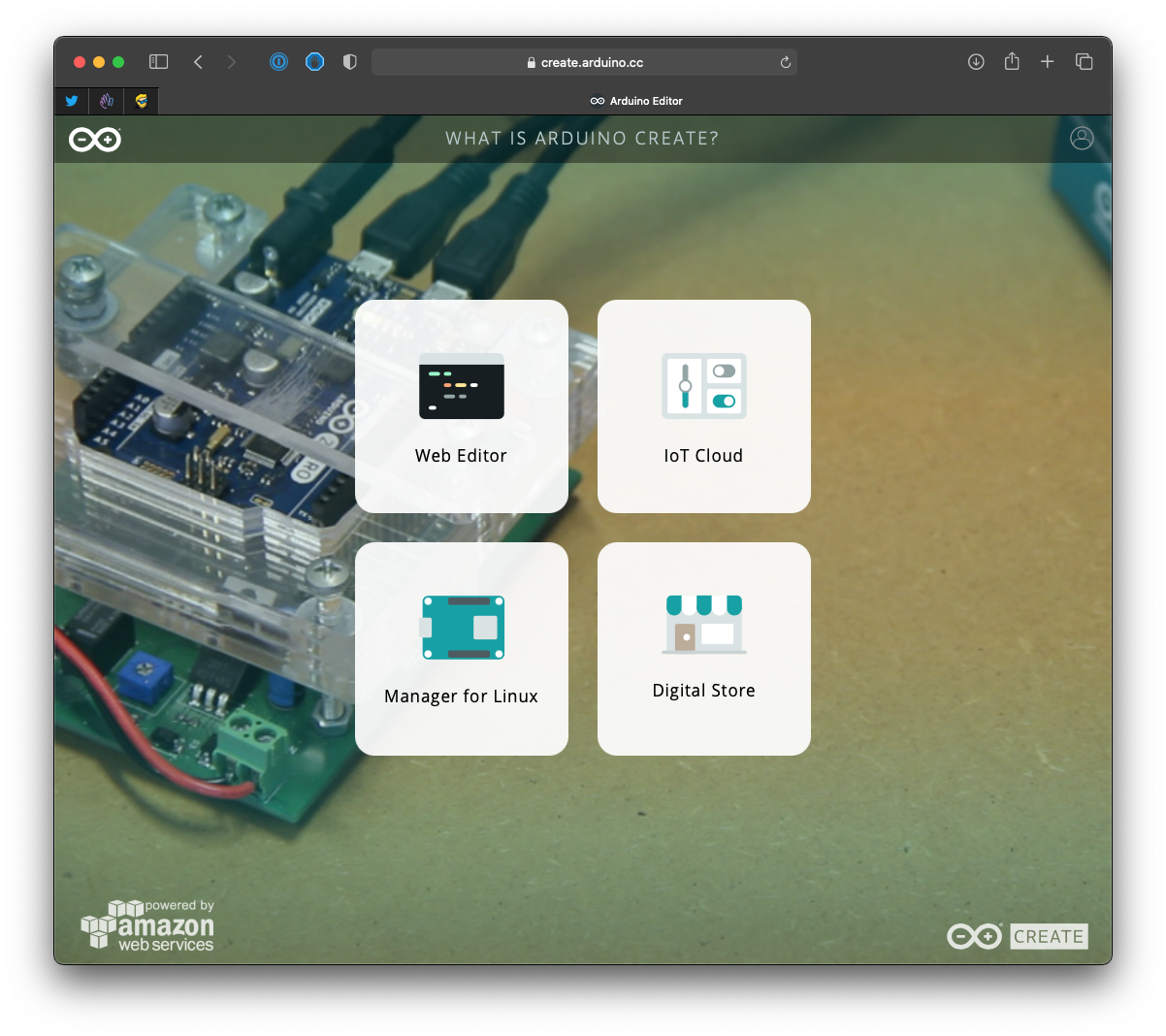
In this post I want to explore the Cloud Editor.
Using it, you don’t have to install anything on your computer to create your Arduino programs, except a plugin (the Arduino Cloud Agent) to let it “see” the board connected to the computer, but other than that everything automatically updates and there’s zero setup, which is optimal to get up to speed quickly with Arduino.
If you’re new to boards in general, start with an Arduino introduction. Many tutorials still assume a classic Uno Rev 3.
The editor is free to use, and being a cloud tool it provides automatic backups and cross-device usage and it works on Windows, Mac and Linux.
It also lets you share programs on Project Hub, the place where you can share your projects (and see what other people create!).
After you sign up, you are asked to install the plugin I mentioned, and once you run it, you’re already set up.
Head over to the Cloud Editor at https://app.arduino.cc/, then you will immediately see a new sketch, the name Arduino gives to programs:
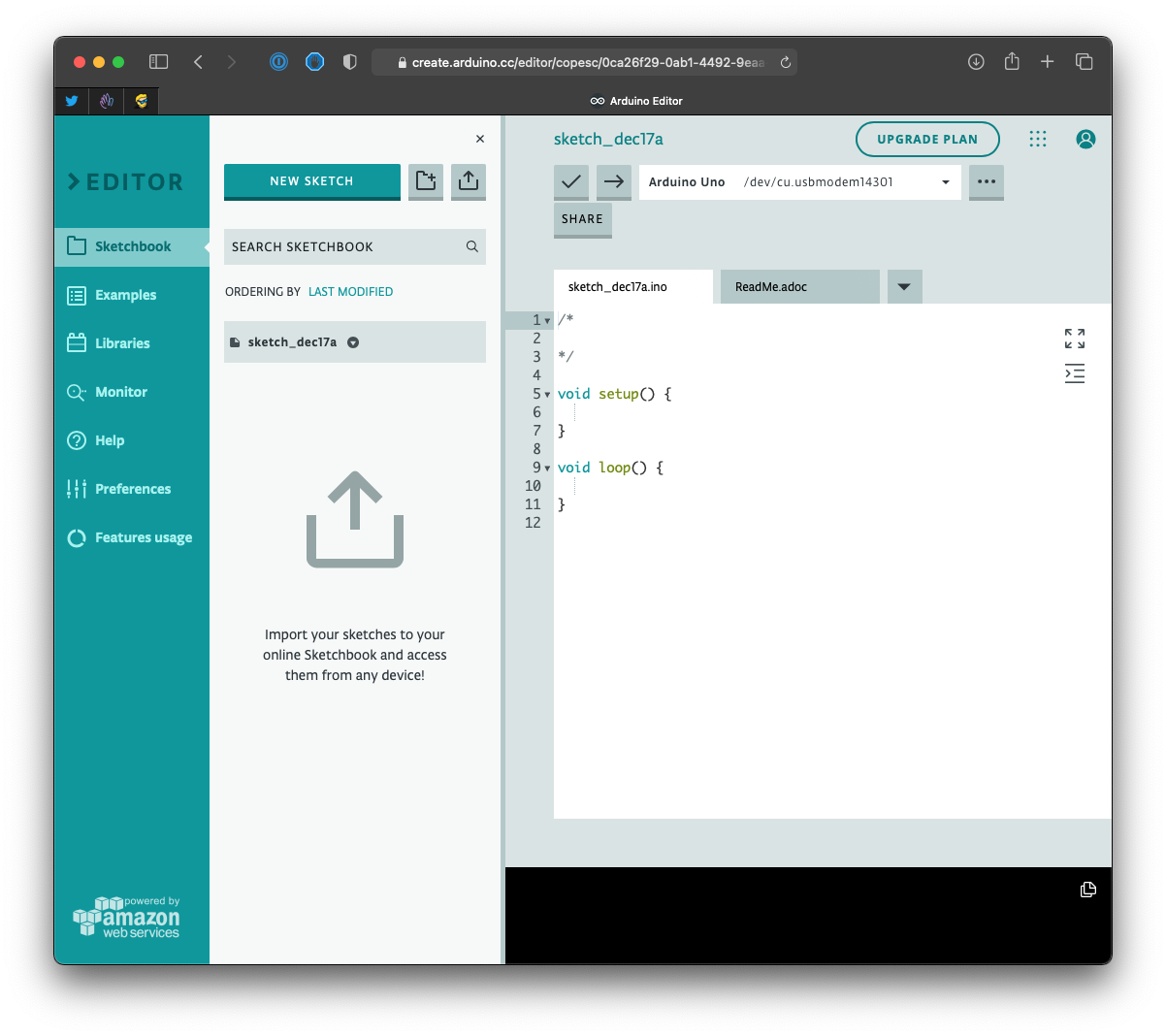
On top you can see it already recognized the Arduino Uno I connected to the USB port (the /dev/cu.usbmodem14301 line indicates the USB port). It automatically recognizes Arduino boards.
On the left you have a sidebar.
The Examples menu lists a lot of pre-made examples with source code, instructions and in some cases also schematics and pictures of the circuit:
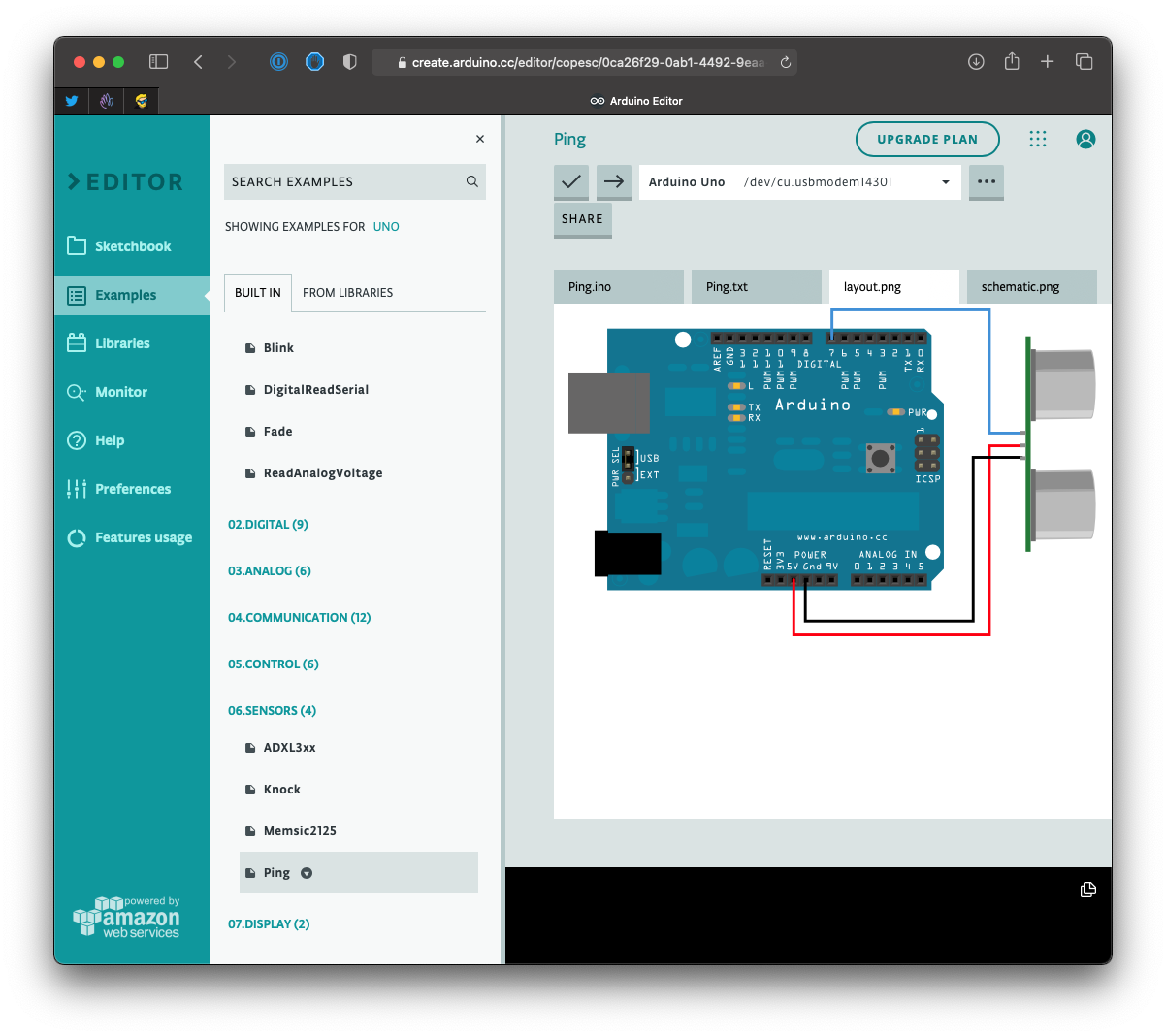
There’s a handy “From libraries” tab in this same Examples menu that lists examples that are provided by the Arduino libraries.
The Libraries menu lists the official Arduino libraries, plus tons of community contributed ones.
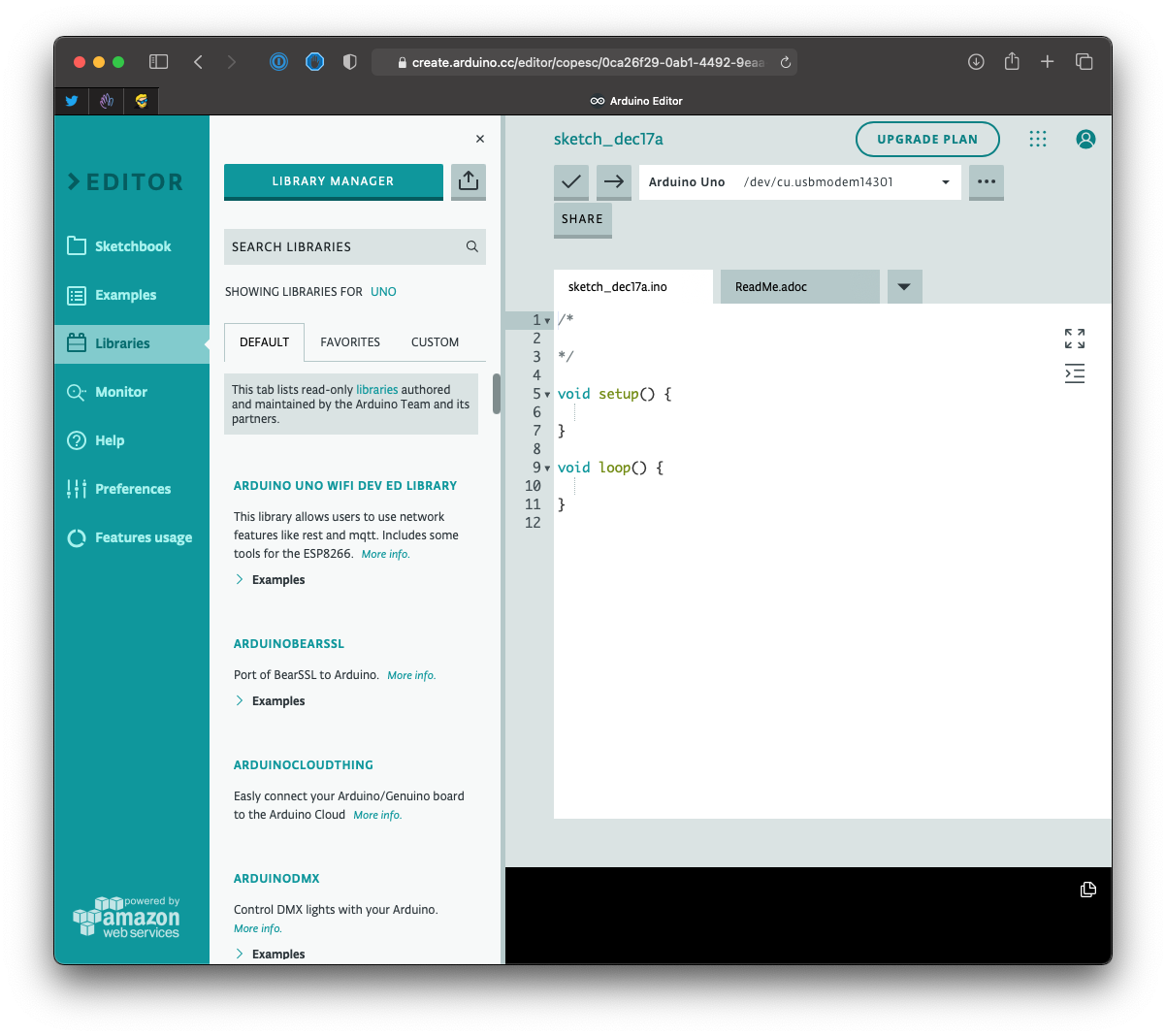
The nice thing is that you can mark libraries as favorites and find them very easily.
The fourth item in the sidebar is the serial monitor, a very handy tool to debug and get information from your Arduino programs (and send information to your board too):
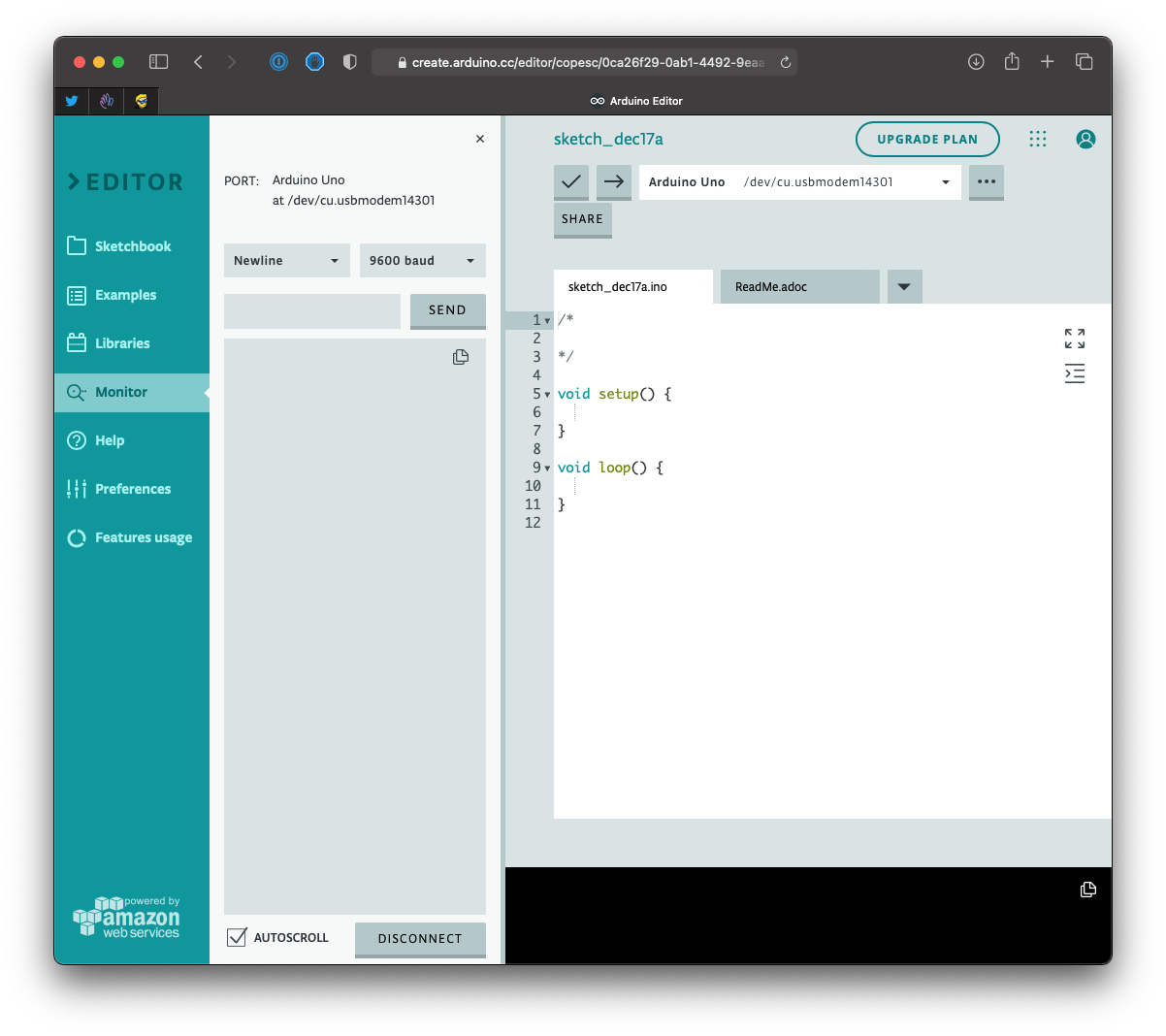
Next you have an inline help, which features some tutorials, the preferences and your usage quota of features like storage, compilation time and the number of projects.
The free plan gives you 25 compilations a day and 2 Things for IoT projects (checked on the Arduino Cloud plans page in September 2026). The Maker plan costs $72 a year and removes the compilation cap.
Want me to talk about your product? You can sponsor this site.
Related posts about electronics: