Shell, system, and network tools
Linux commands: alias
Learn how the Linux alias command creates a shortcut for another command, like alias ll for ls -al, and how to make your aliases permanent in .bashrc.
It’s common to always run a program with a set of options you like. An alias lets you give that full command a short name, so you stop typing the options every time.
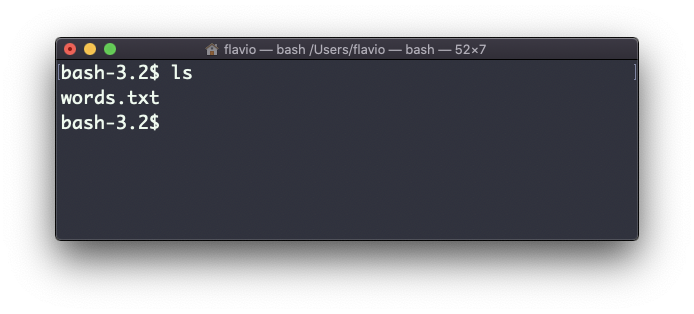
For example, take the ls command. By default it prints very little information:
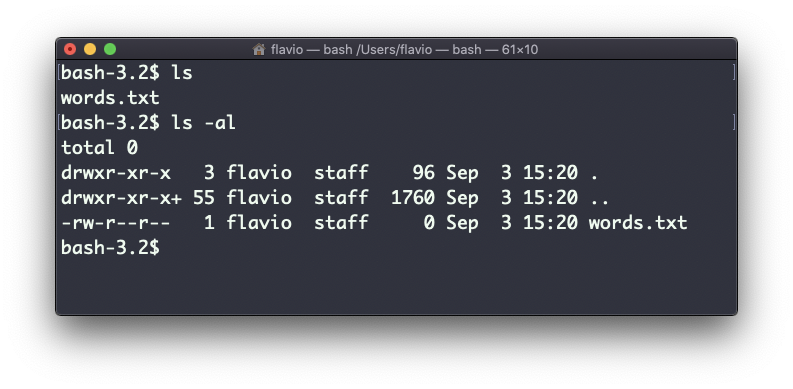
With the -al options it prints something more useful: the file modification date, the size, the owner, and the permissions. It also lists hidden files (the ones starting with a .):
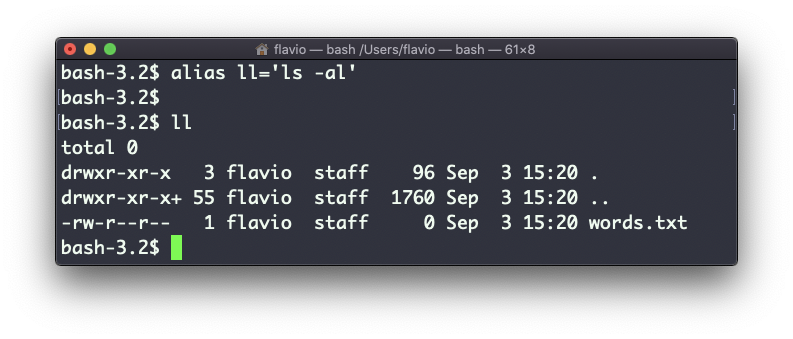
You can create a new command that stands for ls -al. I like to call it ll.
You do it in this way:
alias ll='ls -al'Once you do, you can call ll just like it was a regular UNIX command:
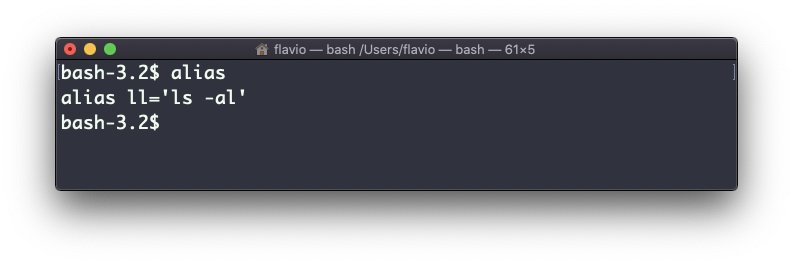
Calling alias without any option lists the aliases defined:
To remove one, use unalias ll.
The alias only lives in the current shell. Close the terminal and it’s gone.
To make it permanent, add the same alias line to your shell configuration file. With Bash that’s ~/.bashrc, ~/.profile or ~/.bash_profile, depending on how your system loads them. With Zsh, the default shell on macOS, it’s ~/.zshrc. New terminal windows read that file at startup, so the alias is there every time.
Be careful with spaces around the =. This looks right but fails:
alias ll = 'ls -al'
# bash: alias: ll: not found
# bash: alias: =: not found
# bash: alias: ls -al: not found
The shell read three separate words and tried to look up three aliases. Remove the spaces and it works.
Also be careful with quotes if the command contains variables. With double quotes the variable is resolved when you define the alias. With single quotes it’s resolved when you run it. These 2 are different:
alias lsthis="ls $PWD"
alias lscurrent='ls $PWD'
$PWD holds the folder the shell is in right now. If you navigate to a new folder, lscurrent lists the files in the new folder, while lsthis still lists the folder you were in when you defined the alias. Type alias lsthis to see the difference: the path is already baked into the definition.
The
aliascommand works on Linux, macOS, WSL, and anywhere you have a UNIX environment
Lesson completed