Permissions and users
Linux commands: who
Learn how the Linux who command lists the users currently logged in to the system, why you appear multiple times, and what the -aH flags add to the output.
The who command displays the users logged in to the system.
Unless you’re using a server multiple people have access to, chances are you will be the only user logged in, multiple times:
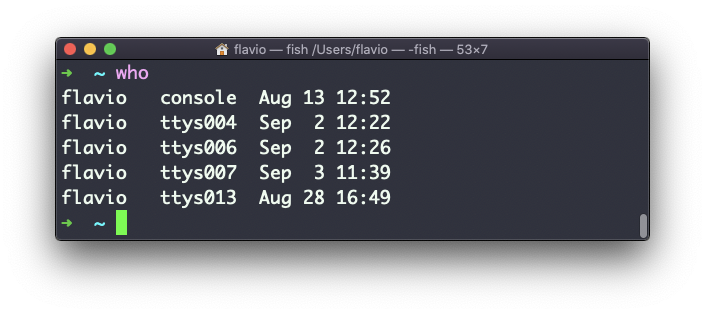
Why multiple times? Because each shell you open counts as a login. Three terminal tabs, three lines.
This is what I get on my Mac with two tabs open:
whoflavio console Sep 6 20:29
flavio ttys000 Sep 6 20:29
flavio ttys001 Sep 8 18:22Each line has three parts: the user name, the terminal that session is using, and when it started. console is the graphical login. The ttys000 and ttys001 lines are my two terminal tabs. On Linux you’ll see names like tty1 for a text console and pts/0 for a terminal window or an SSH session.
On a server this gets useful. Before I reboot a machine, I type who to see if someone else is logged in.
The -aH flags will tell who to display more information, including the idle time and the process ID of the terminal:
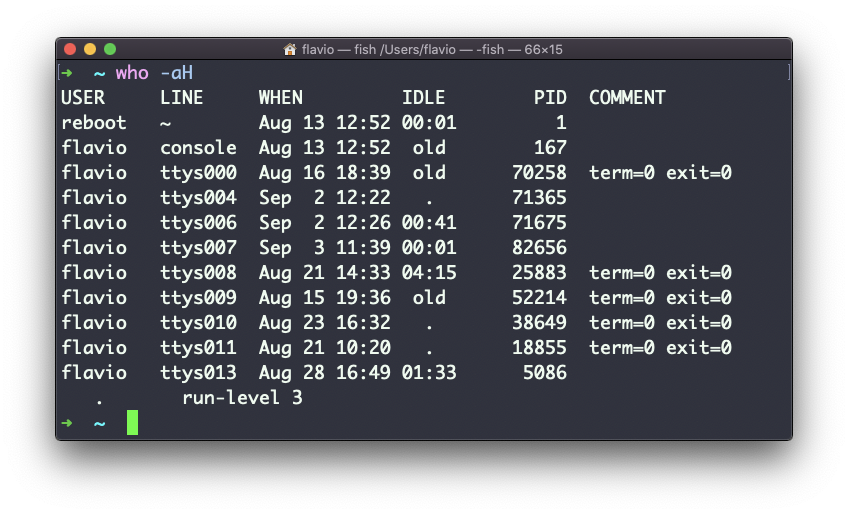
-H adds the header row, so you know what each column means. -a turns on all the extra details. The IDLE column tells you how long each session has been doing nothing: a . means active in the last minute, old means more than a day. That’s how you tell a forgotten SSH session from a person at work.
The special who am i command will list the current terminal session details:
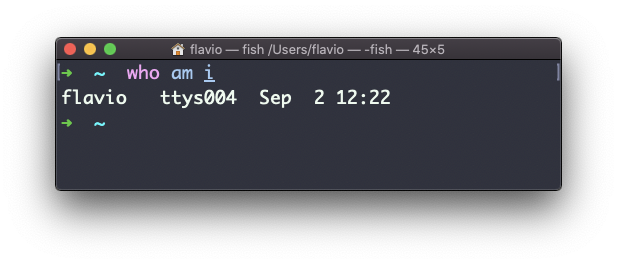
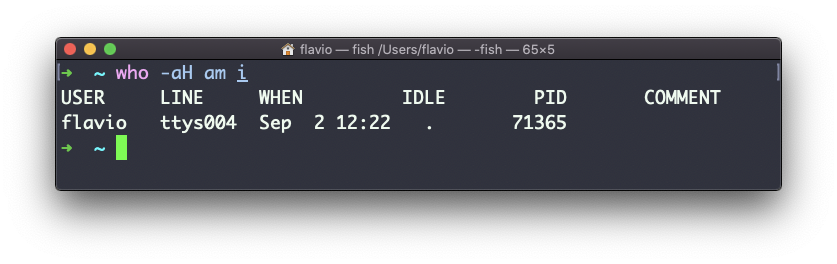
Don’t confuse who am i with whoami. The first shows your login session. The second prints the user your shell is running as right now. After sudo -i they disagree: whoami says root, who am i still says flavio.
One thing that surprises people: who can come back empty, or miss a session. It reads a system file where the login program records each session, and not every program writes to it. A shell started by a script may not appear, and inside a Docker container who often prints nothing at all, even though you’re clearly in there. When that happens, ps is the more reliable way to see who is running what.
The
whocommand works on Linux, macOS, WSL, and anywhere you have a UNIX environment
Lesson completed