Processes and jobs
Linux commands: crontab
Learn how the Linux crontab command schedules cron jobs to run at set intervals, listing them with crontab -l and editing them with crontab -e.
Cron jobs are commands scheduled to run at specific times. Every hour, every day, every 2 weeks, only on weekends. They are very useful on servers, for backups, cleanups and any automation you don’t want to run by hand.
The crontab command is the entry point to work with cron jobs.
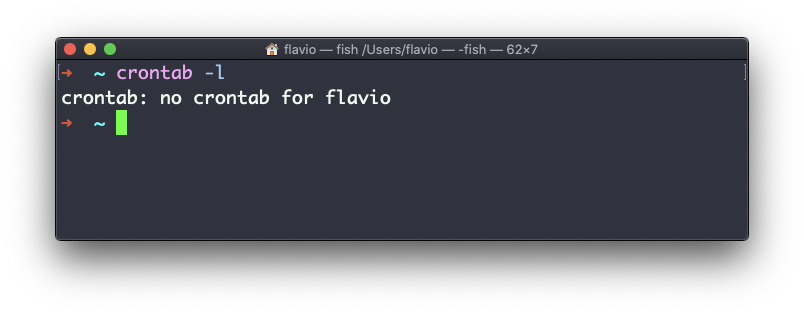
First, see which cron jobs you have defined:
crontab -lYou might have none, like me:
Run
crontab -eto edit them and add new ones.
This opens your default editor, usually vim. I like nano more, and you can pick a different editor for this one command:
EDITOR=nano crontab -eNow you add one line for each cron job.
The syntax is kind of scary: five fields for minute, hour, day of month, month and day of week, then the command. This is why I usually use a website to generate it without errors: https://crontab-generator.org/
I also built my own free cron expression builder that explains the schedule in plain English and shows the next run times.
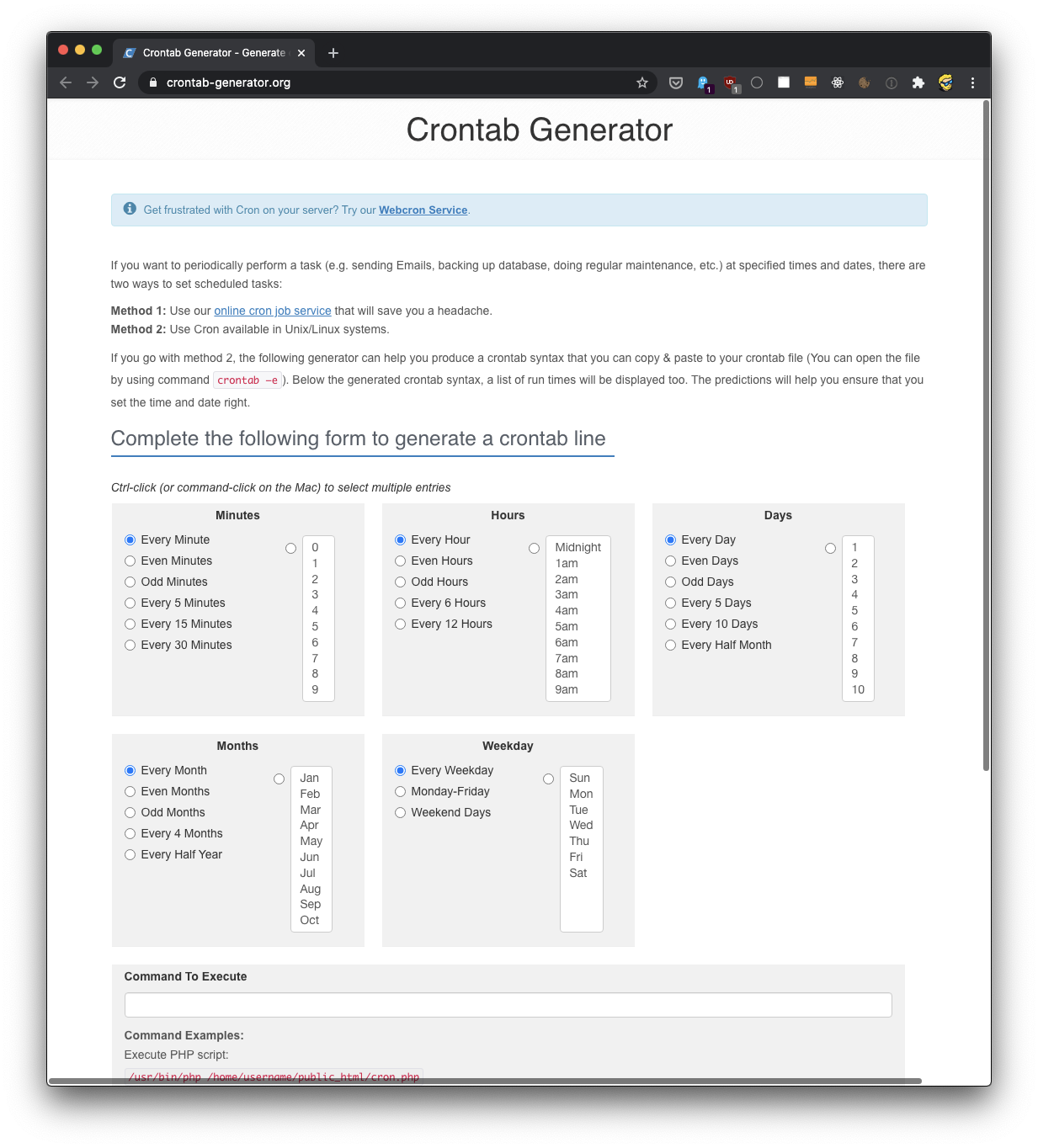
You pick a time interval and type the command to execute.
I chose to run /Users/flavio/test.sh every 12 hours. This is the crontab line I got:
* */12 * * * /Users/flavio/test.sh >/dev/null 2>&1The >/dev/null 2>&1 part throws away the output. Without it, cron emails you the output of every run.
Be careful with the first field. * there means “every minute”, so this line runs the script every minute during hours 0 and 12, 120 times a day. To run exactly twice a day, at midnight and noon, the minute field must be 0: 0 */12 * * *. Paste a line into the builder and read the next run times back before saving it.
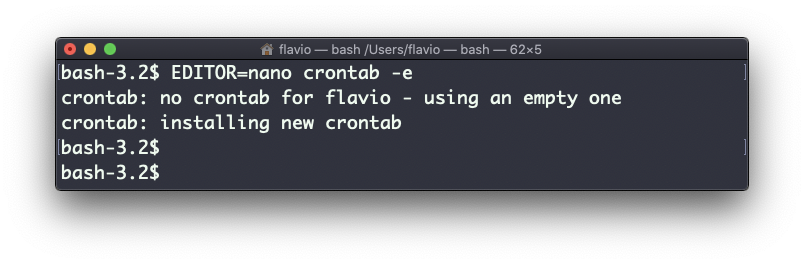
I run crontab -e:
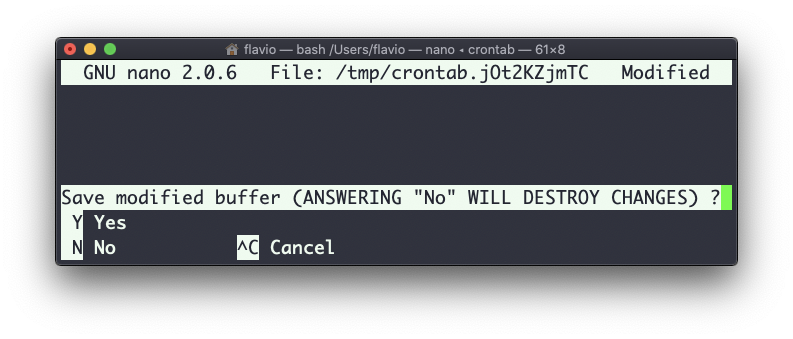
EDITOR=nano crontab -eI add the line, then press ctrl-X and y to save.
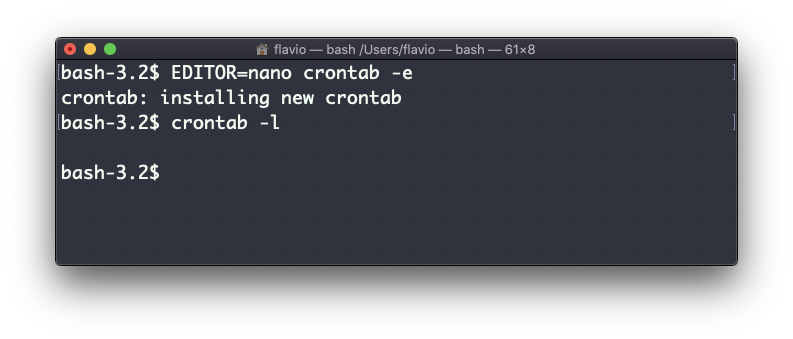
If all goes well, the cron job is installed:
Check the active cron jobs again:
crontab -l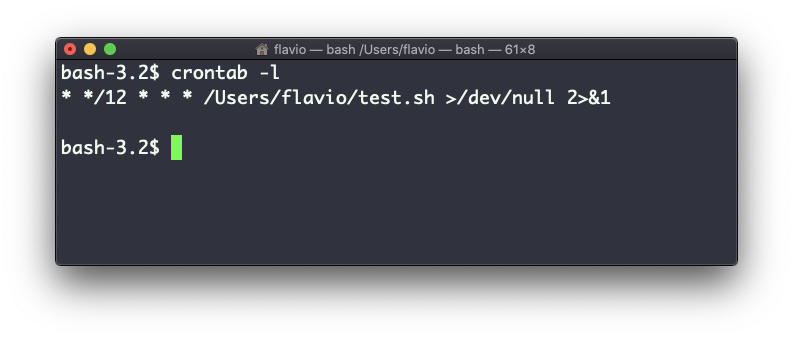
If a script works in the terminal but not from cron, remember that cron runs it with a minimal PATH and none of your exported variables. Use absolute paths like /usr/local/bin/node inside the script.
To remove a cron job, run crontab -e again, delete the line and exit the editor:
The crontab command works on Linux, macOS, WSL, and anywhere you have a UNIX environment
Lesson completed