Shell, system, and network tools
Linux commands: uname
Learn how uname prints the kernel name, release, version, hostname, and machine hardware on Unix systems, and when macOS users should use sw_vers instead.
uname tells you what system you’re on. I run it first thing when I SSH into a machine I don’t know. Without options it prints the kernel name:
uname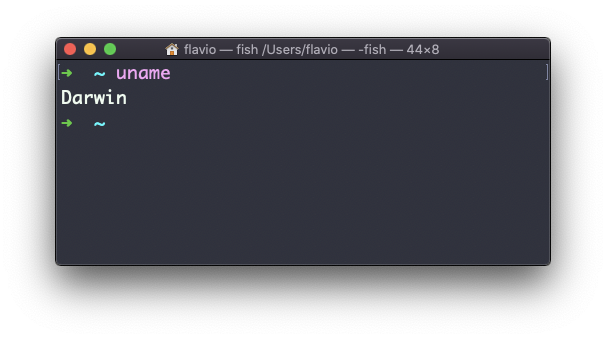
On macOS this prints Darwin, the name of the kernel under macOS. On a Linux system it prints Linux.
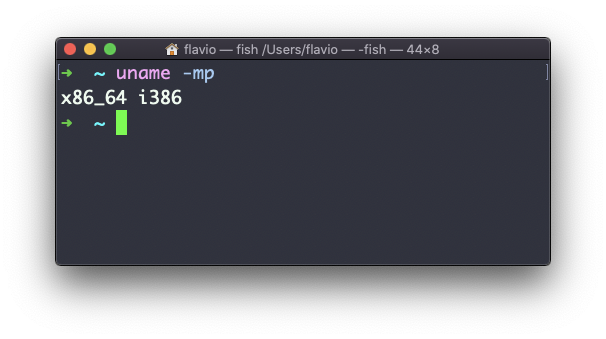
The -m option prints the machine hardware name:
uname -mThis is the option I use most. It tells you which binaries to download: x86_64 on an Intel machine, arm64 on an Apple silicon Mac, aarch64 on a 64-bit ARM Linux box such as a Raspberry Pi.
The -p option tries to print the processor type, but it is not portable and can print unknown. Prefer -m in scripts.
Use -s for the kernel name, -r for its release, and -v for its version:
uname -srv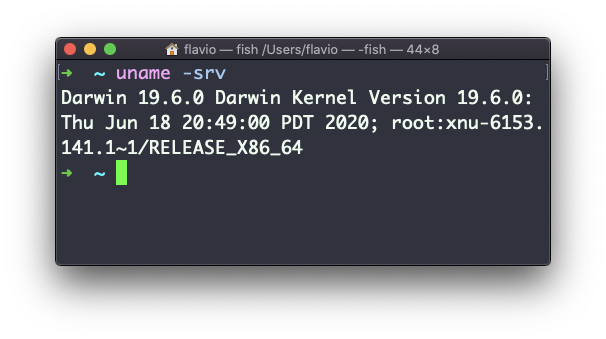
The -n option prints the network node name, which is normally the hostname:
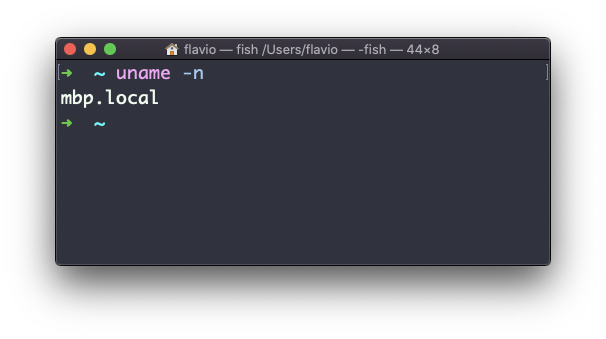
The -a option prints all the fields at once:
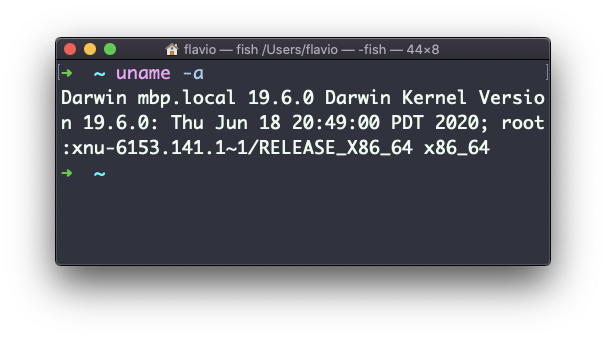
Here’s the same command on an Ubuntu server, so you can compare:
uname -a
# Linux web1 6.8.0-45-generic #45-Ubuntu SMP PREEMPT_DYNAMIC Fri Aug 30 12:02:04 UTC 2024 x86_64 x86_64 x86_64 GNU/Linux
Kernel name, hostname, release, version, then the machine name. When someone asks “which kernel is that server running?”, uname -a is the answer to paste.
In shell scripts, uname -s is the standard way to branch on the operating system:
case "$(uname -s)" in
  Darwin) echo 'running on macOS' ;;
  Linux) echo 'running on Linux' ;;
esac
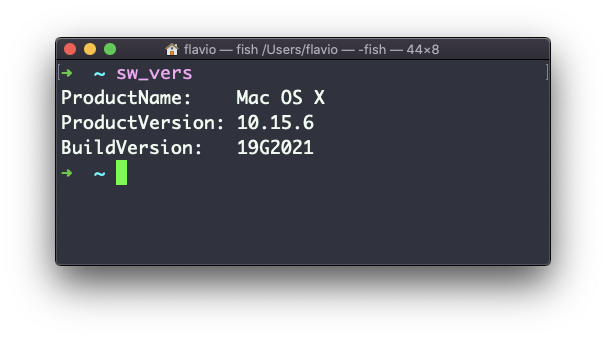
Notice what uname doesn’t tell you: the macOS version. Darwin 24.6.0 is a kernel release, not a product version, and mapping one to the other is a lookup nobody remembers. On macOS, use sw_vers when you need the product name, version, and build number:
The same goes for Linux distributions. uname says Linux for Ubuntu, Debian and Fedora alike. To find out which one you’re on, read /etc/os-release with cat.
The uname command works on Linux, macOS, WSL, and other Unix-like environments. Stick to -s, -n, -r, -v, and -m when portability matters.
Lesson completed