Shell, system, and network tools
Linux commands: clear
Learn how the Linux clear command wipes your terminal screen, the handy ctrl-L shortcut for it, and how clear -x clears but keeps your scrollback.
Type clear to wipe the output of all the previous commands from the current terminal.
The screen clears and you just see the prompt at the top:
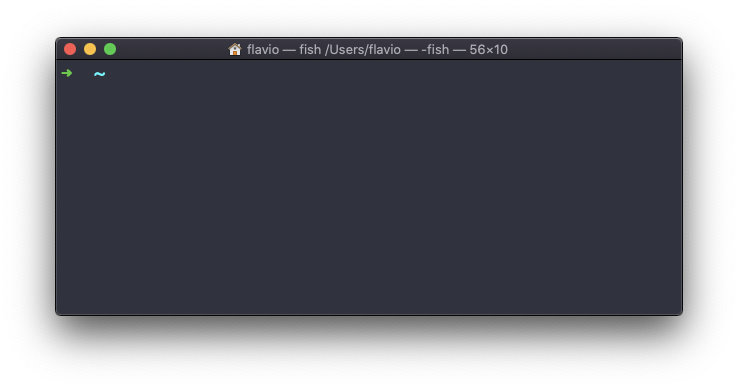
It’s a small tool with one honest job: getting visual clutter out of the way. Before starting a new task, or before taking a screenshot, a clean screen makes it much easier to tell fresh output from old output.
Note: this command has a handy shortcut:
ctrl-L
The shortcut comes from the shell, and it’s faster than reaching for the command. My advice is to make it a habit.
Notice that clear only touches the screen. Your command history is untouched, so the up arrow still brings back what you ran. What you may lose is the scrollback, the old output you could reach by scrolling up. On many terminals a plain clear throws it away.
If you want a clean screen but still want to scroll back to the previous work, use clear -x instead:
clear -xTo verify the difference, run a few commands, then clear -x, then scroll up: the old output is still there. Do the same after a plain clear and, on many terminals, it’s gone.
Under the hood there is no magic. clear prints escape sequences, special characters that your terminal reads as instructions instead of text. You can make them visible by piping the output through cat -v:
clear | cat -v
# ^[[3J^[[H^[[2J
^[ is the escape character. [3J says “delete the scrollback”, [H moves the cursor to the top left corner, and [2J erases the visible screen. Now you know why clear -x keeps your scrollback: it just skips the first sequence.
One related failure is worth knowing. If you cat a binary file by accident, the terminal can end up garbled, printing strange symbols instead of letters. clear will not fix that, because the terminal’s own state is broken, not just the screen content. Type reset and press enter, even if you can’t read what you’re typing, and the terminal reinitializes itself. It takes a second and then everything is back to normal.
The
clearcommand works on Linux, macOS, WSL, and anywhere you have a UNIX environment
Lesson completed