Shell, system, and network tools
Linux commands: type
Learn how the Linux type command tells you how a command is interpreted, as an executable, a shell built-in, a function, or an alias, and what it points to.
When you type a command, the shell has to figure out what it is before running it. A command can be one of these 4 types:
- an executable, a program file found through
PATH - a shell built-in, implemented inside the shell itself
- a shell function
- an alias
The type command tells you which one you’re dealing with, and how the shell will interpret it. Sometimes I need to know, sometimes I’m just curious.
Try it on three commands you already know:
type ls
# ls is /bin/ls
type cd
# cd is a shell builtin
type ll
# ll is aliased to `ls -al'
ls is a real program on disk. cd is not a program at all: it has to be a built-in, because changing directory only makes sense inside the shell process. And ll is the alias we defined in the previous lesson.
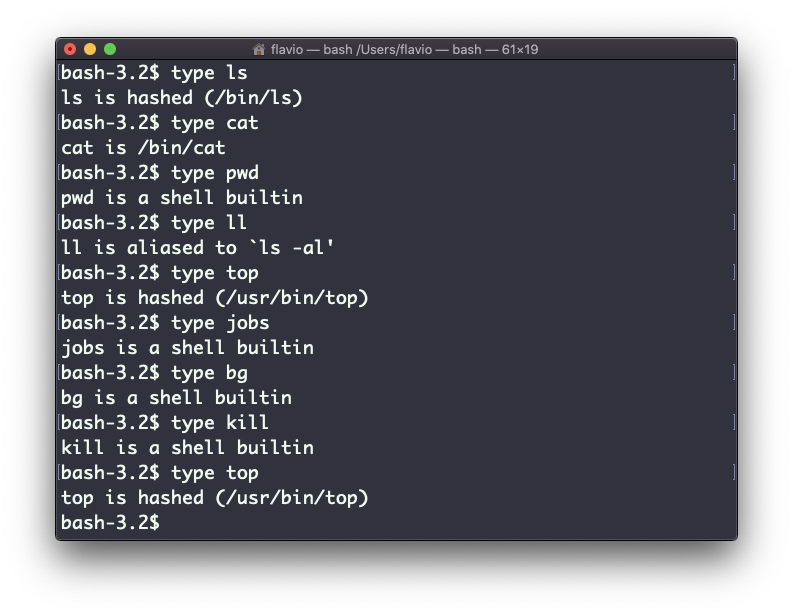
The exact output depends on the shell you use. This is Bash:
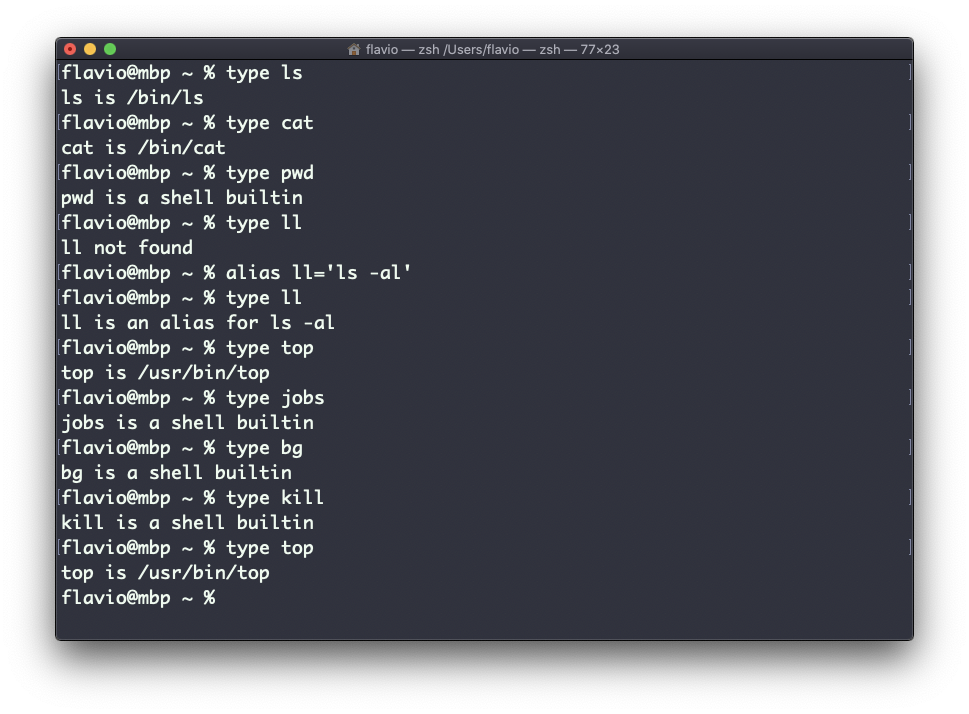
This is Zsh:
This is Fish:
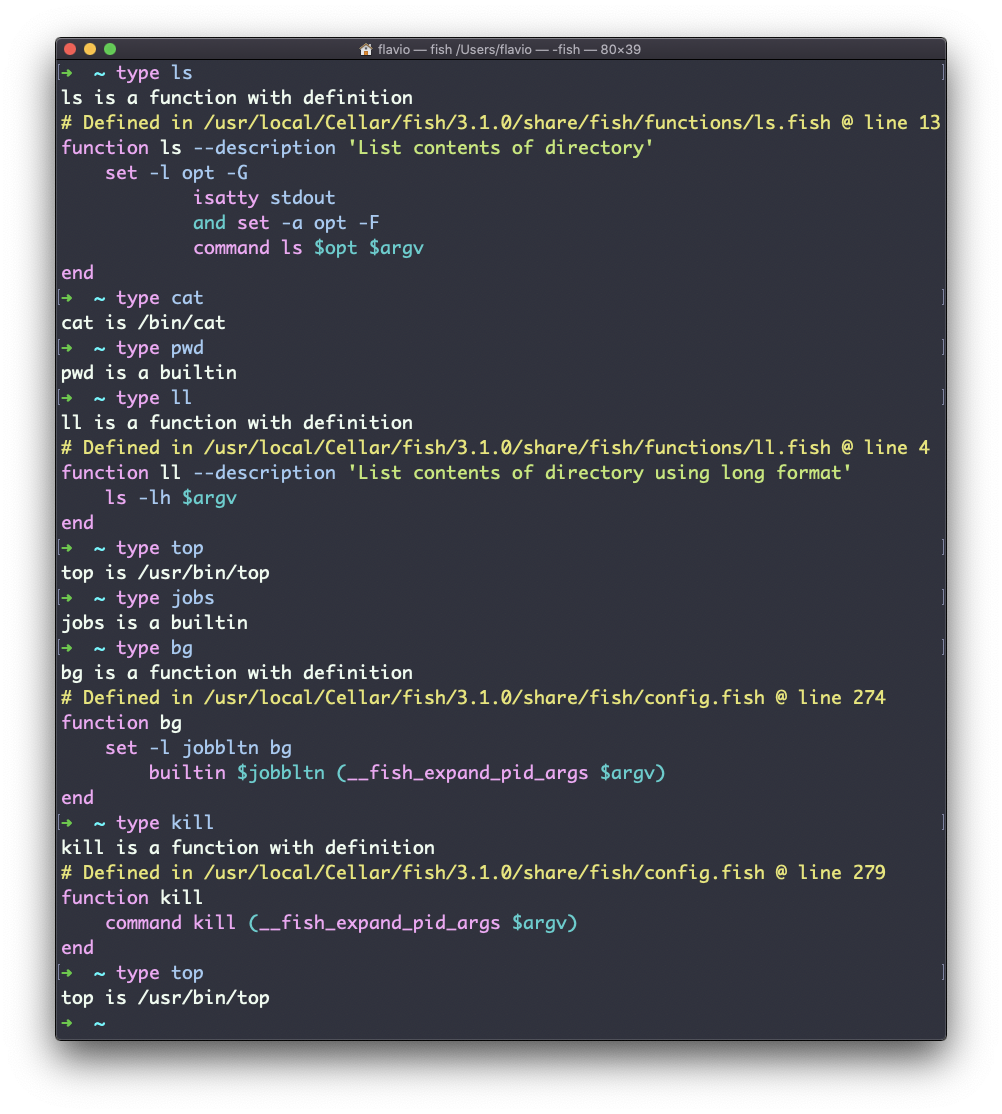
The most useful part is what it says about aliases: it shows you what they expand to. You can see the ll alias in Bash and Zsh. Fish ships ll by default, so there it reports a shell function instead.
This is also why type beats which. which only searches PATH for executables. Ask it about cd and it finds nothing useful, because there is no cd file to find. type knows about built-ins, aliases and functions too.
Add -a to see every match, not just the winner. type -a ls shows the alias, if you have one, and then the executable it shadows. That’s my first move when a command behaves differently than I expect: an alias somebody added is usually the reason.
When the name is unknown, type says so and exits with an error:
type nope
# bash: type: nope: not found
echo $?
# 1
That exit status makes it usable in scripts, to check whether a tool is installed before calling it.
The
typecommand works on Linux, macOS, WSL, and anywhere you have a UNIX environment
Lesson completed