I built Couch Snake, the classic phone game for the Apple TV
By Flavio Copes
Couch Snake is my free, open source Apple TV game: the classic snake game from old mobile phones, full screen on a green LCD board, steered by swiping on the Siri Remote.
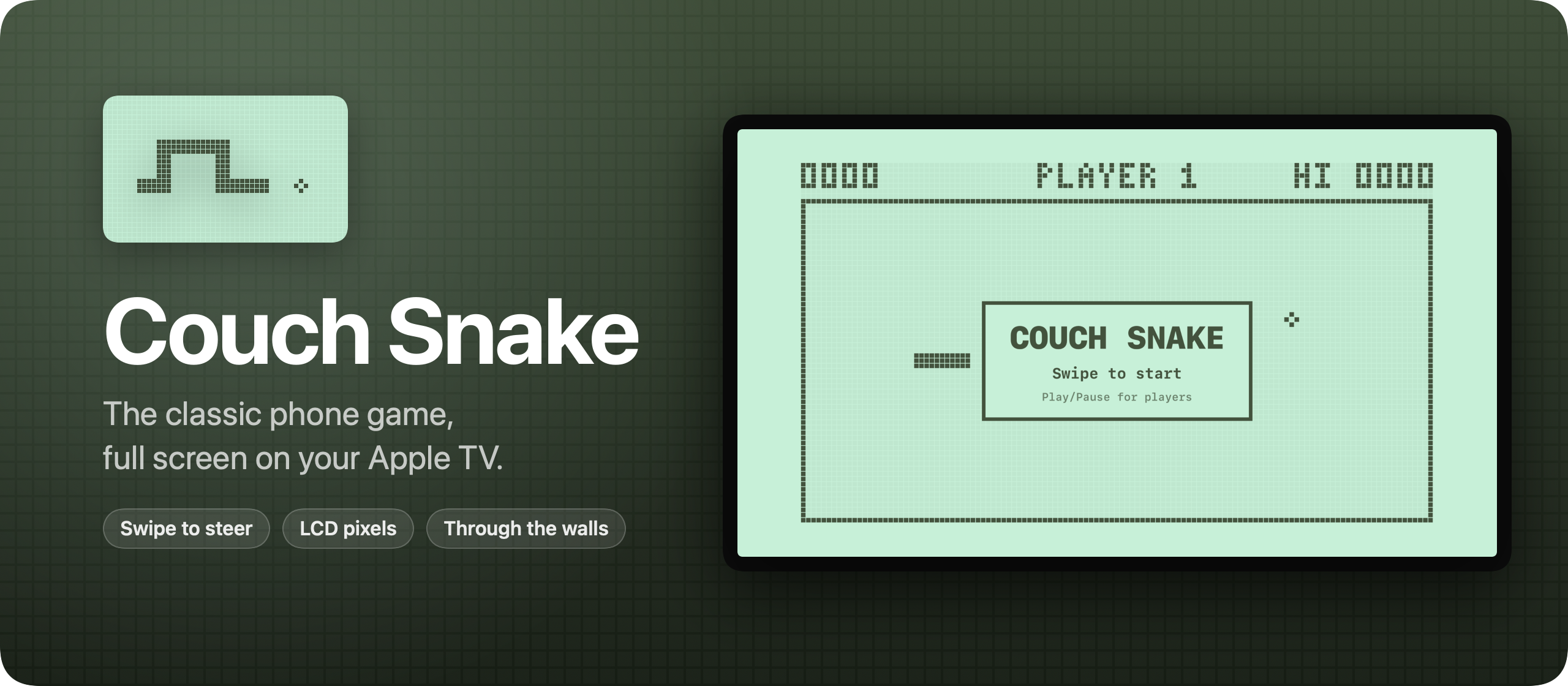
I built Couch Snake, a game for the Apple TV. It’s the classic snake game from old mobile phones, the one where a pixel snake grows every time it eats, now full screen on the TV. It’s free and open source, like Tranquillity Maker.
The whole TV turns into a pale green LCD screen. The snake, the food, the frame and even the score are made of chunky dot-matrix pixels. You steer by swiping on the Siri Remote.
The snake goes through the walls and comes out the other side, so the only way to lose is to bite yourself. It keeps the same speed for the whole game, and every piece of food makes it one segment longer.
Here it is in 30 seconds:
How to play
Open Couch Snake and swipe in any direction to start. Swipe up, down, left or right on the remote to turn. On the newer Siri Remote you can also click the edges of the clickpad.
Turns queue up, so two quick swipes make a U-turn. Swipe down, then left, while the snake goes right, and it turns around in two steps without hitting itself.
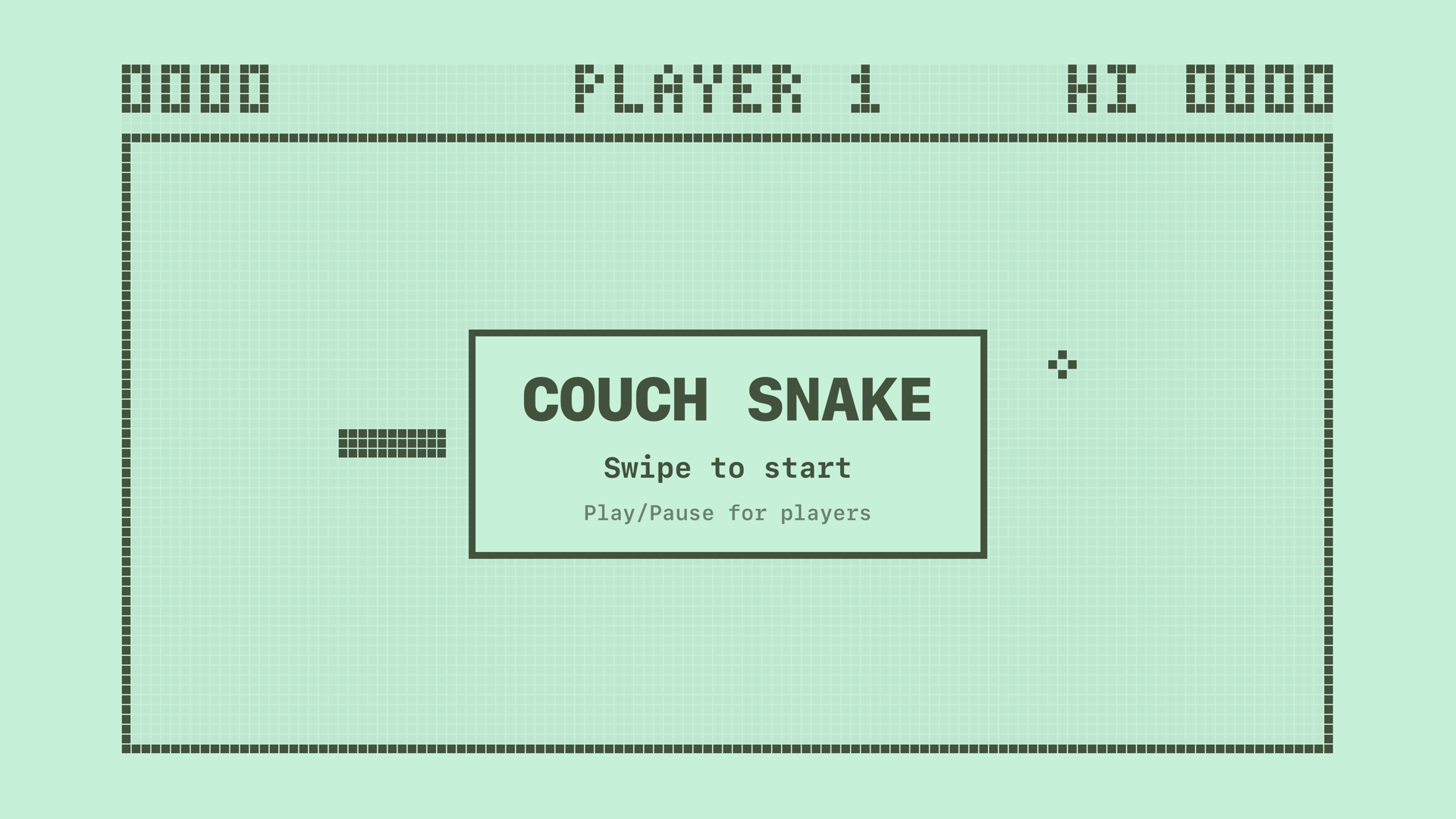
Play/Pause pauses the game, and a click carries on. Back (Menu on older remotes) pauses a running game too. Press it again and you’re on the Home screen, with the game waiting for you, paused. It also pauses on its own when you leave the app.
After a game over, a click gives you a fresh board. Your best score is saved on the Apple TV, and it shows top right as HI.
How it works
Couch Snake is a SwiftUI app with no dependencies. If you want to build something like it, my free SwiftUI course covers the basics, and How to create an Apple TV app covers the tvOS target, the remote, and installing it on your own TV.
The rules live in a plain Swift struct with no UI. Every step, the head moves one cell and the tail follows, unless the snake just ate. The tail moves out of the way before the bite check, so the snake can chase its own tail without dying. Swipes go into a short queue, and each step takes one turn from it, which is why two quick swipes turn the snake around.
The screen is one SwiftUI Canvas that draws LCD pixels. Each cell of the 30 by 15 board is 4 pixels wide: a 3×3 block and a gap. The snake is a chain of those blocks, joined by a line of pixels where two segments touch. The faint grid of unlit pixels sits in its own canvas, so it’s drawn once instead of on every step.
There are no images in the app at all. Even the icon is drawn by a Swift script, in the same LCD style. Apple TV icons are made of layers that shift apart when you select them, so the icon has three: the screen at the back, the snake in the middle and the food in front.
The remote reaches the game through SwiftUI’s tvOS commands: onMoveCommand for swipes, onTapGesture for clicks, onPlayPauseCommand and onExitCommand. tvOS expects the Back button to take you to the Home screen, so the game only catches it while you’re playing.
The repo has tests for every rule, and a UI test that plays the game in the simulator with a simulated remote. The rule tests run on every push.
Get it
The code is on GitHub at flaviocopes/couch-snake, MIT licensed.
The Apple TV can’t install apps from a download, and Couch Snake isn’t on the App Store, so you build it from Xcode onto your own Apple TV:
- Put the Mac and the Apple TV on the same network. On the Apple TV, open Settings → Remotes and Devices → Remote App and Devices.
- In Xcode, open Window → Devices and Simulators, click Pair next to your Apple TV, and type the code it shows.
- Open
Snake.xcodeproj, choose theSnakescheme and your Apple TV, and set your own team under Signing & Capabilities. - Press
⌘R.
You need tvOS 18 or later, Xcode 26 and an Apple Developer account. With a paid account, the app keeps working for a year, then you run it from Xcode again.
To try it without an Apple TV, pick an Apple TV simulator in step 3. The arrow keys steer and Return clicks.
Couch Snake never goes online and has no accounts, and the only thing it keeps is your best score.
Want me to talk about your product? You can sponsor this site.
Related posts about news: