How to convert an Array to a String in JavaScript
By Flavio
Published · Updated
Tagged: JavaScript
Learn how to convert an array to a string in JavaScript using the toString() method or join(), which lets you pass a custom separator between elements.
To convert an array to a string in JavaScript you have two methods: toString() and join(). They do the same job, but join() lets you choose the separator.
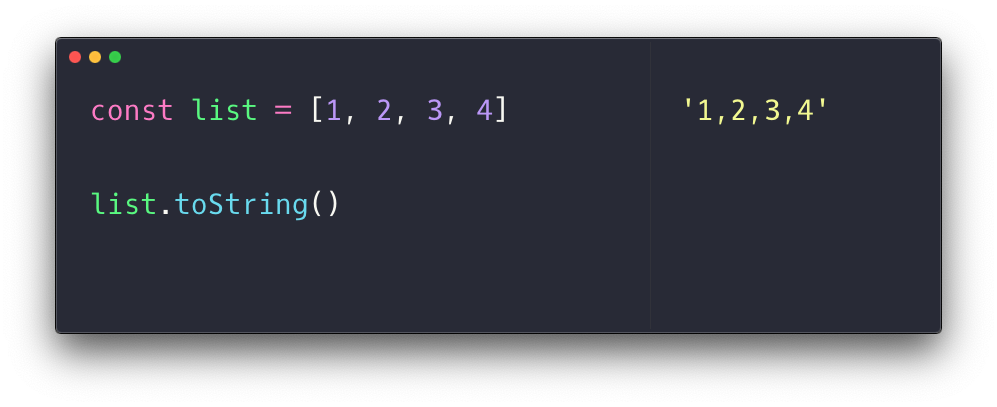
Using the toString() method on an array will return a string representation of the array:
const list = [1, 2, 3, 4]
list.toString() //'1,2,3,4'
Example:
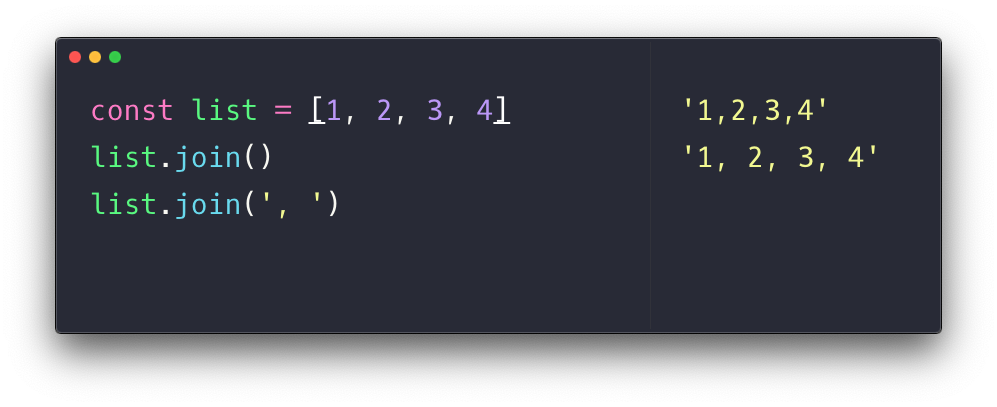
The join() method of an array returns a concatenation of the array elements:
const list = [1, 2, 3, 4]
list.join() //'1,2,3,4'
Called with no arguments, join() uses a comma, so the result is identical to toString().
The difference is that we can pass a parameter to join() to set a custom separator:
const list = [1, 2, 3, 4]
list.join(', ') //'1, 2, 3, 4'
Example:
This is where join() earns its place. Building a readable list, a path, a CSV line: you pick the separator that fits:
const crumbs = ['home', 'blog', 'javascript']
crumbs.join(' / ') //'home / blog / javascript'
A few edge cases
An empty array gives you an empty string:
[].join() //''null and undefined elements become empty strings, so they leave gaps between separators:
[1, null, undefined, 4].join('-') //'1---4'Nested arrays get converted too, with their own commas, which can produce confusing output:
[1, [2, 3], 4].join('-') //'1-2,3-4'Watch out for objects
Be careful when the array contains objects. Both methods convert each element by calling its own toString(), and for a plain object that returns the famous useless string:
const users = [{ name: 'Flavio' }]
users.toString() //'[object Object]'
If your goal is to serialize data, not display it, join() is the wrong tool. Use JSON.stringify() instead:
JSON.stringify([{ name: 'Flavio' }]) //'[{"name":"Flavio"}]'My rule of thumb: join() for strings and numbers you want to show to a human, JSON.stringify() for data you want to store or send.
Want me to talk about your product? You can sponsor this site.
Related posts about js: